ChatGPT Wallet Can Pay for You. Here’s How to Know If Your Order Went Through

In this story
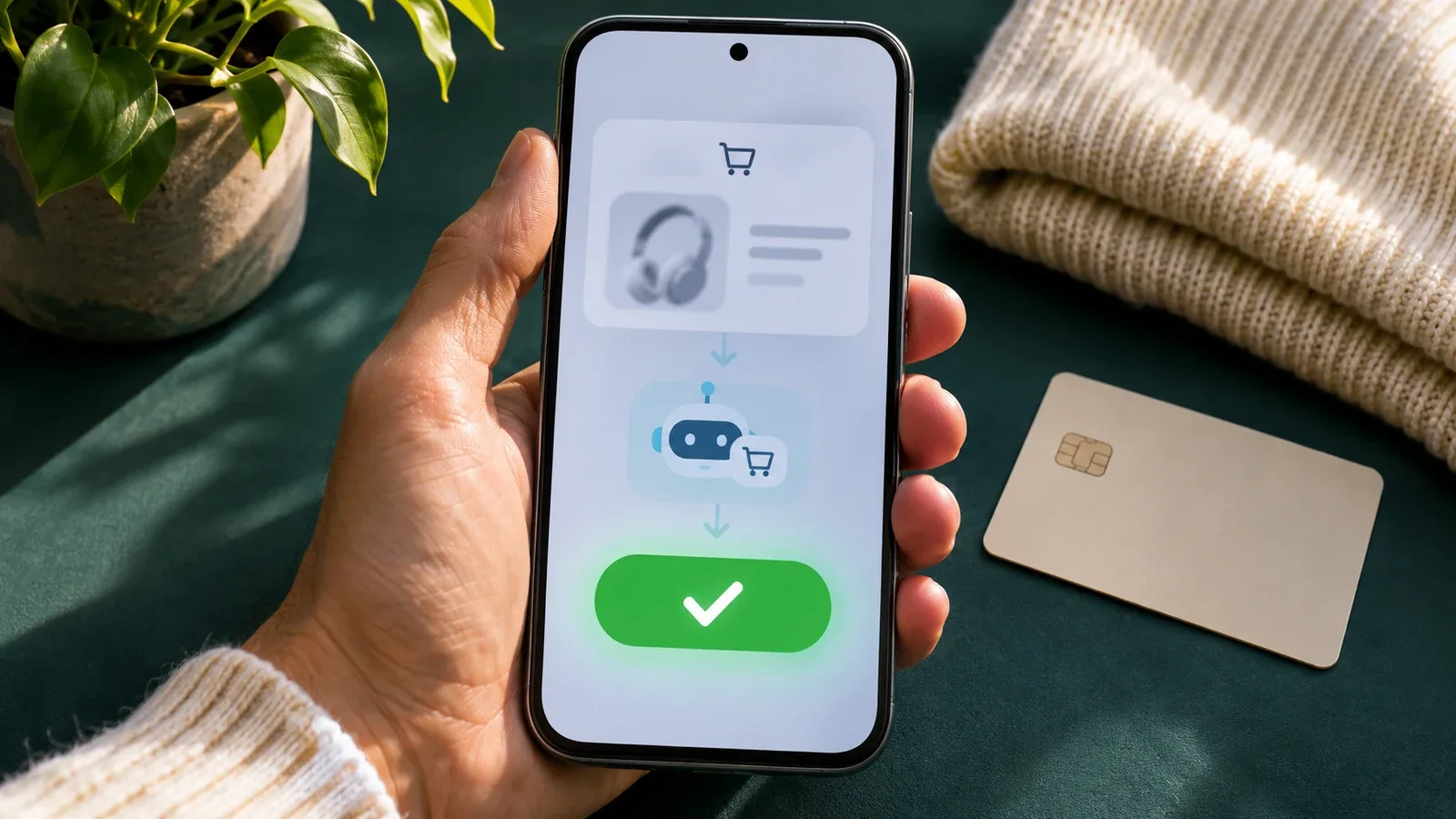
ChatGPT Wallet lets eligible U.S. ChatGPT Pro users approve purchases that a personal AI agent, called a dot, makes with a saved card. If you approve with Face ID and see “Ready to check out,” you’ve given the dot permission to pay. The store still has to accept your order. Before trying again, check for a store receipt or an order in your account. OpenAI’s checkout guide explains what that status means.
Who can use ChatGPT Wallet?
OpenAI began rolling out ChatGPT Wallet on November 13, 2026. As of November 15, you need a Pro account with Wallet access. You must be at least 18, live in the U.S., and use Wallet in the U.S. You also need an eligible card issued in the U.S. with a U.S. billing address. See the Wallet terms for card and account requirements.
| Your situation | What to do |
|---|---|
| You meet the listed requirements | Set up a dot and look for Wallet in Settings. Access rolls out gradually. |
| You use Free or Plus, or you’re outside the U.S. | The launch rollout is for eligible U.S. Pro users. You can still compare products and check out on the retailer’s site. |
| You’re in regular ChatGPT, Work, or a standalone Codex thread | Open a conversation with your dot to make a Wallet purchase. |
| You want to use Chase | Check that the card qualifies and that you’re the primary cardholder. |
The setup guide lists eligible American Express, Chase, Mastercard, and Visa cards. Check your specific card during enrollment. Your ChatGPT subscription payment method and prepaid balance are separate from Wallet. If you’re looking for the old browser tool, see what happened to ChatGPT Agent Mode.
How to add a card to ChatGPT Wallet
Ask your dot to help add a card. On mobile, you can also open Settings → Wallet → Add Card if the option appears.
Next, enter your card details in the secure setup form. Keep card numbers, security codes, and bank verification codes out of chat.
Then review the terms and privacy notice. Complete any checks your card issuer requests. For an eligible Chase card, approve the connection in the Chase mobile app and return to Wallet.
Finally, wait for confirmation. If the setup window closes before you see it, ask your dot to show your saved cards before you try again.
When you add a card to ChatGPT Wallet, your issuer may place a temporary hold to verify it. The Wallet terms say that verification authorization reverses after the card is verified.
What happens at ChatGPT Wallet checkout?
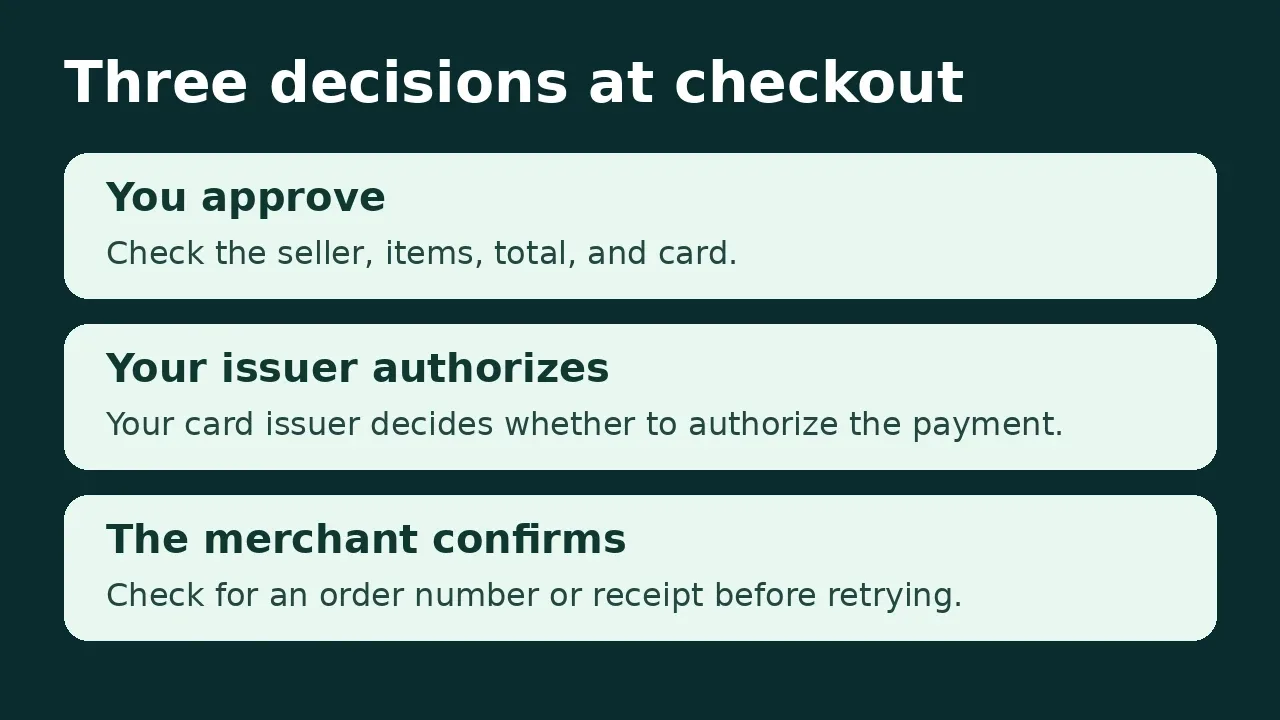
You approve the purchase, your card issuer decides whether to authorize the payment, and the seller decides whether to accept the order. Each step answers a different question.
1. Give your dot a budget and a stopping point
Ask the dot to check the full price, including tax and shipping. Then check the final numbers yourself. For example, you could paste this into your dot conversation.
Find a navy crewneck sweater in size medium for up to $75 including tax and shipping. Show me the seller, exact size and color, delivery estimate, return terms, and full total. Stop for review if any detail changes or can’t be verified.
2. Review the cart before approving
This example uses a made-up purchase to show how to check the details. A $69.27 sweater order fits the budget. However, a $6.99 surcharge for faster shipping would raise the total to $76.26.
| What to check | In the sweater example |
|---|---|
| Seller and item | Verify the seller, navy color, medium size, and quantity of one. |
| Full price | Add the $58 item, $7 shipping, and $4.27 in estimated tax. |
| Delivery | Confirm the address and check whether the delivery date is an estimate. |
| Payment terms | Check the selected card, plus any hold, deposit, or repeat charge. |
| Returns | Look for the deadline, return shipping costs, and final-sale terms. |
Once the details match, approve using the biometric check shown, such as Face ID or Touch ID. If your device can’t complete approval, follow the prompt to a supported device signed in to the same account. The Wallet terms say Wallet asks again if a material detail changes before submission.
3. Wallet supplies a virtual card credential
As OpenAI explains in its launch announcement, the dot checks out with substitute card details linked to the card you selected. The dot and the store receive the substitute details for payment. Your card account still pays for the order. That’s why the last four digits on the store receipt may differ from the ones on your physical card.
4. Check the store’s confirmation
After approval, the dot continues checkout. Look for a confirmation email, an accepted order in your store account, or a store-confirmed order number. Some sites can block agent checkout. Also, a pending authorization in your bank app tells you about the payment, while the store tells you whether it has an order.
What to do if you see a pending charge with no receipt
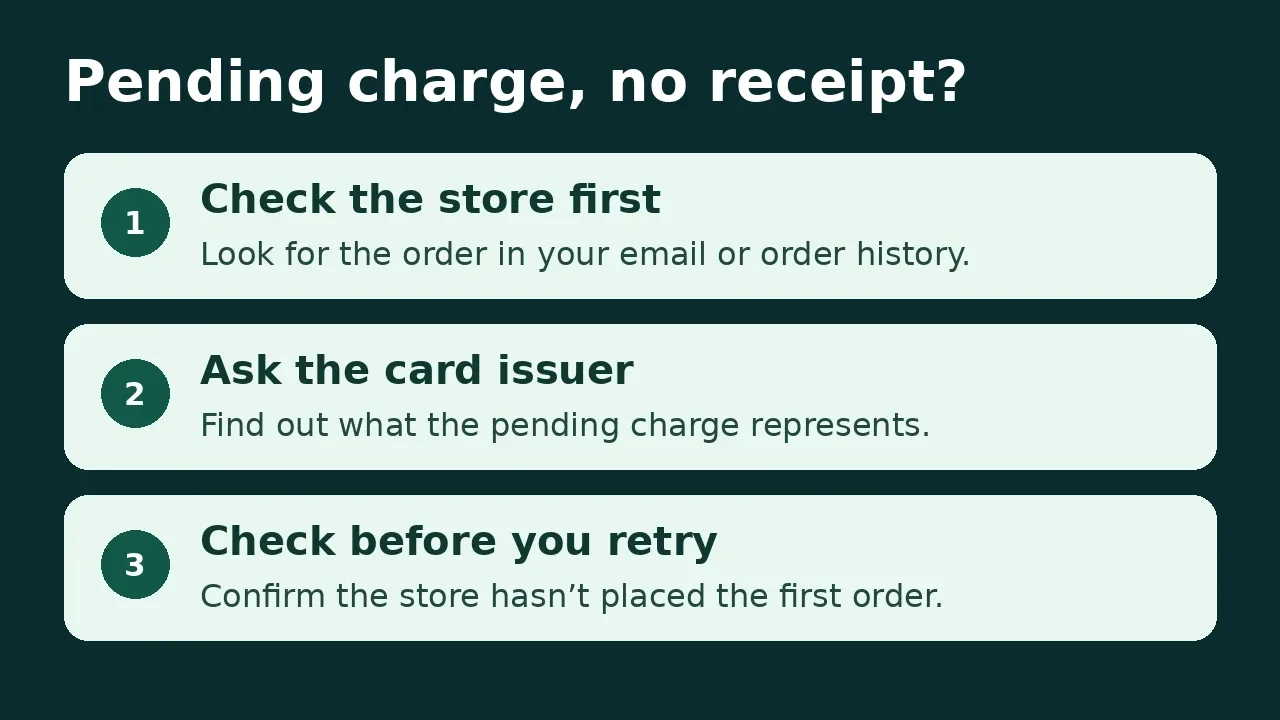
First, check the email address you used at checkout and your order history on the store’s site. If you still can’t tell whether the order went through, ask the seller to check. Ask your card issuer what the pending charge represents. If you plan to buy directly from the store, verify that there’s no first order before submitting a second.
| What went wrong | Who to contact |
|---|---|
| Wrong item, cancellation, return, or refund | The merchant. Share your order number and ask what its policy allows. |
| Card decline, pending charge, or payment you don’t recognize | Your card issuer. Use its official app or the number on your card. Report unfamiliar charges promptly. |
| Wallet error, failed approval, or purchase differs from what you approved | OpenAI Support. Share the step, time, error, and order reference if you have one. Leave out card numbers and codes. |
If the whole app freezes, check the order first. Then try these ChatGPT app and browser troubleshooting steps. If you suspect someone accessed your ChatGPT account, follow OpenAI’s Wallet support guidance to secure it and report the activity.
What does ChatGPT Wallet protect?
The Wallet Privacy Notice says OpenAI’s payment provider collects your full card number and security code through the secure form. OpenAI receives a token and limited card details. The store gets the details it needs for checkout, which can include your name, email, and shipping address. OpenAI can also collect records of purchases and approvals.
OpenAI says Wallet preserves existing card rewards and protections for eligible disputes. Still, check your issuer’s terms for the benefit you plan to use. To manage a saved card, ask your dot to list your cards. Then identify the card by its last four digits to change the default or remove it.
Can a dot buy automatically or start a subscription?
In the documented launch flow, you review and approve the purchase. OpenAI describes advance spending rules, such as budget limits and purchase categories, as future plans. If you ask a dot to watch for a price drop, expect to approve the actual purchase under the launch flow.
Recurring billing works differently. If you approve a subscription or a trial that renews, the store can charge the payment credential again under the terms you accept. Before you approve, check the renewal price, billing date, and cancellation steps. To stop renewals, cancel with the seller. Removing the saved card from Wallet doesn’t cancel the subscription.
Will ChatGPT Wallet work at your store?
ChatGPT Wallet depends on the retailer’s checkout and payment systems accepting agent purchases. For store owners, getting a business listed in ChatGPT helps customers find it. The Wallet launch announcement separately explains why merchants may need to work with their payment and fraud providers to accept agent orders.
When should you use ChatGPT Wallet?
Use it for simple orders from a store you trust. If a dot found the exact item and checked delivery, reviewing a prepared cart can save time.
Check complex bookings on the merchant’s site. For hotels or nonrefundable travel, verify what’s due today, any deposit, and the cancellation deadline before approving.
If checkout stalls after approval, verify the order before trying again. Start with the merchant’s confirmation or order history. If the result is still unclear, ask the merchant.
ChatGPT Wallet FAQ
Can I use my ChatGPT subscription card for Wallet purchases?
Your subscription payment method is separate from Wallet. To make Wallet purchases, add and verify an eligible card in Wallet.
Why do the last four digits on my receipt look different?
Wallet can use substitute card details linked to the card you selected. The purchase still goes on that card account.
Does removing a saved card cancel a subscription?
No. Cancel through the merchant. Removing the card from Wallet does not cancel recurring billing you previously approved.
Keep reading


Reinforcement Learning Explained With a Worked Example
Reinforcement learning is a way to train an agent to choose actions that maximize expected cumulative reward. The agent interacts with an environment, receives...


What Is Biocomputing? How Biological Computers Work, Examples and Applications
In 2022, researchers connected living human and mouse neurons to a simulated Pong game and reported that the cultures changed their behavior with structured fee...


Gemini 4 Neon vs GPT-6.2 Sol: Speed Evidence and Three Practical Tests
Sol looks promising for turnaround, while Neon merits a trial when reasoning errors cause rework. Compare the published evidence and repeat three practical tests on your own work.