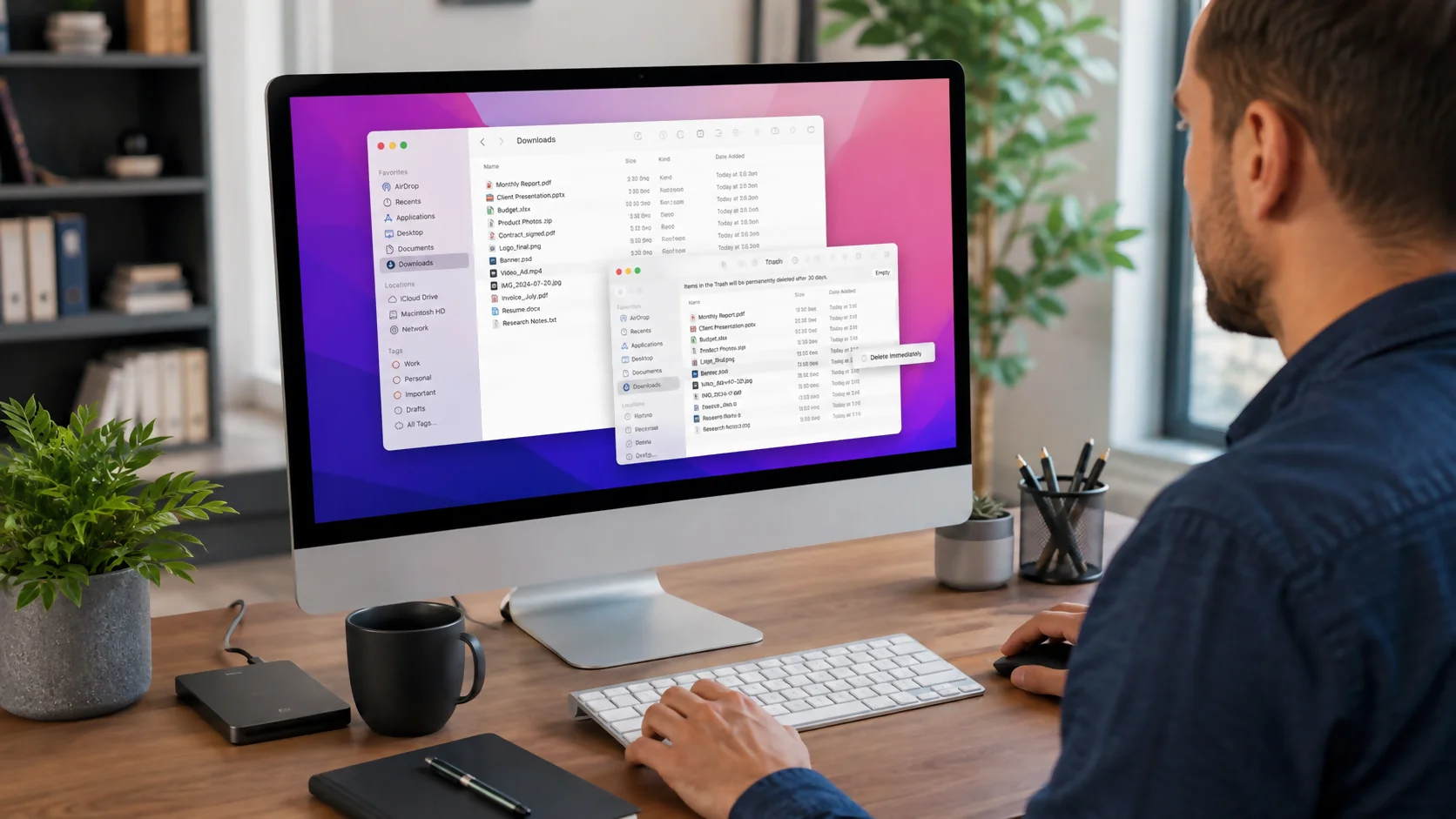
How to Delete Downloads on a Mac - Complete Guide 2026
To delete downloads on a Mac, open Finder and choose Downloads from the sidebar or press Option+Command+L. Select the files you no longer need, then press Comma...
Topic
8 storystories
To delete downloads on a Mac, open Finder and choose Downloads from the sidebar or press Option+Command+L. Select the files you no longer need, then press Comma...


Computers Microsoft Smartphone
Microsoft Authenticator not working? Start with the fixes that do not change your accounts: open and unlock the app, confirm the correct account, switch between...


To organize photos on a Mac, first choose one master system—Apple Photos or Finder—then back it up, gather scattered images into that system, remove duplicates...


To force quit on a Mac, press Option-Command-Esc, select the unresponsive app, and click Force Quit. You can also open the Force Quit window from the Apple menu...

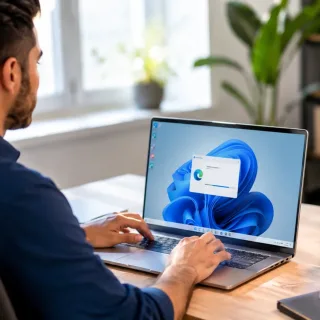
To uninstall Microsoft Edge, open Settings > Apps > Installed apps, find Microsoft Edge, and select Uninstall if Windows provides that option. On most...


Fiber optic internet works by sending data as pulses of light through thin strands of glass or plastic fiber. Instead of pushing electrical signals through copp...


how to clean laptop fan is one of the most useful maintenance tasks you can learn if your laptop is getting loud, hot, slow, or shutting down during heavy use....
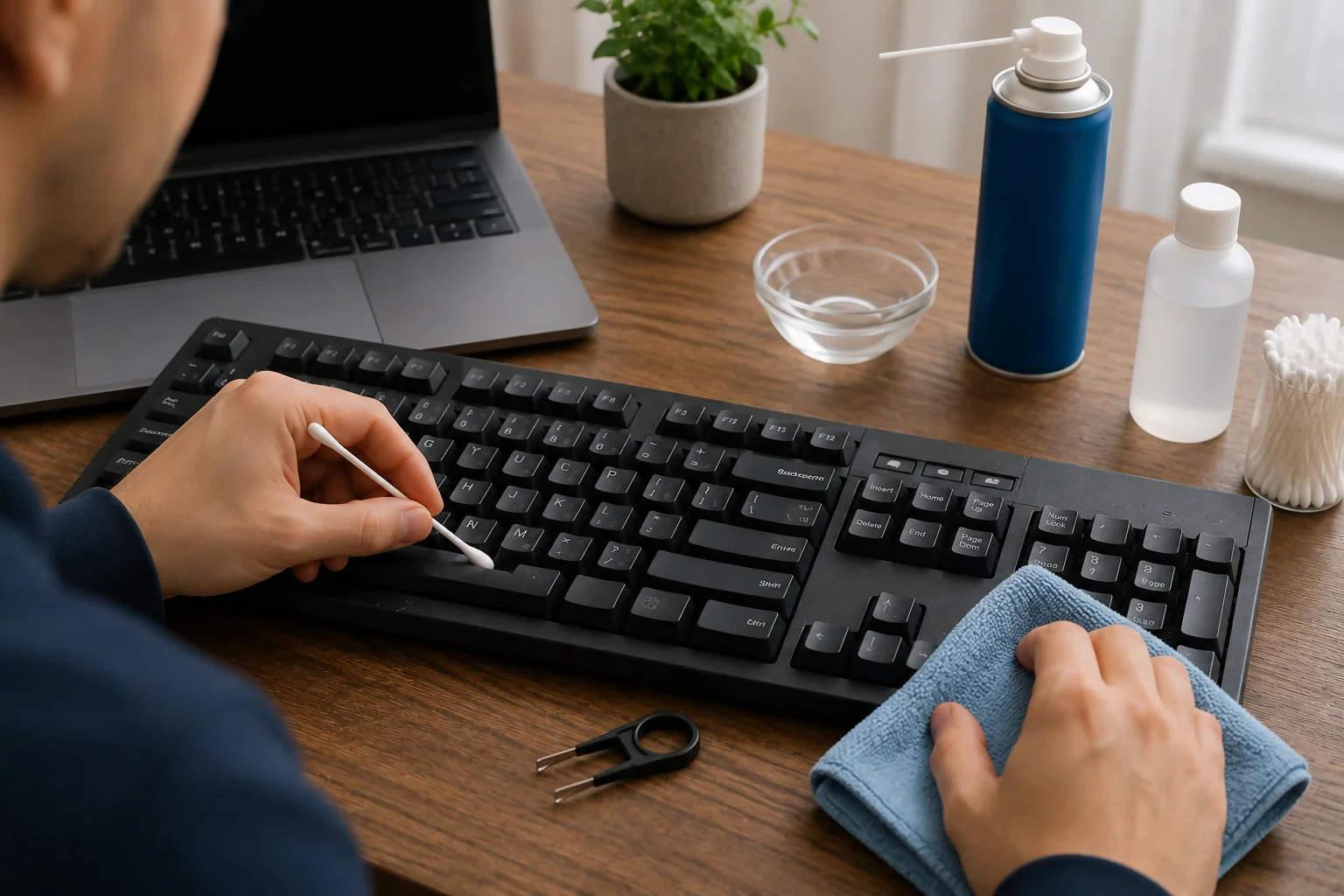

how to fix sticky keyboard keys depends on what caused the problem: dust, crumbs, dried drink residue, oil from your fingers, a worn key switch, or damage under...