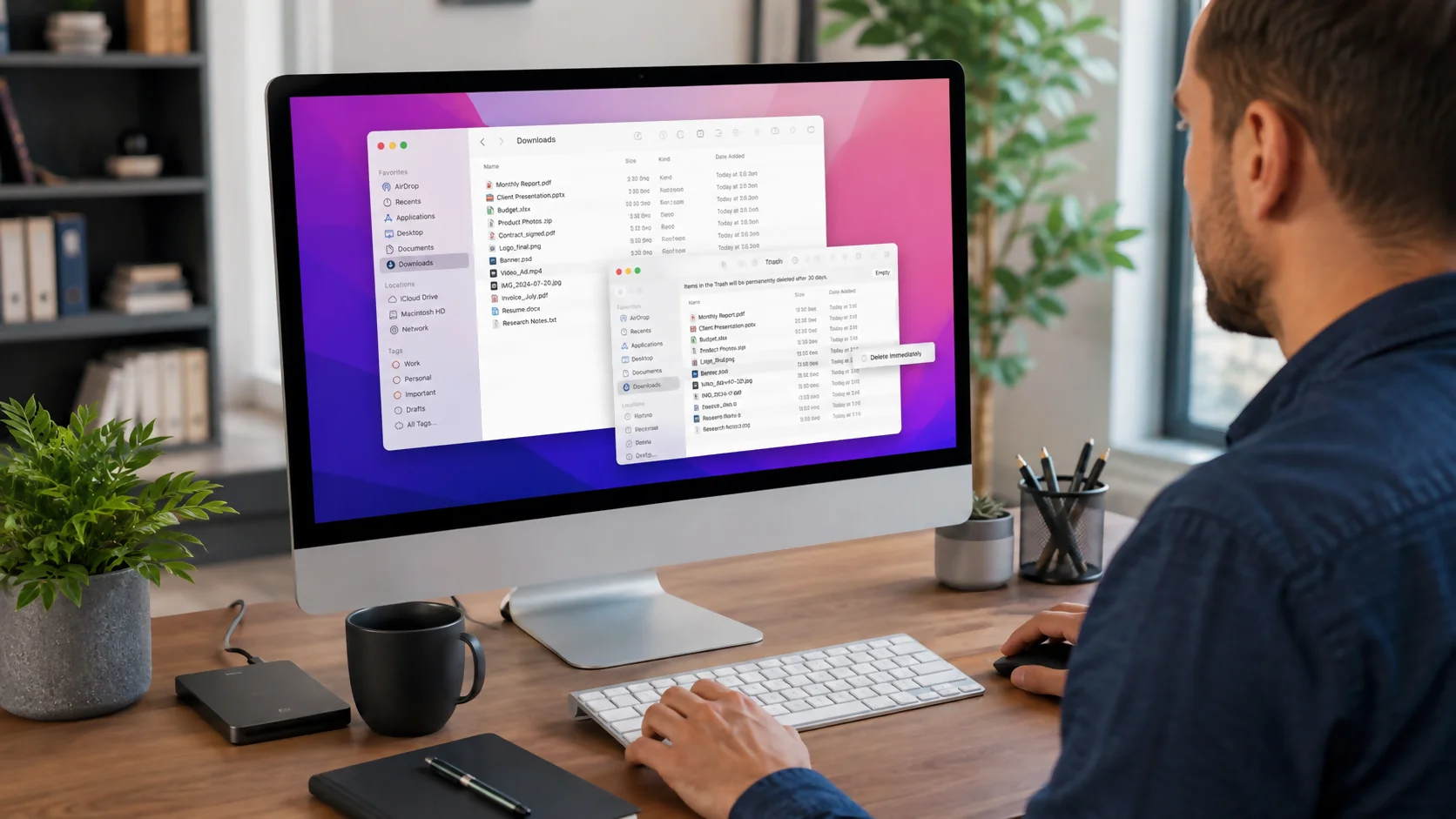
How to Delete Downloads on a Mac - Complete Guide 2026
To delete downloads on a Mac, open Finder and choose Downloads from the sidebar or press Option+Command+L. Select the files you no longer need, then press Comma...
Topic
4 storystories
To delete downloads on a Mac, open Finder and choose Downloads from the sidebar or press Option+Command+L. Select the files you no longer need, then press Comma...


To organize photos on a Mac, first choose one master system—Apple Photos or Finder—then back it up, gather scattered images into that system, remove duplicates...


To force quit on a Mac, press Option-Command-Esc, select the unresponsive app, and click Force Quit. You can also open the Force Quit window from the Apple menu...
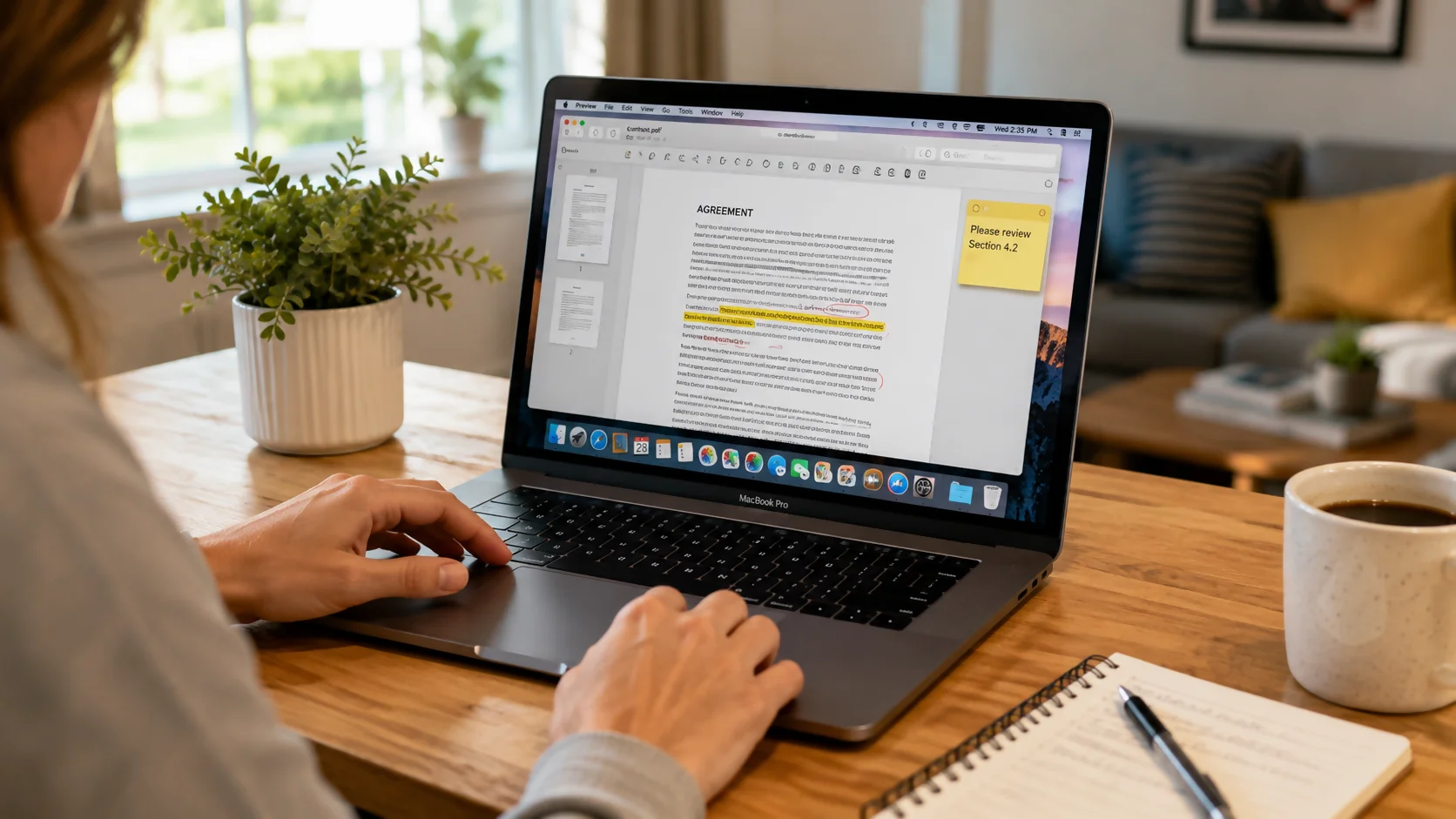
The easiest way to edit a PDF on Mac is to use the built-in Preview app. Preview lets you add text boxes, highlight text, draw shapes, add notes, rearrange page...