
VPN for Android How to Choose and Set Up the Right App
For a free VPN for Android, Proton VPN is a sensible starting point for everyday browsing because it has no data cap. Choose Mullvad if you want straightforward...
Every story
The newest reporting, explainers and reviews from What the tech, most recent first.
Stories: 76 Page 5 of 7
For a free VPN for Android, Proton VPN is a sensible starting point for everyday browsing because it has no data cap. Choose Mullvad if you want straightforward...


A VPN, or virtual private network, reroutes internet traffic through a VPN server, encrypts the connection between your device and that server, and usually repl...

If you want the best VPN services 2026 shortlist without reading through ten near-identical recommendations, start with these five. NordVPN is our best overall...


Learn how VPN passthrough works, when to enable it, and how to diagnose a VPN that fails on your home network.


Claude Mods can extend Claude Code with cross-session coordination, custom model-routing rules, and visual panels that show observed work. A well-designed mod c...


The aerial demonstration captured attention. The more consequential question is whether aerospace-inspired control can solve useful automotive problems—and do so repeatedly.


Work, education, creativity and the right to a meaningful life. Artificial superintelligence (ASI) would surpass the best human minds, but our dignity does not depend on winning an intelligence contest.


The table below is designed to help you build a shortlist, not to suggest that every product is directly interchangeable. The platforms use different billing un...


Last updated: August 19, 2026The best AI voice agents solve very different problems. Retell AI is our best overall pick for flexible business deployments becaus...


Last updated: August 20, 2026AI agent companies now include everything from cloud platforms that help developers build agents to specialized companies selling r...
Last reviewed: August 2, 2026To stop Microsoft Edge from opening on startup, begin with Settings > Accounts > Sign-in options and turn off Automatically s...
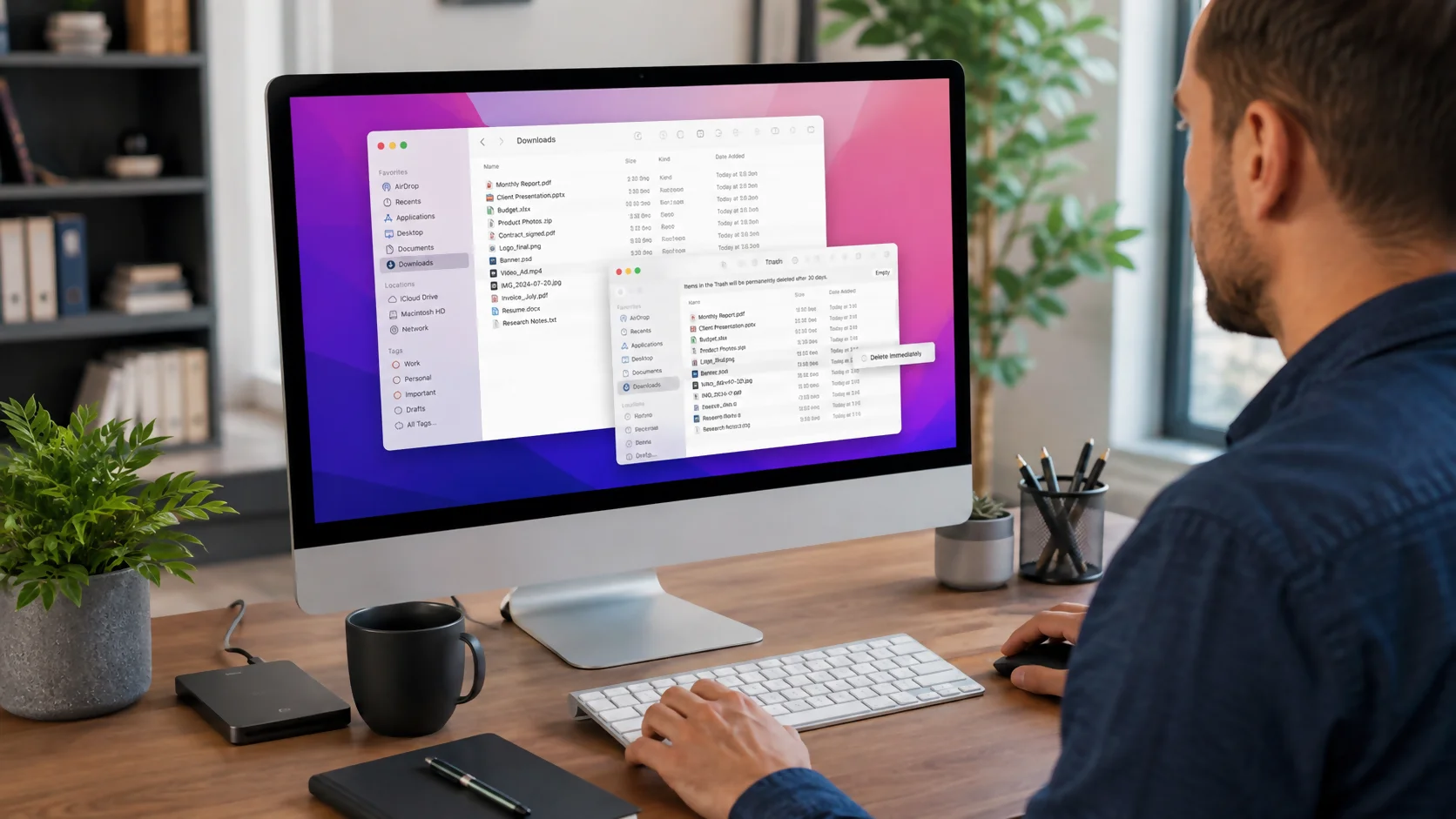
To delete downloads on a Mac, open Finder and choose Downloads from the sidebar or press Option+Command+L. Select the files you no longer need, then press Comma...