




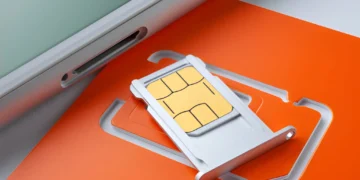






A SIM card connects your phone to your mobile carrier. It tells the carrier which phone number and cellular plan belong to your device, so your phone can make cellular calls, send SMS texts, and use mobile data.
A SIM card usually does not store your photos, apps, videos, passwords, or most personal files. Those are normally stored on your phone, in iCloud, in your Google account, or in another cloud backup.
The easiest way to think about it: your SIM card is your phone’s carrier identity, not your phone’s memory.
What Does a SIM Card Do?
A SIM card helps your carrier recognize your phone on its mobile network. It connects your phone number and cellular plan to the device, so the phone can use cellular calls, SMS texting, and mobile data. T-Mobile describes a SIM card as a small chip that contains information a device needs to connect to its network.
That does not mean the SIM card controls everything on your phone. Your camera, apps, photos, files, and Wi-Fi connection can usually work without a SIM. The SIM mainly handles your relationship with the mobile carrier.
Some phones use a removable physical SIM card. Many newer phones can use an eSIM, which performs the same basic carrier-connection job digitally instead of through a removable card.
How We Checked This Guide
This guide is based on official mobile-device and telecom sources, including Apple Support, Google Pixel Help, GSMA eSIM information, T-Mobile SIM support, and FCC guidance on SIM-swap and port-out fraud.
Carrier features, eSIM transfer options, activation steps, and SIM card pricing can change by provider, plan, phone model, and country. Before switching phones, buying a SIM, or using an eSIM for travel, check your carrier’s current support page or account settings.
We do not claim hands-on testing of every carrier SIM or eSIM setup. The goal is to explain how SIM cards usually work and where users should verify carrier-specific details.
Related Contents:
What Does a SIM Card Do on a Cell Phone?
On a cell phone, a SIM card acts like the link between your device and your wireless carrier. It does not make your phone “smart,” and it does not control your camera, apps, or screen. It controls whether your phone can use your carrier’s cellular service.
| Phone Feature | Does the SIM Help With It? | Simple Explanation |
| Phone number | Yes | Your number is tied to your carrier account and SIM/eSIM profile |
| Cellular calls | Yes | Your carrier uses the SIM to connect your phone to the network |
| SMS texts | Yes | Regular carrier texting usually needs active cellular service |
| Mobile data | Yes | Cellular internet uses your carrier plan |
| Wi-Fi | No | Wi-Fi works through a separate internet connection |
| Camera | No | Your camera works without a SIM |
| Photos and videos | No | These are stored on the phone or in cloud storage |
| Apps | No | Apps are stored on the phone and linked to your Apple, Google, or app accounts |
This is why a phone can still be useful without a SIM card. It can work like a small Wi-Fi device, but it will not behave like a fully active cellular phone unless it has a working SIM, eSIM, or another supported cellular setup.
What a SIM Card Does Not Do
A lot of SIM card confusion comes from mixing up three different things: the SIM card, the phone’s internal storage, and cloud storage.
A SIM card does not usually store your photo library, apps, videos, downloads, notes, passwords, or full message history. It also does not erase your phone when you remove it.
| Misconception | Reality |
| “My photos are on my SIM card.” | Photos are normally stored on your phone or in a cloud account, not on the SIM. |
| “Removing my SIM deletes my phone.” | Removing a SIM usually only affects cellular service. |
| “My apps move with my SIM.” | Apps stay on the phone or restore from your Apple/Google account. |
| “A SIM card transfers everything to a new phone.” | It may help move your phone number/service, not your full phone data. |
| “Any SIM works in any phone.” | The phone must be unlocked, compatible, and supported by the carrier. |
This distinction matters most when switching phones, selling a phone, traveling, or troubleshooting <No Service> .
What Is Stored on a SIM Card?
A SIM card stores or helps manage information that identifies your mobile service. It may also store a small number of contacts on some phones, especially older devices, but most modern smartphones store contacts in iCloud, Google Contacts, phone storage, or another account.
| Data Type | Usually Stored on SIM? | Where It Usually Lives Now |
| Carrier identity | Yes | SIM/eSIM profile and carrier systems |
| Phone number | Carrier-linked | Carrier account and SIM/eSIM profile |
| Mobile plan access | Yes / carrier-managed | Carrier account and SIM/eSIM profile |
| Contacts | Sometimes | Google account, iCloud, phone storage, or SIM |
| Photos | No | Phone storage, iCloud, Google Photos, or another backup |
| Apps | No | Phone storage and app-store account |
| Videos | No | Phone storage or cloud backup |
| Text history | Usually no on modern phones | Phone storage, iCloud, Google Messages, or backups |
| Passwords | No | Password manager, browser, Apple/Google account, or app |
The important takeaway: a SIM card is mainly about mobile service, not your full personal data.
Can a Phone Still Work Without a SIM Card?
Yes, a phone can still work without a SIM card, but it will be limited. It can usually use Wi-Fi, run apps, take photos, play downloaded media, connect to Bluetooth devices, and access cloud services over Wi-Fi.
What usually stops working is regular cellular service.
| Feature | Works Without a SIM? | Notes |
| Wi-Fi | Yes | You can connect to home, work, hotel, or public Wi-Fi |
| Camera | Yes | The camera does not need a SIM |
| Existing photos/videos | Yes | Removing the SIM should not delete them |
| Apps over Wi-Fi | Usually | Many apps work if they do not require a cellular number |
| Email and web browsing | Yes, over Wi-Fi | No cellular data needed |
| Cellular calls | Usually no | Regular carrier calls need an active cellular line |
| SMS texts | Usually no | SMS usually depends on the carrier number |
| Mobile data | No | Cellular internet needs a SIM/eSIM and active plan |
| Emergency calling | Varies | Device, country, carrier, and network rules can affect this |
A phone without a SIM card can still be useful as a Wi-Fi-only device for kids, travel, photos, streaming, music, reading, or app use. It just will not function like a normal carrier-connected phone.
What Happens If You Take Out Your SIM Card?
If you remove your SIM card, your phone will usually lose the cellular service tied to that SIM. That means your carrier calls, SMS texts, and mobile data may stop working on that device.
Your phone itself should still turn on. Your photos, apps, videos, notes, and settings should remain on the phone unless you separately delete them or factory reset the device.
What normally happens after removing a physical SIM:
- Your phone may show “No SIM,” “SOS,” “No Service,” or a similar message.
- Wi-Fi can still work.
- Apps can still work over Wi-Fi.
- Your photos and videos stay on the phone.
- Your phone number may no longer work on that device.
- The SIM can often be placed into another compatible phone.
- If your phone uses only eSIM, there may be no physical card to remove.
Apple explains that some iPhone models use a SIM tray while models without a SIM tray can only be activated with eSIM.
Will You Lose Photos If You Remove Your SIM Card?
No, you should not lose your photos just because you remove your SIM card. Photos are normally stored on the phone itself or backed up to services like iCloud, Google Photos, or another cloud storage app.
Removing the SIM card only removes or disables the cellular connection associated with that SIM. It does not erase the phone’s internal storage.
Before selling, trading in, or giving away a phone, removing the SIM card is not enough. You should also back up your data, sign out of important accounts if needed, remove or erase any eSIM profile, and factory reset the phone.
What Happens If You Put Your SIM Card in Another Phone?
If you put your SIM card in another compatible phone, your phone number and cellular plan may move to that phone. But your photos, apps, downloads, and most personal data do not move with the SIM.
| Item | Moves With the SIM? | What to Know |
| Phone number | Usually | If the phone and carrier support the SIM |
| Cellular plan | Usually | Some carriers require activation or account steps |
| Mobile data access | Usually | Depends on plan, carrier, and device compatibility |
| Photos | No | Photos stay on the old phone or cloud account |
| Apps | No | Apps must be installed or restored separately |
| Contacts | Sometimes | Depends where contacts were saved |
| Text history | Usually no | Modern message history usually stays on the phone or backup account |
| WhatsApp, iMessage, or RCS | No | These depend on accounts, apps, and device setup |
| Voicemail | Carrier/account-based | Access may depend on carrier setup |
A SIM transfer may fail if the new phone is carrier-locked, incompatible with the network, not activated, or uses a different SIM/eSIM setup. Google Pixel Help says eSIM transfer can be done through Android settings on supported devices, and persistent transfer issues may require contacting the carrier.
Why Your SIM Might Not Work in Another Phone
A SIM card is not a magic key that works in every phone. It may not work if:
- The new phone is locked to a different carrier.
- The phone does not support your carrier’s network.
- The SIM card is inactive or damaged.
- The SIM is the wrong size for the phone’s tray.
- Your carrier requires activation on the new device.
- You are trying to transfer an eSIM and the carrier does not support that transfer method.
- The phone was reported lost, stolen, or blocked.
Before buying a used phone or switching carriers, check whether the phone is unlocked and compatible with the carrier you plan to use.
What Does a SIM Card Do on Android?
On Android, a SIM card or eSIM connects the phone to your carrier for cellular calls, SMS, and mobile data. Android phones can support physical SIM, eSIM, or both, depending on the model, country, and carrier.
On many Android phones, SIM settings are found under menus such as:
- Settings > Network & internet > SIMs
- Settings > Connections > SIM manager
- Settings > Mobile network
The exact path depends on the phone brand. Pixel, Samsung Galaxy, Motorola, OnePlus, and other Android phones may label these menus differently.
Some Android phones support dual SIM, which means you can use two cellular lines on one phone. That setup can be useful if you want one number for personal use and another for work, or if you want to keep your home number while using a travel eSIM abroad.
What Is a SIM Card for iPhone?
On iPhone, a SIM card or eSIM connects the device to your mobile carrier. It allows the iPhone to use your phone number, cellular calls, SMS, and mobile data.
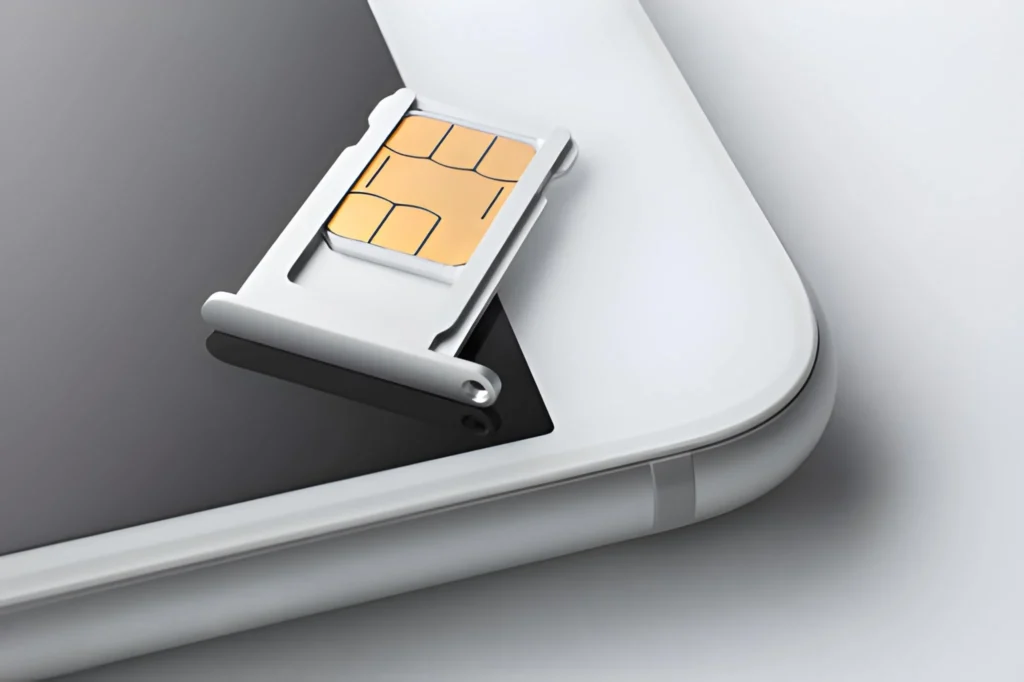
Older iPhones usually use a physical SIM tray. Many newer iPhones support eSIM. Apple says eSIM lets users activate a cellular plan from a carrier without using a physical SIM, with setup methods that can include carrier activation, eSIM Quick Transfer, QR code, or manual entry depending on carrier support.
For iPhone users, the key point is simple: the SIM or eSIM handles carrier service. It is not where your iPhone photos, apps, iCloud backup, or Apple ID live.
SIM Card vs eSIM: What’s the Difference?
A physical SIM and an eSIM do the same basic job: they connect your phone to a mobile carrier. The difference is how they are stored and activated.
A physical SIM is a small removable card. An eSIM is built into the phone and activated digitally. GSMA explains that eSIM allows multiple operator profiles to be stored on a device and switched remotely, though only one is used at a time in that consumer context.
| Feature | Physical SIM | eSIM |
| Form | Removable card | Digital SIM built into the device |
| Setup | Insert card into SIM tray | Activate through carrier, QR code, app, or phone settings |
| Transfer | Move the card if the phone is compatible | Transfer digitally if phone and carrier support it |
| Travel use | Good where local SIM cards are easy to buy | Convenient for travel eSIM plans |
| Loss risk | Can be lost, removed, or damaged | Cannot be physically removed |
| Device support | Common on many older and current phones | Common on many newer phones |
| Best for | Simple manual swapping | Travel, dual-line setups, and newer phones |
eSIM can be especially useful when traveling because you may be able to add a temporary data plan without waiting for a physical card. Still, eSIM support depends on your phone, carrier, and destination.
How Much Is a SIM Card?
A SIM card may be free, low-cost, or included when you activate a phone plan. The exact cost depends on the carrier, plan type, store, promotion, and whether you need a physical SIM or eSIM.
In many cases, the SIM card itself is not the main expense. The bigger cost is usually the phone plan, activation fee, prepaid balance, roaming charge, or travel data package.
| Situation | What to Expect |
| New postpaid plan | SIM or eSIM may be included with activation |
| Prepaid SIM kit | May have a small upfront cost |
| Replacement SIM | May be free or may involve a carrier fee |
| eSIM activation | Often digital, but carrier rules vary |
| Travel SIM/eSIM | Cost depends on country, provider, and data amount |
Before buying, check the current SIM or eSIM cost on your carrier’s official website or in your carrier account. Carrier pricing changes often enough that old numbers can become outdated quickly.
How SIM Cards Work for International Travel
When you travel internationally, your SIM card affects how your phone connects to mobile networks outside your home country.
You usually have a few options:
| Travel Option | Best For | Watch Out For |
| Carrier roaming | Short trips and convenience | Can be expensive depending on plan |
| Local physical SIM | Longer stays and local rates | Phone must be unlocked and compatible |
| Travel eSIM | Quick setup and multi-country trips | Requires an eSIM-compatible phone |
| Data-only SIM/eSIM | Maps, email, rideshare, messaging apps | May not include regular voice or SMS |
| Dual SIM setup | Keeping home number plus travel data | Settings can confuse beginners |
For most travelers, the first thing to check is whether the phone is unlocked. A locked phone may not accept another carrier’s SIM or eSIM.
The second thing to check is whether you need your regular phone number while traveling. If you need bank texts, two-factor authentication, or calls from home, keep your primary line active carefully. If you only need maps, email, and messaging apps, a data-only travel eSIM may be enough.
Apple says eSIM can be used while traveling internationally, and that iPhones with a SIM tray can use both a physical SIM and eSIM while traveling.
What Does a SIM Card Do in a Tablet?
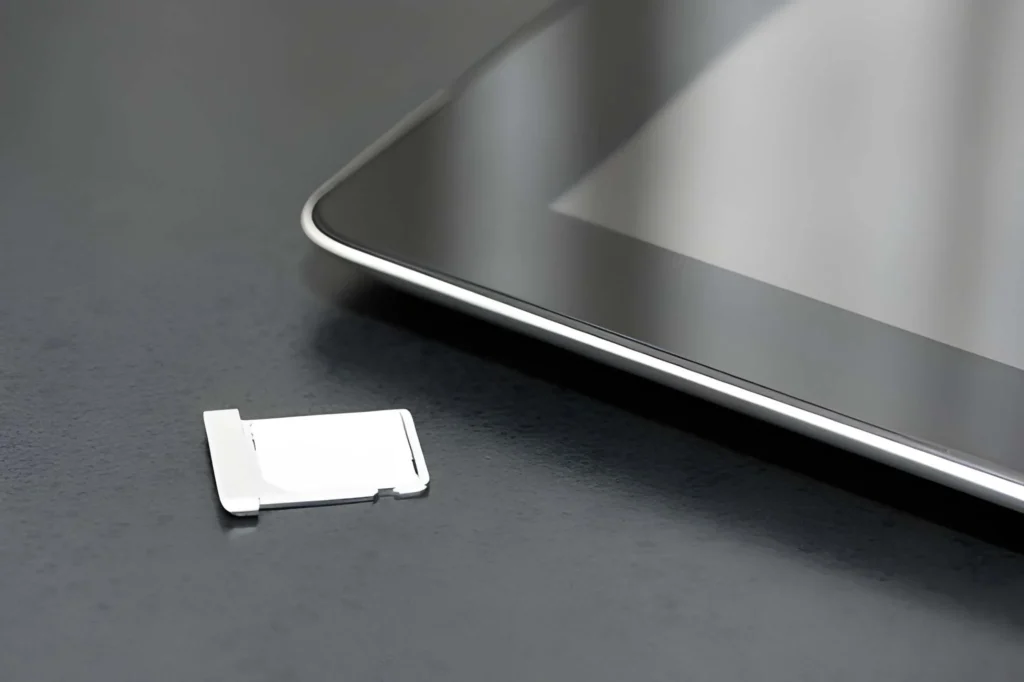
In a tablet, a SIM card usually provides cellular data. It lets a cellular-capable tablet connect to a mobile network when Wi-Fi is not available.
A tablet SIM is often different from a phone SIM in how the plan is used. Many tablet plans are data-only, meaning they are designed for internet access, not regular phone calls and SMS texting.
A SIM card or eSIM in a tablet can be useful for:
- Travel
- Remote work
- Kids’ tablets
- Road trips
- Field work
- Backup internet
- Using maps or apps away from Wi-Fi
Wi-Fi-only tablets do not use SIM cards. Cellular tablets may use a physical SIM, eSIM, or both, depending on the model.
Can Someone Access Your Phone Through a SIM Card?
A SIM card by itself usually does not unlock your phone or give someone direct access to your photos, apps, notes, passwords, or files.
The bigger risk is phone-number control. If someone steals your SIM card or tricks a carrier into moving your number to another SIM or eSIM, they may be able to receive calls or SMS verification codes meant for you. This is commonly discussed as SIM-swap or port-out fraud.
The FCC has adopted rules requiring wireless providers to use secure authentication methods before processing SIM change and number port requests, and it announced the compliance date for the SIM-swapping rules in 2024.
To reduce SIM-related risk:
- Add a PIN or passcode to your carrier account if available.
- Turn on number lock, port-out protection, or transfer lock if your carrier offers it.
- Do not share one-time verification codes.
- Use an authenticator app, passkey, or hardware security key for important accounts when available.
- Avoid relying only on SMS verification for banking, email, password managers, and other sensitive accounts.
- Contact your carrier quickly if your phone suddenly shows “No Service” and you did not change anything.
- Review your carrier account if you receive unexpected SIM change or number transfer alerts.
A SIM card is not the same as your phone’s lock screen. Still, because phone numbers are often used for account recovery, protecting your carrier account is an important part of phone security.
Before You Remove, Replace, or Sell a Phone With a SIM Card
Removing a SIM card is only one step. It does not erase the phone.
Before you sell, trade in, give away, or switch phones, use this checklist:
- Back up your photos, contacts, messages, and important files.
- Check whether your contacts are saved to iCloud, Google, phone storage, or SIM.
- Remove the physical SIM card if the phone has one.
- Remove or erase the eSIM profile if you are selling or giving away the phone.
- Factory reset the phone separately after your backup is complete.
- Confirm the phone is unlocked if you plan to use it with another carrier.
- Keep carrier PINs, account passwords, and one-time codes private.
- Test calls, texts, and mobile data after moving service to a new phone.
Removing the SIM protects your cellular line, but a factory reset protects the personal data stored on the phone itself.
Quick Summary: What a SIM Card Actually Does
A SIM card is the part of your phone setup that connects you to your mobile carrier.
The most important points:
- A SIM card links your phone to your carrier account.
- It helps your phone use a phone number, cellular calls, SMS, and mobile data.
- It usually does not store your photos, apps, videos, or most personal files.
- Removing a SIM card usually removes cellular service from that phone, not your stored data.
- Moving a SIM to another phone may move your number and plan, but not your apps or photos.
- eSIM does the same basic job as a physical SIM, but it is digital.
- Carrier support, phone compatibility, locks, and activation rules can affect whether a SIM works in another device.
FAQs
Is anything stored on a SIM card?
Yes, but usually not the personal data most people worry about. A SIM card stores or helps manage carrier-related information for your mobile service. Some phones can store contacts on a SIM, but modern smartphones usually store contacts in iCloud, Google Contacts, phone storage, or another account.
Will I lose my photos if I take my SIM card out?
No. Removing your SIM card should not delete your photos. Photos are normally stored on your phone or backed up to a cloud service, not stored on the SIM card.
Can a phone work without a SIM card?
Yes. A phone can usually work over Wi-Fi without a SIM card. You can use apps, browse the web, take photos, watch videos, and access cloud services over Wi-Fi. Regular cellular calls, SMS texts, and mobile data usually need an active SIM or eSIM.
Does a SIM card give you a phone number?
Your phone number is tied to your carrier account and SIM/eSIM profile. The SIM helps the carrier connect that number and plan to your device.
Can I put my SIM card in any phone?
Not always. The phone usually needs to be unlocked, compatible with your carrier’s network, and able to accept that SIM or eSIM setup. Some carriers may also require activation.
What does a SIM card do in a tablet?
In a tablet, a SIM card usually provides cellular data. That lets the tablet connect to the internet through a mobile network when Wi-Fi is not available. Many tablet plans are data-only.
Is eSIM better than a physical SIM?
eSIM is better for some people, but not everyone. It is convenient for travel, dual lines, and phones without SIM trays. A physical SIM can be easier to move manually between compatible phones.
Do I need a SIM card if I only use Wi-Fi?
No, not for Wi-Fi-only use. You need a SIM card or eSIM if you want cellular calls, SMS texting, or mobile data from a carrier.
Can someone access my phone through my SIM card?
A SIM card by itself usually does not unlock your phone or expose your photos and apps. The bigger risk is SIM-swap or port-out fraud, where someone tries to take control of your phone number. Protect your carrier account with a PIN, number lock, or transfer lock when available.
Should I remove my SIM card before selling my phone?
Yes, remove the physical SIM if the phone has one. If the phone uses eSIM, remove or erase the eSIM profile. You should also factory reset the phone separately because removing the SIM does not erase your personal data.
Resorces:
T-Mobile’s SIM and eSIM support page