Seedance 2.5 Flash vs Seedance 2.5: Is the Cheaper Model Good Enough?

In this story
Seedance 2.5 Flash vs Seedance 2.5 comes down to more than the price of one video. Flash has a lower published token rate, but extra retries can erase the saving. If you need native 1080p, standard Seedance 2.5 is the documented choice. For 720p concepts, Flash is worth testing against your own quality requirements.
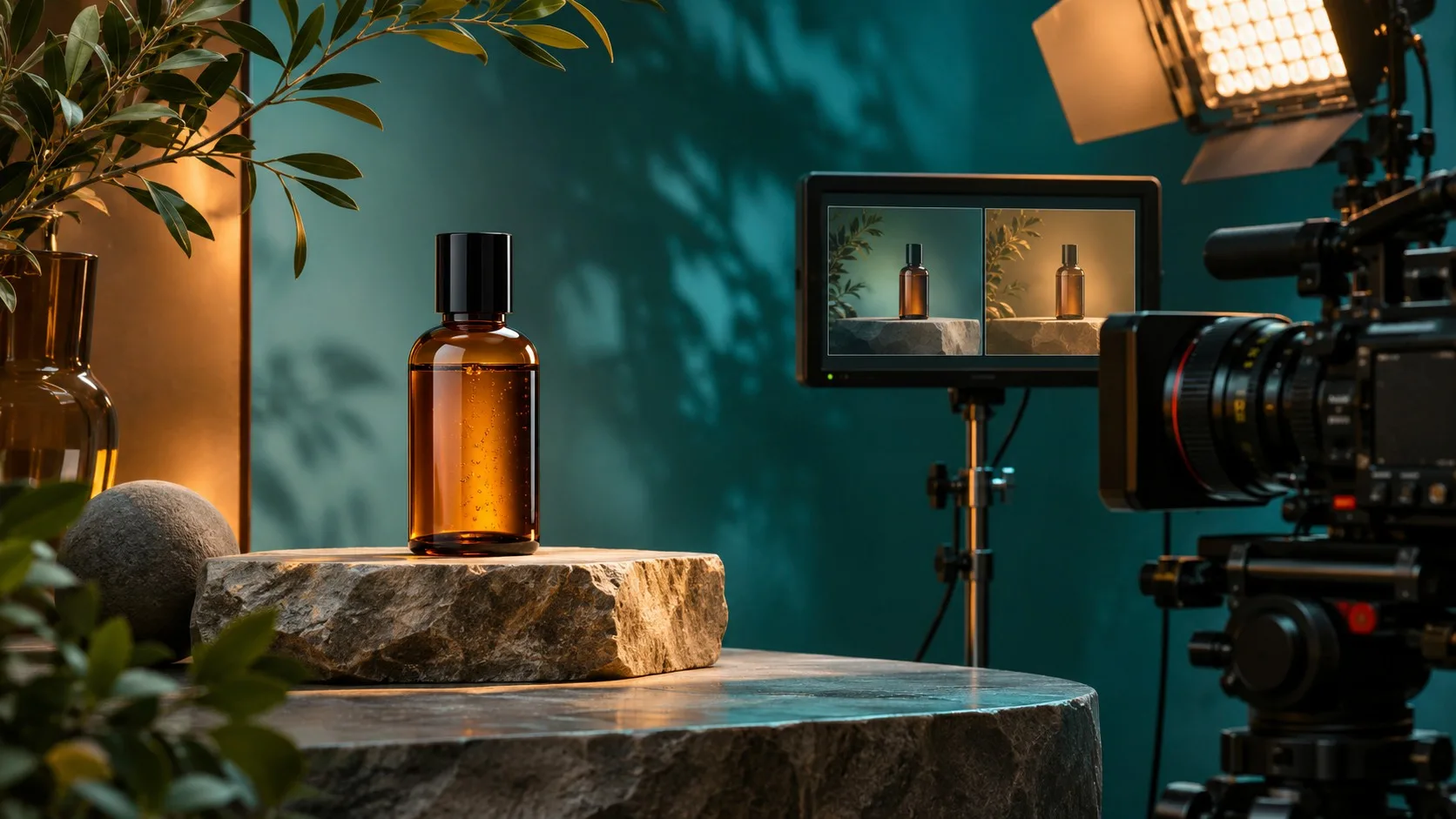
Testing disclosure: We have not generated or timed clips with either model. This is a research-based comparison, not a hands-on review. The cost examples are illustrative, and the images are conceptual illustrations, not model outputs.
Seedance 2.5 Flash vs Seedance 2.5: What changes?
BytePlus describes both models in its Seedance 2.5 series documentation. Its API documentation says the models are available through ModelArk. However, output resolution and feature support differ.
| Feature | Seedance 2.5 Flash | Seedance 2.5 |
|---|---|---|
| Output resolution | 480p or 720p | Includes 1080p |
| 480p/720p rate without video input | $7.00 per million tokens | $10.70 per million tokens |
| 480p/720p rate with video input | $4.30 per million tokens | $6.40 per million tokens |
| Draft mode | Not listed as supported | Supported |
| Best starting point | 720p concepts and lower-cost experiments | 1080p delivery or standard-only features |
The listed token rates were reported from BytePlus's pricing table on November 12, 2026. They apply to ModelArk, not necessarily to third-party apps. Check current ModelArk pricing before buying. A pricing analysis documents the rates and BytePlus's initial speed claim.
At $7.00 versus $10.70 per million tokens, Flash's listed no-video-input rate is about 34.6% lower. However, that does not mean every finished project costs 34.6% less.
Why can the cheaper model cost more per usable clip?
One product video might look polished but distort the label. Another might preserve the bottle but change its cap halfway through. If neither passes review, the money spent on both attempts still counts.
Cost per usable clip = total charges for all attempts ÷ number of usable clips.
Include billed retries and rejected outputs. If a request fails, check your billing record instead of assuming it was charged or refunded. When no clips are usable, the cost per usable clip cannot yet be calculated.
What does the retry math look like?
The figures below are hypothetical. They are not results from tests of either Seedance model.
| Illustrative batch | Flash example | Standard example |
|---|---|---|
| Cost per attempt | $0.65 | $1.00 |
| Attempts | 10 | 10 |
| Usable clips | 4 | 7 |
| Total spent | $6.50 | $10.00 |
| Cost per usable clip | $1.63 | $1.43 |
Here, the standard model costs more per attempt but less per usable clip. If Flash produced seven usable clips instead of four, its cost would be about $0.93 each. The quality threshold changes the answer.
How many extra retries can Flash afford?
Using the $7.00 and $10.70 token rates as a simplified proxy, Flash can use about 1.53 attempts for each standard-model attempt before average costs converge. For example, if standard needs two attempts on average, Flash can need roughly three at a similar cost.
That shortcut assumes the same token consumption, billing category, duration, and charges per attempt. Actual invoices can differ. It also ignores editing time and the value of faster delivery.
Product clips: Which mistakes make a video unusable?
A product ad gives viewers time to inspect the item. That makes brand accuracy as important as attractive lighting. Use the same product reference and prompt for both models, then watch every output from start to finish.
| Check | Failure to look for | Why it matters |
|---|---|---|
| Shape | Bottle, cap, or edges change across frames | The clip can misrepresent the product |
| Packaging | Text or logos drift or disappear | The result may fail brand approval |
| Material | Glass looks like plastic or changes color | The item may not resemble the real product |
| Lighting | Reflections move inconsistently | The shot may look artificial |
| Contact | The item floats or its shadow detaches | The scene loses physical credibility |
These are review criteria, not claims that either model failed. If a label must be exact, plan to verify or composite it. For another way to animate a product photo, see our image-to-video AI guide.
Moving-camera shots: Can the scene stay consistent?
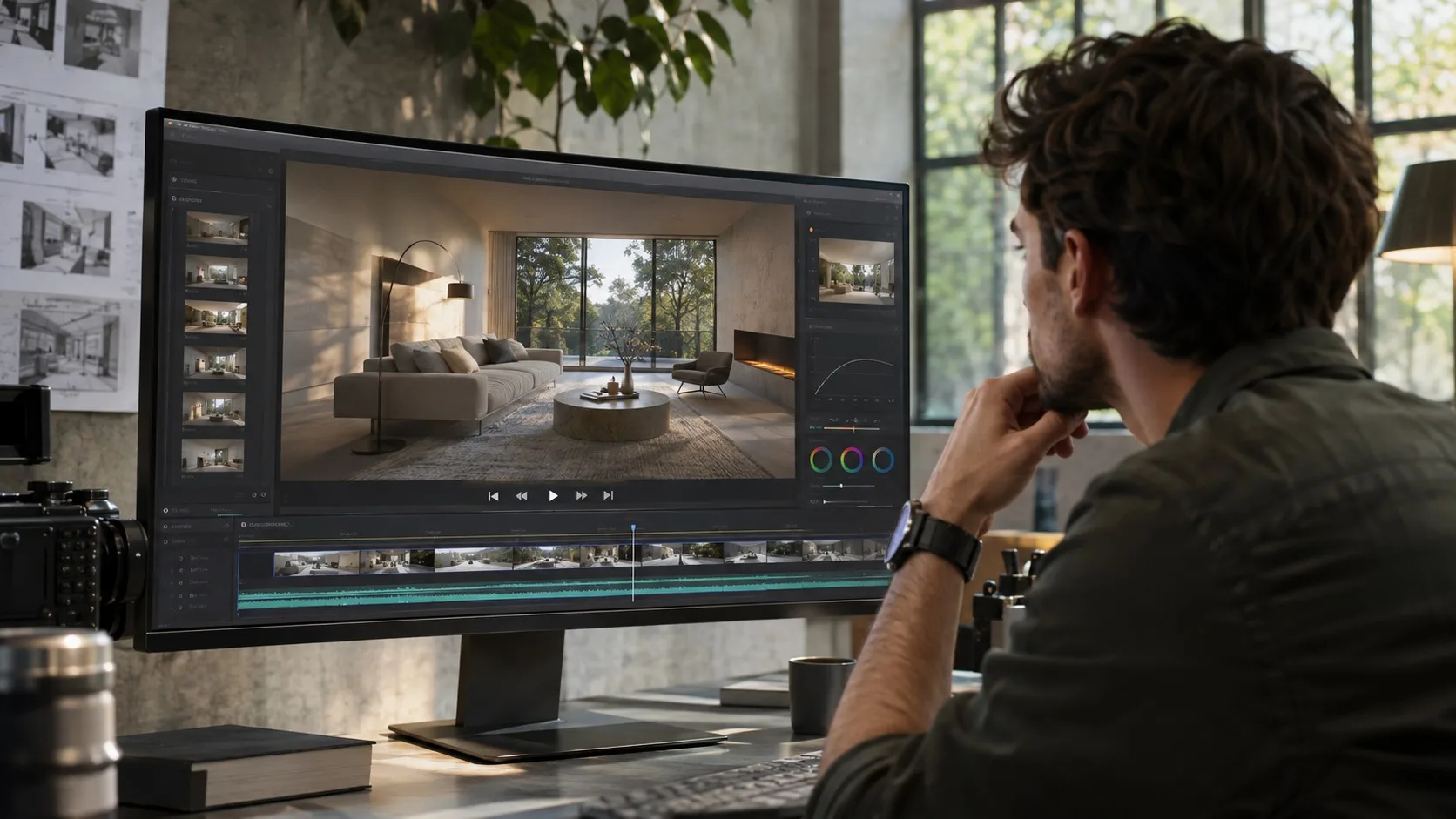
A moving camera must preserve the scene as the viewpoint changes. Furniture should stay in place, walls should keep their shape, and foreground objects should move naturally against the background.
Look for bending door frames, flickering textures, duplicated objects, and abrupt camera movement. Also check parallax: nearby objects should shift differently from distant ones as the camera moves. These problems can make a scene hard to cut into a finished project.
For a broader production workflow, compare the tasks covered by our AI video editing tools guide and our free AI video maker guide.
The reality check: Where can the savings disappear?
You need native 1080p
BytePlus documents Flash at 480p and 720p. Standard Seedance 2.5 includes 1080p. If a client requires native 1080p, Flash alone does not satisfy that requirement. Upscaling adds a step and cannot guarantee that missing details return.
You add reference video
A lower token rate for requests with video input does not automatically mean a lower total bill. Input duration can affect token consumption. Use the pricing calculator and inspect the final usage record for your specific request.
Your team spends more time reviewing takes
A cheaper generation is not necessarily cheaper production. Record how long someone spends selecting, repairing, or regenerating footage. For client work, a clip that requires extensive cleanup may cost more in labor than it saves on API fees.
Vendor speed claims are not your benchmark
BytePlus has promoted Flash as nearly twice as fast as the standard model. We have not independently verified that claim. Queue load, settings, and network conditions can affect the time between submitting a request and receiving a file.
How should you choose between the models?
| Your requirement | Starting choice | Reason |
|---|---|---|
| Native 1080p | Seedance 2.5 | Flash is documented up to 720p |
| 720p concepts on a budget | Test Flash first | Its comparable published token rate is lower |
| Exact product packaging | Test both | Accuracy and retries determine practical value |
| Complex moving-camera work | Test both | Consistency matters more than list price alone |
| Draft mode | Seedance 2.5 | BytePlus lists it for the standard model |
How can you run a fair side-by-side test?
For an initial comparison, generate at least five independent attempts for each of two scenes in each model. That is 20 generations in total. More runs and varied prompts will provide stronger evidence.
Product prompt: A premium amber glass skincare bottle with a black cap stands on a pale stone pedestal in a softly lit studio. The camera slowly moves from left to right while the bottle remains centered. Use realistic reflections and natural shadows. Preserve the product shape and details in the reference image.
Moving-camera prompt: A smooth forward dolly shot through a modern living room toward a large window. A wooden coffee table, a blue sofa, and a floor lamp remain in fixed positions. Natural daylight enters from the window. Maintain consistent geometry and continuous camera movement.
Use the same reference image where applicable, 720p resolution, aspect ratio, duration, audio setting, and prompts. Define what counts as usable before you review the outputs. If possible, hide the model names during evaluation.
Record model IDs, timestamps, all charges, attempts, accepted clips, and visible errors. Report median elapsed time and its range. Then divide total charges by usable clips for each scene and model.
Five attempts per condition offer an initial signal, not a reliable universal success rate. The video task API documentation explains request options and model requirements.
Verdict: Is Seedance 2.5 Flash good enough?
Start with Flash when 720p meets your needs and you want a lower published token rate. Choose standard Seedance 2.5 when you require native 1080p or a standard-only feature.
For product accuracy and moving-camera consistency, the winner remains unverified here. Run matched tests and compare what you spend for each clip you can actually publish.
Frequently Asked Questions
Is Seedance 2.5 Flash cheaper than Seedance 2.5?
Flash has a lower published ModelArk token rate for comparable 480p and 720p requests. Your actual cost per usable clip depends on token usage, retries, billing, and the number of accepted outputs.
Is Seedance 2.5 Flash faster?
BytePlus claims Flash is nearly twice as fast. We have not independently measured generation times, so the result can differ by prompt, settings, and queue conditions.
Can Seedance 2.5 Flash generate 1080p video?
BytePlus documents Flash at 480p and 720p. Standard Seedance 2.5 offers a 1080p option.
Can I use Seedance 2.5 Flash for product ads?
It may suit some product concepts and social clips. Review each output for accurate packaging, labels, product shape, and brand details before publishing.
Keep reading
Reinforcement Learning Explained With a Worked Example
Reinforcement learning is a way to train an agent to choose actions that maximize expected cumulative reward. The agent interacts with an environment, receives...


Gemini 4 Neon vs GPT-6.2 Sol: Speed Evidence and Three Practical Tests
Sol looks promising for turnaround, while Neon merits a trial when reasoning errors cause rework. Compare the published evidence and repeat three practical tests on your own work.
GPT-6.2 Sol vs GPT-6.1 Sol: Pricing & What Changed
GPT-6.2 Sol vs GPT-6.1 Sol comes down to what you run. At max effort, 6.2 Sol scored higher on Artificial Analysis’s general benchmark and had a lower estimated...