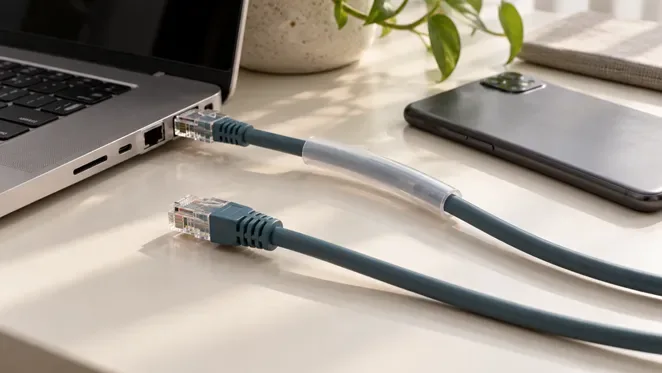
Proxy vs VPN Key Differences and When to Use Each
A proxy forwards connections for the apps configured to use it. A virtual private network, or VPN, encrypts traffic routed between your device and a VPN server....
Author

Stories: 62 Page 4 of 6
A proxy forwards connections for the apps configured to use it. A virtual private network, or VPN, encrypts traffic routed between your device and a VPN server....
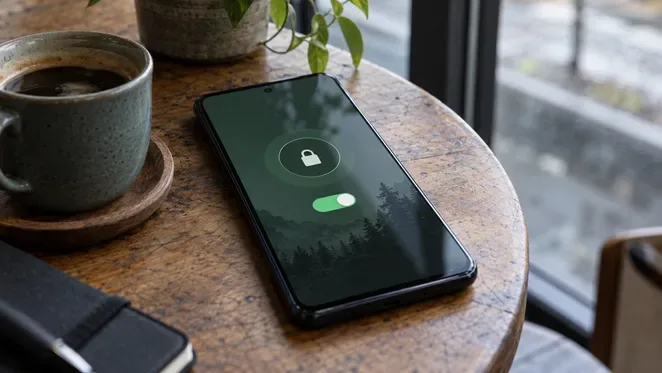

For a free VPN for Android, Proton VPN is a sensible starting point for everyday browsing because it has no data cap. Choose Mullvad if you want straightforward...


A VPN, or virtual private network, reroutes internet traffic through a VPN server, encrypts the connection between your device and that server, and usually repl...
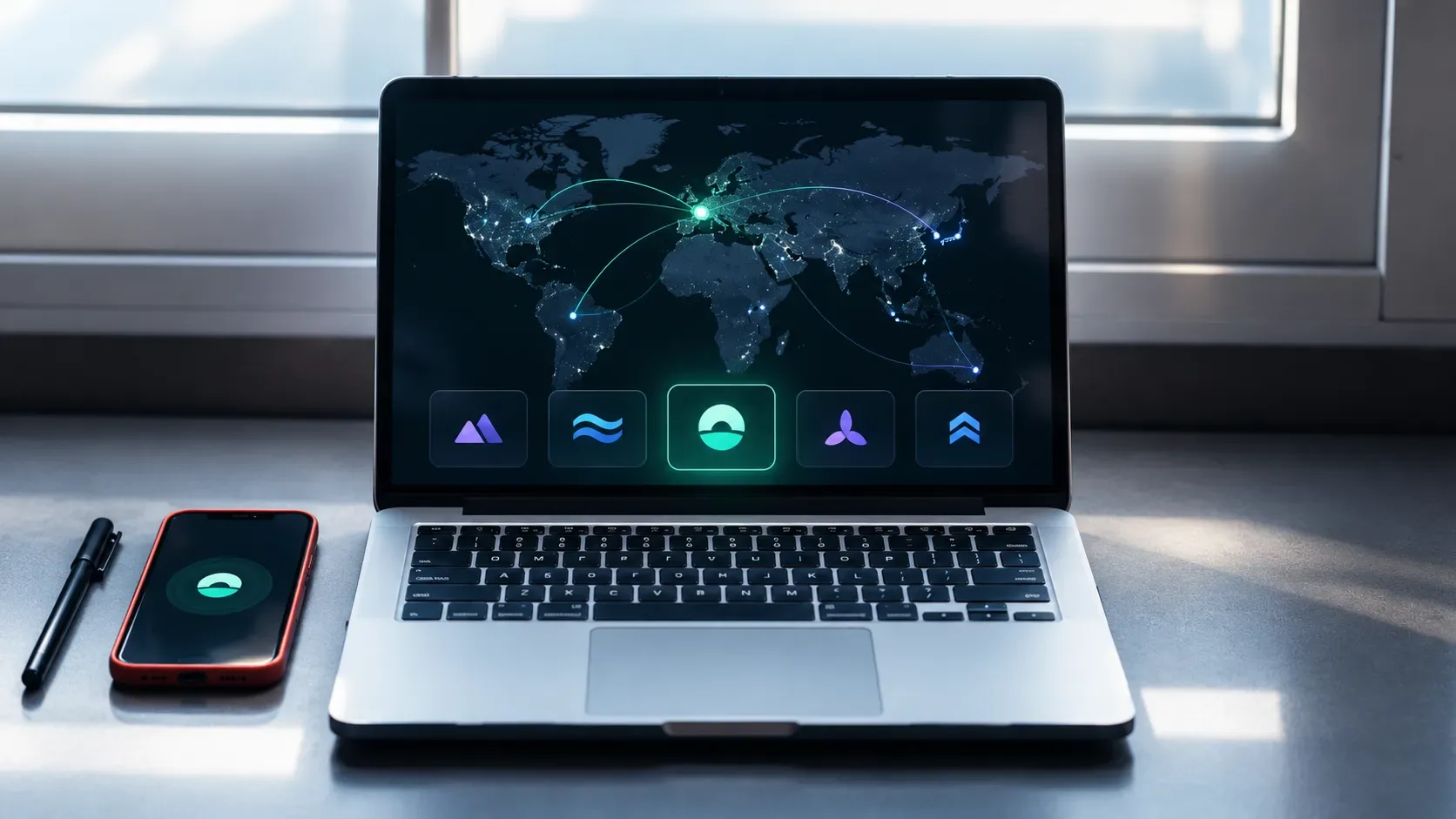
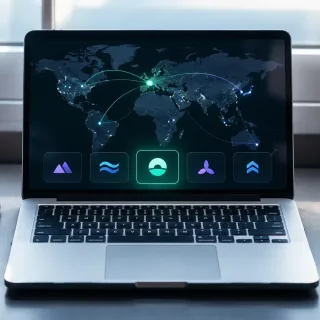
If you want the best VPN services 2026 shortlist without reading through ten near-identical recommendations, start with these five. NordVPN is our best overall...


Learn how VPN passthrough works, when to enable it, and how to diagnose a VPN that fails on your home network.


The table below is designed to help you build a shortlist, not to suggest that every product is directly interchangeable. The platforms use different billing un...


Last updated: August 19, 2026The best AI voice agents solve very different problems. Retell AI is our best overall pick for flexible business deployments becaus...


Last updated: August 20, 2026AI agent companies now include everything from cloud platforms that help developers build agents to specialized companies selling r...
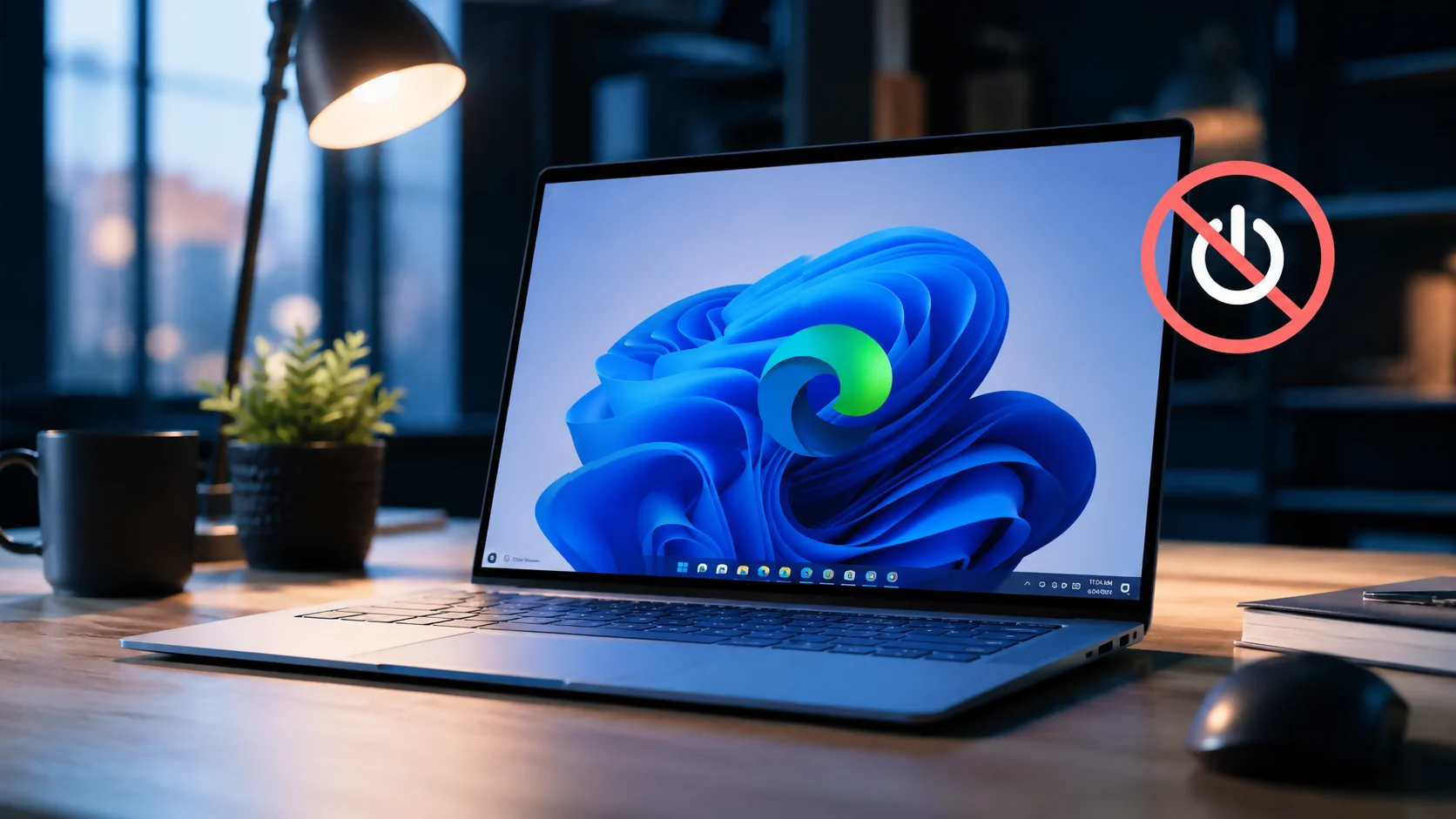
Last reviewed: August 2, 2026To stop Microsoft Edge from opening on startup, begin with Settings > Accounts > Sign-in options and turn off Automatically s...
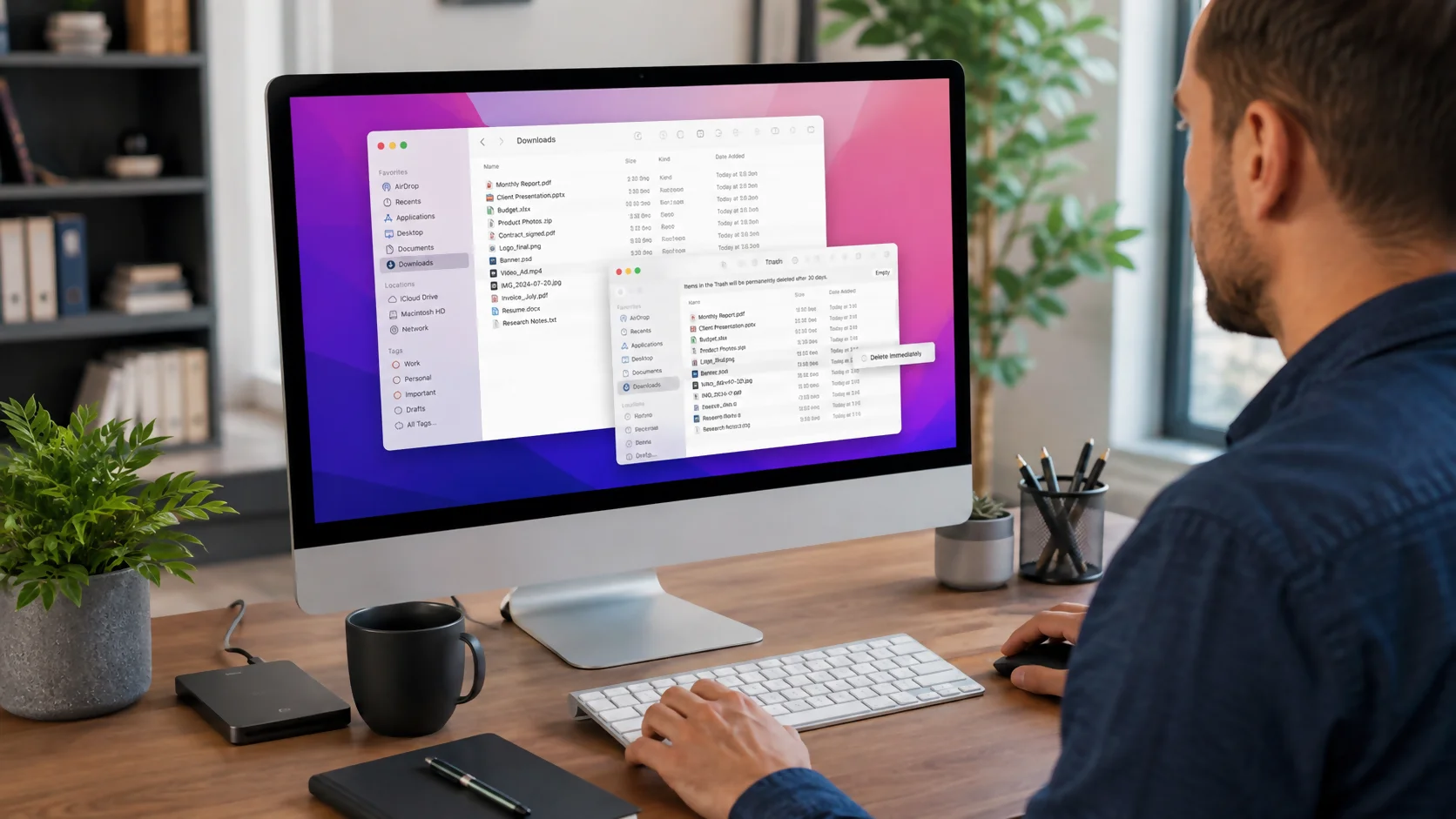
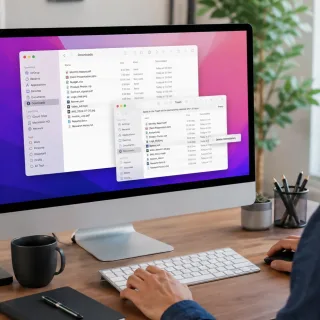
To delete downloads on a Mac, open Finder and choose Downloads from the sidebar or press Option+Command+L. Select the files you no longer need, then press Comma...
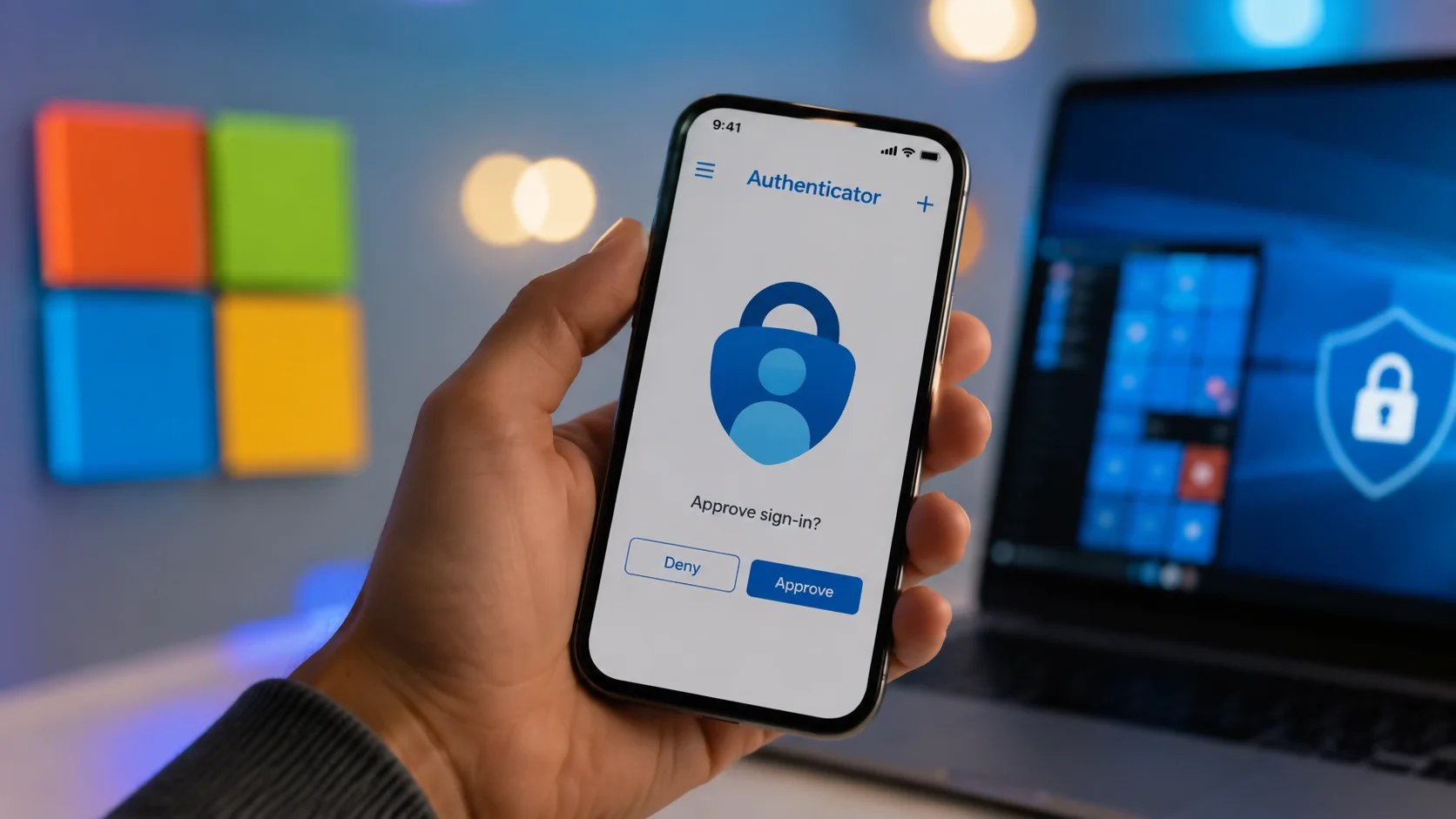

Microsoft Authenticator not working? Start with the fixes that do not change your accounts: open and unlock the app, confirm the correct account, switch between...
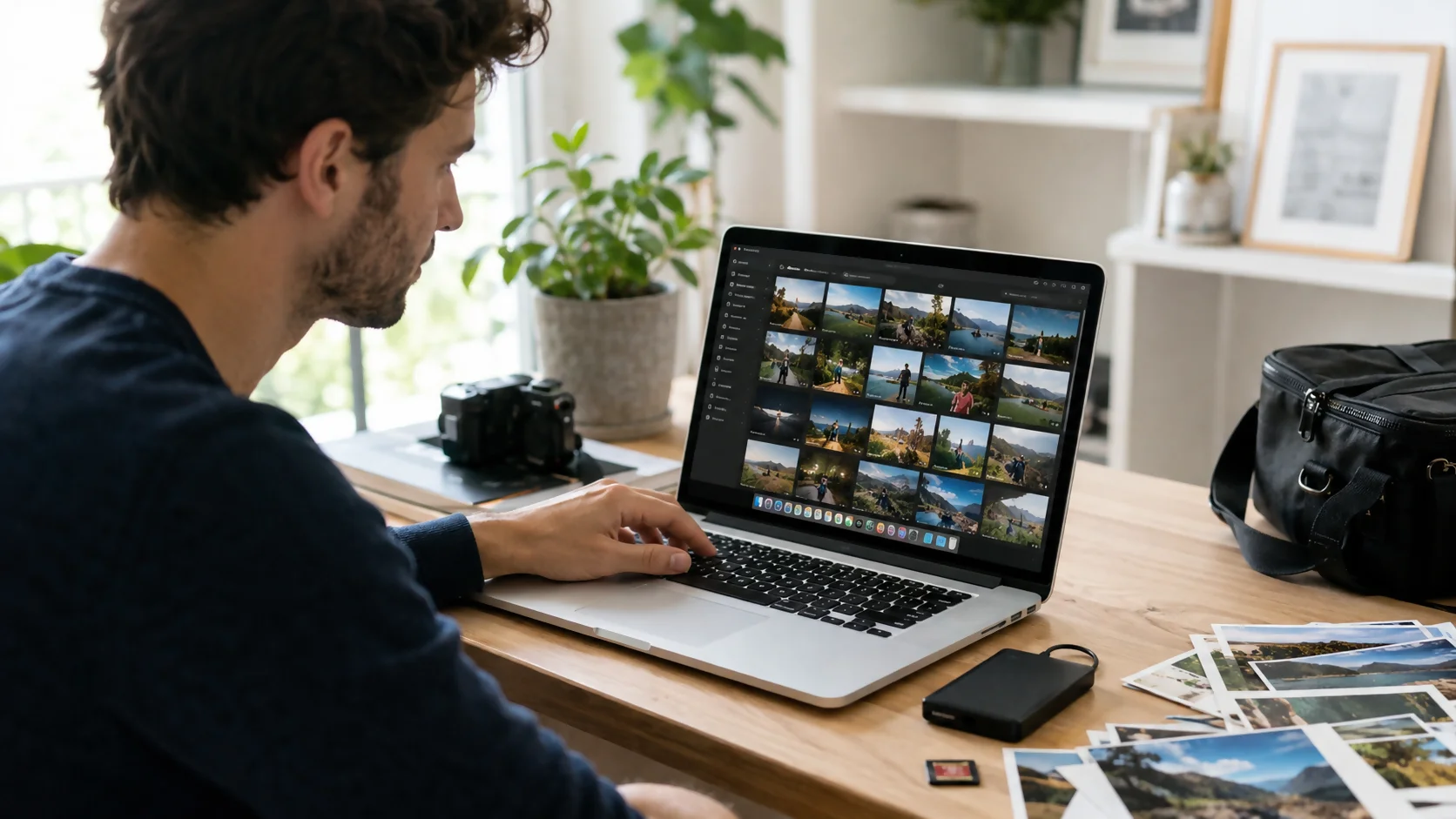
To organize photos on a Mac, first choose one master system—Apple Photos or Finder—then back it up, gather scattered images into that system, remove duplicates...