What the tech

Search

/ opens search from anywhere. Esc closes it.

Tools

Get the newsletter
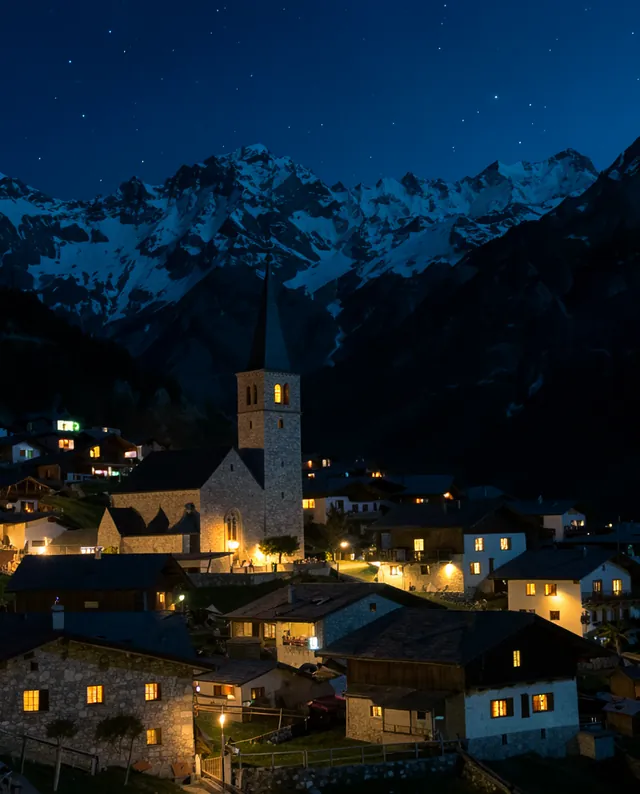
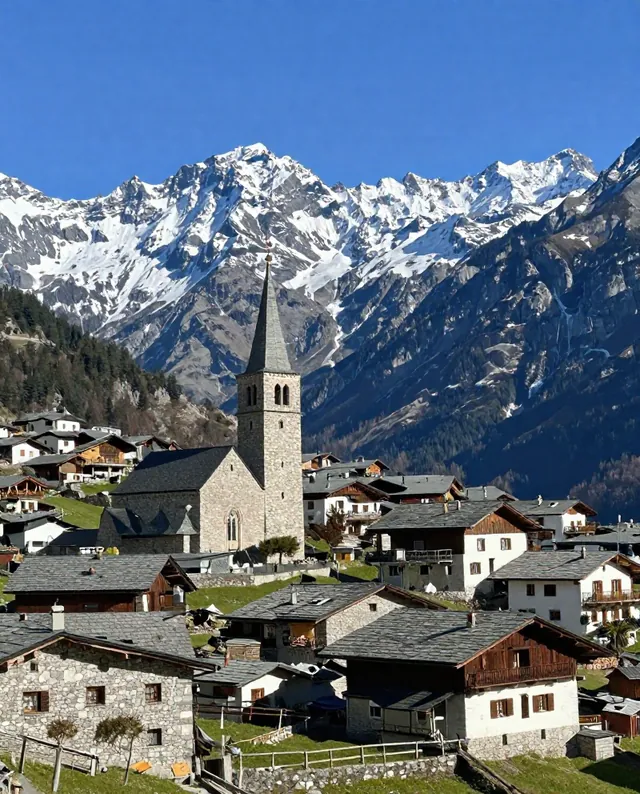
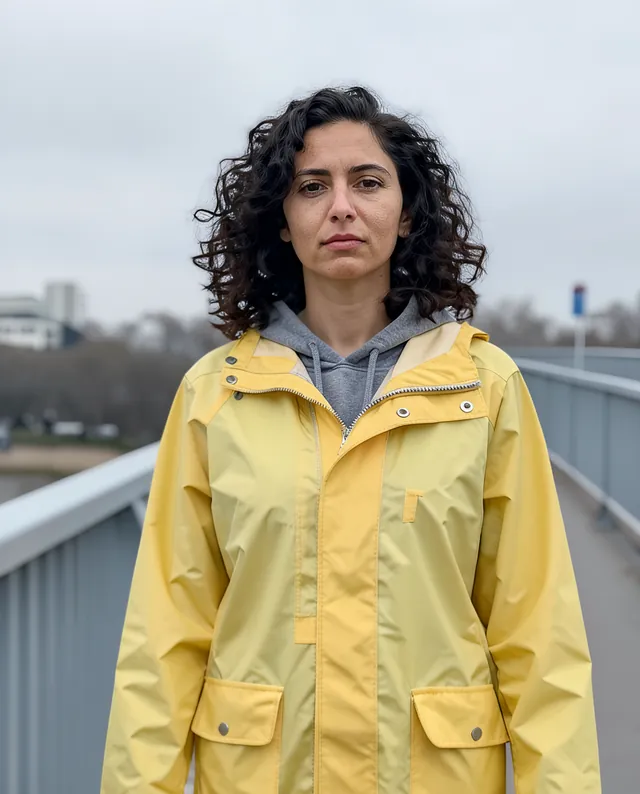
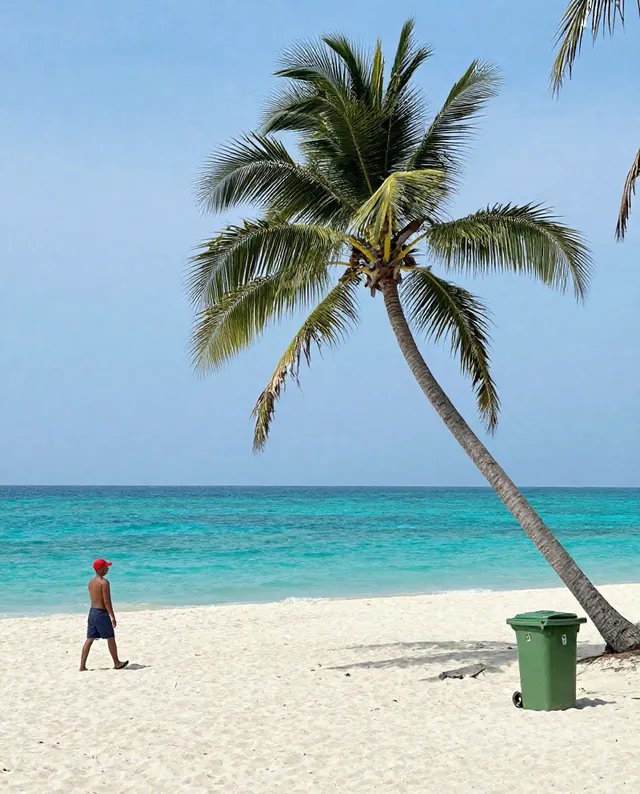
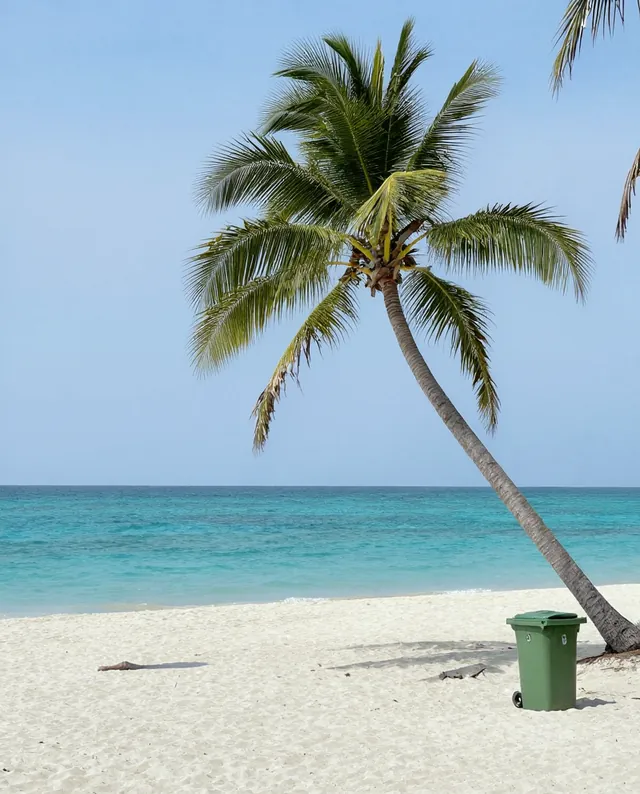
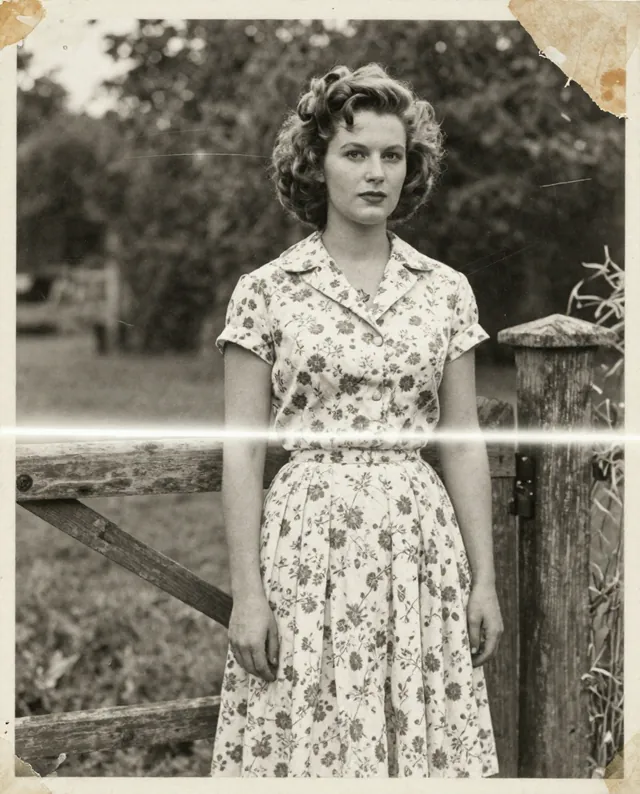
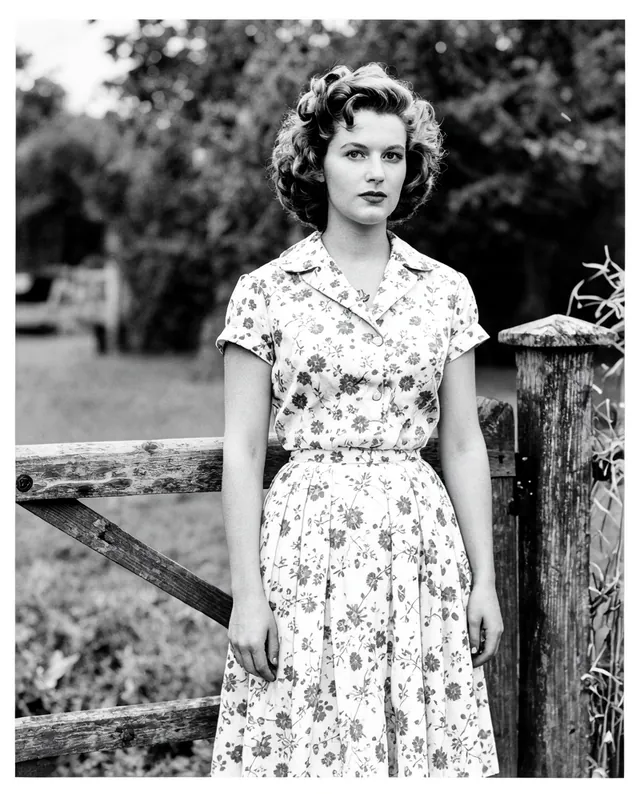
Example result of this prompt The made-up input photo InputExample result

Example Example made on our own Mac with open models: Z-Image made the made-up input photo, FLUX.2 klein ran this prompt on it. Your result in the AI above will look different. How we make examples

Turn a daytime photo into night

See your daytime photo as a night scene, with glowing windows and a deep blue sky. You need one photo.

You need
1 photo of yours
Written for
Gemini, ChatGPT
Result
Image

Prompt

Turn my attached daytime photo into the same scene at time. Keep the exact same view, buildings, landscape and composition. Make the sky sky, switch on warm lights in windows, street lamps and any signs that would be lit, and let their light spill onto nearby walls and ground with soft reflections. Shadows and colors should change the way they really would at night, cooler and darker, with natural photo noise. If there are people, keep their faces, identity and proportions unchanged.

Fill in, or keep the brackets and change them later

time
sky

How to use it

  1. Open Gemini or ChatGPT and choose the image model.
  2. Attach a daytime photo with buildings or streets and paste the prompt.
  3. Too dark? Add 'a little brighter, more glow from the lights' and run it again.
What to expectLights and their placement are invented, and small details in the scene may shift.

Tips

  • Scenes with houses or streets look best because they have lights to switch on.
  • Pair the day and night versions side by side for a nice post.
  • Blue hour often looks more real than full night.

Editor: Parham Roudi · Updated November 18, 2026