What the tech

Search

/ opens search from anywhere. Esc closes it.

Tools

Get the newsletter
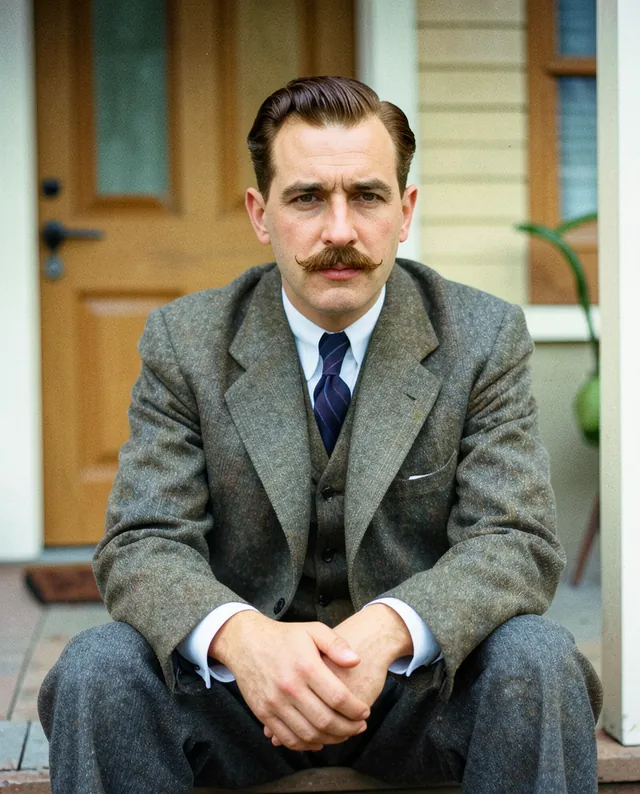
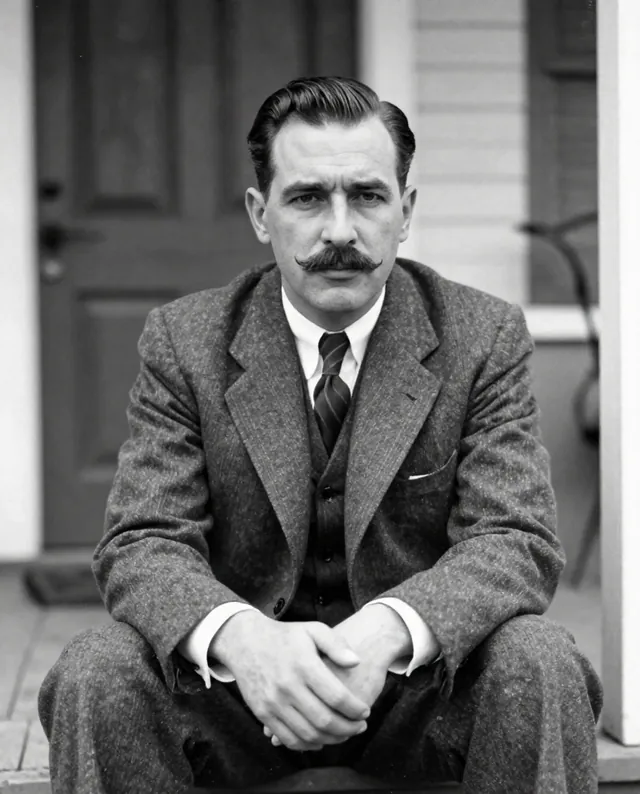
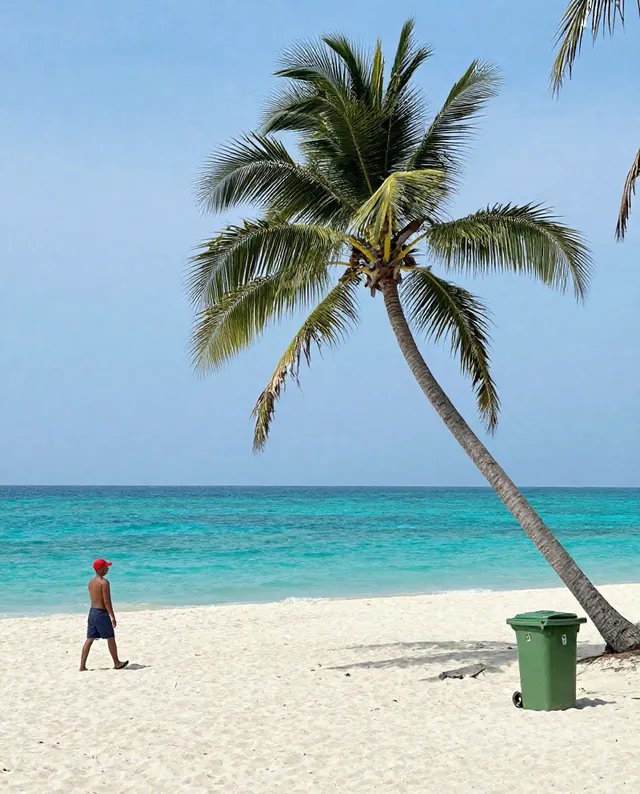
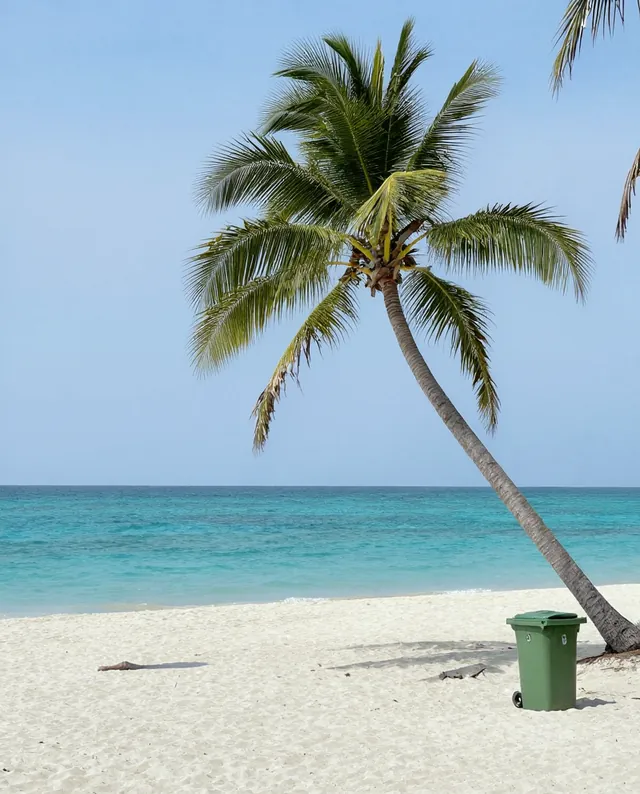
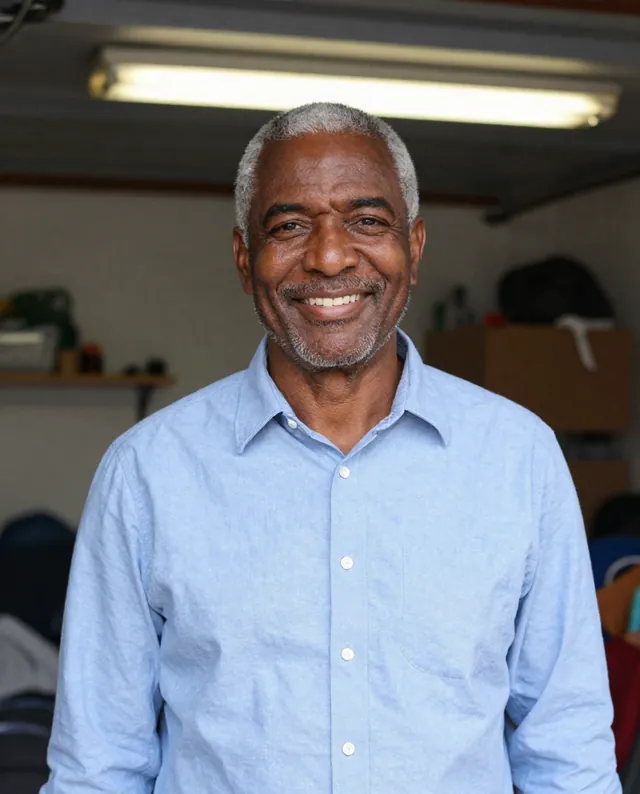
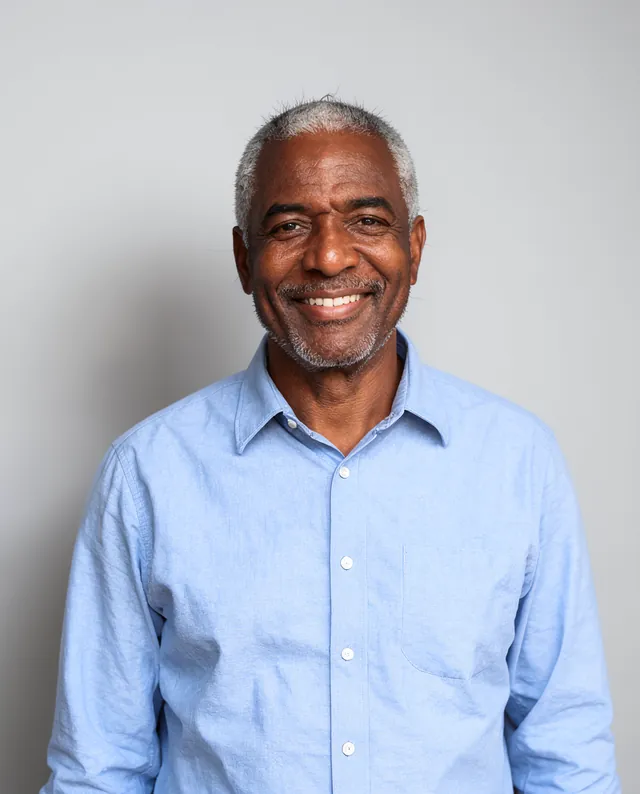
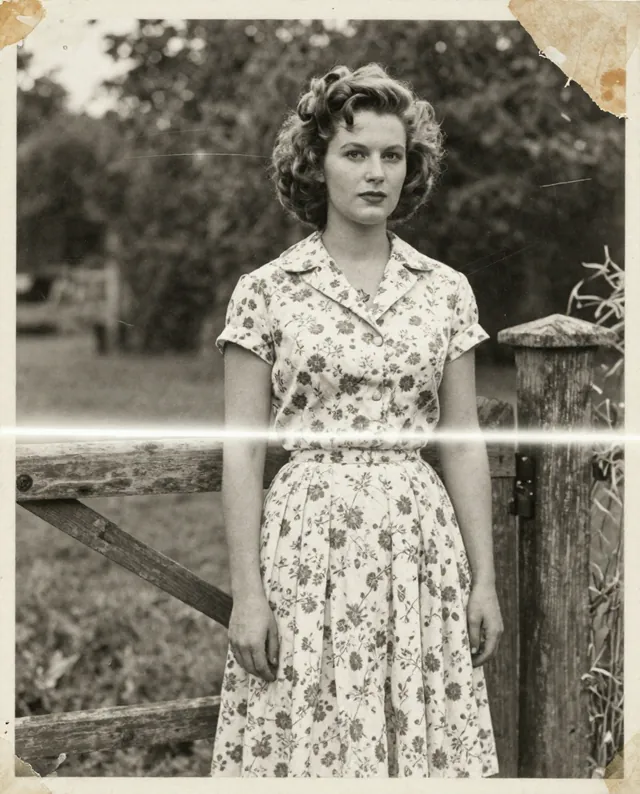
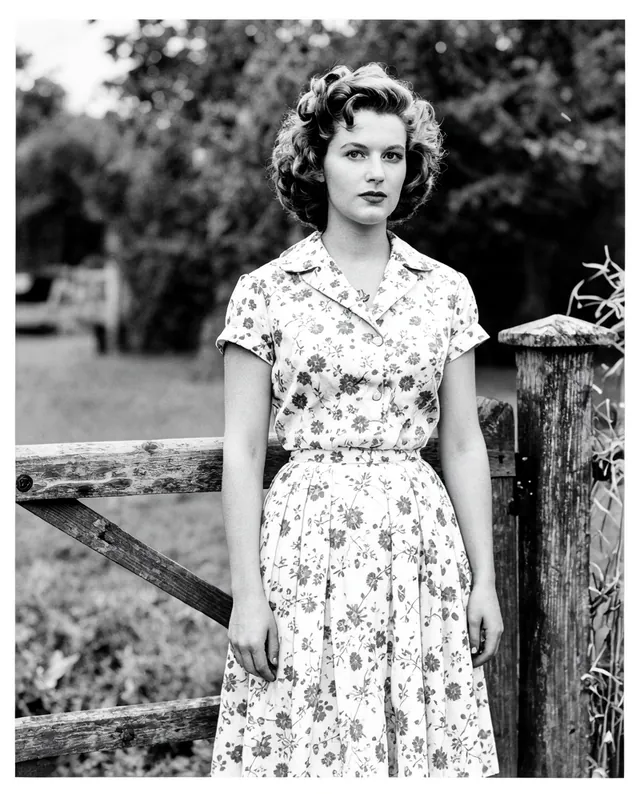
Example result of this prompt The made-up input photo InputExample result

Example Example made on our own Mac with open models: Z-Image made the made-up input photo, FLUX.2 klein ran this prompt on it. Your result in the AI above will look different. How we make examples

Colorize a black-and-white photo

Bring an old black-and-white photo to life with natural, believable colors. You need a clear scan or photo of it.

You need
1 photo of yours
Written for
Gemini, ChatGPT
Result
Image

Prompt

Colorize my attached black-and-white photograph with natural, believable colors that suit era. Skin tones should look real and varied, not orange or grey. Give clothes, hair, plants, sky and buildings soft, period-appropriate colors, slightly muted like old color film rather than bright and modern. hints Keep the original grain, sharpness and composition, and do not add, remove or change anything in the scene. Keep every person's face exactly as it is: same identity, features, age, expression and proportions.

Fill in, or keep the brackets and change them later

era
hints

How to use it

  1. Scan the print or photograph it flat with no glare.
  2. Open Gemini or ChatGPT, choose the image model, attach the photo and paste the prompt.
  3. Know some real colors? Put them in the hints so the AI doesn't have to guess.
What to expectColors are guessed, not recovered: a blue dress may come out green, and faces can still change a little.

Tips

  • Ask relatives what colors they remember and add them as hints.
  • Restore scratches first (prompt 25), then colorize.
  • Keep the black-and-white original next to the colorized copy.

Editor: Parham Roudi · Updated November 18, 2026