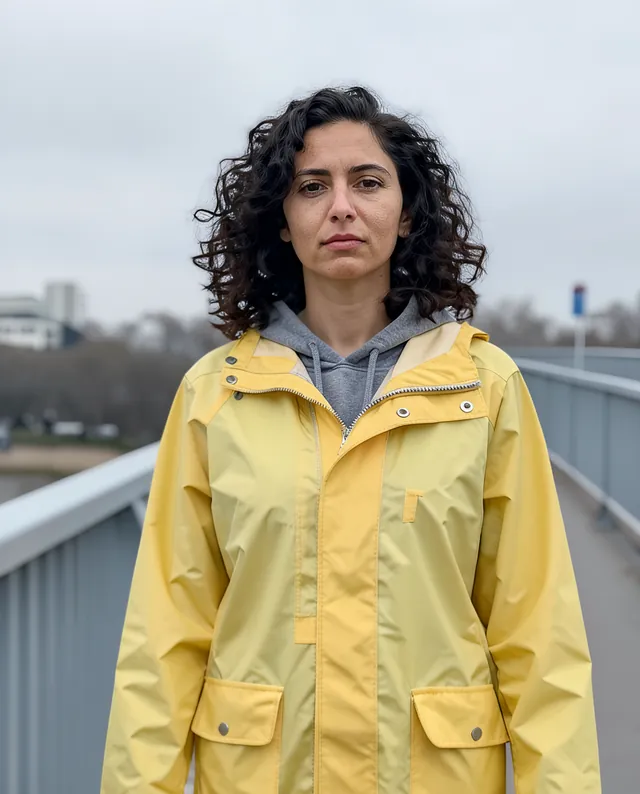
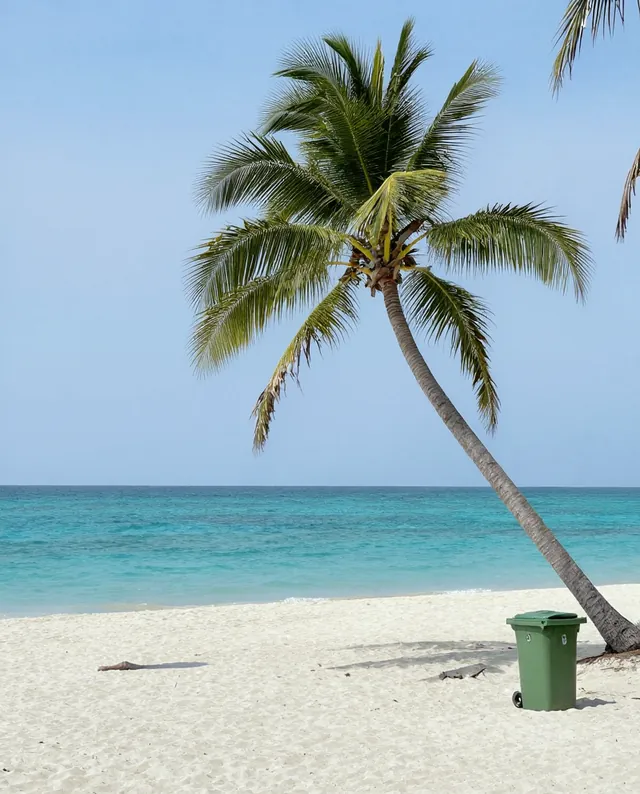
Example Example made on our own Mac with open models (Z-Image and FLUX.2 klein). Your result in the AI above will look different. How we make examples
Restore an old photo with scratches and creases
Remove scratches, creases, stains and fading from an old print, without changing who's in it. You need a scan or photo.
You need
1 photo of yours
Written for
Gemini, ChatGPT
Result
Image
Prompt
Restore my attached old photograph. Remove the scratches, creases, tears, dust spots, stains and fading, and fill in any missing corners so they match the surrounding image. Bring back gentle contrast and clean up the tones, but keep it color and keep the natural film grain and the look of the era. Do not add details that weren't there, and do not modernize the clothes, hair or setting. Keep every person's face exactly as it is in the photo: same identity, features, age, expression and proportions, with no smoothing or beautifying.
Restore the attached old photograph.
Fix: scratches, creases, tears, dust, stains and fading; rebuild missing corners to match.
Tone: gentle contrast, clean tones, keep it color, keep natural film grain and the period look.
Avoid: inventing new details, modernizing clothes, hair or setting.
Constraints: keep every face, identity, age, expression and proportions exactly as in the photo. No smoothing or beautifying.
Fill in, or keep the brackets and change them later
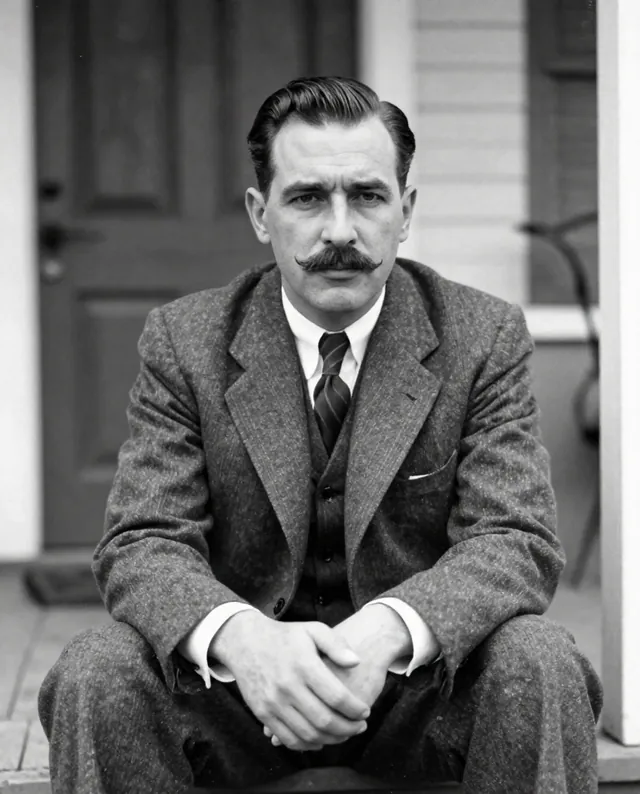
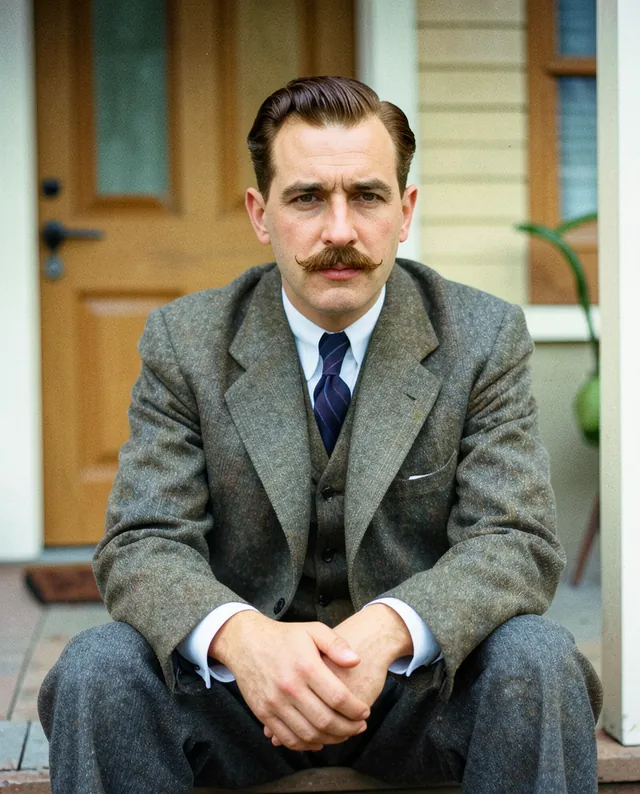

 Gemini, ChatGPT
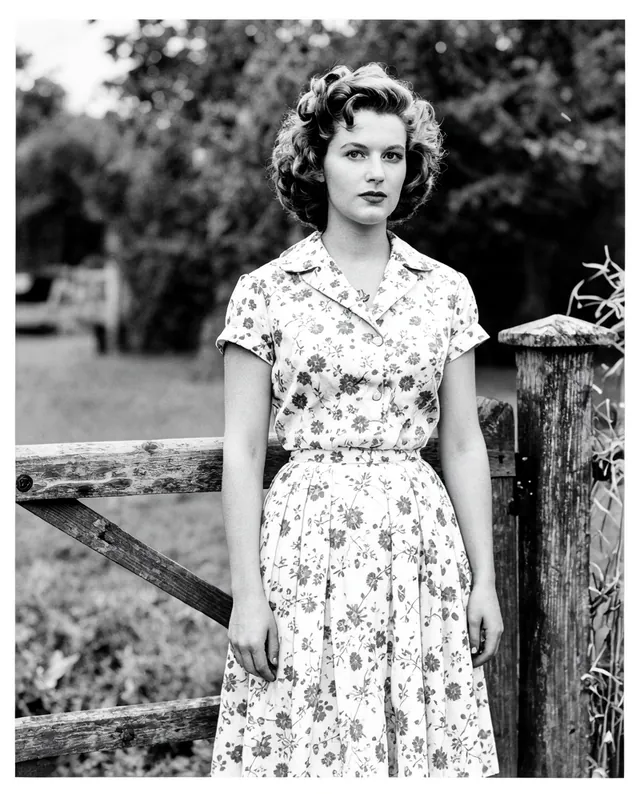
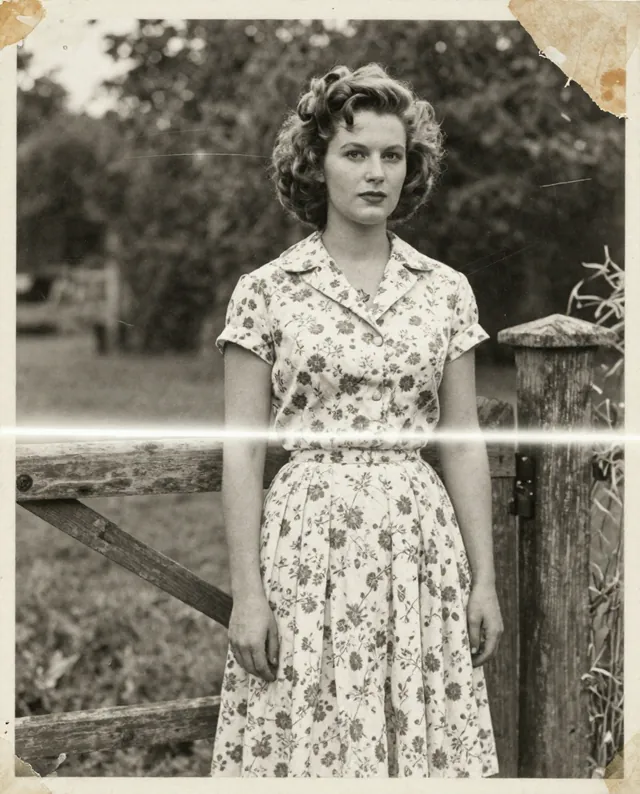 InputExample result