What the tech

Search

/ opens search from anywhere. Esc closes it.

Tools

Get the newsletter
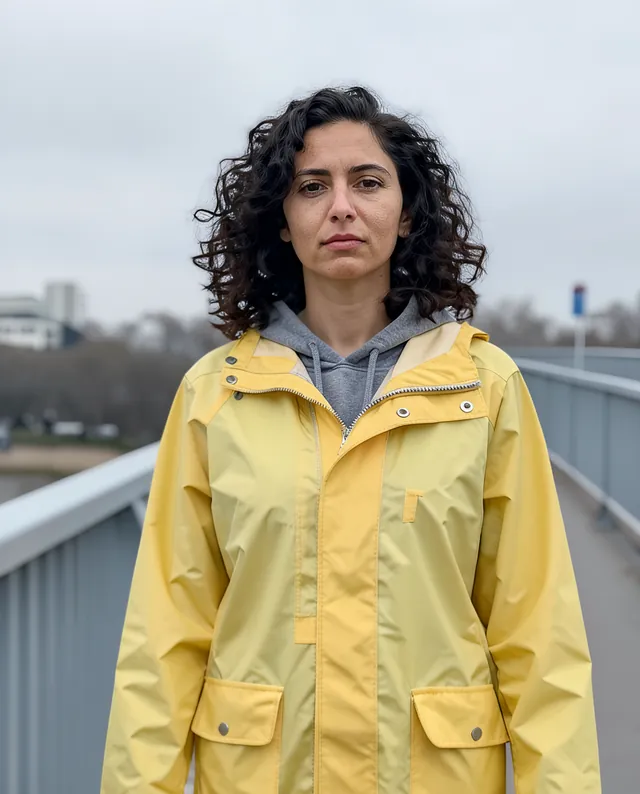
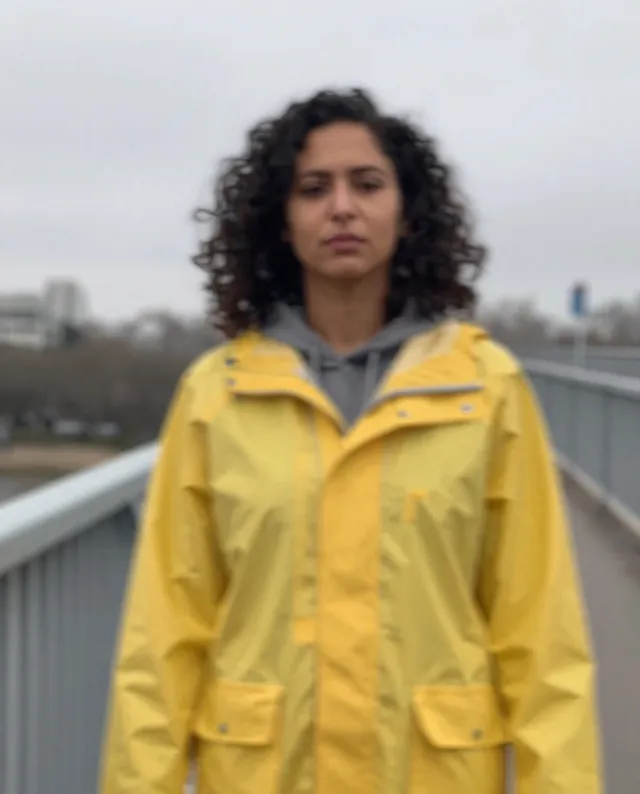
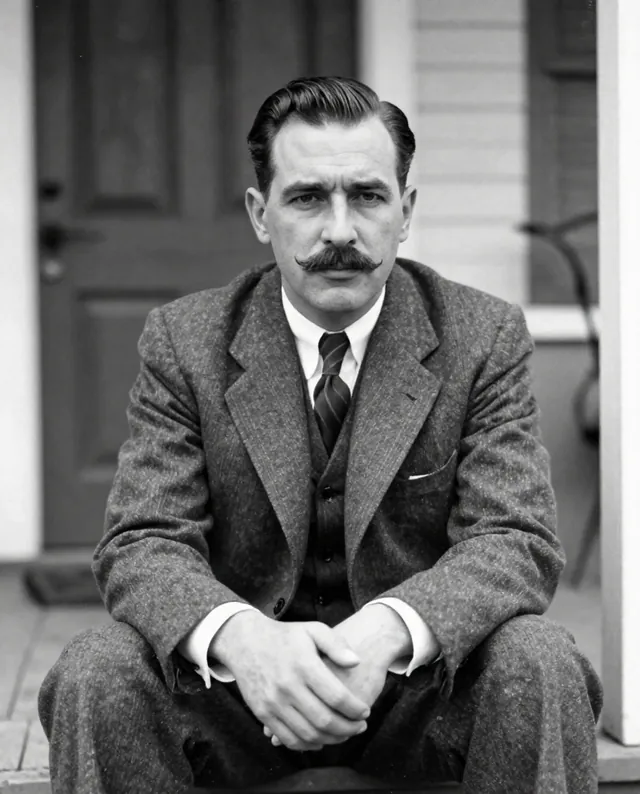
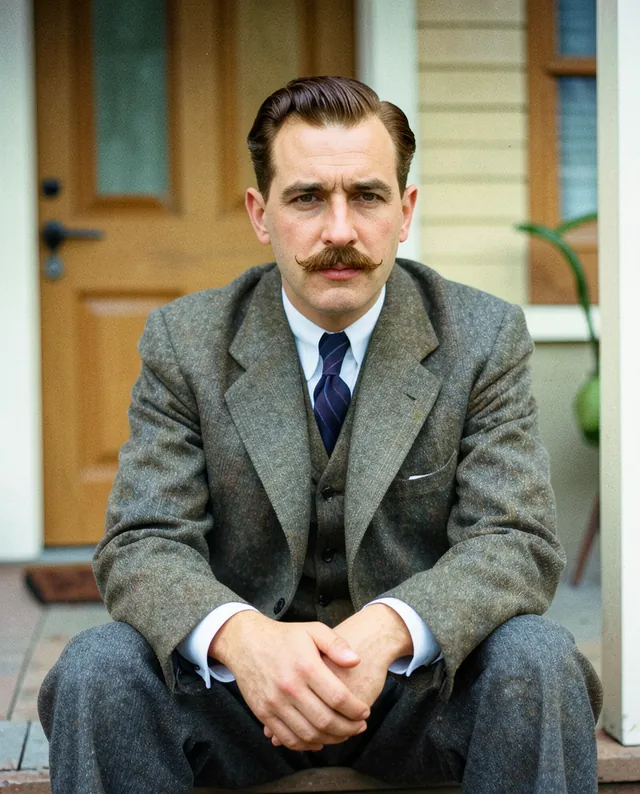
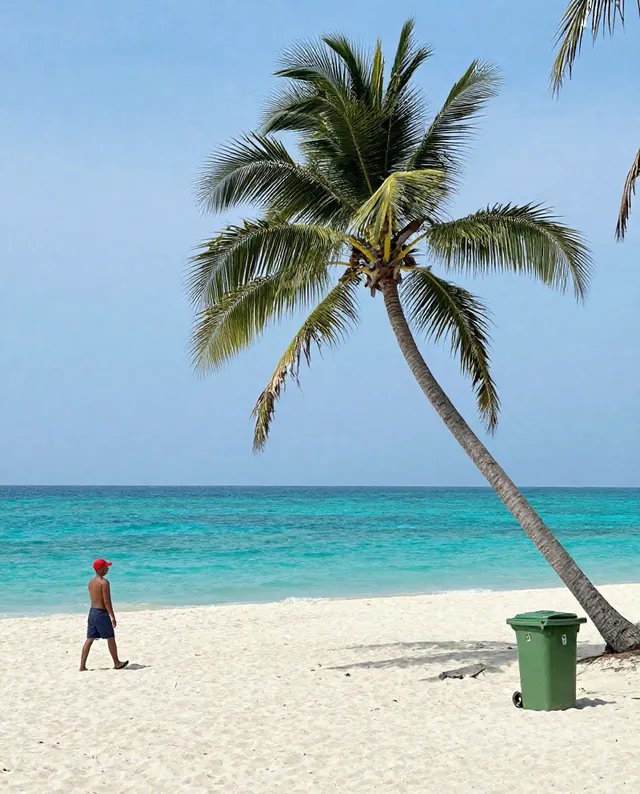
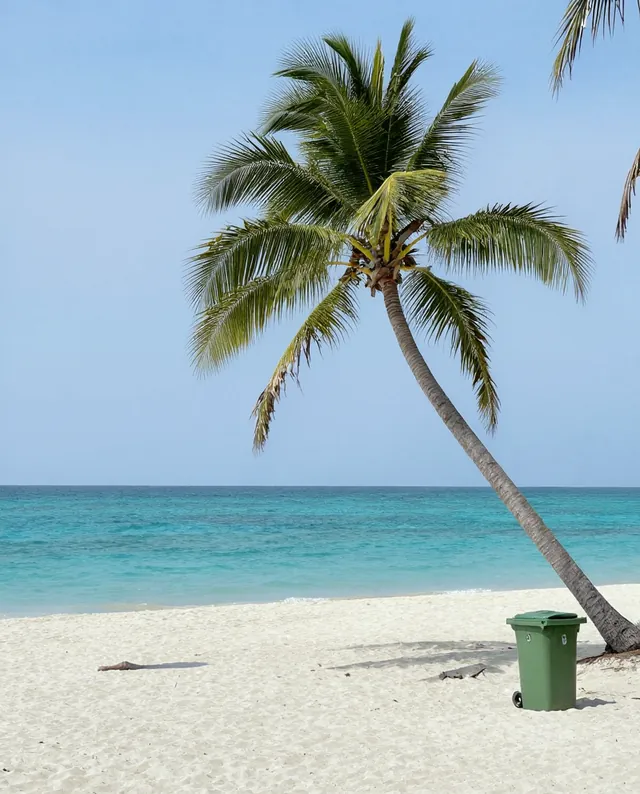
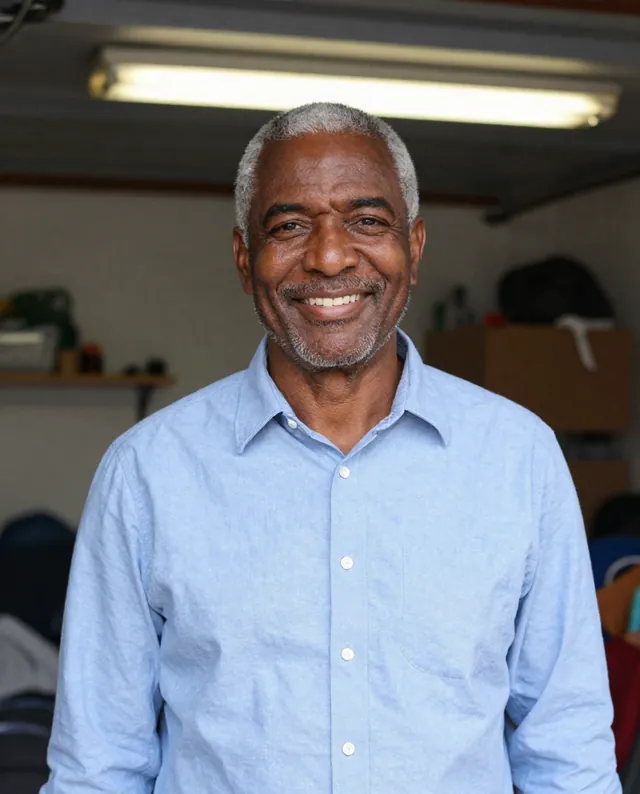
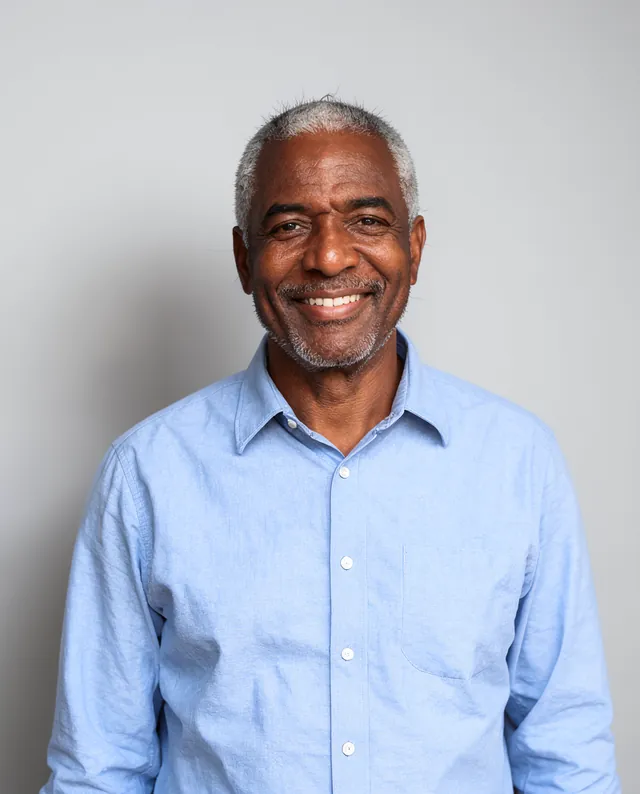
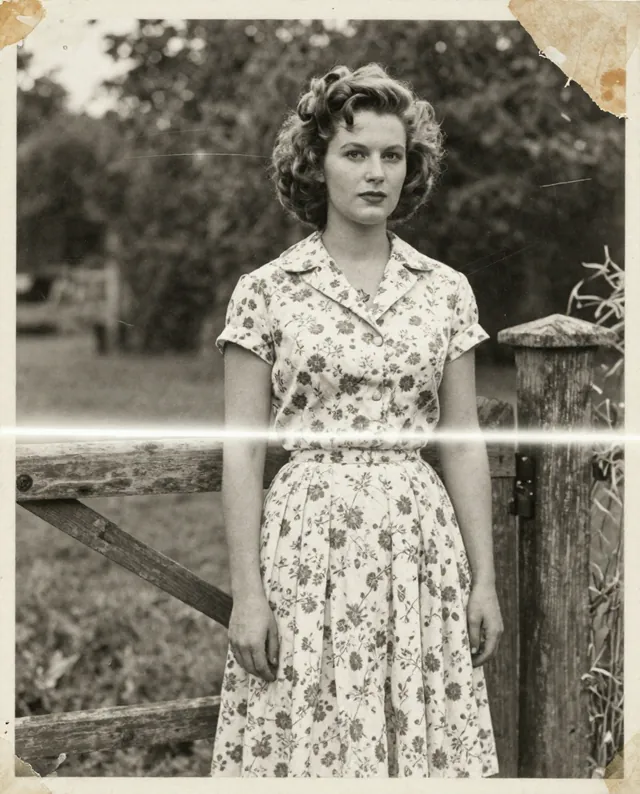
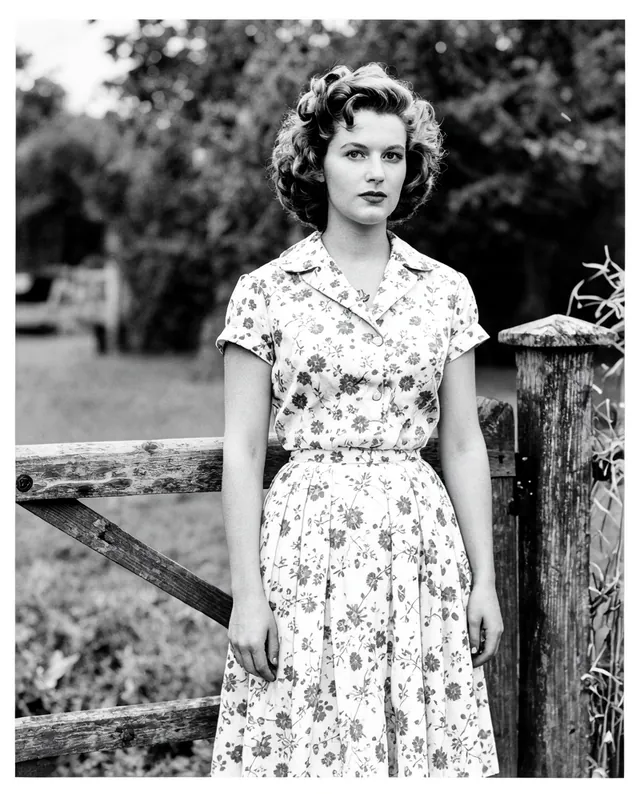
Example result of this prompt The made-up input photo InputExample result

Example Example made on our own Mac with open models: Z-Image made the made-up input photo, FLUX.2 klein ran this prompt on it. Your result in the AI above will look different. How we make examples

Sharpen a blurry photo

Make a soft or shaky photo look crisp again, as best the AI can. You need the blurry photo.

You need
1 photo of yours
Written for
Gemini, ChatGPT
Result
Image

Prompt

Sharpen my attached blurry photo. Remove the blur and make edges, eyes, hair and textures look crisp and natural, as if the photo had been in focus. Keep the same framing, colors, lighting and everything in the scene exactly where it is. Don't add new objects, change expressions or invent text. Keep every person's face exactly as it is: same identity, features, skin tone, age and proportions, with natural skin texture rather than a smooth, plastic look.

Fill in, or keep the brackets and change them later

blur

How to use it

  1. Open Gemini or ChatGPT and choose the image model.
  2. Attach the blurry photo and paste the prompt.
  3. Looks fake? Add 'subtle sharpening only, keep some softness' and run it again.
What to expectThe AI invents detail it can't see, so the photo becomes a believable guess; faces can still change a little and text may be wrong.

Tips

  • The less blurry the original, the more truthful the result.
  • Don't use the result as evidence of anything: details are reconstructed.
  • Zoom in on eyes and any text to check what changed.

Editor: Ali Dezhami · Updated November 18, 2026