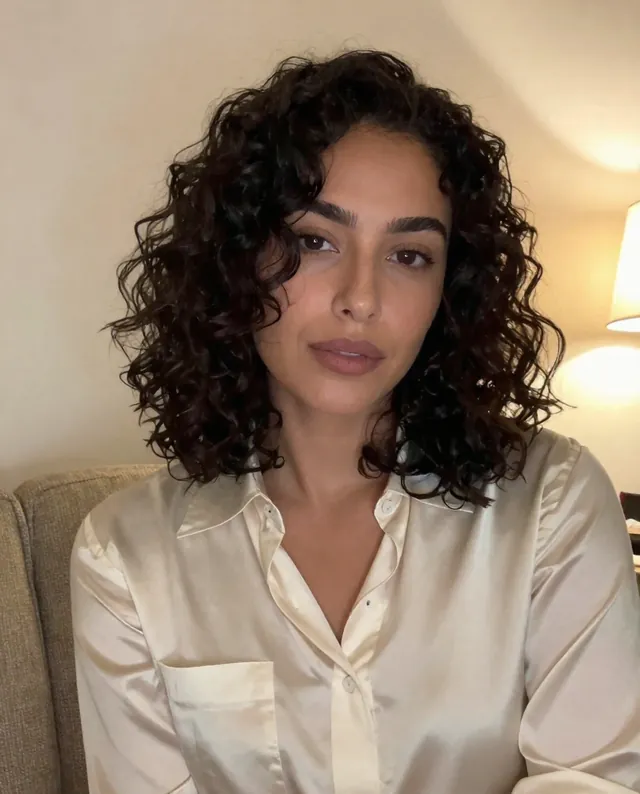
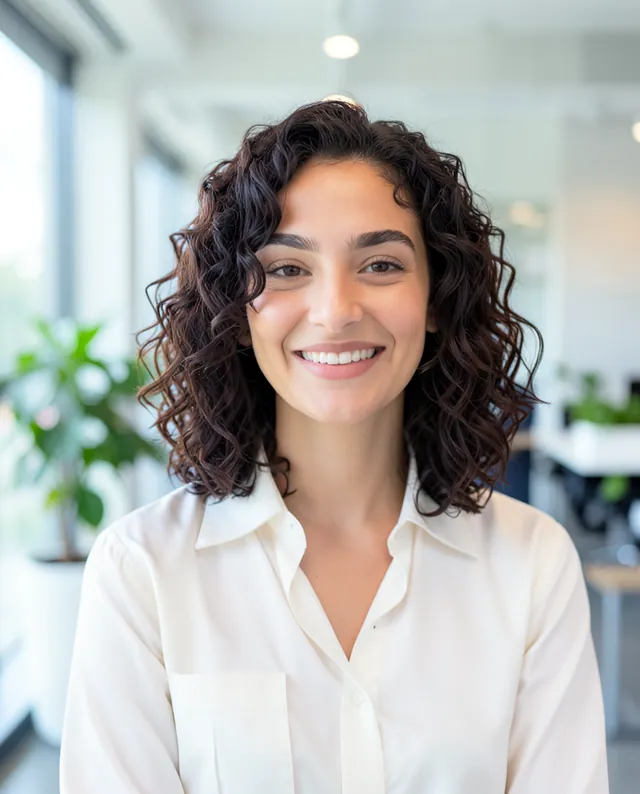
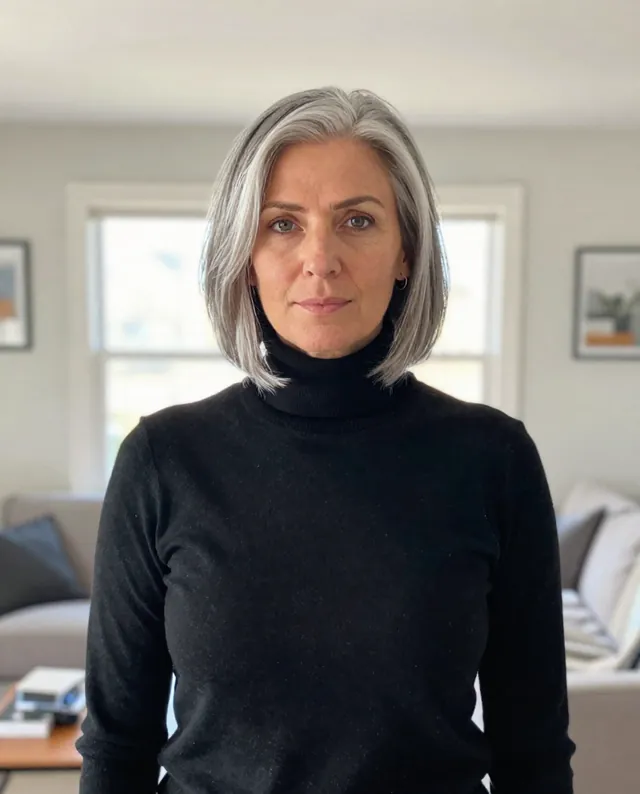
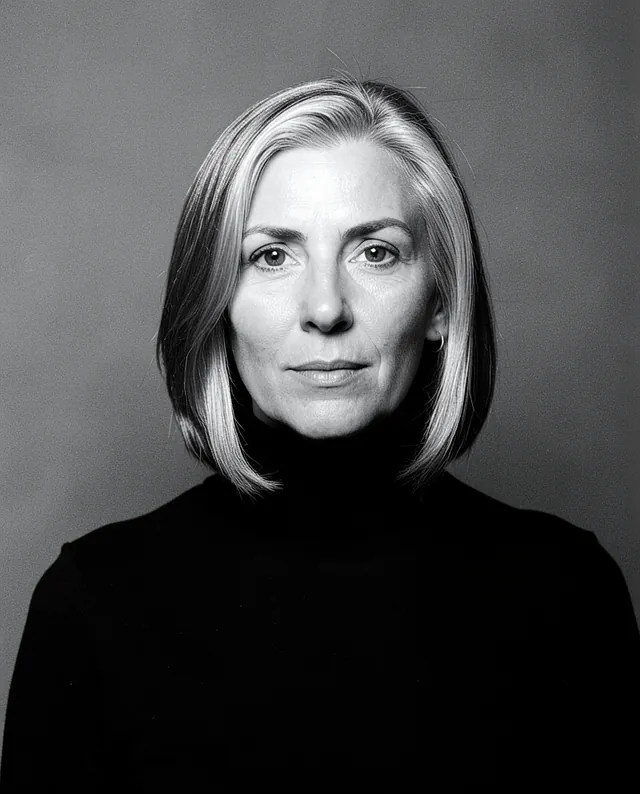
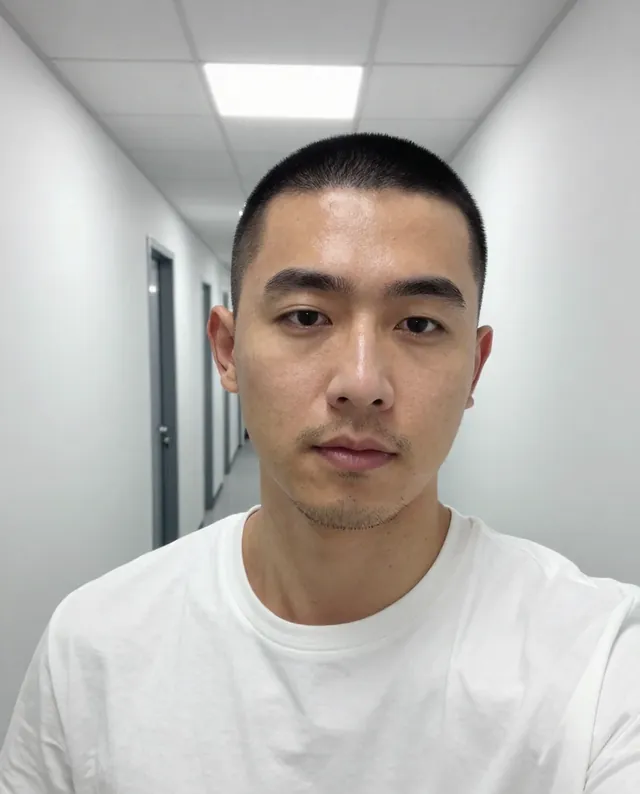
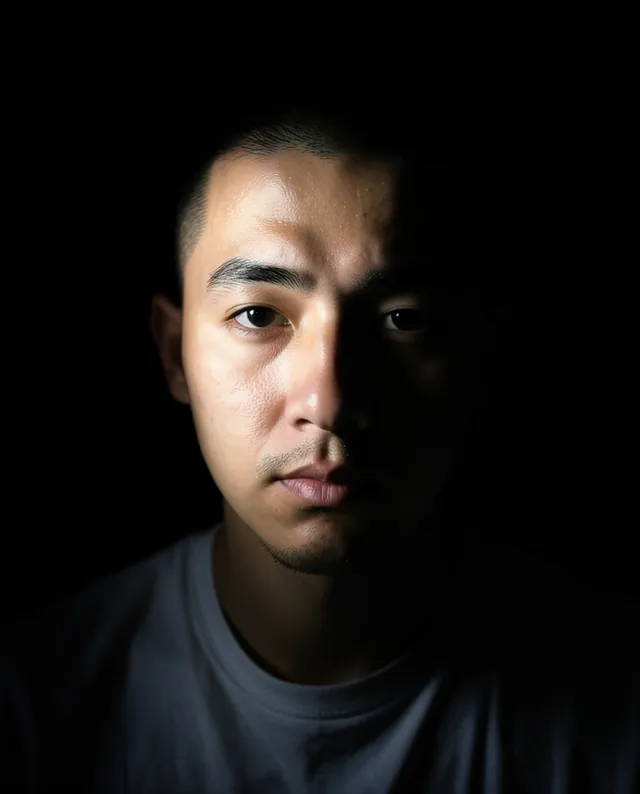
Example Example made on our own Mac with open models: Z-Image made the made-up input photo, FLUX.2 klein ran this prompt on it. Your result in the AI above will look different. How we make examples
Team photo from separate selfies
Combine selfies of two or more colleagues into one matching team photo. You need a clear photo of each person.
You need
2 photos of yours
Written for
Gemini, ChatGPT
Result
Image
Prompt
Combine the people in my attached photos into one professional team photo. Each attached photo is one person. Place them side by side in arrangement, in front of a clean background backdrop, all in outfit so the group looks consistent. Everyone faces the camera with a relaxed, friendly expression. Use the same soft studio light on everyone, so the shadows and skin tones match and the group looks like it was photographed together in one session. Keep every person's face exactly as in their own photo: same identity, features, skin tone, age, hairstyle and body proportions. Keep their real relative heights, and don't mix up faces between people.
Combine the people in the attached photos into one team photo. Each photo is one person.
Layout: arrangement, everyone facing the camera, relaxed friendly expressions.
Background: clean background backdrop.
Clothing: outfit.
Lighting: the same soft studio light on everyone, matching shadows and skin tones.
Constraints: keep each person's face, identity, skin tone, age, hairstyle and proportions exactly as in their own photo. Don't swap or blend faces. Keep realistic relative heights.
Fill in, or keep the brackets and change them later
Open Gemini or ChatGPT and choose the image model.
Attach one clear selfie per person (start with 2-4 people), then paste the prompt.
Someone looks wrong? Ask it to fix only that person, using their photo again.
What to expectGroups are a known weak spot: the more people you add, the more likely faces change or get mixed up, so check everyone before you share it.
Tips
Get everyone's OK before you upload their photo.
Similar selfies (same angle, similar light) blend much better.
Big groups are hard: do 3-4 people at a time and check every face.



 Gemini, ChatGPT
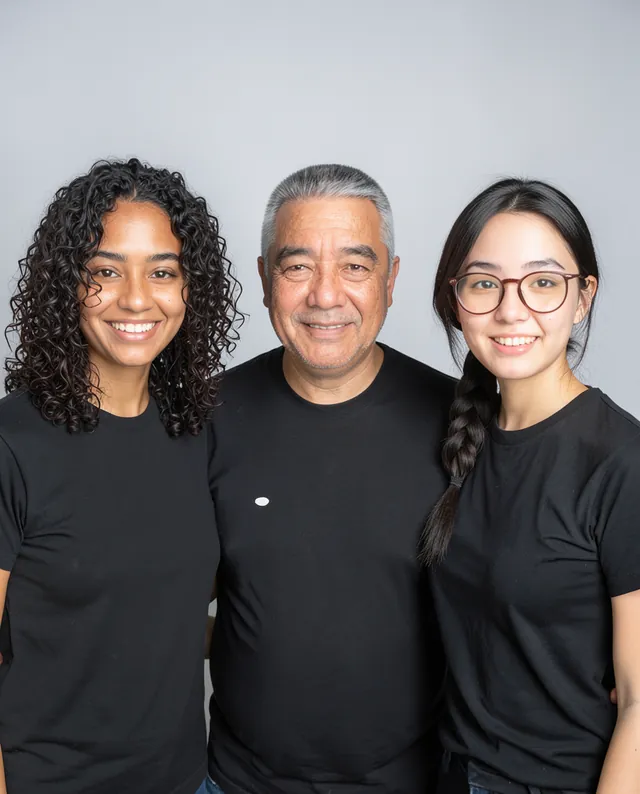
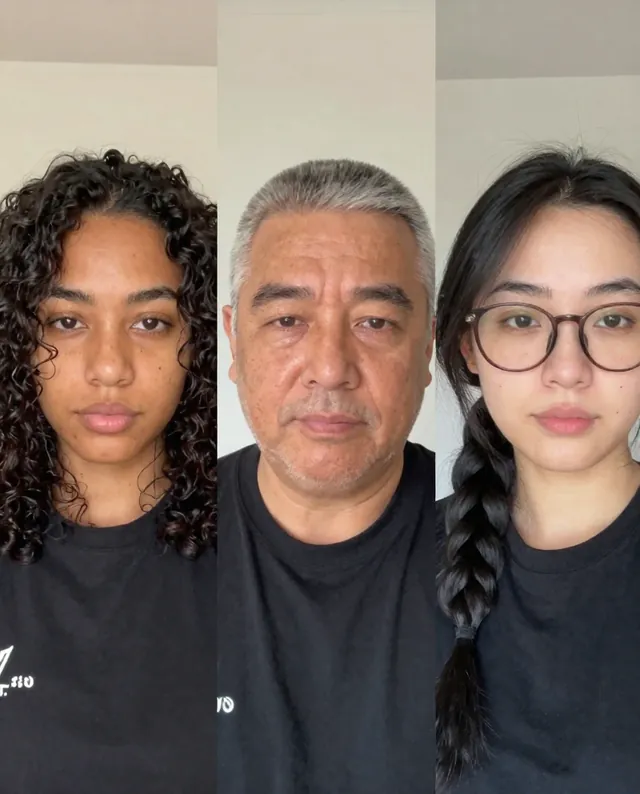 InputExample result
 Gemini, ChatGPT, Midjourney