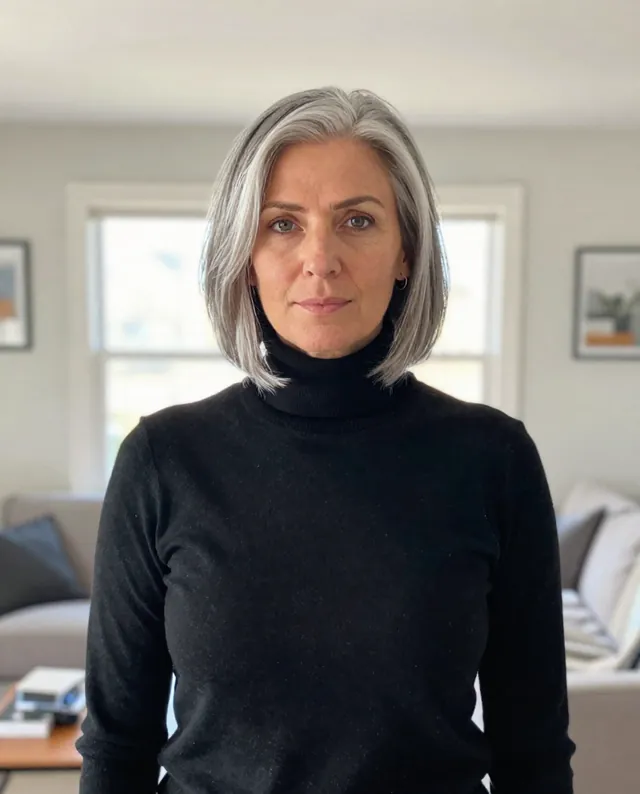
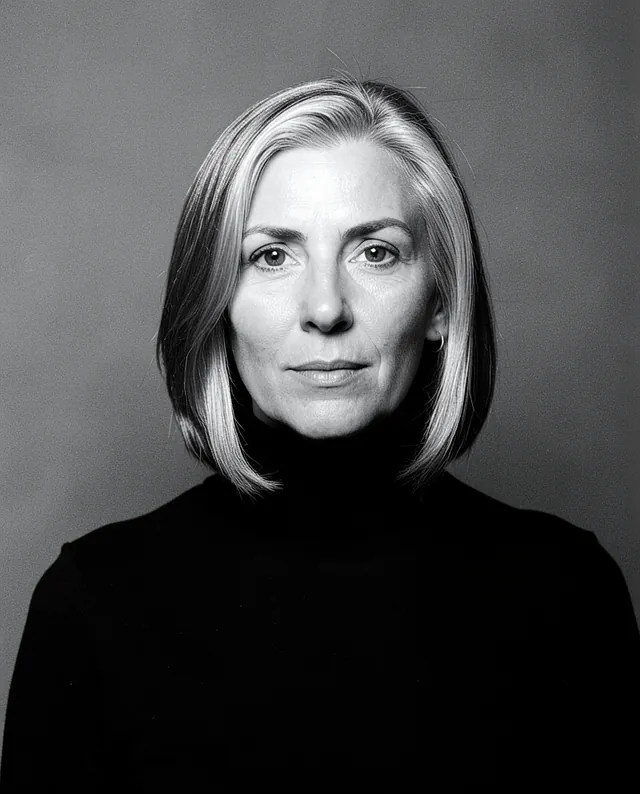
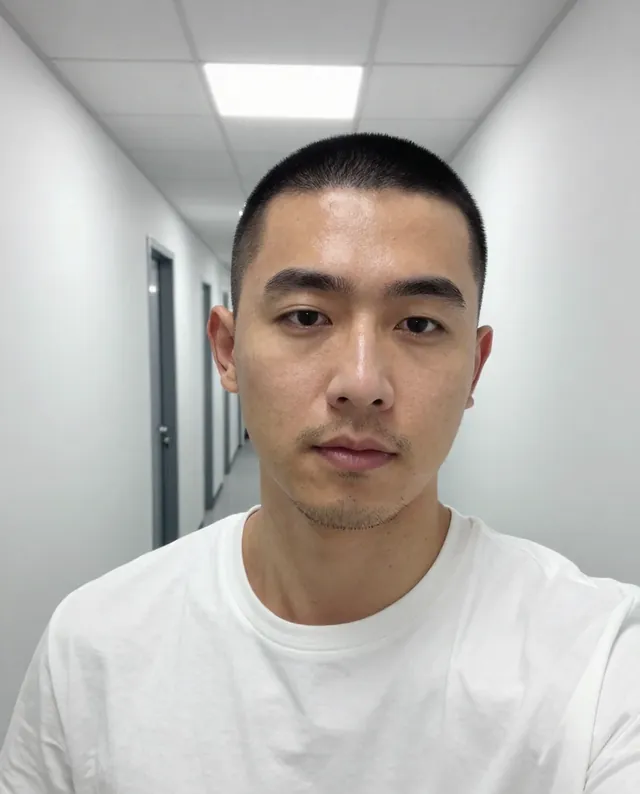
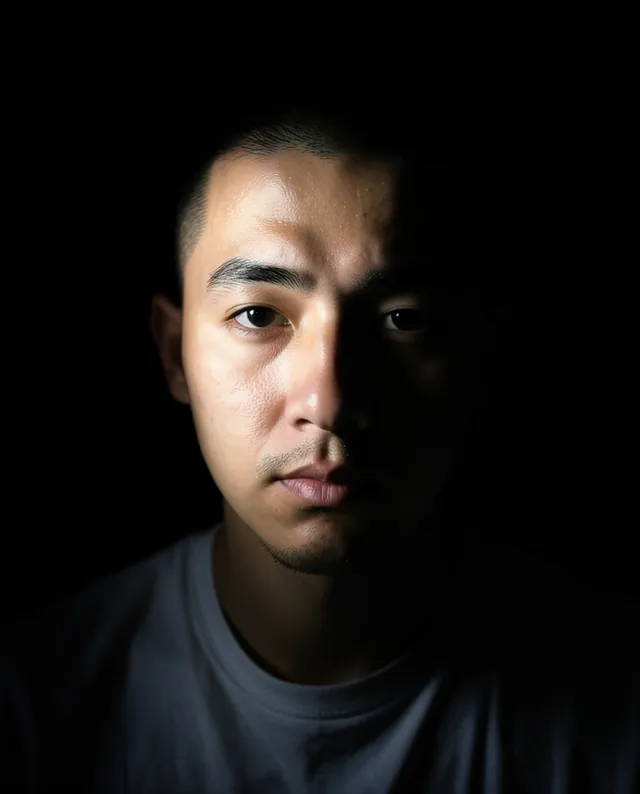
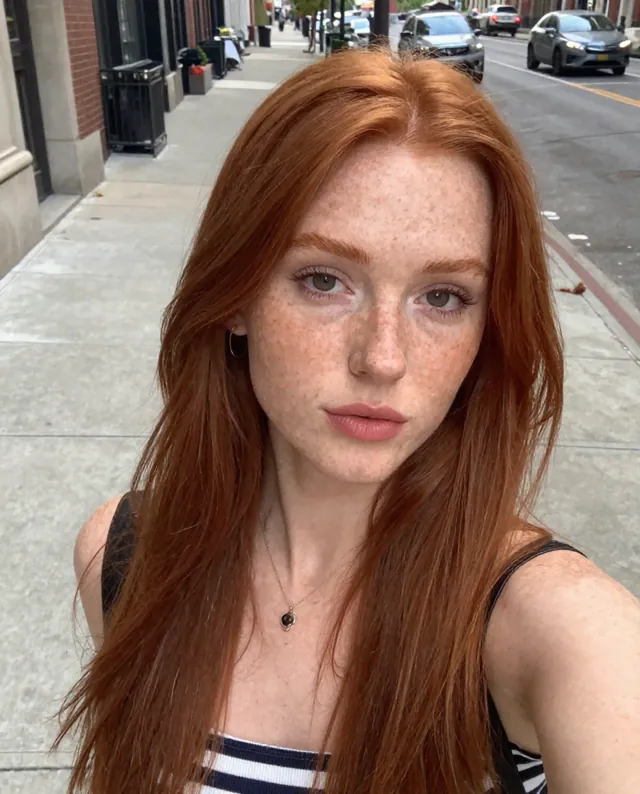
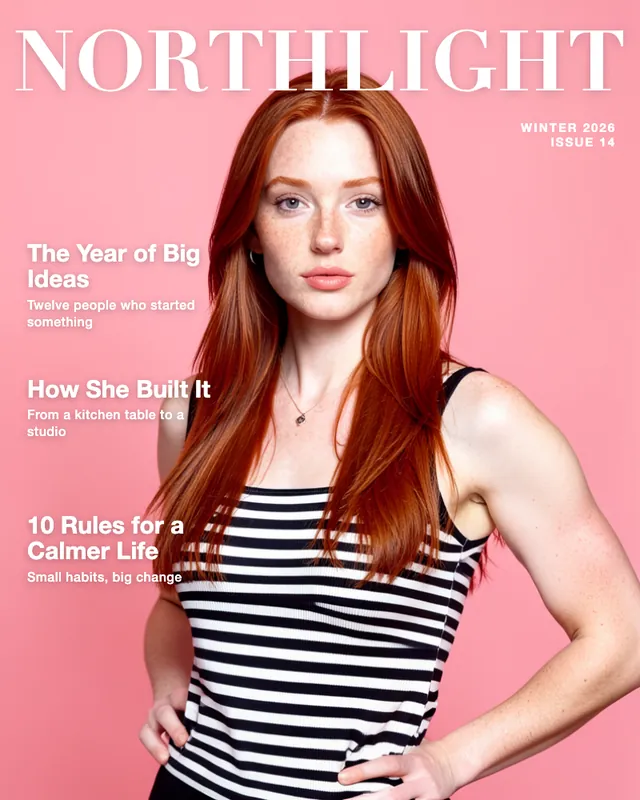
Example Example made on our own Mac with open models: Z-Image made the made-up input photo, FLUX.2 klein ran this prompt on it. Your result in the AI above will look different. How we make examples
Turn a selfie into a studio headshot
A clean, professional studio headshot from one ordinary selfie. You need a clear, front-facing photo of yourself.
You need
1 photo of yours
Written for
Gemini, ChatGPT
Result
Image
Prompt
Using my attached selfie, create a professional studio headshot of me. I'm framed from the chest up, facing the camera with a relaxed, confident expression and a slight smile. I'm wearing outfit, and behind me is a smooth background backdrop. Soft studio light falls from the front and a little to one side, with gentle fill so there are no harsh shadows, and a faint rim of light separates my hair from the background. It looks like it was taken with an 85mm portrait lens: sharp on the eyes, natural skin texture, no heavy retouching. Keep my face exactly as it is in the photo: same identity, features, skin tone, age, hairstyle and body proportions.
Edit the attached selfie into a professional studio headshot.
Subject: me, chest up, facing the camera, relaxed confident expression, slight smile, wearing outfit.
Background: smooth background studio backdrop.
Lighting: soft key light from the front-left, gentle fill, faint hair light.
Camera: 85mm portrait look, sharp eyes, shallow depth of field.
Constraints: keep my face, identity, skin tone, age, hairstyle and proportions exactly as in the photo. Keep natural skin texture. No slimming, no reshaping.
Fill in, or keep the brackets and change them later
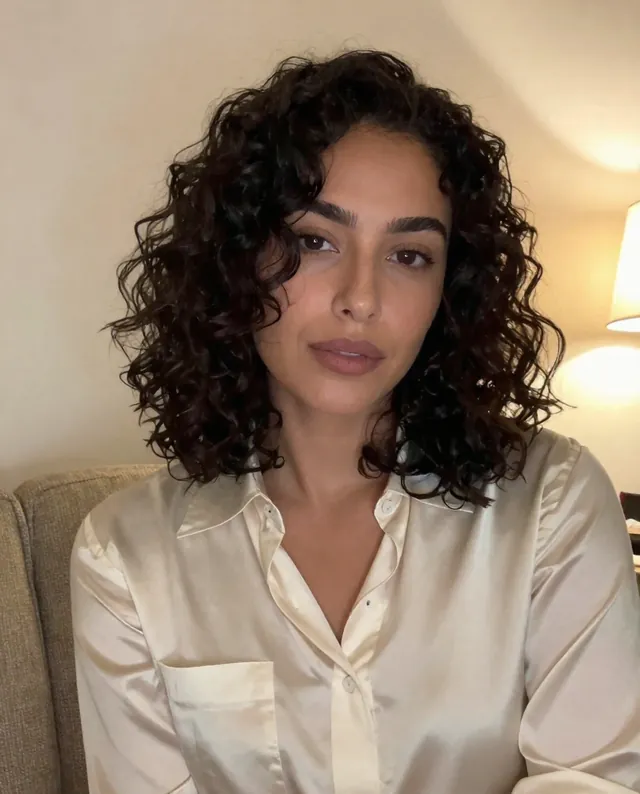
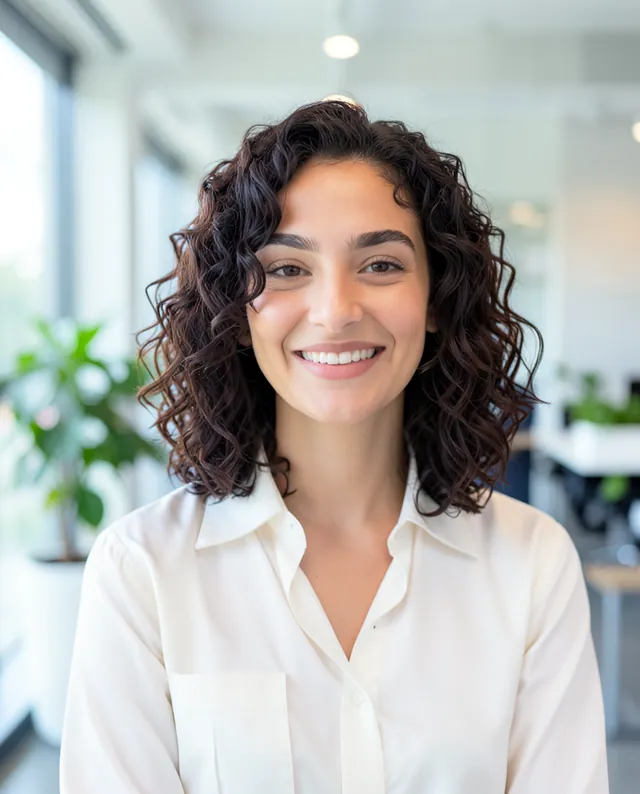

 Gemini, ChatGPT
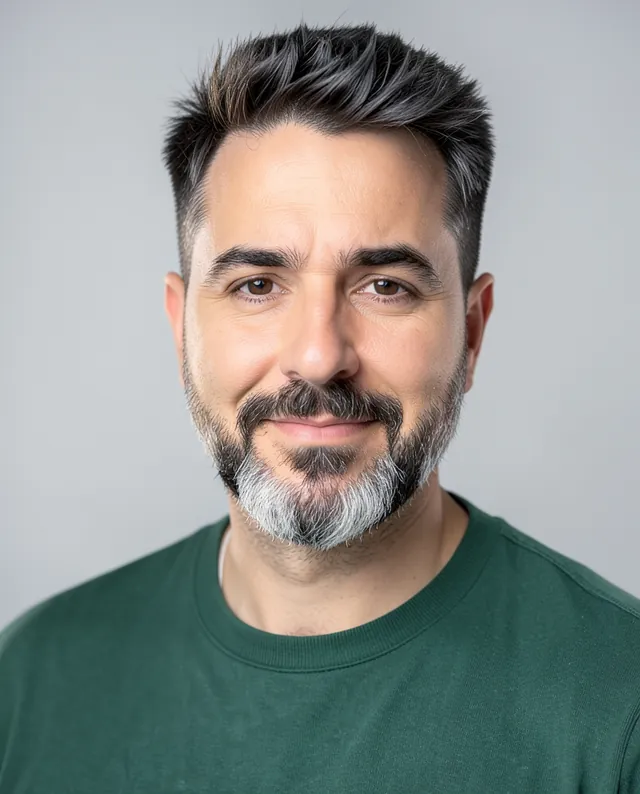
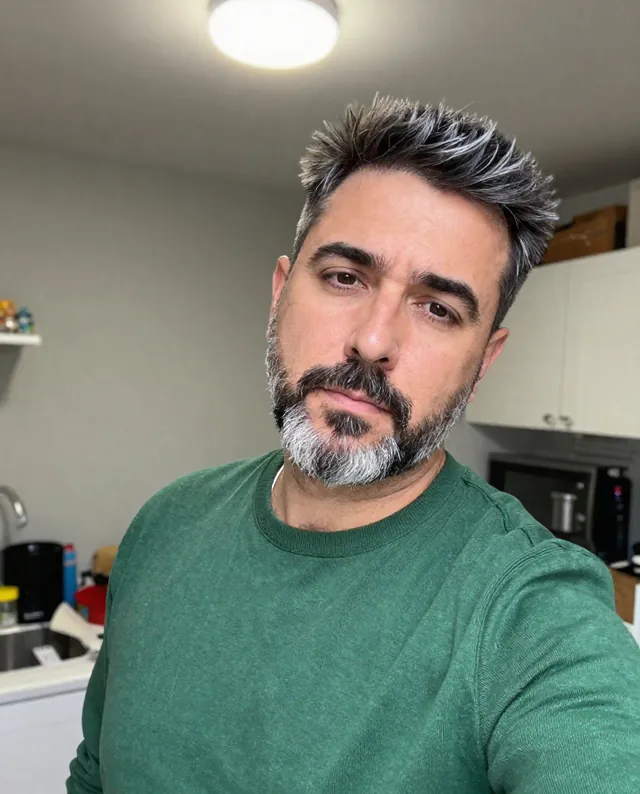 InputExample result
 Gemini, ChatGPT, Midjourney