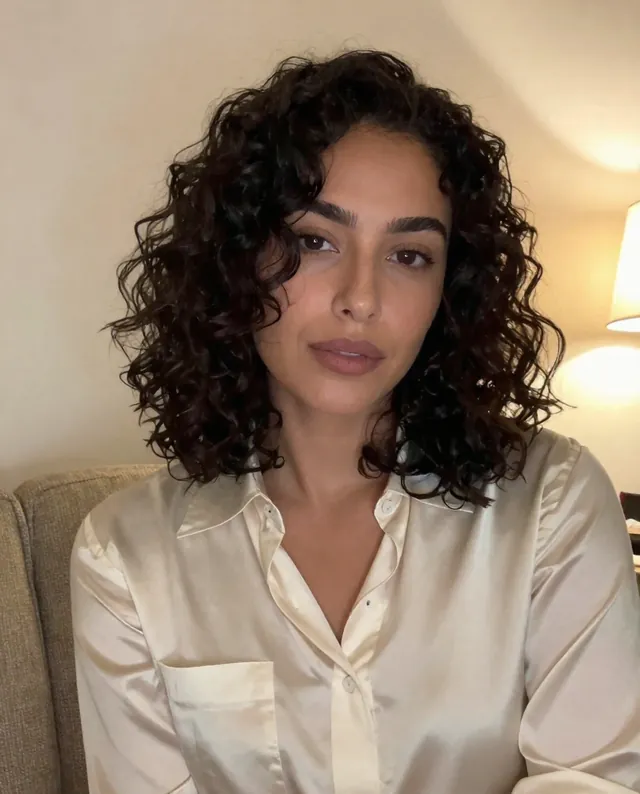
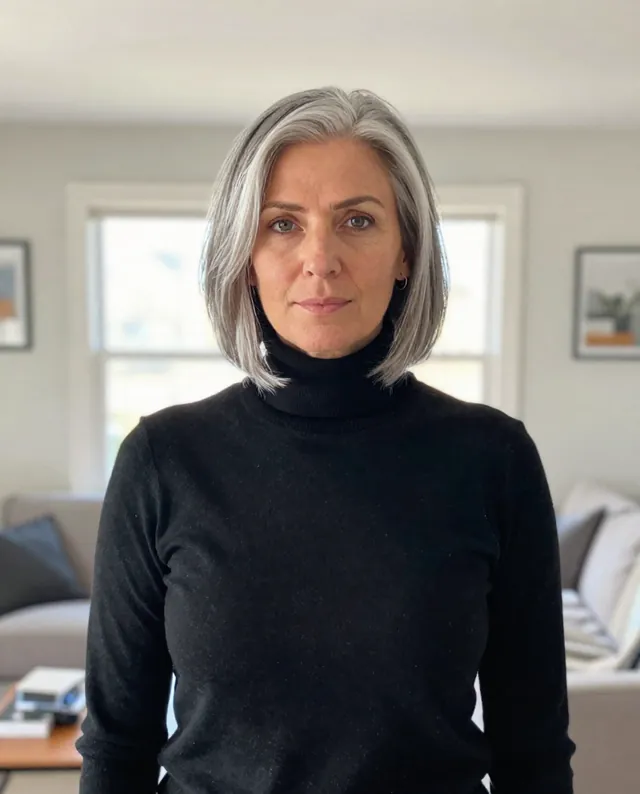
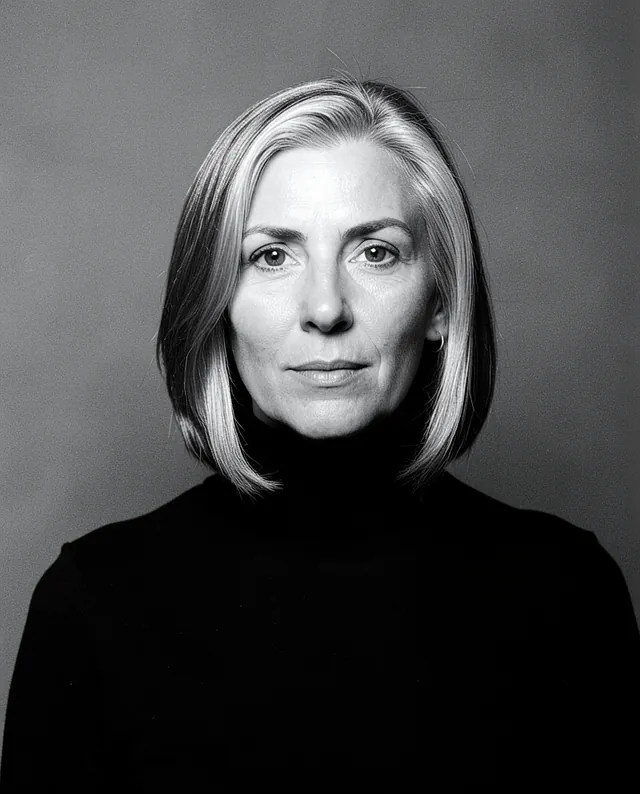
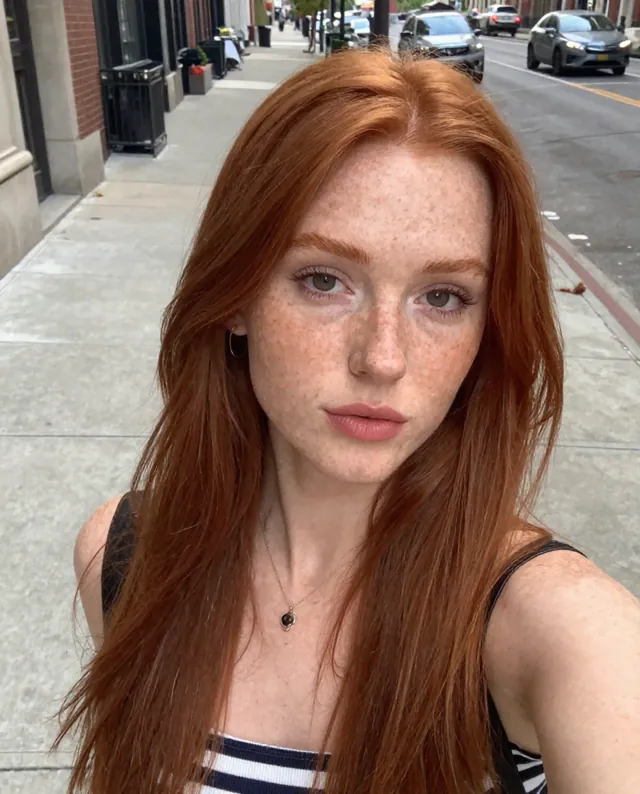
Example Example made on our own Mac with open models: Z-Image made the made-up input photo, FLUX.2 klein ran this prompt on it. Your result in the AI above will look different. How we make examples
Dramatic low-key portrait with one light
A moody portrait lit by a single light, with deep shadows and a dark background. You need one clear photo.
You need
1 photo of yours
Written for
Gemini, ChatGPT
Result
Image
Prompt
Turn my attached photo into a dramatic low-key portrait. The background falls into near-black. A single soft light comes from direction, lighting one side of my face and leaving the other side in deep shadow, with just a small triangle of light on the shadowed cheek. My expression is mood. The image is cinematic and moody, with sharp eyes, real skin texture and colors kept color. Keep my face exactly as it is in the photo: same identity, features, skin tone, age, hairstyle and body proportions.
Edit the attached photo into a dramatic low-key portrait.
Subject: me, head and shoulders, expression mood.
Background: near-black.
Lighting: one soft light from direction; the far side of the face in deep shadow with a small triangle of light on the cheek.
Style: cinematic, moody, sharp eyes, real skin texture, colors color.
Constraints: keep my face, identity, skin tone, age, hairstyle and proportions exactly as in the photo. Keep natural skin texture. No slimming, no reshaping.
Fill in, or keep the brackets and change them later
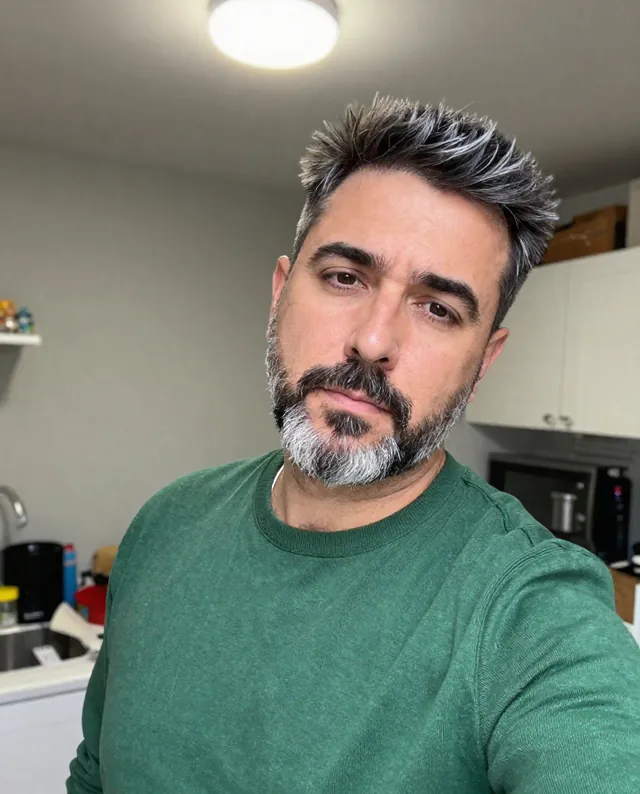
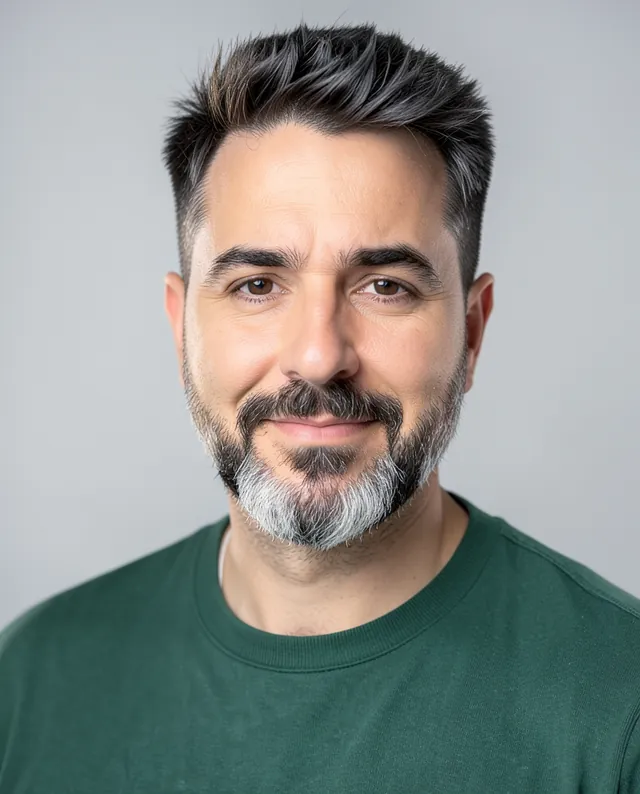

 Gemini, ChatGPT
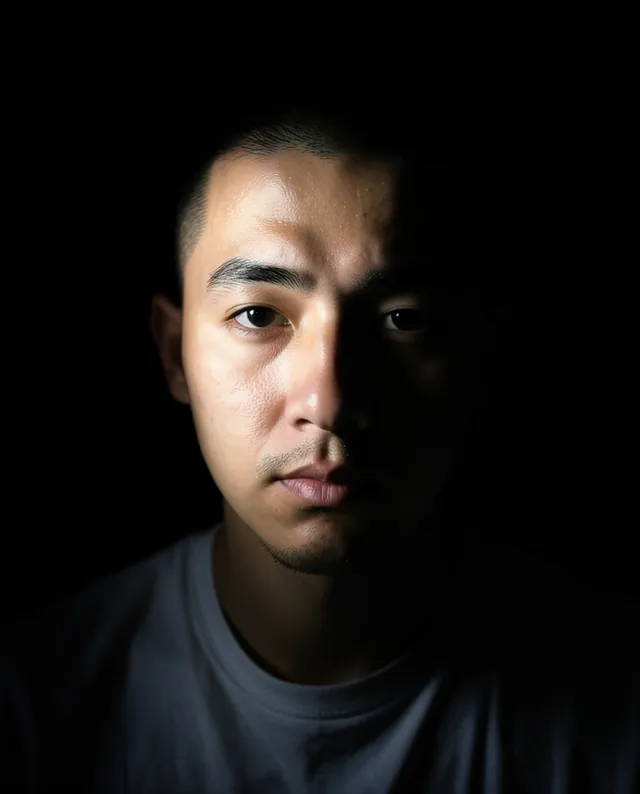
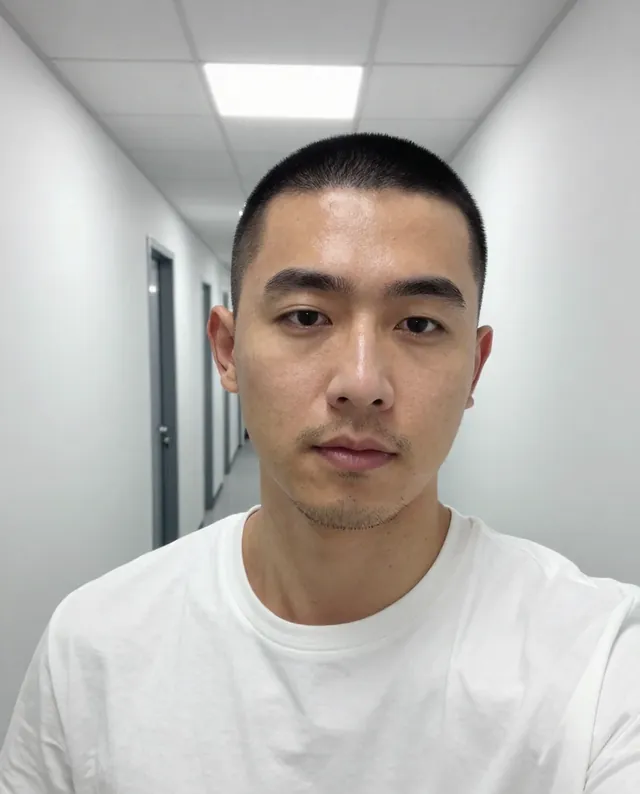 InputExample result
 Gemini, ChatGPT, Midjourney