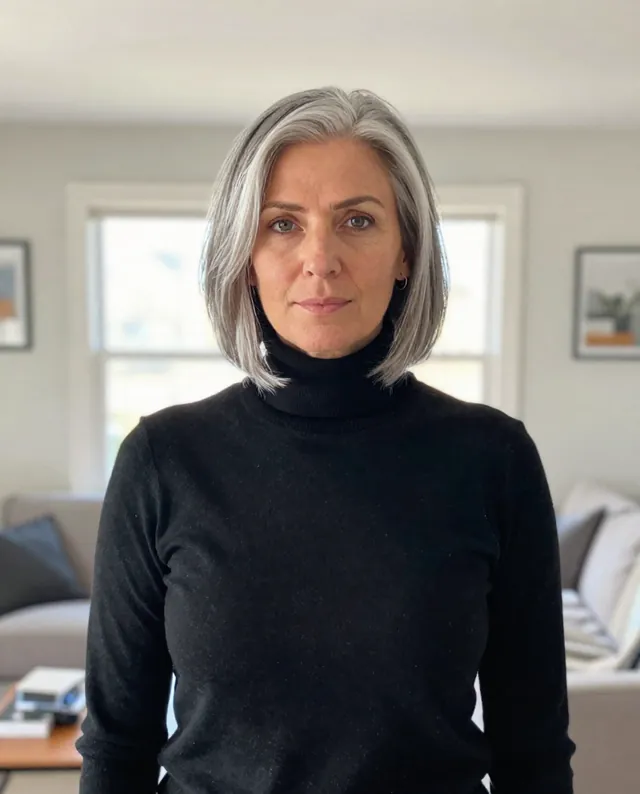
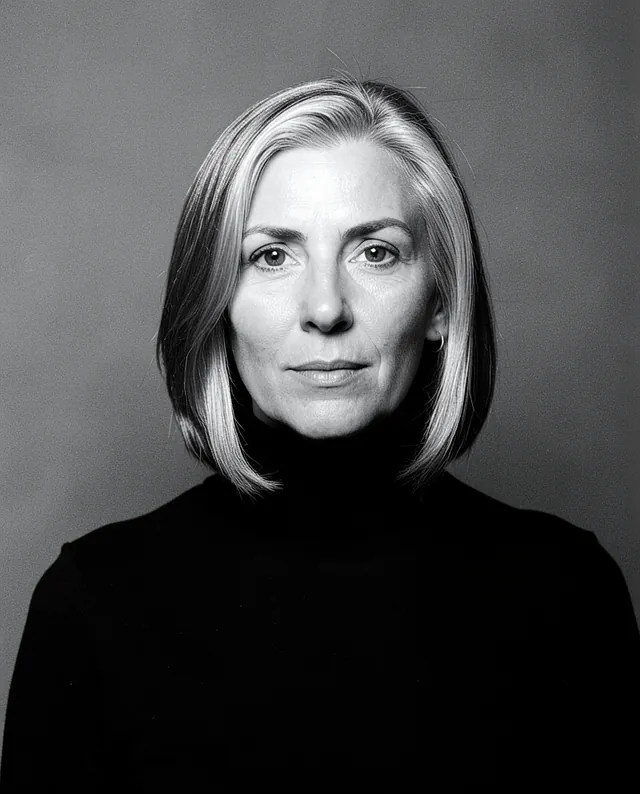
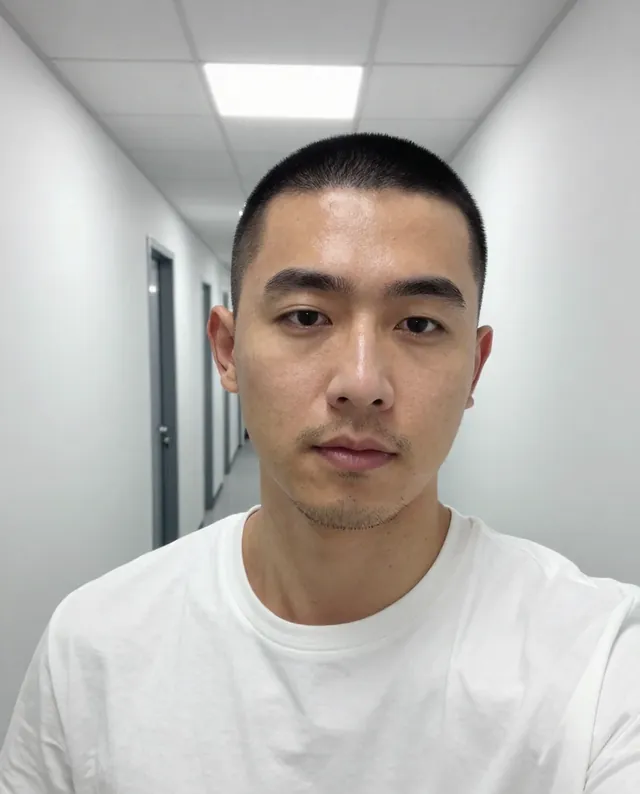
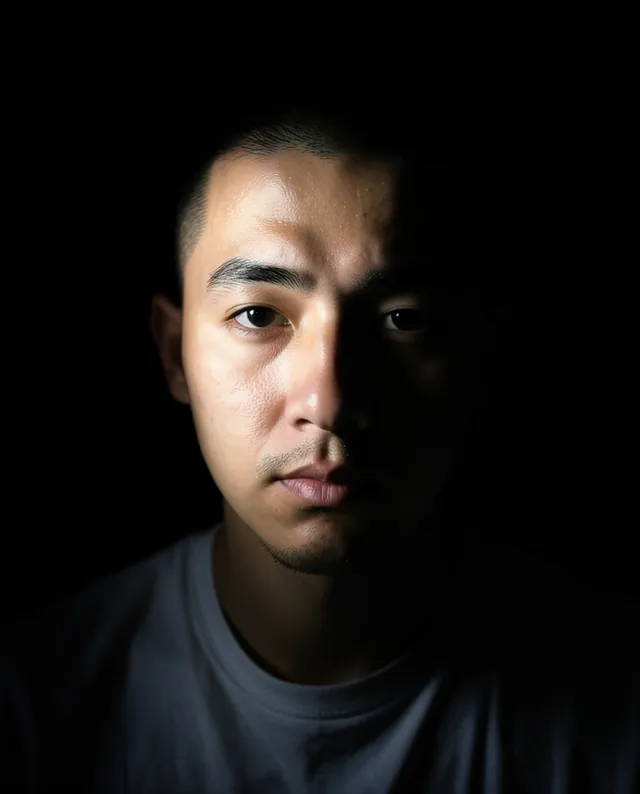
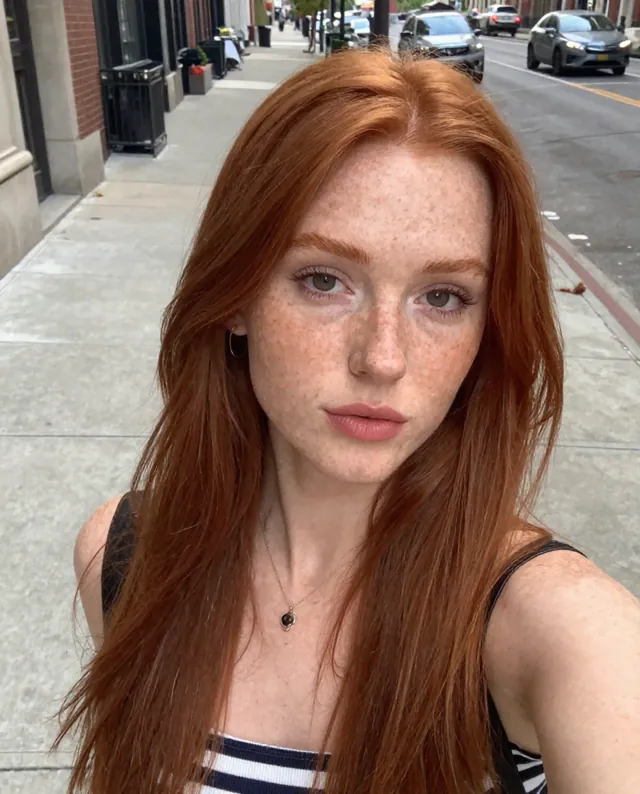
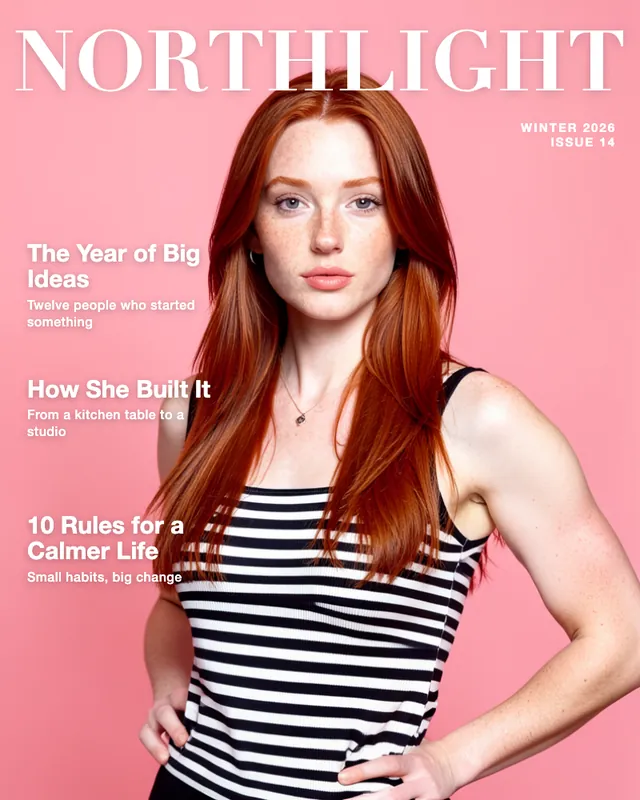
Example Example made on our own Mac with open models: Z-Image made the made-up input photo, FLUX.2 klein ran this prompt on it. Your result in the AI above will look different. How we make examples
Professional profile photo with an office background
A friendly, professional profile photo with a softly blurred office behind you. You need one clear selfie.
You need
1 photo of yours
Written for
Gemini, ChatGPT
Result
Image
Prompt
Turn my attached photo into a professional profile picture for a networking site. Show me from the mid-chest up, turned slightly toward the camera, with a warm, approachable smile. I'm wearing outfit. Behind me is a bright, modern office that is softly out of focus, so it reads as a workplace without pulling attention from my face. The light is soft and natural, as if from a large window to my side, with clean, even skin tones. Frame it square with my face a little above center, so it crops well into a circle. Keep my face exactly as it is in the photo: same identity, features, skin tone, age, hairstyle and body proportions.
Edit the attached photo into a professional networking profile picture.
Subject: me, mid-chest up, turned slightly toward the camera, warm approachable smile, wearing outfit.
Background: bright modern office, softly blurred.
Lighting: soft natural window light from the side, even skin tones.
Framing: square 1:1, face slightly above center so it crops well into a circle.
Constraints: keep my face, identity, skin tone, age, hairstyle and proportions exactly as in the photo. Keep natural skin texture. No slimming, no reshaping.
Fill in, or keep the brackets and change them later
Open Gemini or ChatGPT and choose the image model.
Attach a clear photo of yourself, paste the prompt and fill in the brackets.
Background too busy? Add 'blur the background more' and run it again.
What to expectThe office is invented and the result looks posed, and faces can still change a little, so make sure it looks like the person people will meet.
Tips
Pick a photo where your face is evenly lit and not covered by hair or hands.
Check the circle crop on the site before you upload.
Your photo is uploaded to Google or OpenAI. Read their data policy before you share a face.
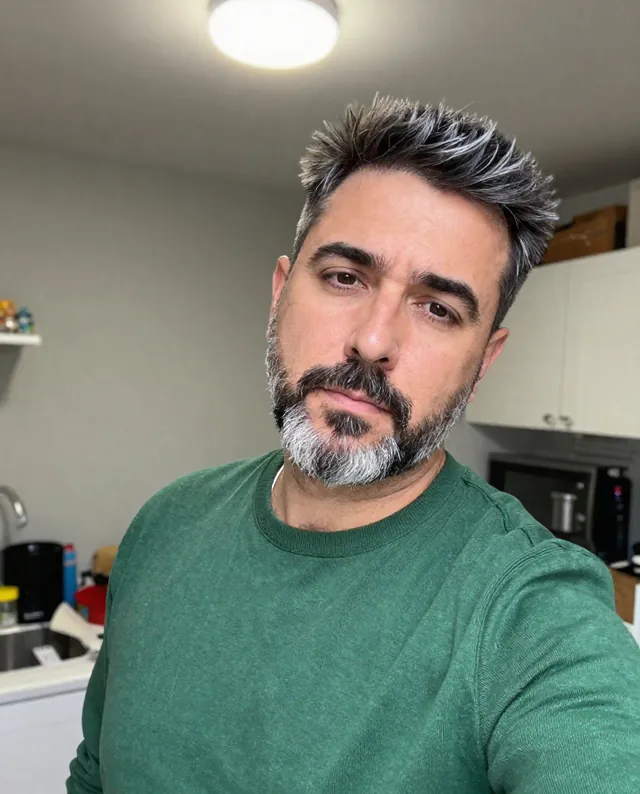


 Gemini, ChatGPT

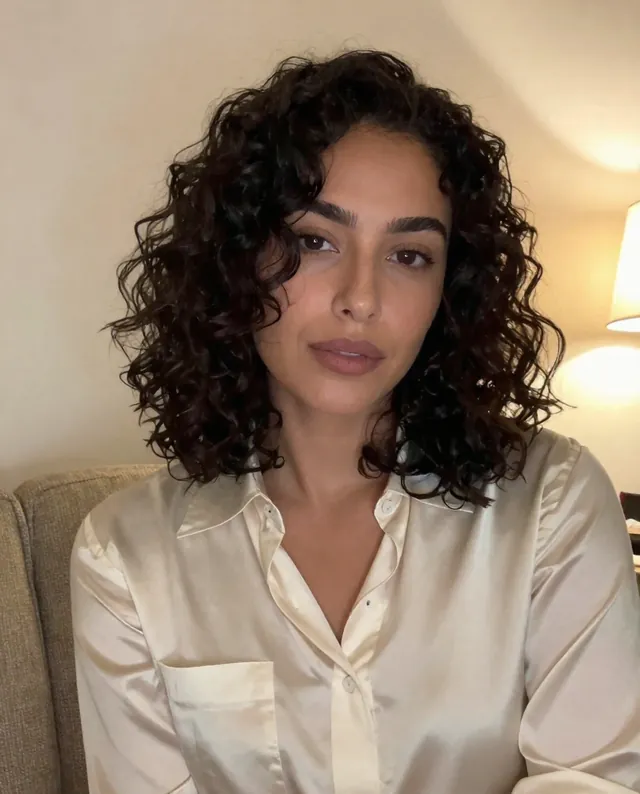 InputExample result
 Gemini, ChatGPT, Midjourney