
InputExample result
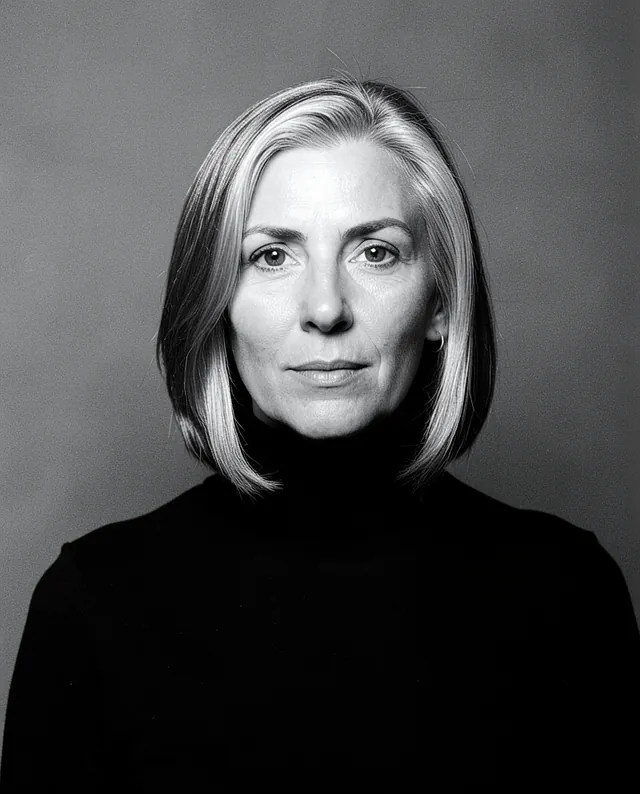
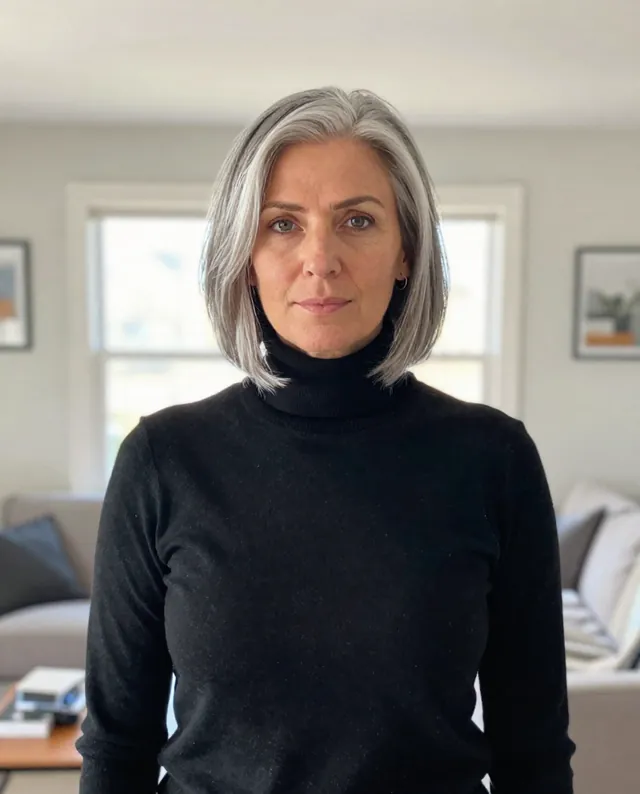
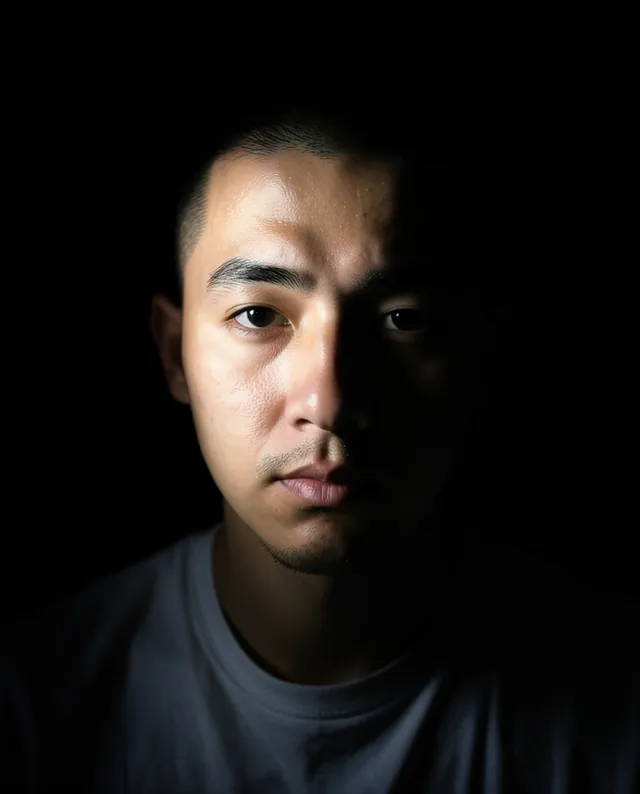
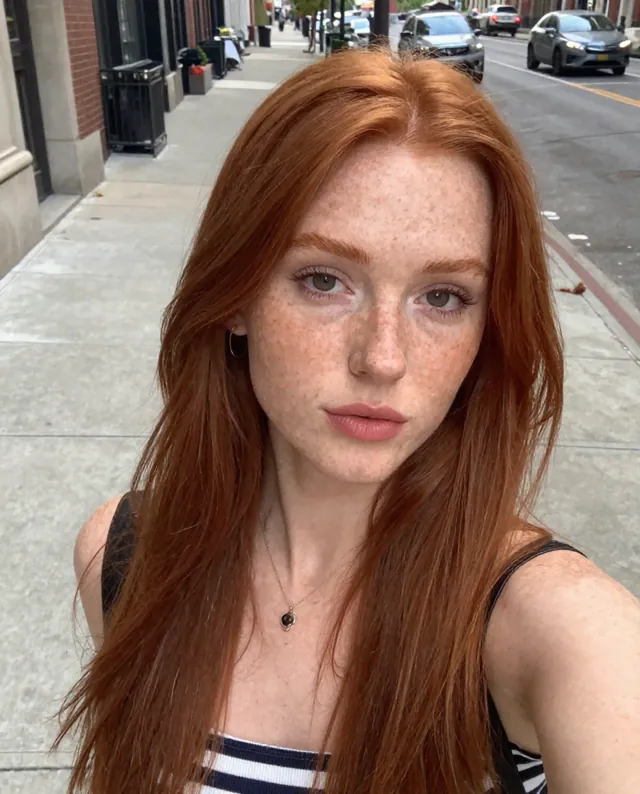
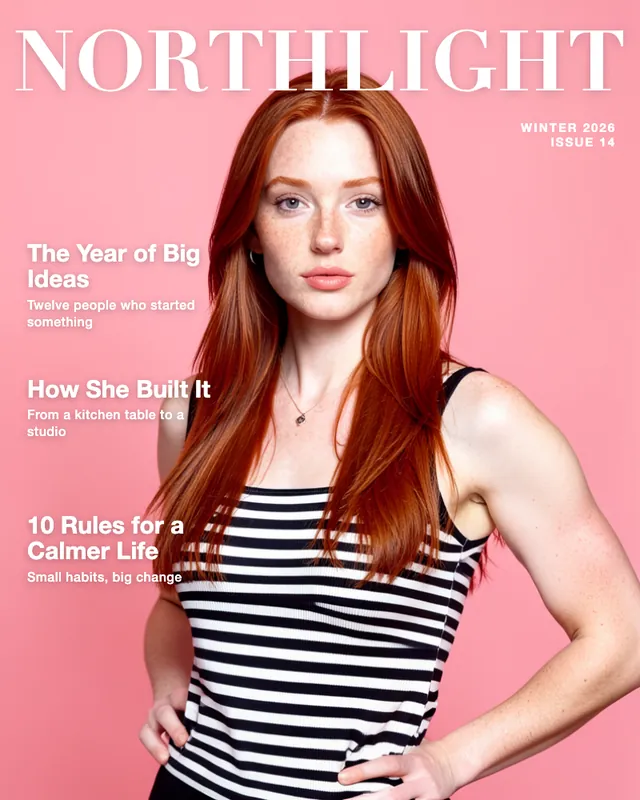
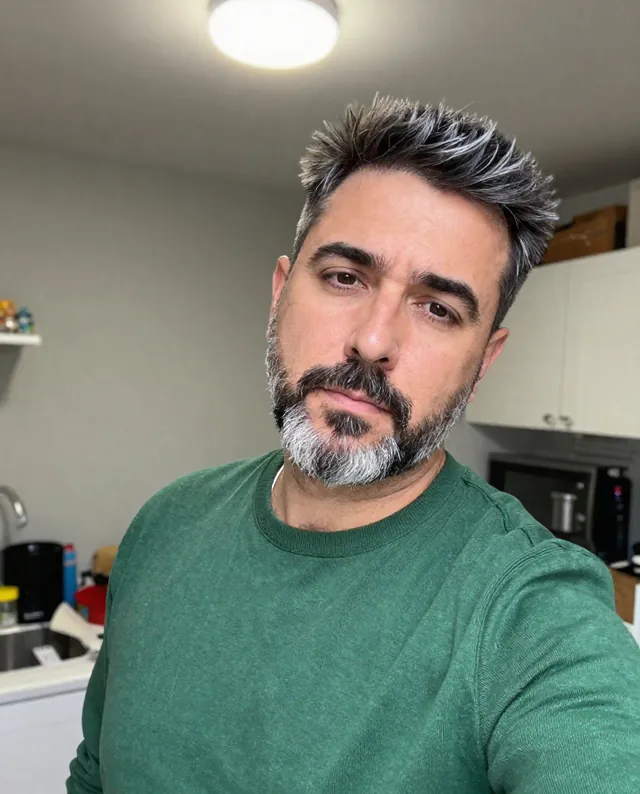
Example Example made on our own Mac with open models: Z-Image made the made-up input photo, FLUX.2 klein ran this prompt on it. Your result in the AI above will look different. How we make examples
Black-and-white studio portrait from your photo
A timeless black-and-white portrait with rich tones and soft studio light. You need one clear photo of yourself.
- You need
- 1 photo of yours
- Written for
- Gemini, ChatGPT, Midjourney
- Result
- Image
Prompt
Turn my attached photo into a classic black-and-white studio portrait. I'm shown from the shoulders up against a plain background backdrop, looking gaze with a calm, thoughtful expression. Soft studio light comes from one side and wraps gently around my face, leaving a smooth shadow on the other cheek. The tones are rich and deep, with true blacks, clean whites and fine film grain, like a print from a darkroom. Keep the skin texture real, not airbrushed. Keep my face exactly as it is in the photo: same identity, features, skin tone, age, hairstyle and body proportions.
Edit the attached photo into a black-and-white studio portrait.
Subject: me, shoulders up, calm thoughtful expression, looking gaze.
Background: plain background backdrop.
Lighting: soft side light that wraps around the face, gentle shadow on the far cheek.
Style: classic darkroom print, rich blacks, clean whites, fine film grain, real skin texture.
Constraints: keep my face, identity, skin tone, age, hairstyle and proportions exactly as in the photo. Keep natural skin texture. No slimming, no reshaping.
black-and-white studio portrait of the person in the image, shoulders up, calm thoughtful expression, plain background backdrop, soft side light wrapping around the face, rich blacks, fine film grain, darkroom print, real skin texture --ar 4:5 --v 8
Fill in, or keep the brackets and change them later
background
gaze
How to use it
- Open Gemini or ChatGPT and choose the image model (in Midjourney, add your photo as an image reference).
- Attach a clear photo of yourself and paste the prompt.
- Too flat? Add 'more contrast, deeper shadows' and run it again.
What to expectBlack and white hides color errors, but faces can still change a little, and Midjourney often gives a lookalike rather than you.
Tips
- A photo with light coming from one side gives the best shape to the face.
- Midjourney follows the mood well but keeps your likeness less closely than Gemini or ChatGPT.
- Your photo is uploaded to Google or OpenAI. Read their data policy before you share a face.
Editor: Peyman Khosravani · Updated November 18, 2026