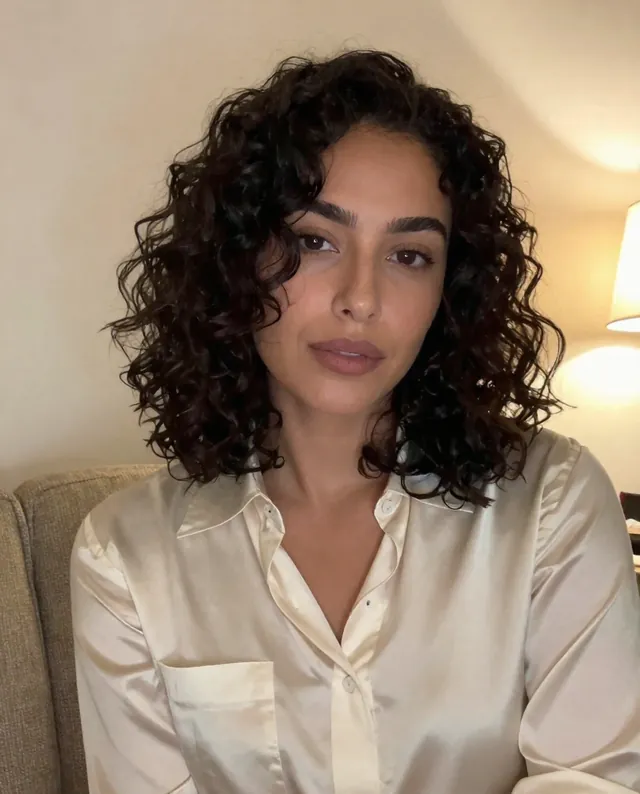
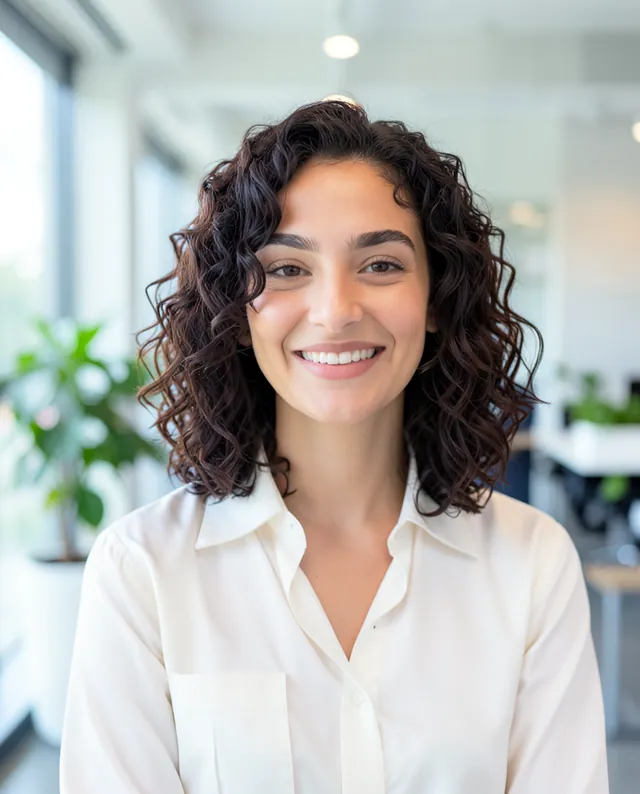
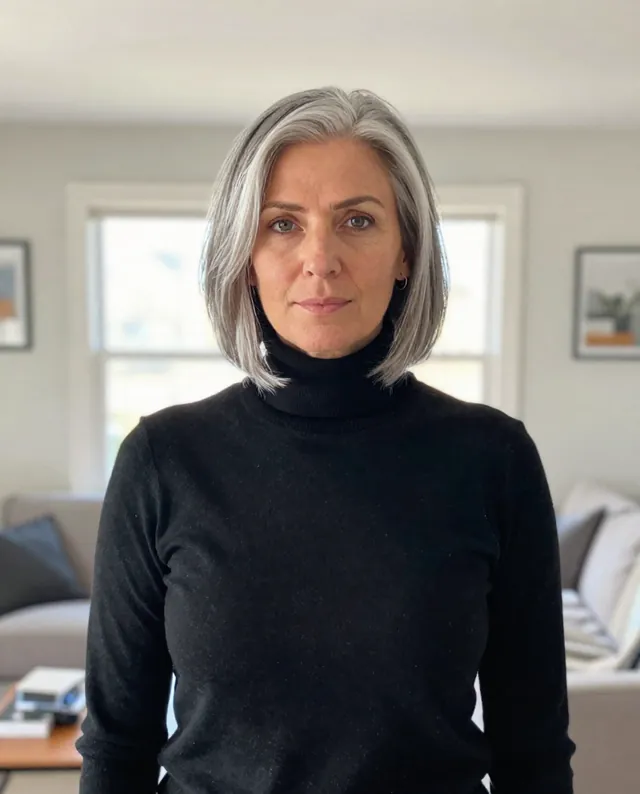
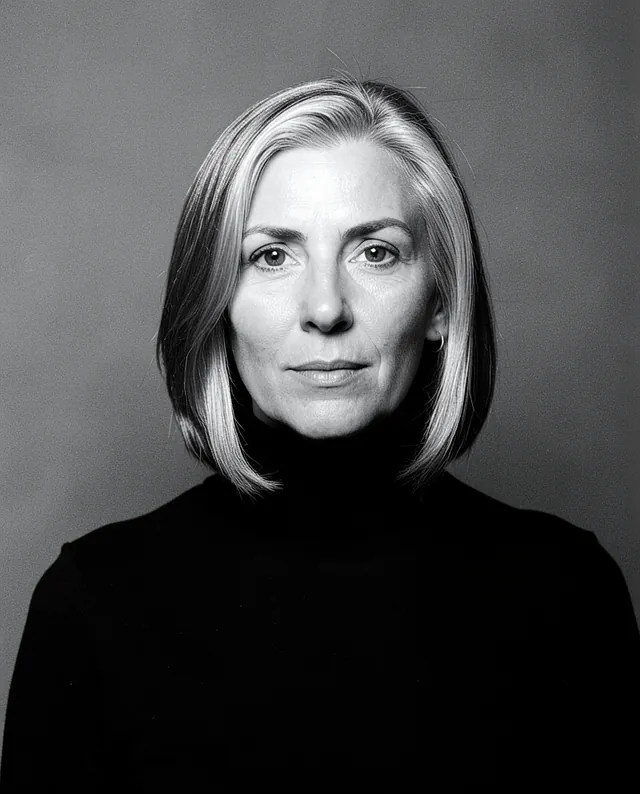
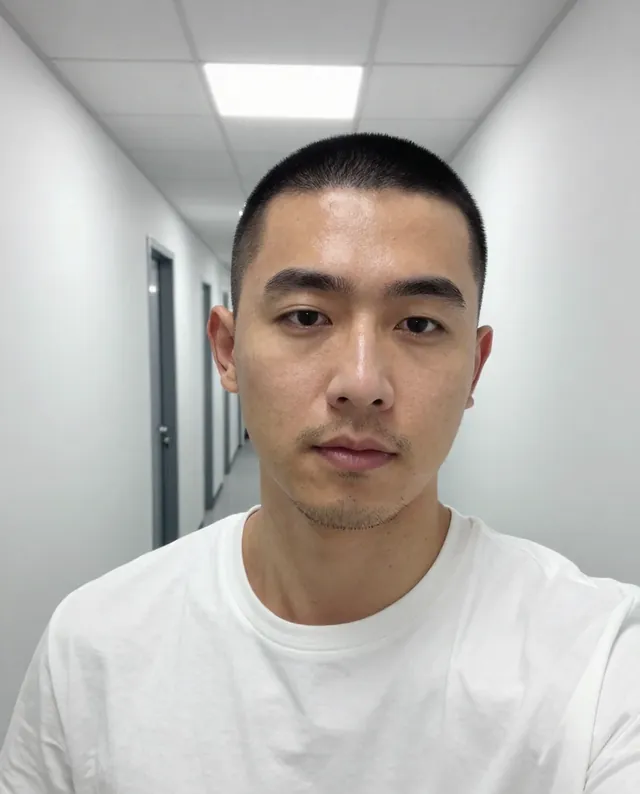
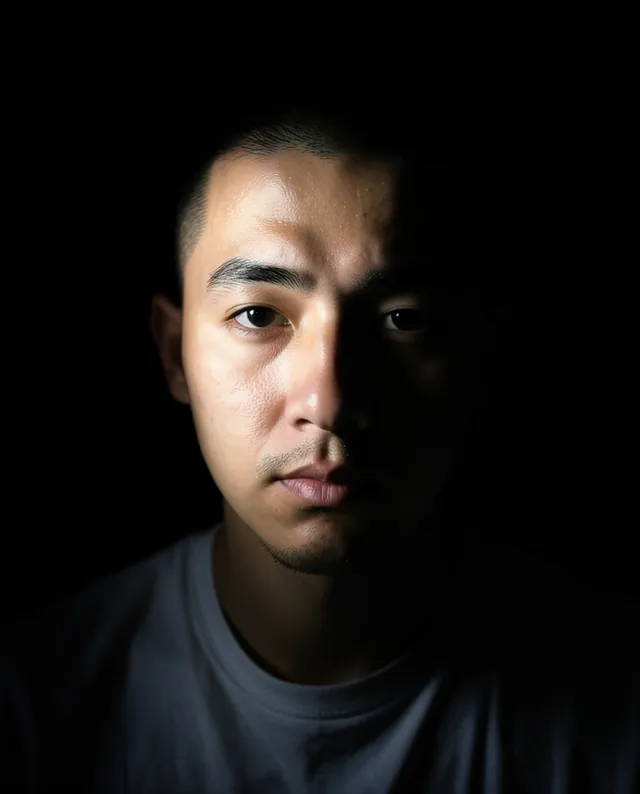
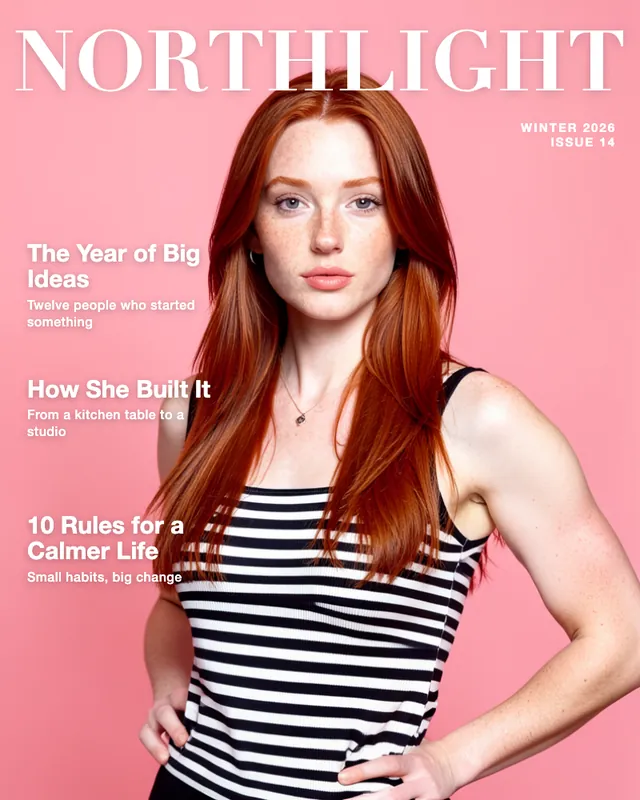
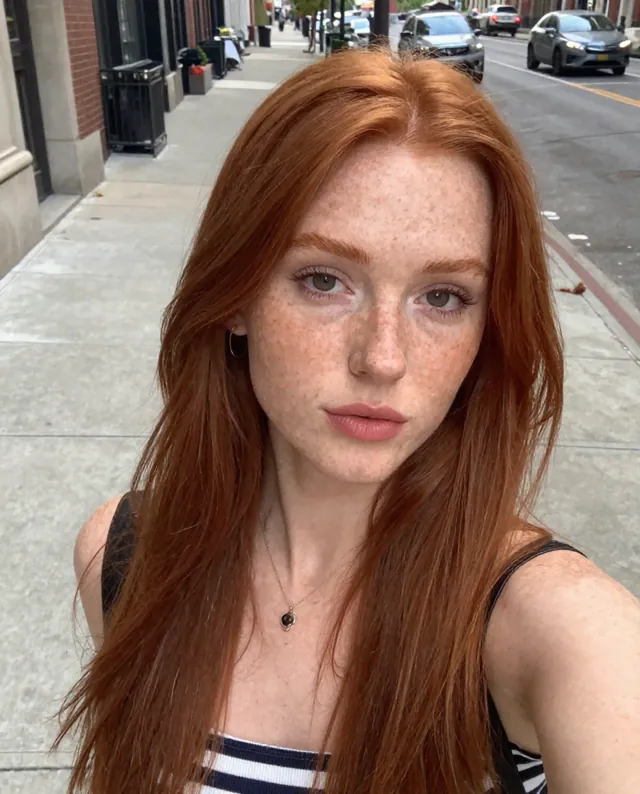
Example Example made on our own Mac with open models (Z-Image and FLUX.2 klein); the text was added by us. Your result in the AI above will look different. How we make examples
Magazine cover portrait with your own title
Put yourself on a glossy, made-up magazine cover with your own title and headlines. You need one clear photo.
You need
1 photo of yours
Written for
Gemini, ChatGPT
Result
Image
Prompt
Use my attached photo to create a glossy magazine cover with me as the cover star. I'm shown from the waist up in a confident pose, wearing outfit, in front of a clean background backdrop with polished fashion-shoot lighting. Across the top is the made-up magazine title "title" in large, bold letters, partly behind my head. Along the left side are three short cover lines: "line 1", "line 2" and "line 3". Add a small issue date in the corner. The overall look is a modern, high-end print magazine. Keep my face exactly as it is in the photo: same identity, features, skin tone, age, hairstyle and body proportions.
Create a magazine cover using the attached photo.
Subject: me, waist up, confident pose, wearing outfit.
Background: clean background studio backdrop, polished fashion lighting.
Text: made-up masthead "title" in large bold letters at the top, partly behind my head; three cover lines on the left: "line 1", "line 2", "line 3"; small issue date in a corner.
Style: modern high-end print magazine, portrait 3:4.
Constraints: keep my face, identity, skin tone, age, hairstyle and proportions exactly as in the photo. Keep natural skin texture. No slimming, no reshaping. Spell all text exactly as written.
Fill in, or keep the brackets and change them later
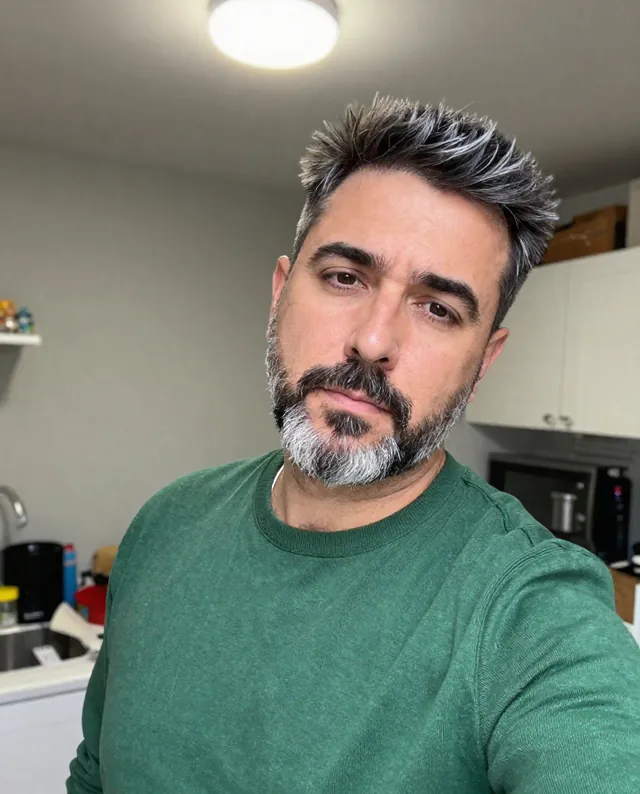
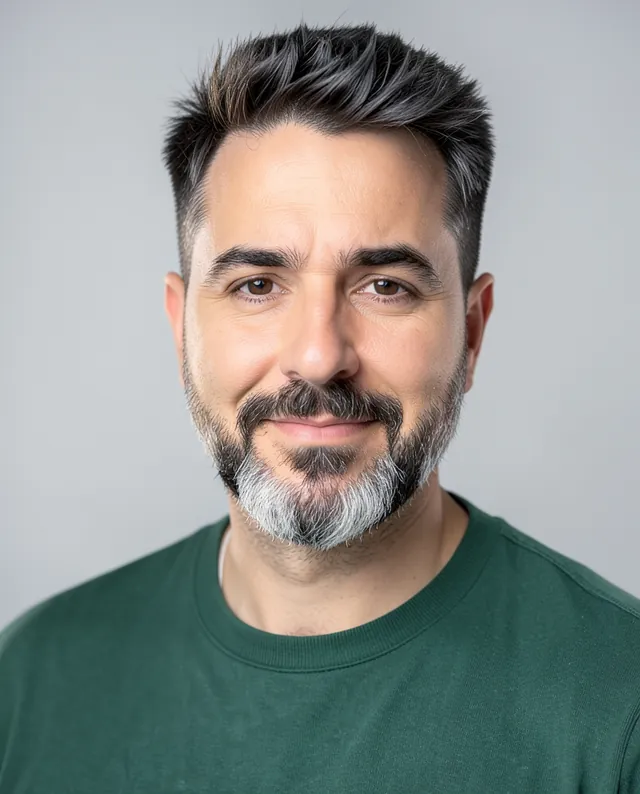

 Gemini, ChatGPT
 InputExample result
 Gemini, ChatGPT, Midjourney