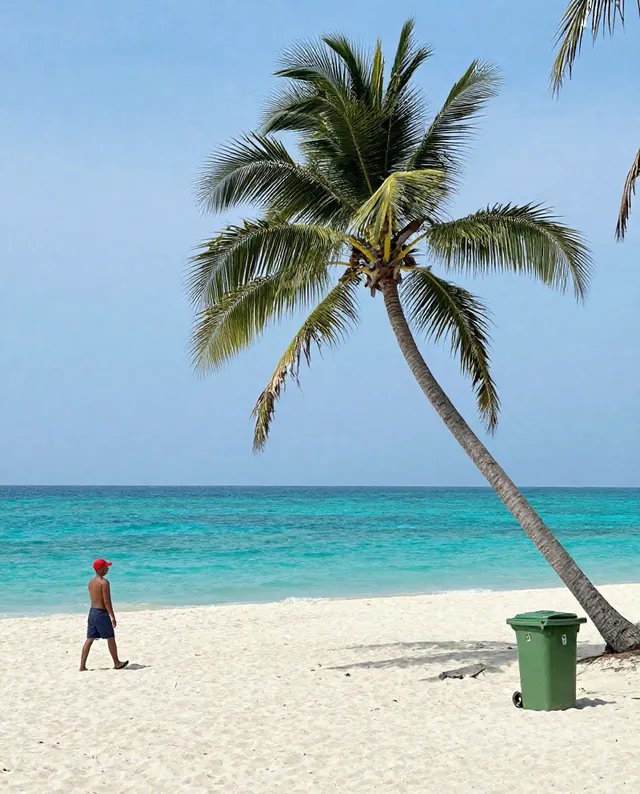
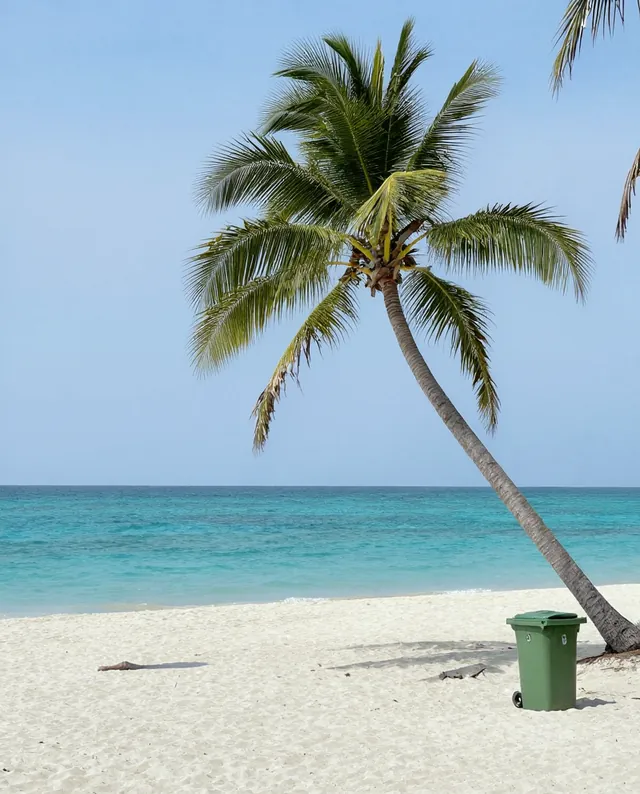
Example Example made on our own Mac with open models (Z-Image and FLUX.2 klein). Your result in the AI above will look different. How we make examples
Straighten a document photo and remove glare
Turn a crooked, shiny phone photo of a page into a flat, clean scan. You need a photo of the document.
You need
1 photo of yours
Written for
Gemini, ChatGPT
Result
Image
Prompt
Turn my attached photo of a document into a clean, flat scan. Straighten it so it's seen from directly above, crop away the table and background, and make the page a clean rectangle. Remove the glare, reflections and shadows from my hand or phone, and even out the paper to a clean paper. Keep every line, word, number and mark exactly as written, in the same place; don't redraw, retype or tidy the handwriting, and don't invent text in unclear areas.
Turn the attached photo of a document into a clean flat scan.
Fix: straighten to a top-down view, crop away the background, make the page a clean rectangle, remove glare, reflections and shadows.
Paper: even, clean paper.
Keep: every line, word, number and mark exactly as written and in place.
Avoid: redrawing, retyping, tidying or inventing text.
Fill in, or keep the brackets and change them later
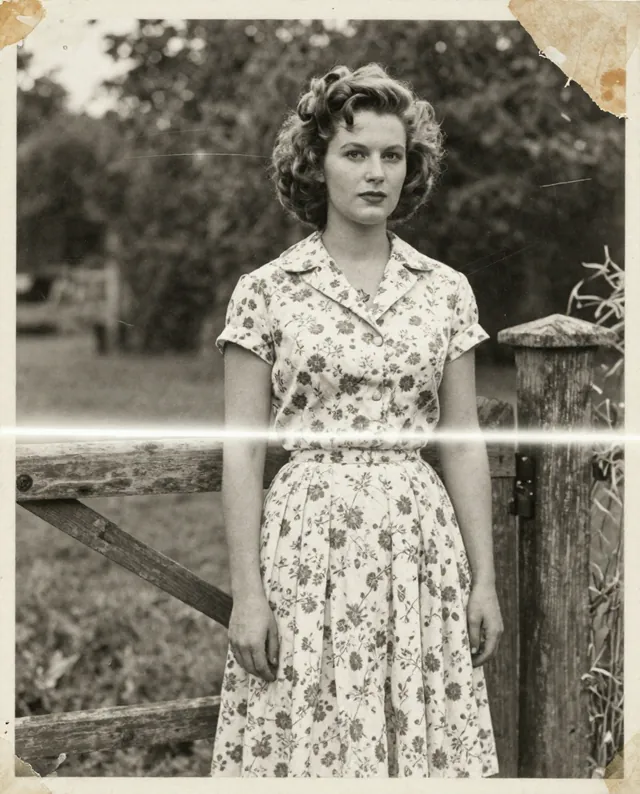
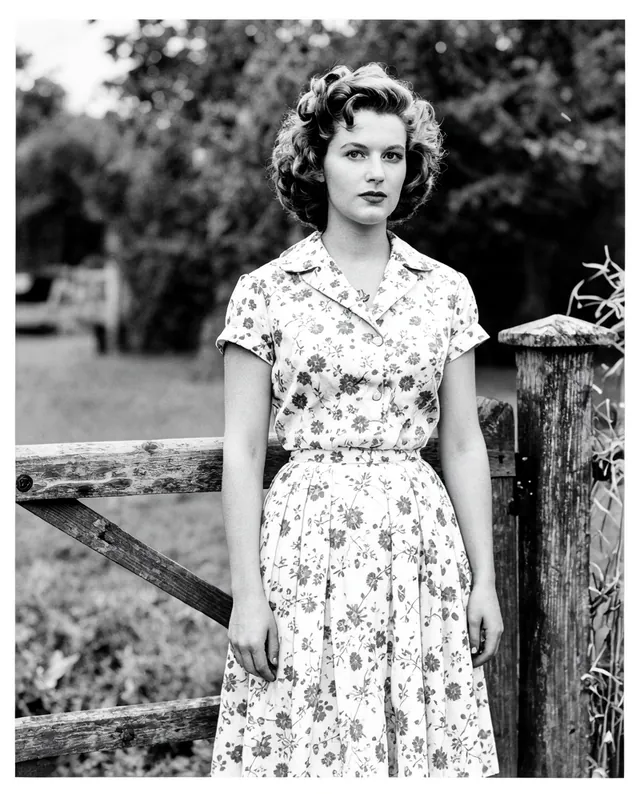

 Gemini, ChatGPT
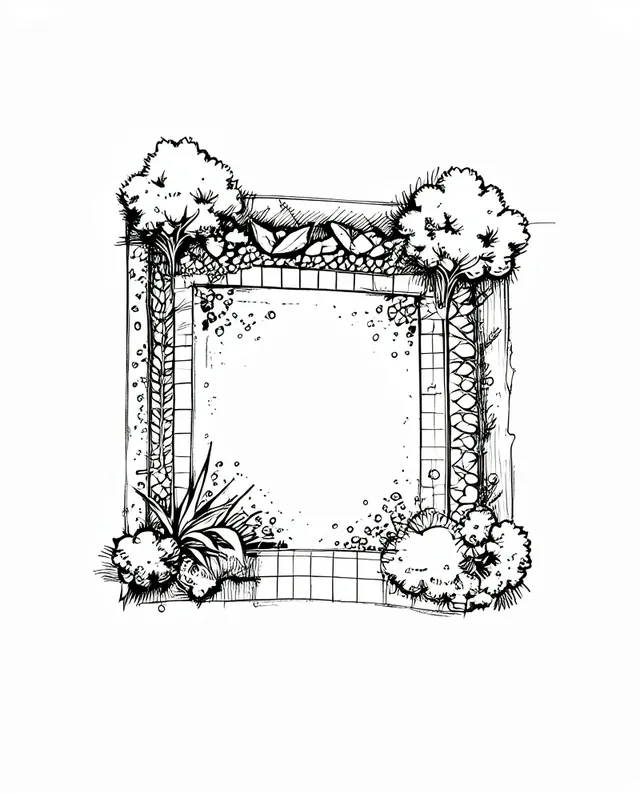
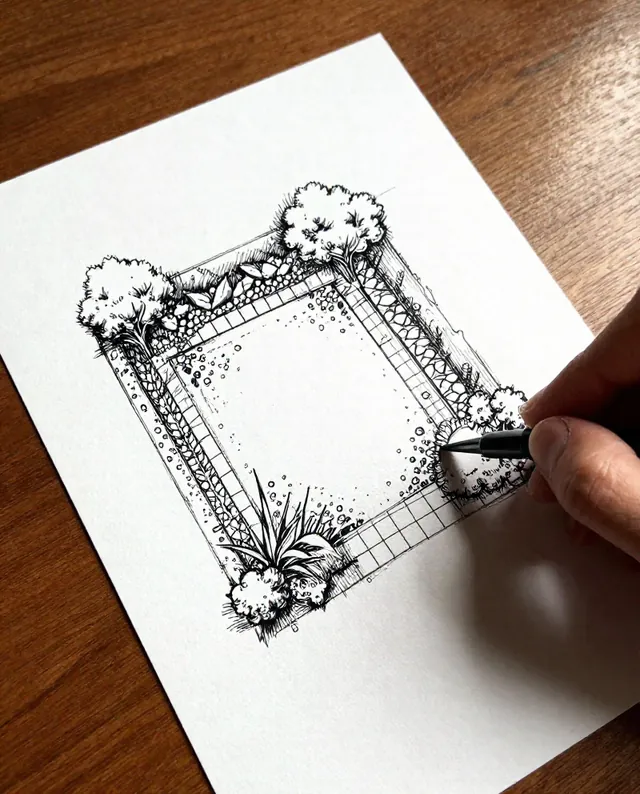 InputExample result