What the tech

Search

/ opens search from anywhere. Esc closes it.

Tools

Get the newsletter
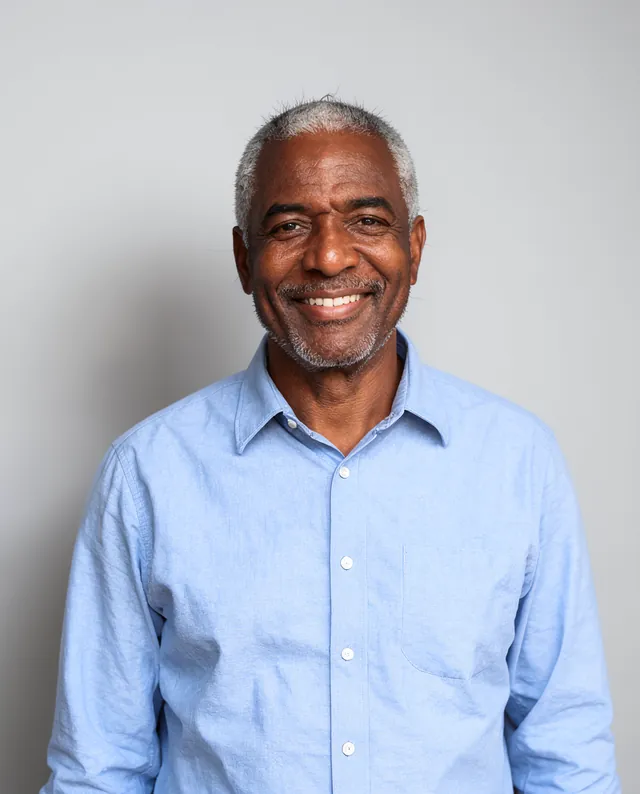
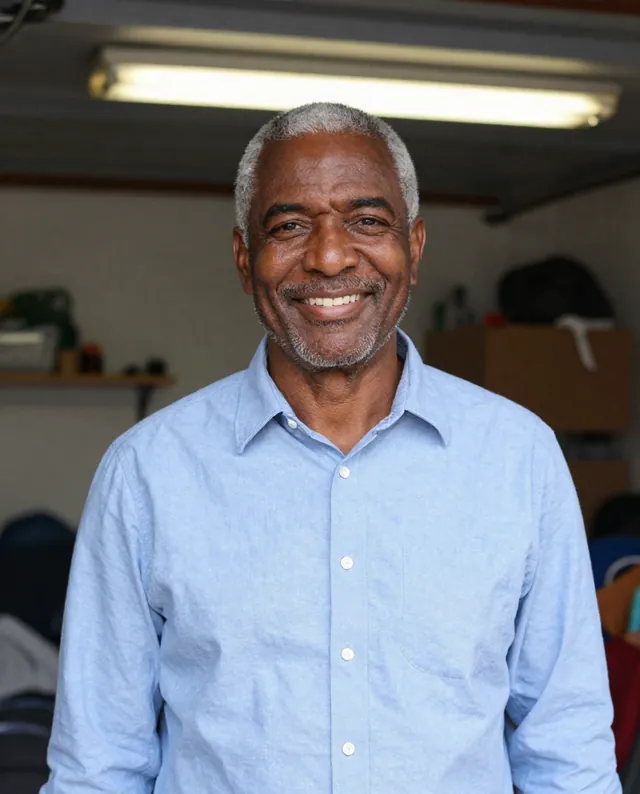
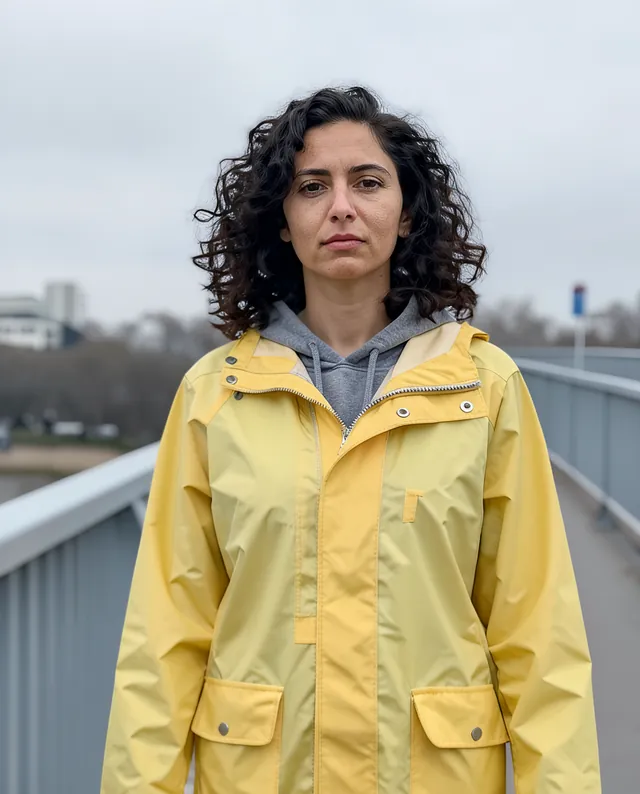
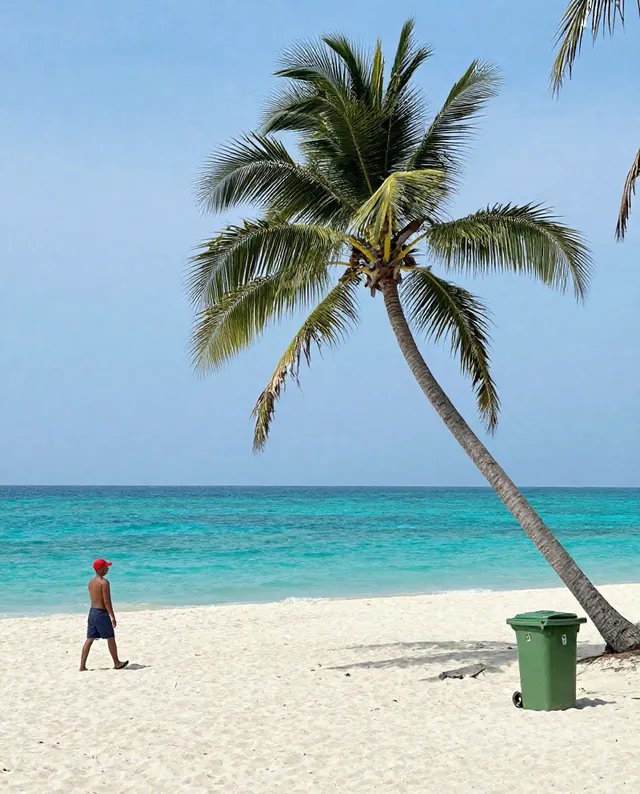
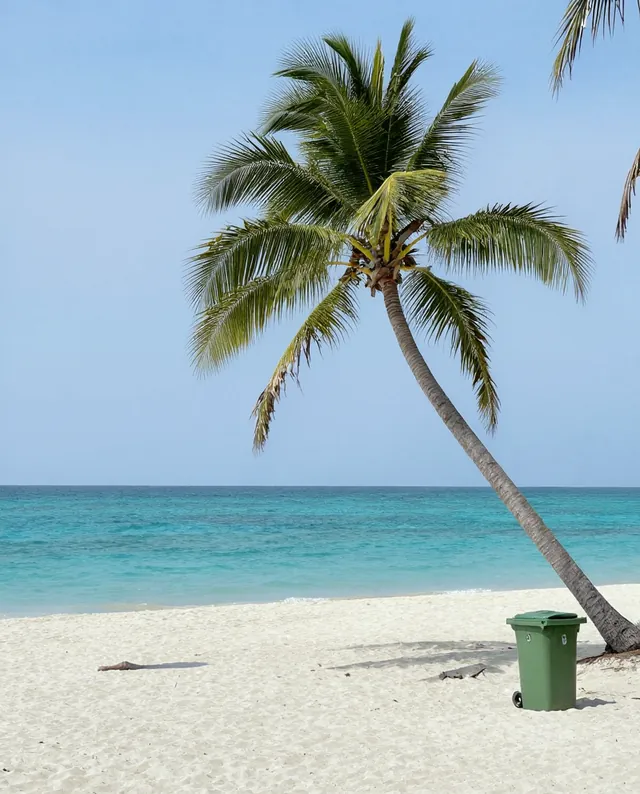
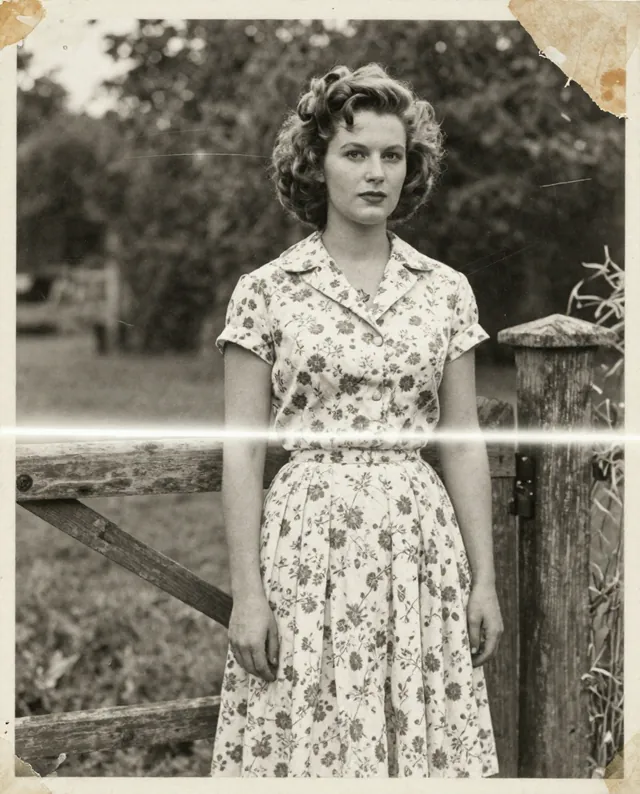
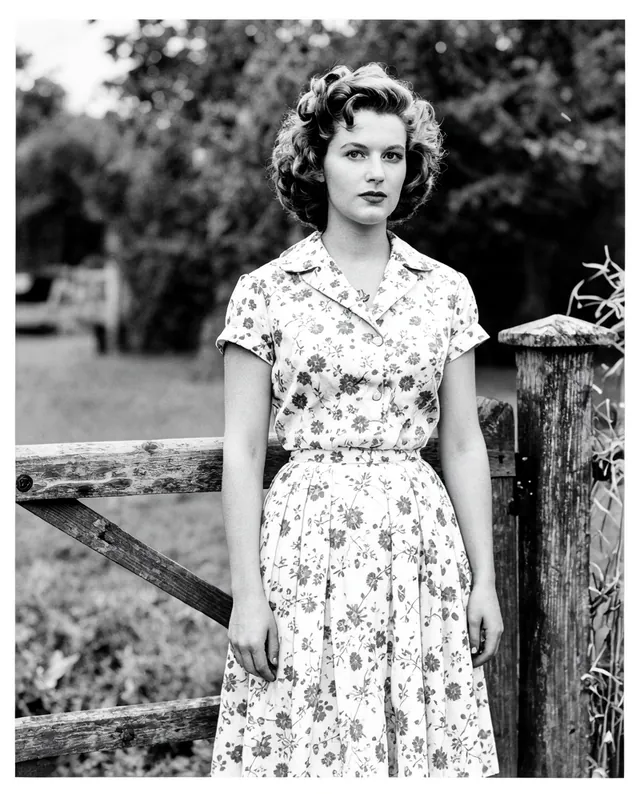
Example result of this prompt The made-up input photo InputExample result

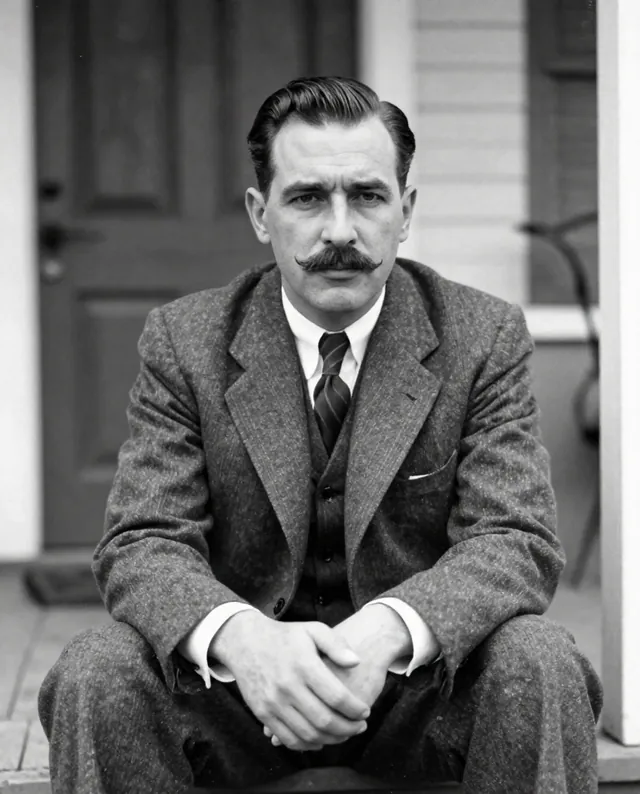
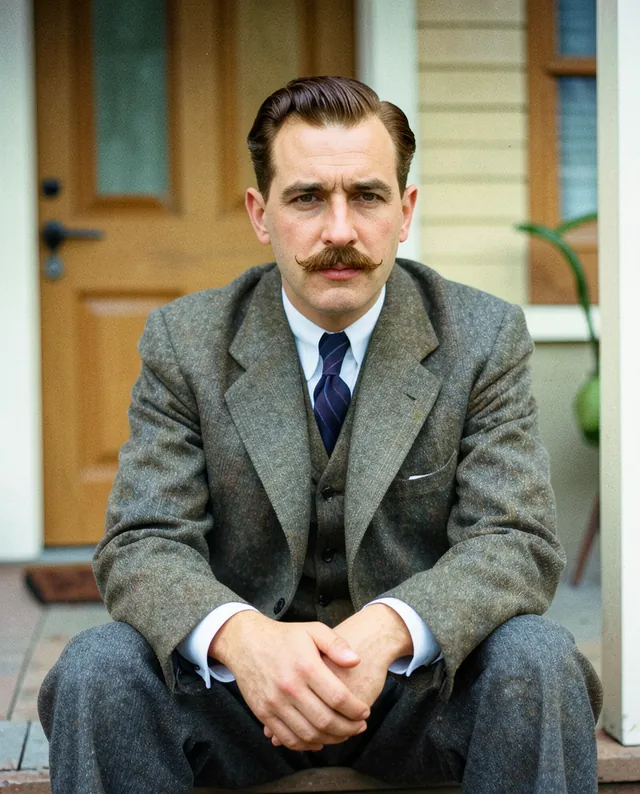
Example Example made on our own Mac with open models: Z-Image made the made-up input photo, FLUX.2 klein ran this prompt on it. Your result in the AI above will look different. How we make examples

Replace the background of your photo

Put yourself in front of a new background, with light that matches. You need one photo of yourself.

You need
1 photo of yours
Written for
Gemini, ChatGPT
Result
Image

Prompt

In my attached photo, replace the background with background. Keep me exactly where I am, with the same pose, clothes, hair and edges, including fine strands of hair. Adjust the light and color on me just enough to match the new scene, with the light coming from the same direction, and add a soft, natural shadow if I'd cast one. The new background should be slightly out of focus, as if shot with the same camera. Keep my face exactly as it is in the photo: same identity, features, skin tone, age, hairstyle and body proportions.

Fill in, or keep the brackets and change them later

background

How to use it

  1. Open Gemini or ChatGPT and choose the image model.
  2. Attach your photo, paste the prompt and describe the new background.
  3. Edges look cut out? Add 'blend the edges and match the light better' and run it again.
What to expectEdges around hair and the match of light can look a bit pasted on, and faces can still change a little.

Tips

  • Photos with a clear outline (not hair blowing everywhere) cut out best.
  • Pick a background with light similar to your photo for a natural result.
  • Your photo is uploaded to Google or OpenAI. Read their data policy before you share a face.

Editor: Parham Roudi · Updated November 18, 2026