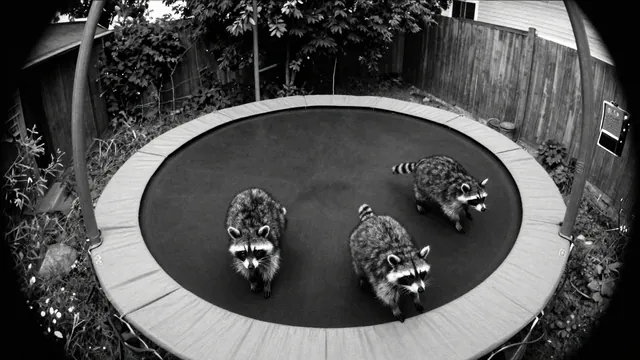
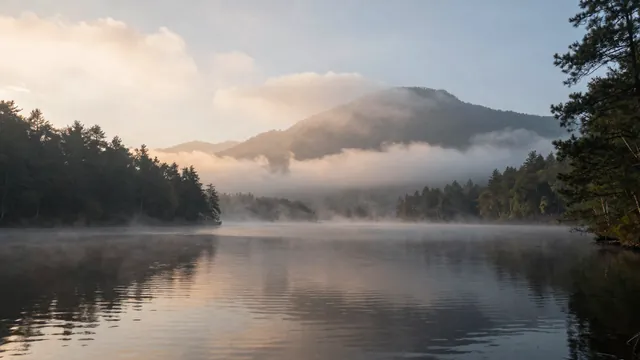
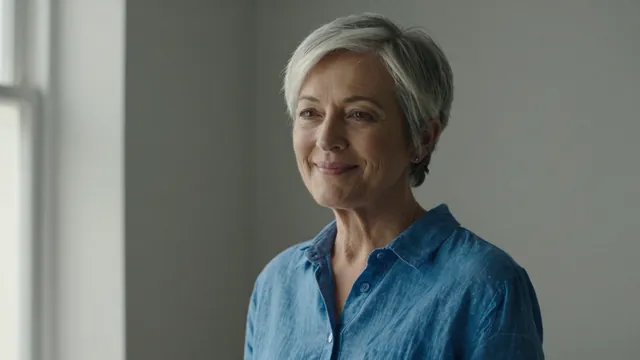
Example Example made on our own Mac with an open model (Z-Image). Your result in the AI above will look different. How we make examples
Funny 'security camera' animal clip (labelled AI)
A night-vision style clip of animals caught doing something silly, made to share as clearly AI. You only need the prompt.
You need
Nothing but the prompt
Written for
Veo, Kling
Result
Video
Prompt
Shot: a fixed, high-angle home security camera view of location at night, in grainy black-and-white night vision, with a slight fisheye look and a timestamp in the corner. Motion: animal action. The animals behave in a funny but believable way. Camera: completely static. Sound: faint outdoor night sounds and the animals' noises, a little low-quality, no music, no dialogue. Add a small "AI-generated" label in the top corner.
Fixed high-angle home security camera view of location at night, grainy black-and-white night vision, slight fisheye, timestamp in the corner. Motion: animal action, funny but believable. Static camera. Small 'AI-generated' label in the top corner. Duration: 10 seconds.
Fill in, or keep the brackets and change them later


 Veo, Kling, Runway