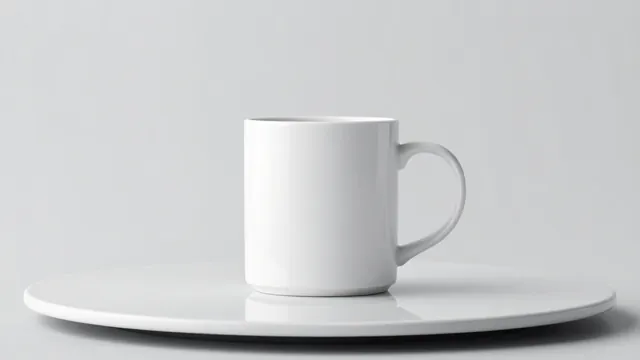
Example Example made on our own Mac with an open model (Z-Image). Your result in the AI above will look different. How we make examples
Product turntable video, 360 degrees
A clean studio clip of your product spinning a full turn on a turntable. You need one product photo.
You need
1 photo of yours
Written for
Veo, Kling, Runway
Result
Video
Prompt
Using my product photo, make a clean studio turntable video. Keep my product exactly as it is: same shape, colors, materials, labels and details. Shot: the product centered on a round turntable on a seamless background backdrop, at eye level. Motion: the turntable rotates slowly and evenly one full turn, 360 degrees. Camera: locked off, no movement. Light: soft studio lighting with a gentle reflection on the surface. Sound: a very soft, quiet hum, no music, no dialogue.
Image to video. Keep the product exactly as in the image: same shape, colors, materials and details. The product sits centered on a round turntable on a seamless background backdrop. Motion: slow, even 360-degree rotation. Static camera at eye level. Soft studio lighting. Duration: 10 seconds.
Keep the product exactly as in the image. Centered on a round turntable, seamless background backdrop. The turntable rotates slowly one full turn. Static camera, soft studio lighting. 10 seconds.
Fill in, or keep the brackets and change them later


 Veo, Kling, Runway