What the tech

Search

/ opens search from anywhere. Esc closes it.

Tools

Get the newsletter
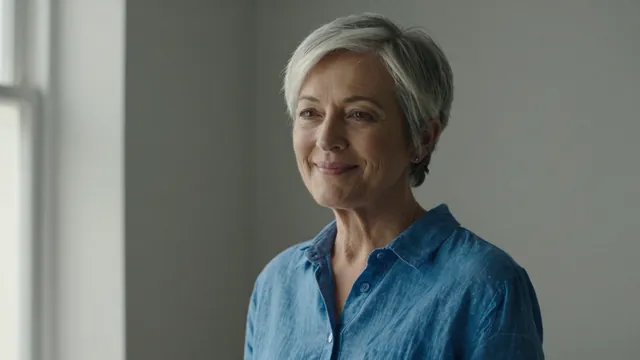
Example result of this prompt

Example Example made on our own Mac with an open model (Z-Image). Your result in the AI above will look different. How we make examples

Animate a portrait: a smile and a turn

Make a still portrait smile and turn to the camera in a short, natural clip. You need one photo of an adult.

You need
1 photo of yours
Written for
Veo, Kling
Result
Video

Prompt

Animate the person in my photo with a short, natural movement. Keep my face, identity and proportions exactly as in the photo. Keep their hair, clothes and the background unchanged. Shot: medium close-up, same framing as the photo. Motion: they start looking slightly away, then slowly turn their head toward the camera and break into a warm, natural smile, with a soft blink. Camera: static, on a tripod. Sound: quiet room tone, no music, no dialogue.

Fill in, or keep the brackets and change them later

smile
Open Veo Open Kling

How to use it

  1. Use a sharp, front-lit photo of yourself or of an adult who agreed.
  2. Open Gemini and pick Video (Veo 3.1), or Kling image to video, then upload the photo and paste the prompt.
  3. If the face changes too much, pick the smaller smile and run again.
What to expectFaces can change a little as the head turns, especially teeth, eyes and the side of the face not visible in the photo.

Tips

  • Smaller movements keep the face closer to the photo.
  • Never animate someone without their permission, and never to fake what they said or did.
  • Some apps block photos of people; that is normal.

Editor: Peyman Khosravani · Updated November 18, 2026

Similar prompts

All video clips