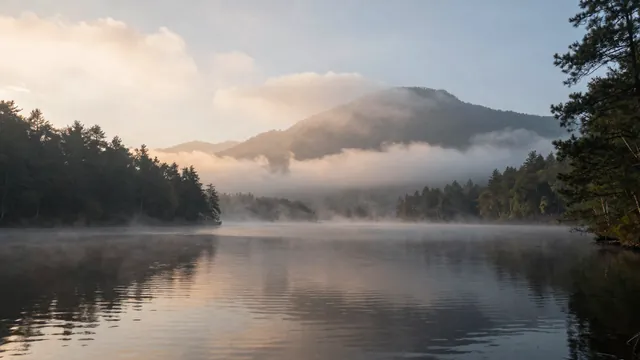
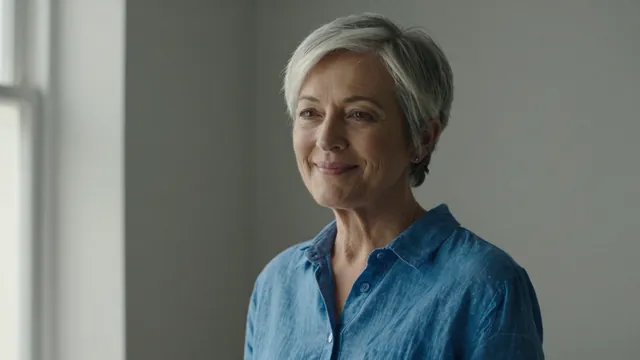
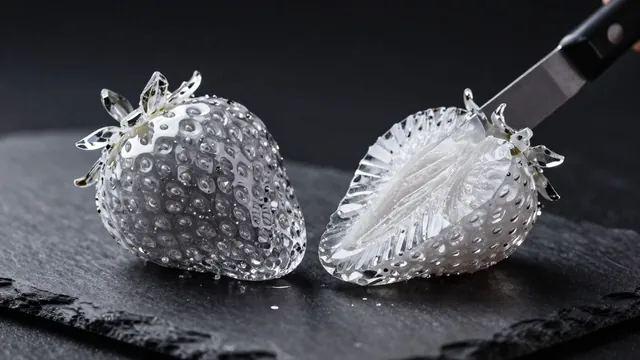
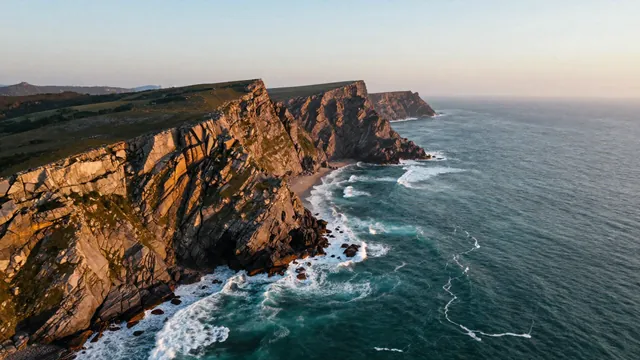
Example Example made on our own Mac with an open model (Z-Image). Your result in the AI above will look different. How we make examples
Bring a still photo to life with subtle motion
Turn a landscape or travel photo into a short, gently moving clip. You need one photo.
You need
1 photo of yours
Written for
Veo, Kling, Runway
Result
Video
Prompt
Bring my photo to life with subtle, natural motion. Keep the scene, composition, colors and every object exactly as in my photo. Shot: the same framing as the photo. Motion: motion, everything else stays still. Camera: a very slow push in, almost unnoticeable. Sound: soft ambient sound that fits the scene, such as sound, no music, no dialogue.
Image to video. Keep the scene, composition and colors exactly as in the image. Motion: motion; everything else stays still. Camera: very slow push in. Duration: 5 seconds.
Keep the image exactly as it is. motion, everything else still. Very slow, subtle camera push in. 5 seconds.
Fill in, or keep the brackets and change them later


 Veo, Kling, Runway