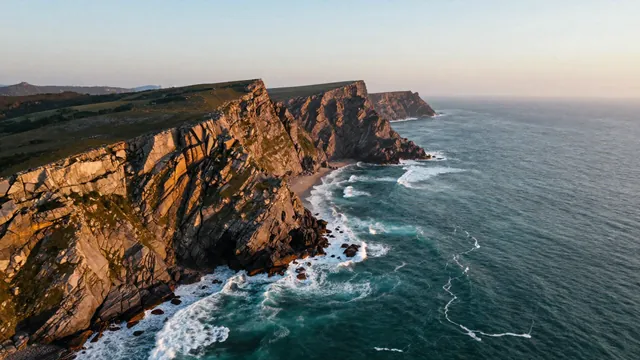
Example Example made on our own Mac with an open model (Z-Image). Your result in the AI above will look different. How we make examples
Slow drone fly-over of a coastline
A smooth, cinematic aerial clip gliding along cliffs and waves. You only need the prompt.
You need
Nothing but the prompt
Written for
Veo, Kling, Runway
Result
Video
Prompt
Shot: a wide aerial shot high above a coastline at time of day, with waves rolling in and white foam along the shore. Camera: a slow, steady drone glide forward along the coastline, gently descending and drifting right, with no sudden turns. Look: cinematic, natural colors, soft haze on the horizon, realistic water. Sound: wind, distant waves and a few seabirds, no music, no dialogue.
Aerial wide shot of a coastline at time of day, waves rolling in with white foam. Motion: slow, steady drone glide forward along the coast, gently descending and drifting right, smooth and stable. Cinematic, natural colors, realistic water. Duration: 10 seconds.
Wide aerial drone shot of a coastline at time of day, waves rolling in. Camera slowly glides forward along the coast, gently descending, smooth and stable. Cinematic, natural colors, realistic water. 10 seconds.
Fill in, or keep the brackets and change them later


 Veo, Kling, Runway