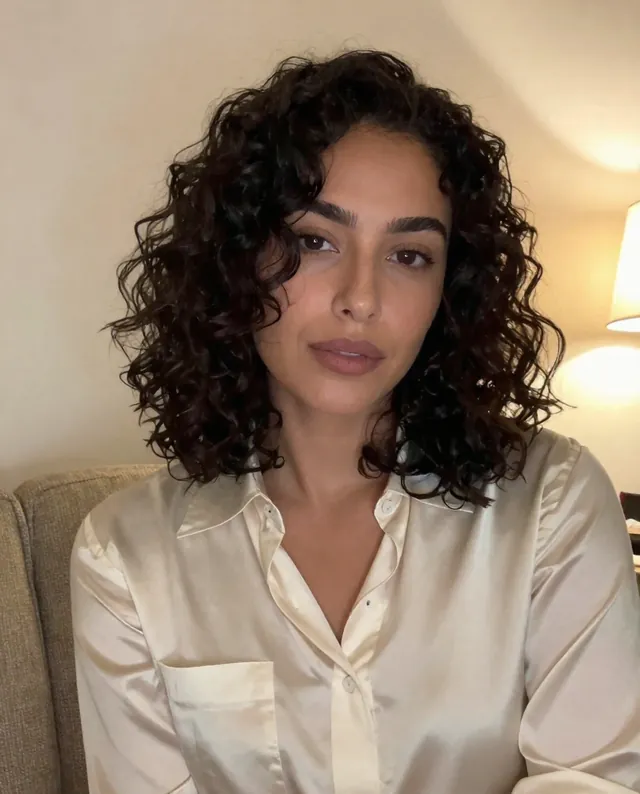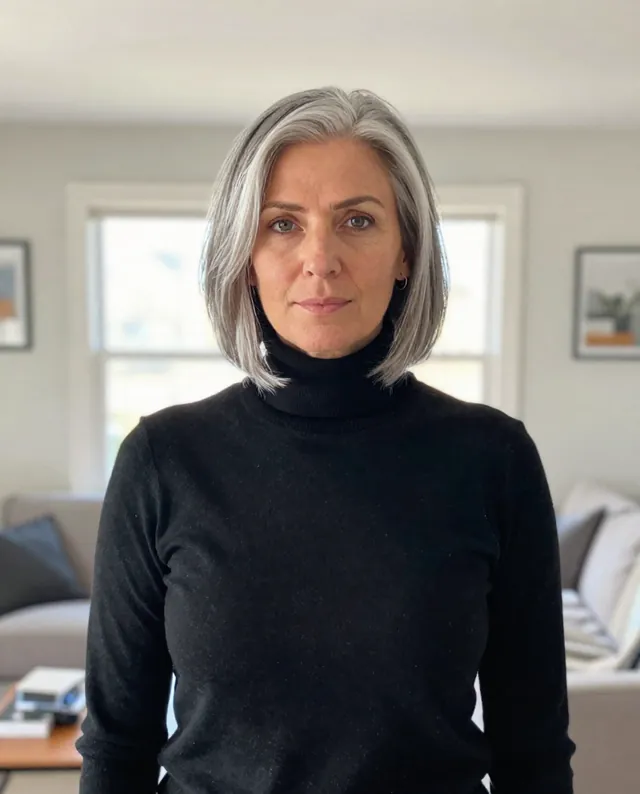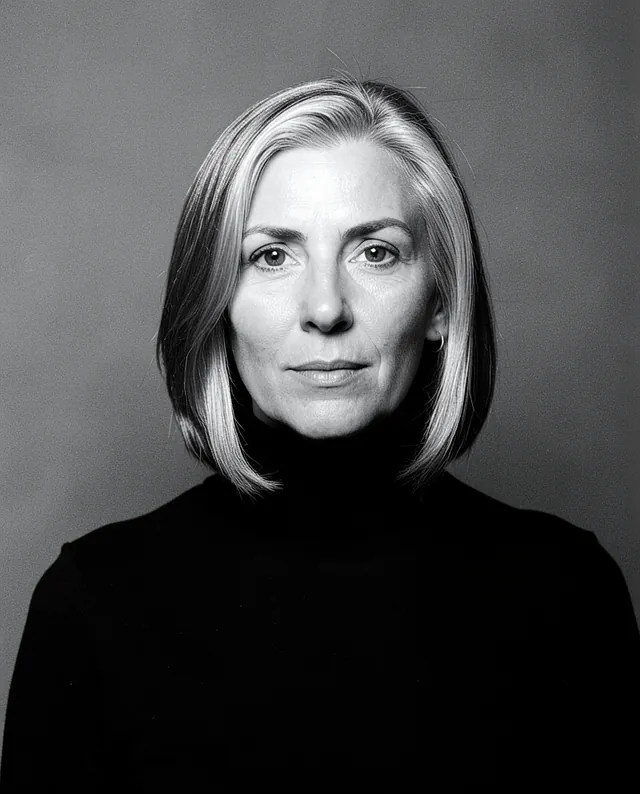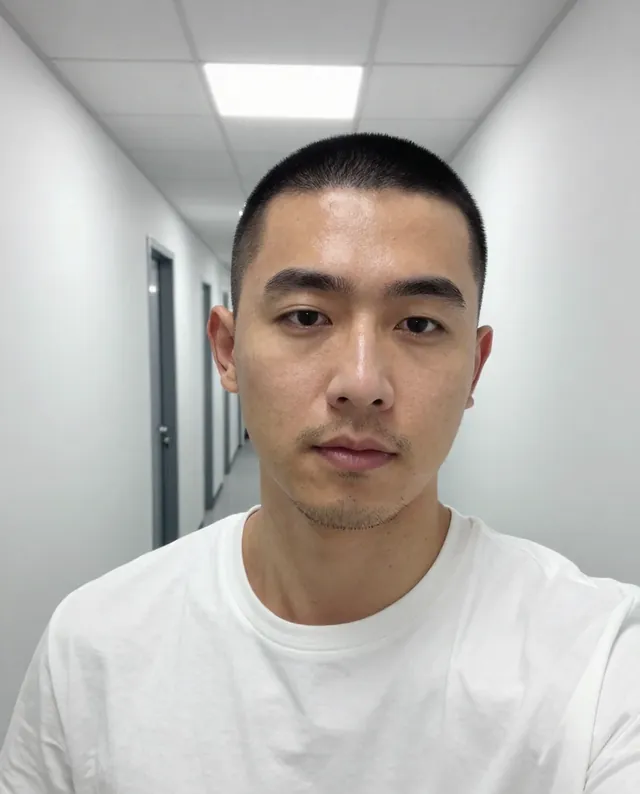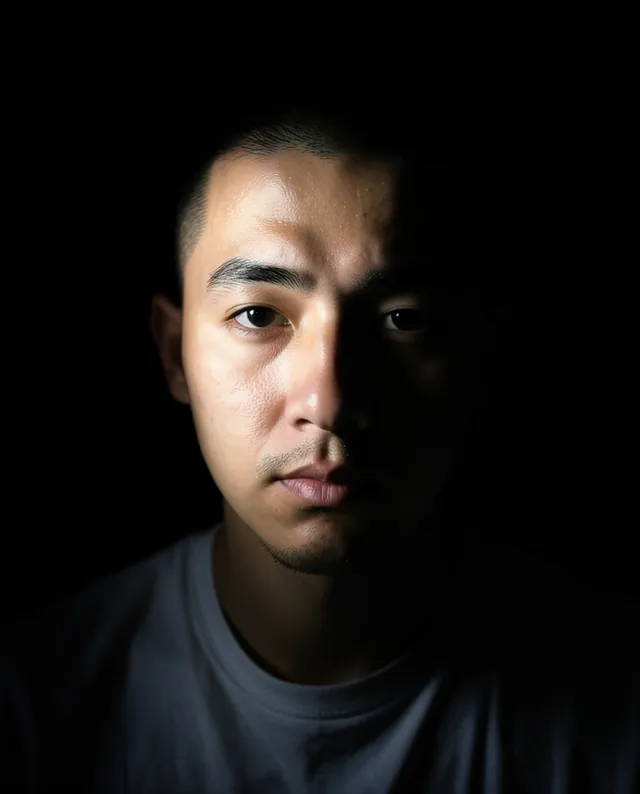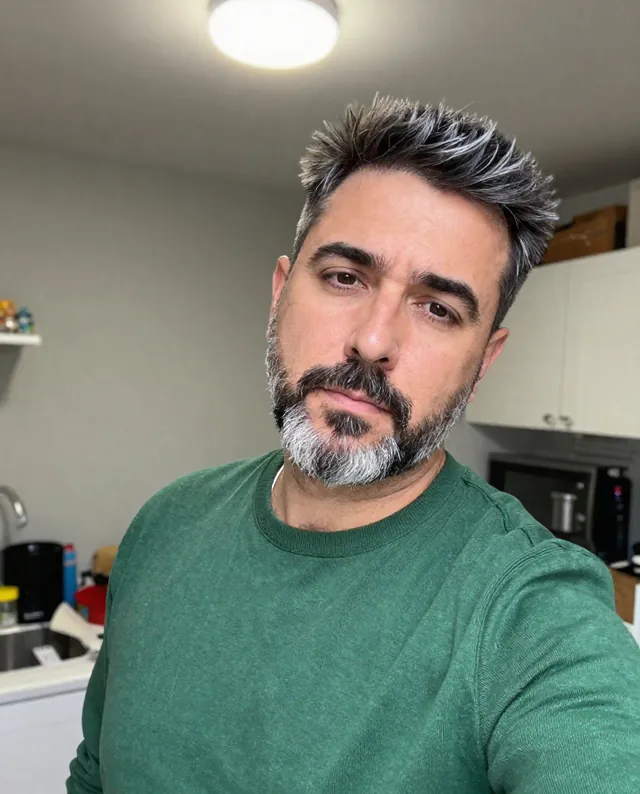
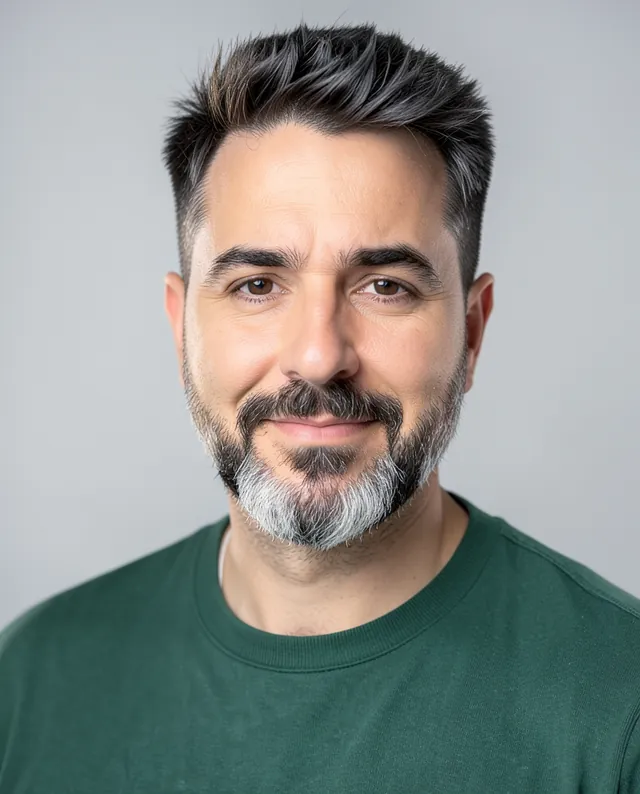
InputExample result
Example Example made on our own Mac with open models: Z-Image made the made-up input photo, FLUX.2 klein ran this prompt on it. Your result in the AI above will look different. How we make examples
Remove glare from glasses, keep the glasses
Clear the reflections off your lenses so your eyes show, without removing the glasses. You need the photo with glare.
- You need
- 1 photo of yours
- Written for
- Gemini, ChatGPT
- Result
- Image
Prompt
In my attached photo, remove the glare and reflections from my glasses so my eyes are clearly visible through the lenses. Keep the glasses on my face, with the same frames, shape, size and position. Show my real eyes behind the lenses: the same eye shape, color, direction of gaze and expression as the rest of my face suggests. Leave everything else in the photo exactly as it is, including the background, light, clothes and skin. Keep my face exactly as it is in the photo: same identity, features, skin tone, age, hairstyle and body proportions. Do not make my eyes bigger or brighter than they are.
Edit the attached photo.
Task: remove glare and reflections from the glasses so the eyes are clearly visible.
Keep: the glasses on, same frames, shape, size and position; the background, lighting, clothes and skin unchanged.
Eyes: natural, same shape, color and gaze as the face suggests; don't enlarge or brighten them.
Constraints: keep my face, identity, skin tone, age, hairstyle and proportions exactly as in the photo. Keep natural skin texture. No slimming, no reshaping.
How to use it
- Open Gemini or ChatGPT and choose the image model.
- Attach the photo with glare and paste the prompt.
- Eyes look different? Run it again in a new chat; small eye changes are common.
What to expectThe AI has to guess what's behind the glare, so eyes may come out slightly different; faces can still change a little.
Tips
- If another photo shows your eyes clearly, attach it too and say 'use photo 2 for my eyes'.
- Zoom in to check both eyes point the same way.
- Your photo is uploaded to Google or OpenAI. Read their data policy before you share a face.
Editor: Ali Dezhami · Updated November 18, 2026