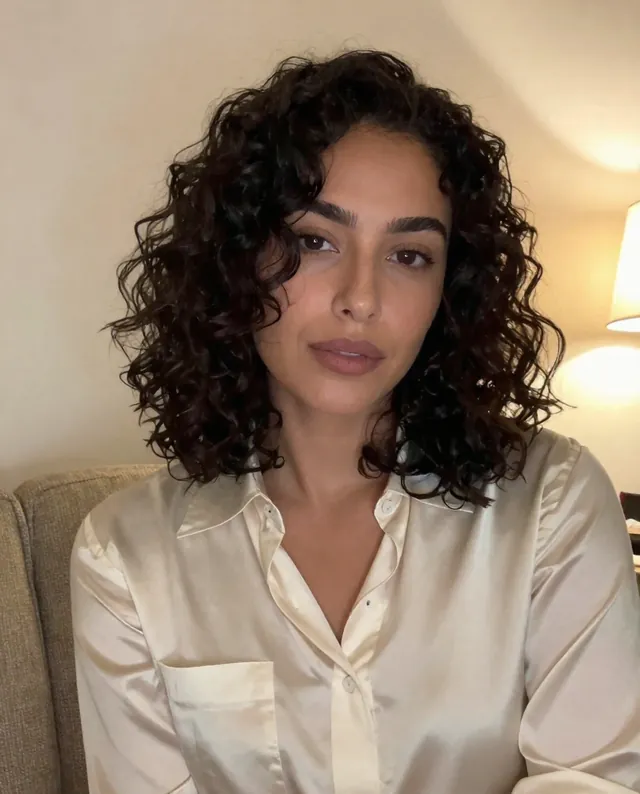
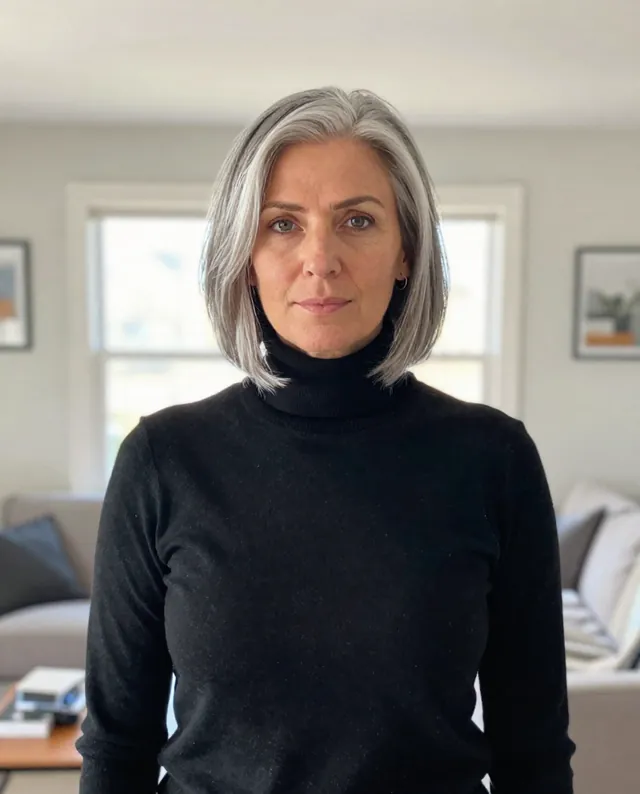
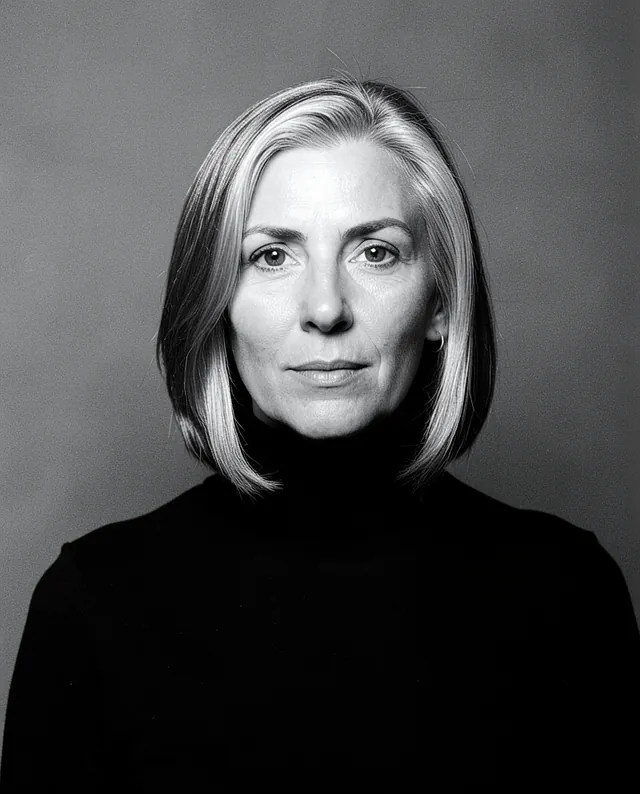
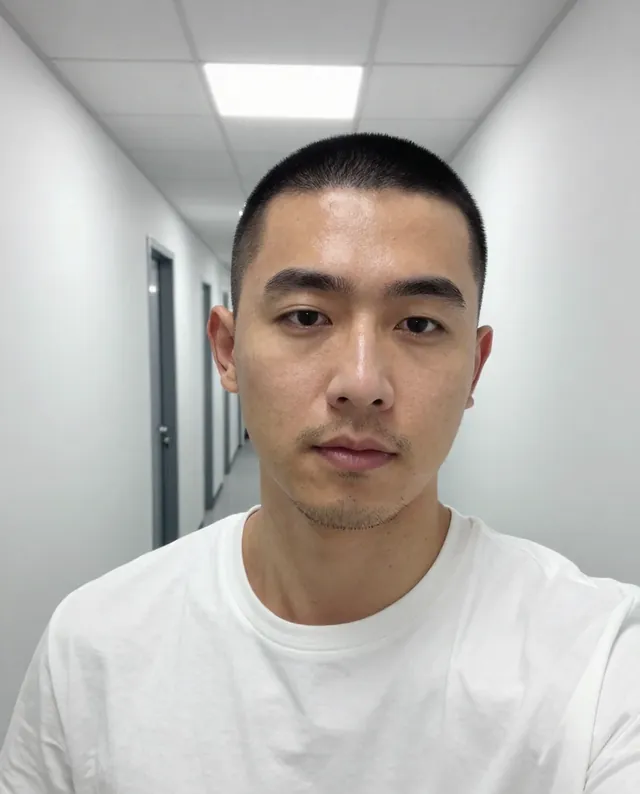
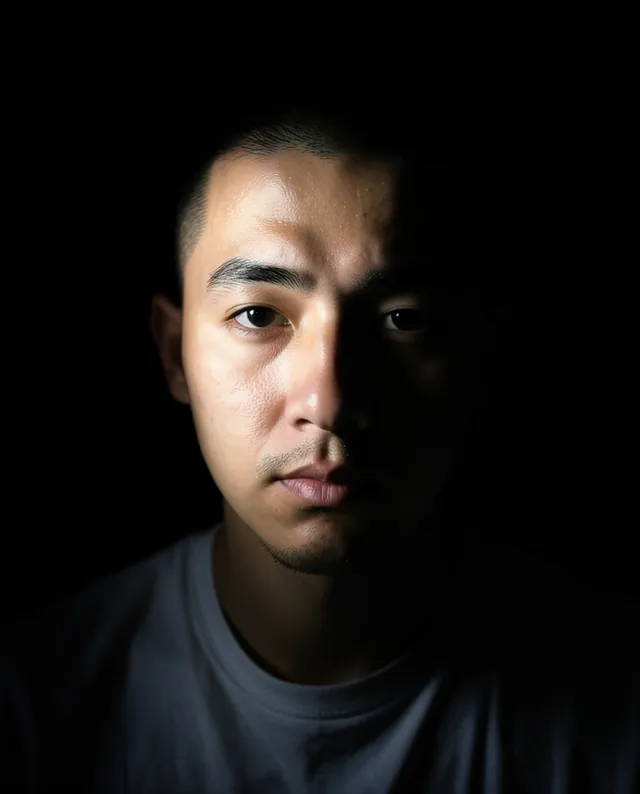
Example Example made on our own Mac with open models: Z-Image made the made-up input photo, FLUX.2 klein ran this prompt on it. Your result in the AI above will look different. How we make examples
Same portrait in four lighting setups
One 2x2 grid of your portrait in four classic lighting styles, so you can pick a favorite. You need one clear photo.
You need
1 photo of yours
Written for
Gemini, ChatGPT
Result
Image
Prompt
Using my attached photo, create one image with a 2x2 grid of the same studio portrait of me, shown from the shoulders up against a plain dark grey backdrop. Keep my pose, expression, outfit and framing identical in all four squares; only the lighting changes. Top left: soft, even beauty light from the front. Top right: split light, one side of my face lit and the other in shadow. Bottom left: warm side light with a small triangle of light on my shadowed cheek. Bottom right: fourth. Add a thin white line between the squares and labels. Keep my face exactly as it is in the photo: same identity, features, skin tone, age, hairstyle and body proportions. My face must look the same in all four.
Using the attached photo, make one image: a 2x2 grid of the same portrait.
Same in all four: me, shoulders up, same pose, expression, clothes and framing; plain dark grey backdrop.
Lighting: top left soft frontal beauty light; top right split light; bottom left warm side light with a triangle of light on the shadowed cheek; bottom right fourth.
Layout: thin white dividers, labels.
Constraints: keep my face, identity, skin tone, age, hairstyle and proportions exactly as in the photo. Keep natural skin texture. No slimming, no reshaping. The face must be identical in all four panels.
Fill in, or keep the brackets and change them later
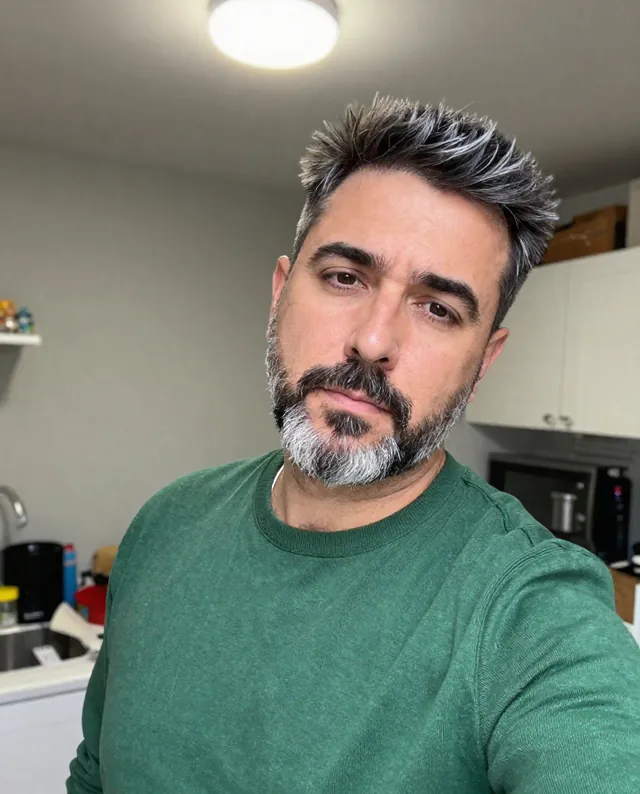


 Gemini, ChatGPT
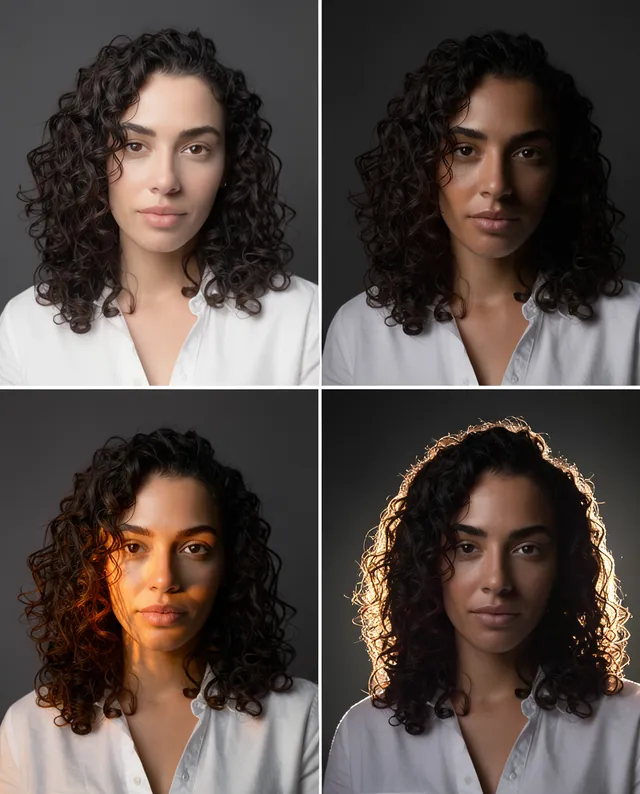
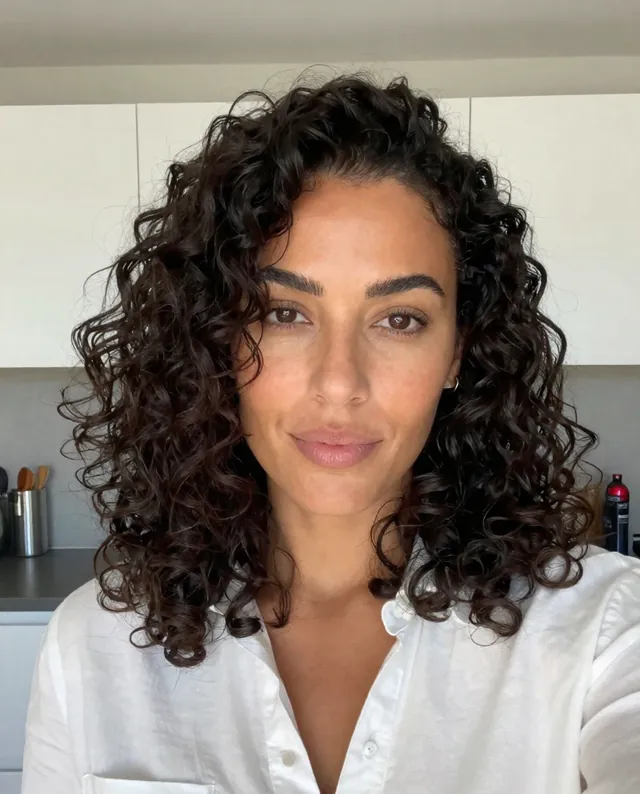 InputExample result
 Gemini, ChatGPT, Midjourney