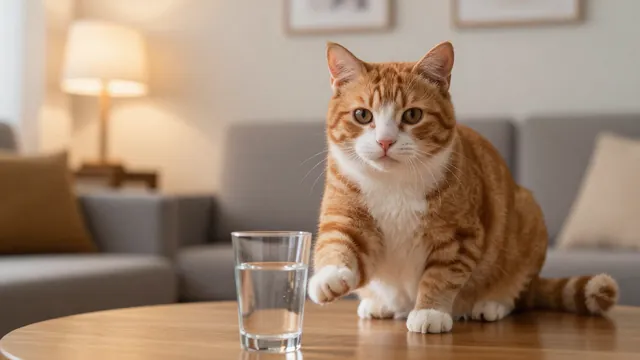
Example Example made on our own Mac with an open model (Z-Image). Your result in the AI above will look different. How we make examples
Make your pet do something funny on video
Turn a photo of your pet into a short, funny clip of it doing something silly. You need one pet photo.
You need
1 photo of yours
Written for
Veo, Kling
Result
Video
Prompt
Using my pet photo, make a short, funny clip. Keep my pet's face, markings, fur color and size exactly as in my photo, and do not change the breed. Shot: shot, in a cozy home setting. Motion: my pet funny action, with natural, believable movement and a funny pause at the end. Camera: camera. Sound: natural sounds of the action and a little room tone, no music, no dialogue.
Image to video. Keep the pet's face, markings, fur color and size exactly as in the image; do not change the breed. shot, cozy home setting. Motion: the pet funny action, natural believable movement, funny pause at the end. Camera: camera. Duration: 5 seconds.
Fill in, or keep the brackets and change them later


 Veo, Kling, Runway