What the tech

Search

/ opens search from anywhere. Esc closes it.

Tools

Get the newsletter
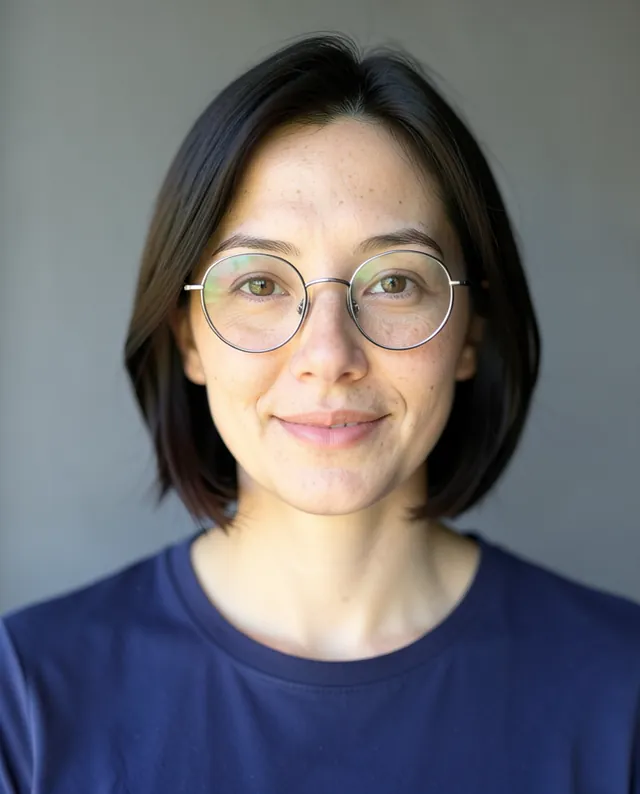
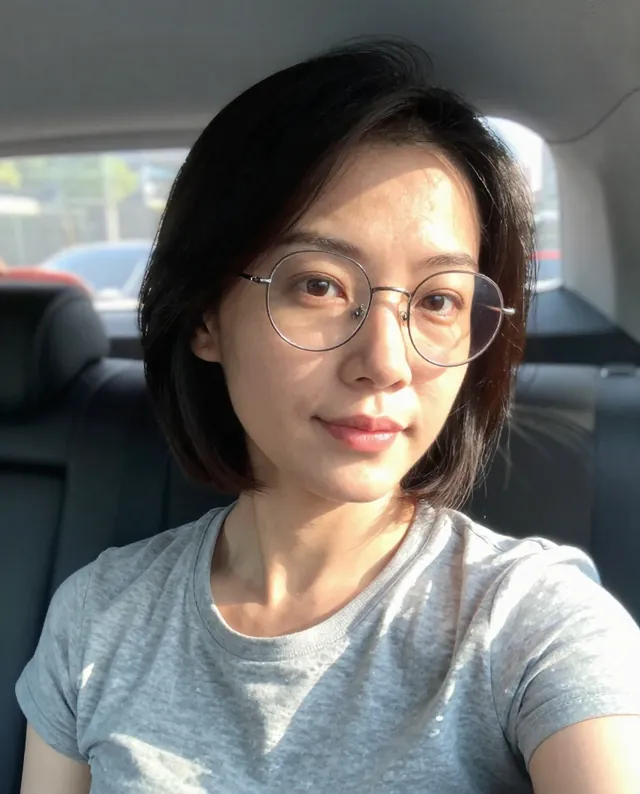
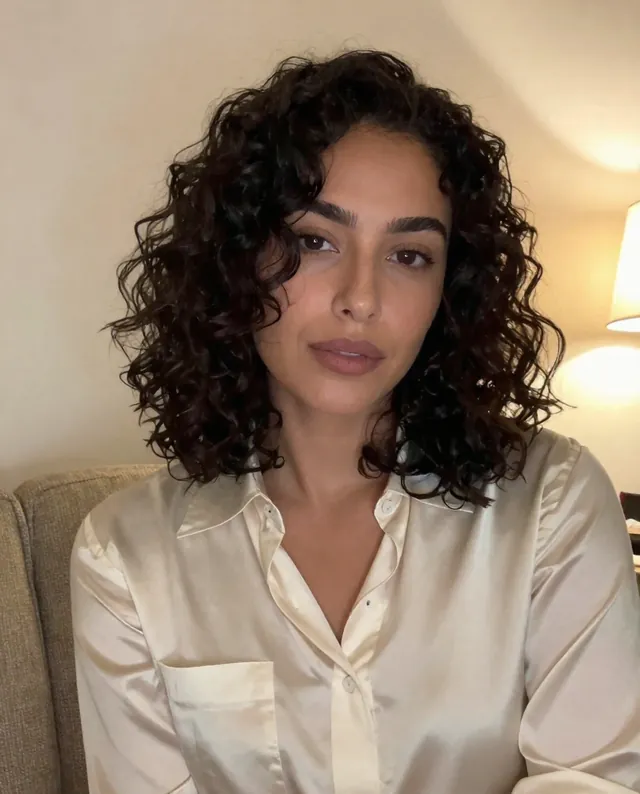
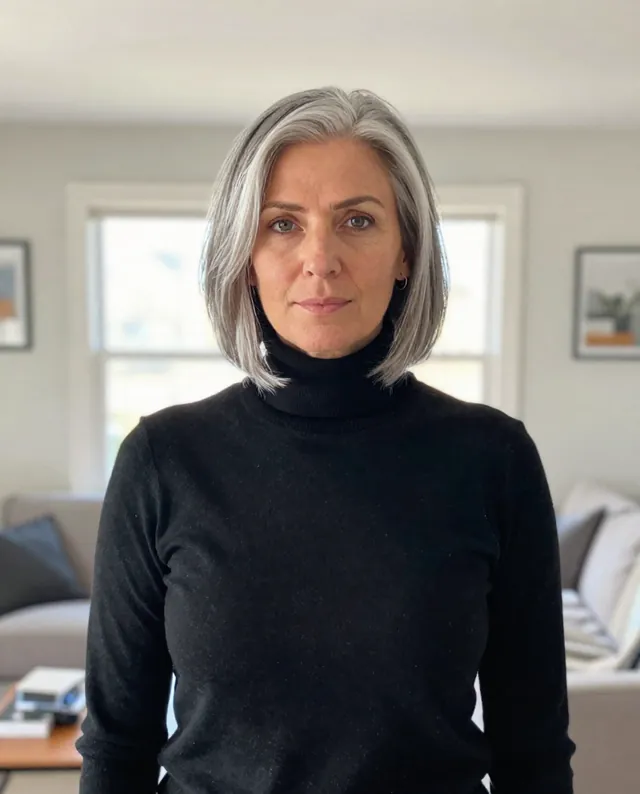
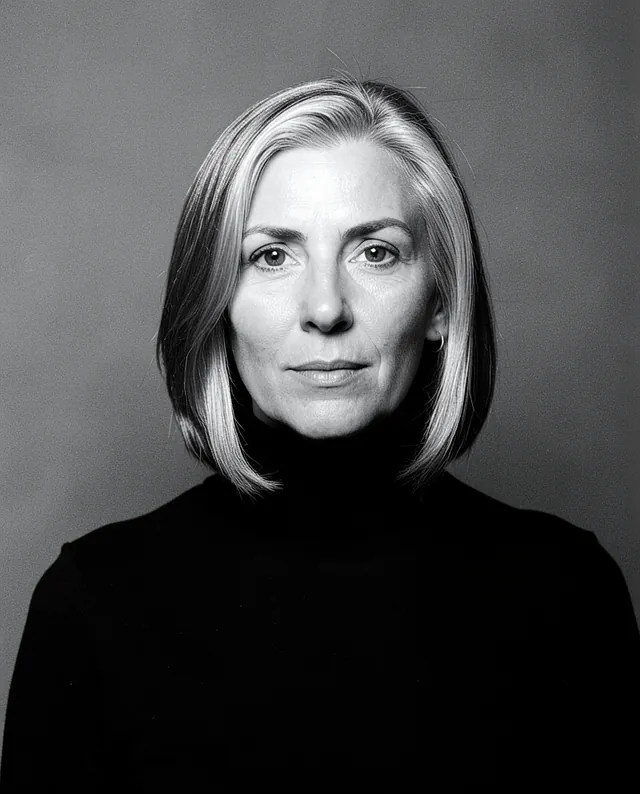
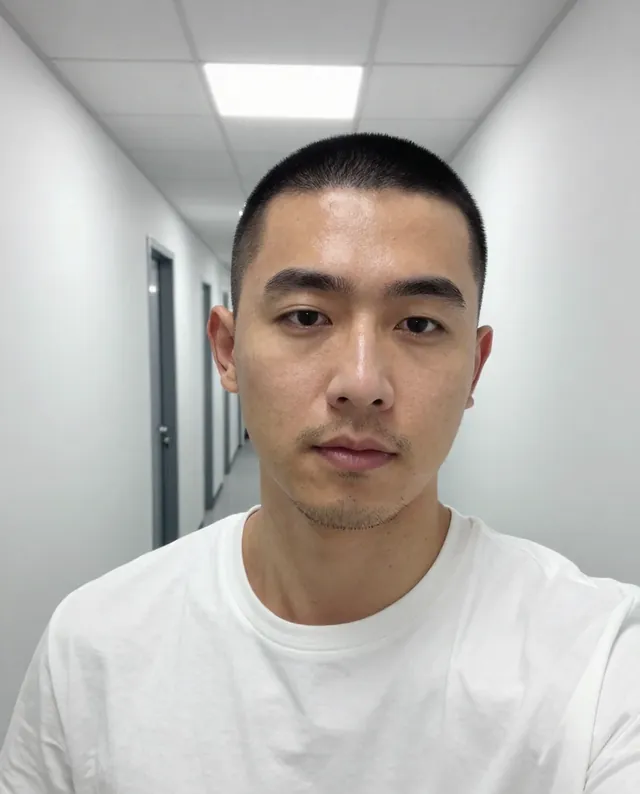
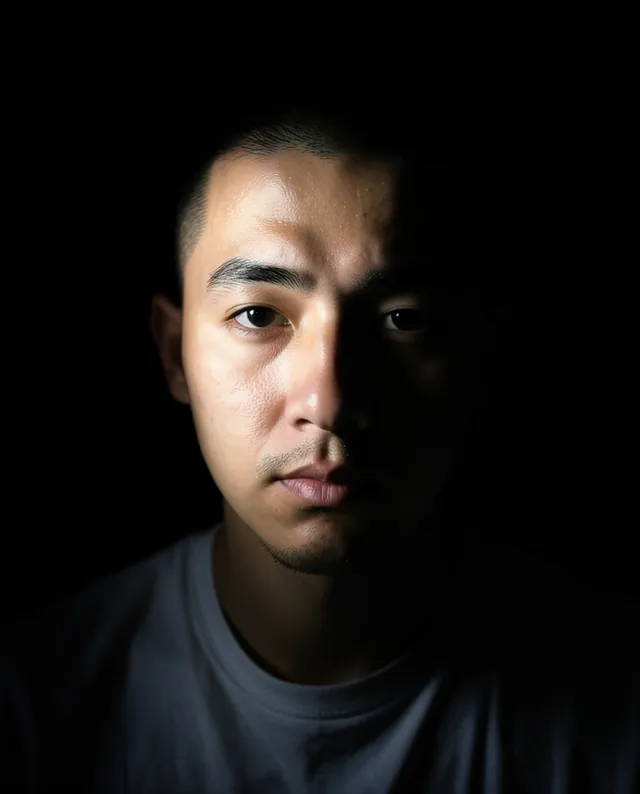
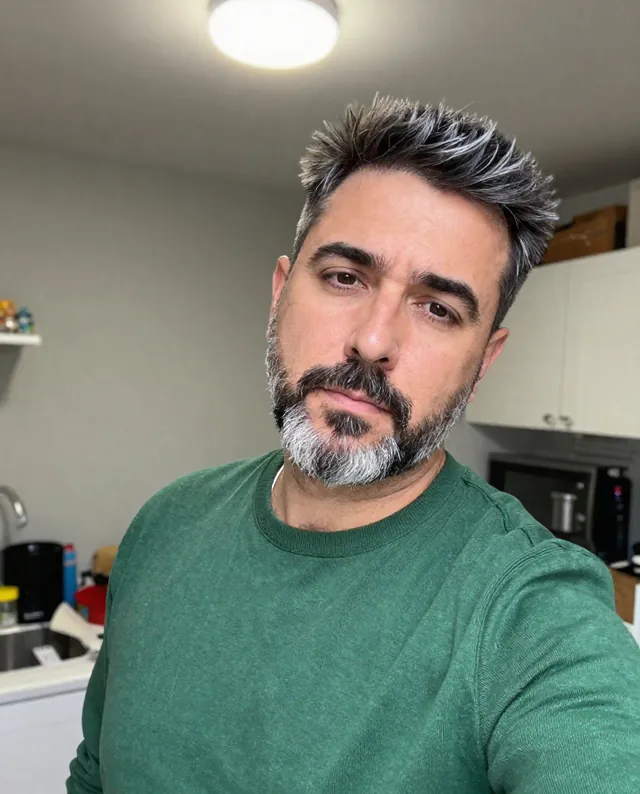
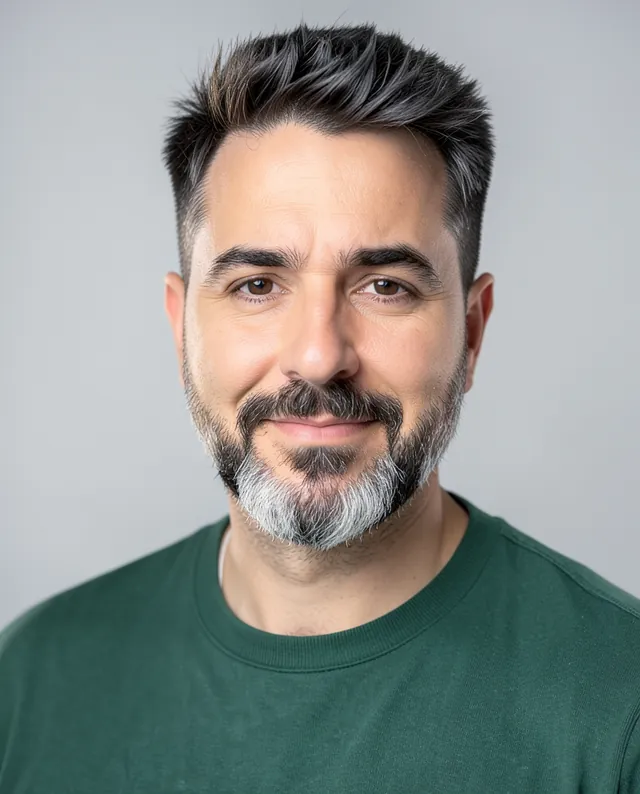
Example result of this prompt The made-up input photo InputExample result

Example Example made on our own Mac with open models: Z-Image made the made-up input photo, FLUX.2 klein ran this prompt on it. Your result in the AI above will look different. How we make examples

Natural actor headshot from your photo

A casting-style headshot that looks like the real you: simple, honest and well lit. You need one clear photo.

You need
1 photo of yours
Written for
Gemini, ChatGPT
Result
Image

Prompt

Turn my attached photo into a natural actor's headshot for casting. Show me from the chest up, looking straight into the lens with a expression expression and eyes that feel alive. I'm wearing a plain, solid-colored top in color with no patterns or logos. The background is background, softly out of focus. The light is soft and natural, like open shade outdoors or a big window. This must look like me on a good day, not a glamour shot: keep every freckle, line and texture, with minimal retouching. Keep my face exactly as it is in the photo: same identity, features, skin tone, age, hairstyle and body proportions.

Fill in, or keep the brackets and change them later

expression
color
background

How to use it

  1. Open Gemini or ChatGPT and choose the image model.
  2. Attach a recent, clear photo of yourself and paste the prompt.
  3. Run it a few times with different expressions and backgrounds to get a small set.
What to expectUse it to plan your real shoot or for a quick profile; faces can still change a little, and an agent may ask for a real photo anyway.

Tips

  • Casting directors want you as you look now. Don't let the AI make you younger.
  • Glasses? Say whether to keep them; they're a common point where models slip.
  • Your photo is uploaded to Google or OpenAI. Read their data policy before you share a face.

Editor: Peyman Khosravani · Updated November 18, 2026