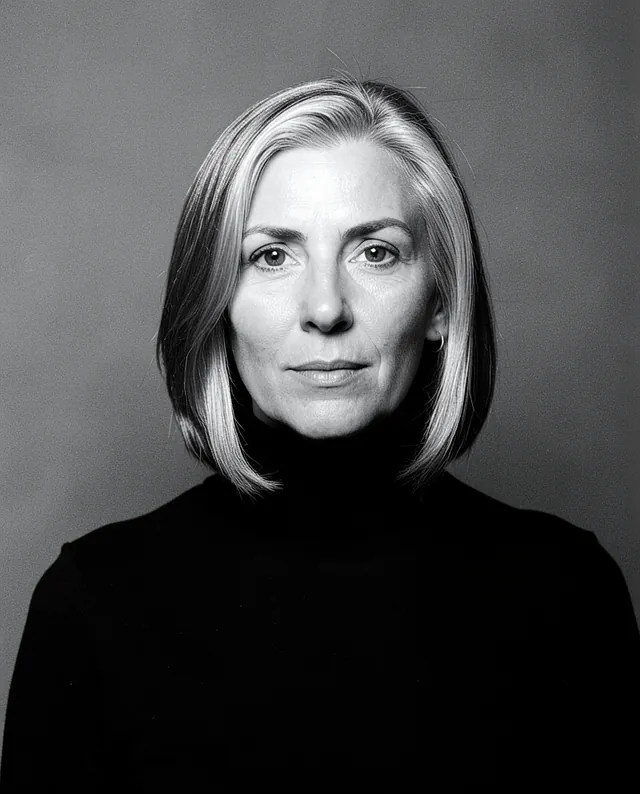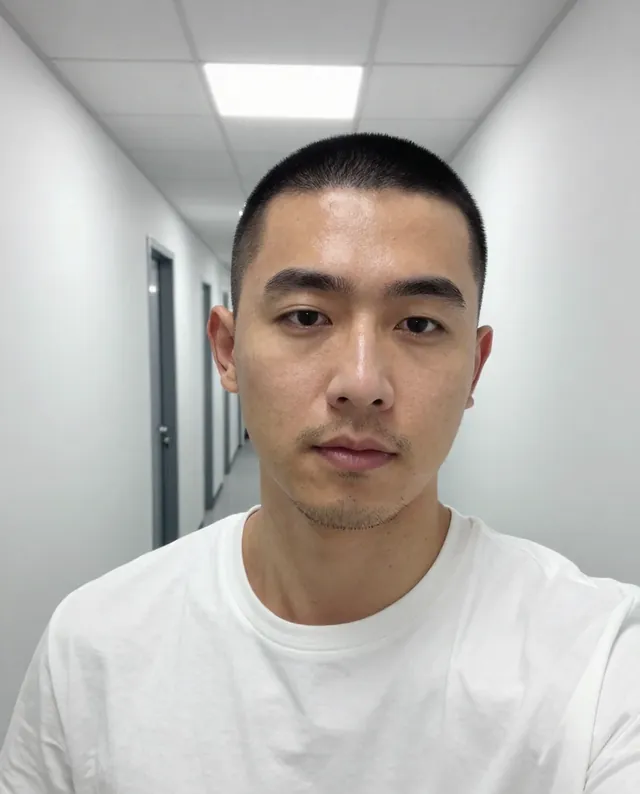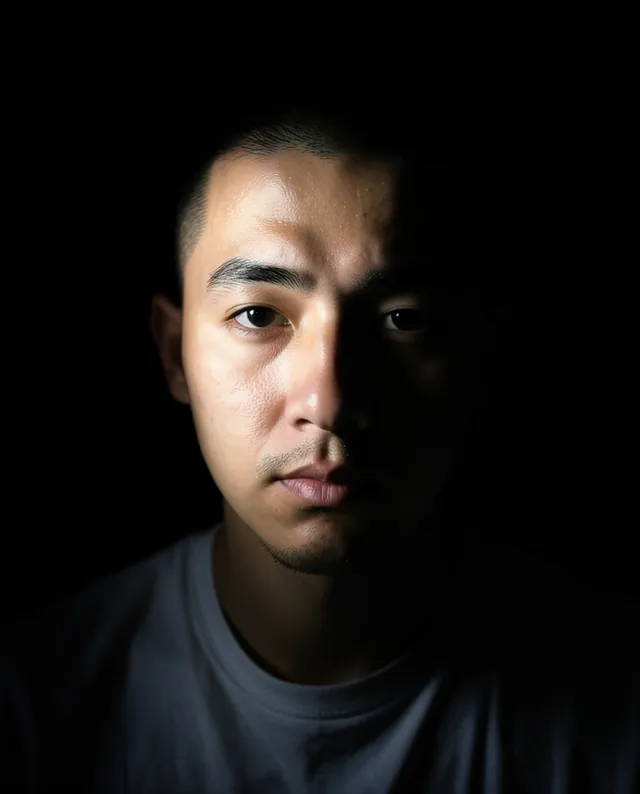

InputExample result
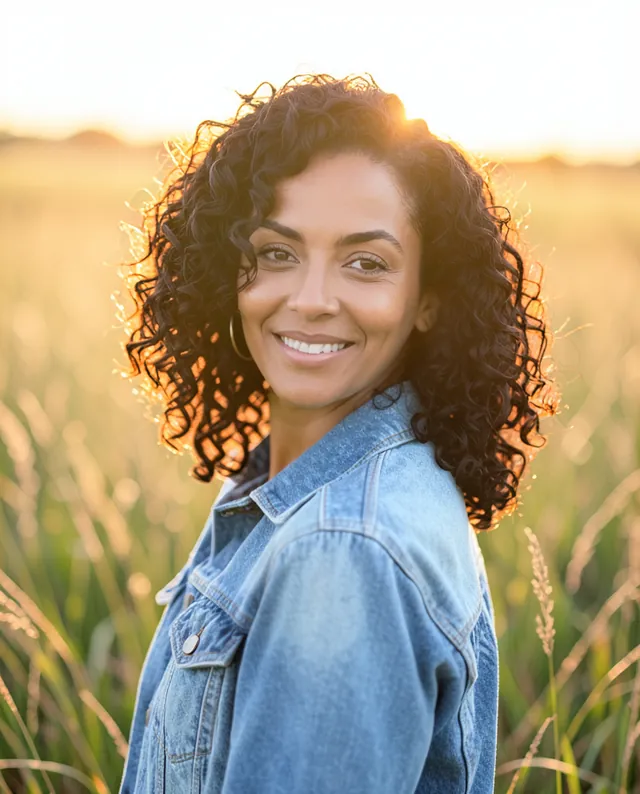
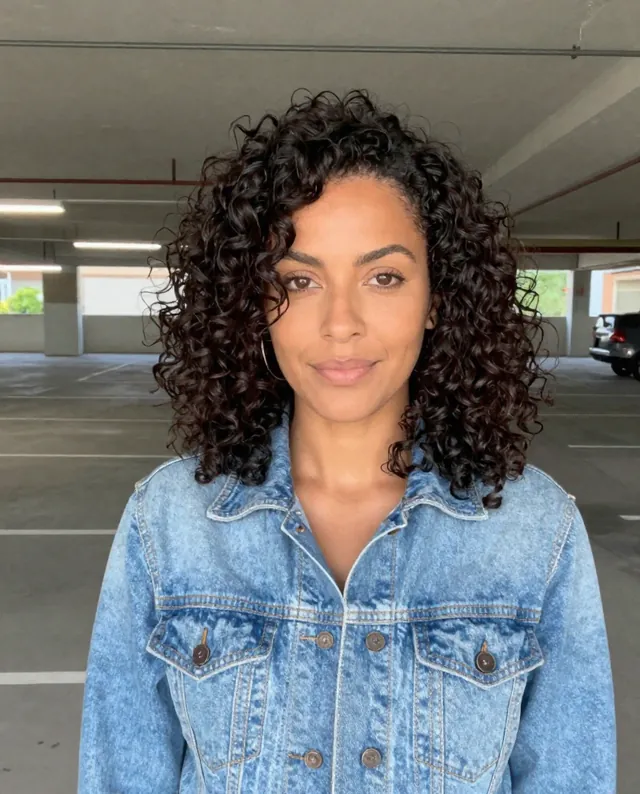
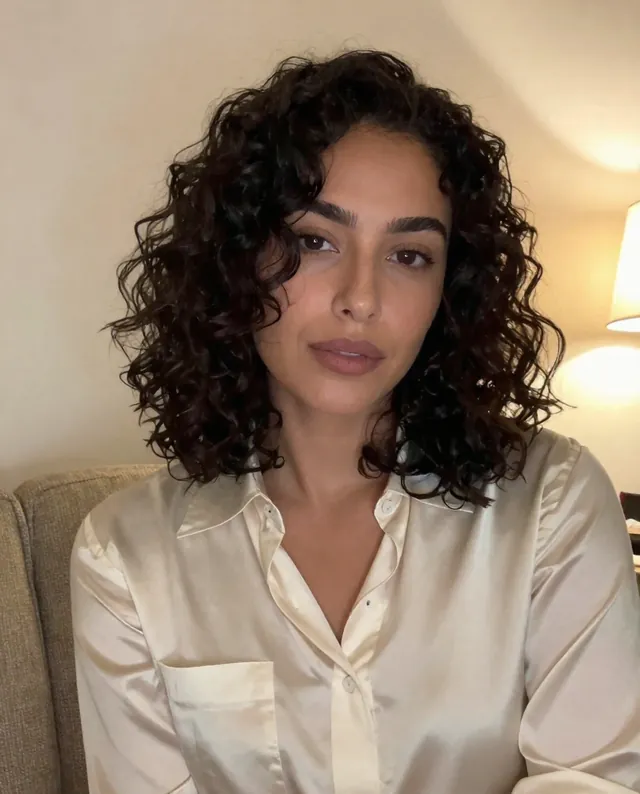
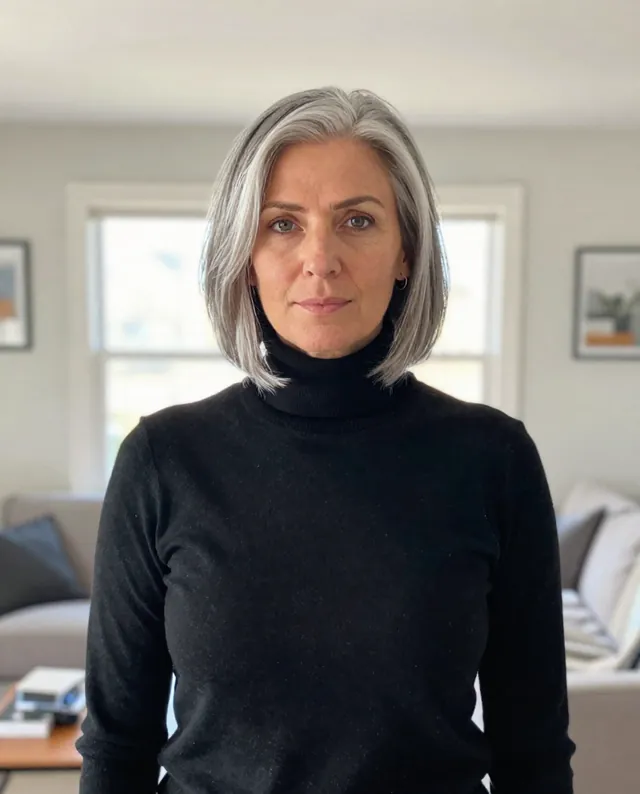
Example Example made on our own Mac with open models: Z-Image made the made-up input photo, FLUX.2 klein ran this prompt on it. Your result in the AI above will look different. How we make examples
Outdoor golden-hour portrait from your photo
A warm, glowing portrait in late-afternoon sun, as if shot outdoors by a pro. You need one clear photo of yourself.
- You need
- 1 photo of yours
- Written for
- Gemini, ChatGPT
- Result
- Image
Prompt
Turn my attached photo into an outdoor portrait taken at golden hour. I'm standing in place, shown from the waist up and turned slightly toward the camera with a natural, relaxed smile. The low sun is behind me and to one side, giving my hair a warm glowing edge, while soft reflected light keeps my face bright and even. The background is gently blurred with warm, creamy tones. It looks like a professional photo taken with a portrait lens, with real skin texture. Keep my face exactly as it is in the photo: same identity, features, skin tone, age, hairstyle and body proportions.
Edit the attached photo into an outdoor golden-hour portrait.
Subject: me, waist up, turned slightly toward the camera, natural relaxed smile, same clothes.
Setting: place, background softly blurred.
Lighting: low warm sun behind and to the side, glowing rim on the hair, soft fill on the face.
Camera: portrait lens look, creamy background, real skin texture.
Constraints: keep my face, identity, skin tone, age, hairstyle and proportions exactly as in the photo. Keep natural skin texture. No slimming, no reshaping.
Fill in, or keep the brackets and change them later
place
How to use it
- Open Gemini or ChatGPT and choose the image model.
- Attach a photo where your face is clear, paste the prompt and pick a place.
- Too orange? Add 'more natural skin tones' and run it again.
What to expectThe setting is invented and the light can look a little too perfect; faces can still change a little.
Tips
- A photo taken in shade works better than one in harsh midday sun.
- Waist-up photos give the model more to work with than tight face crops.
- Your photo is uploaded to Google or OpenAI. Read their data policy before you share a face.
Editor: Ali Dezhami · Updated November 18, 2026