What the tech

Search

/ opens search from anywhere. Esc closes it.

Tools

Get the newsletter
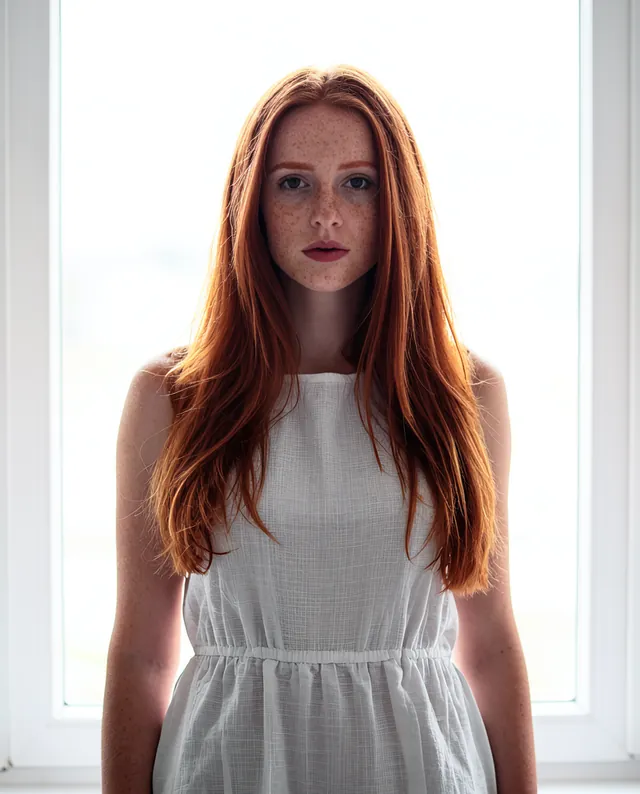
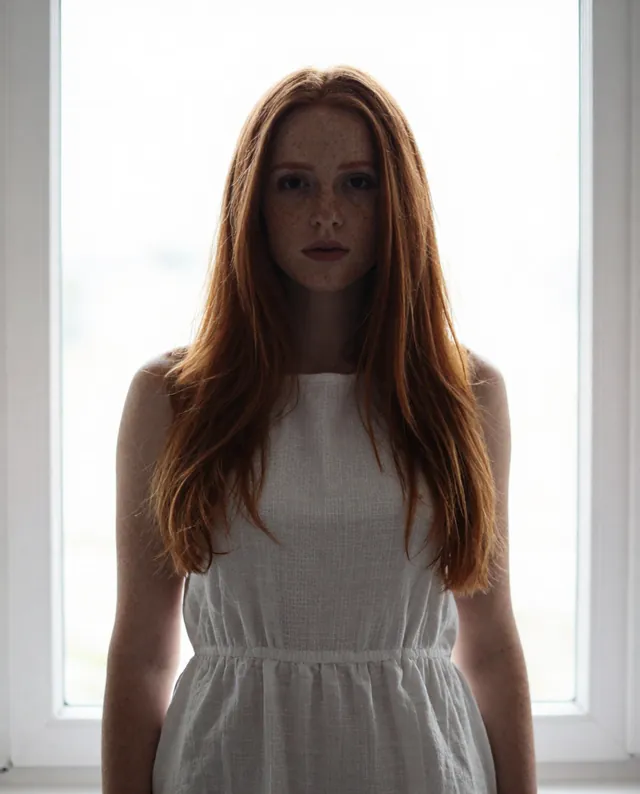
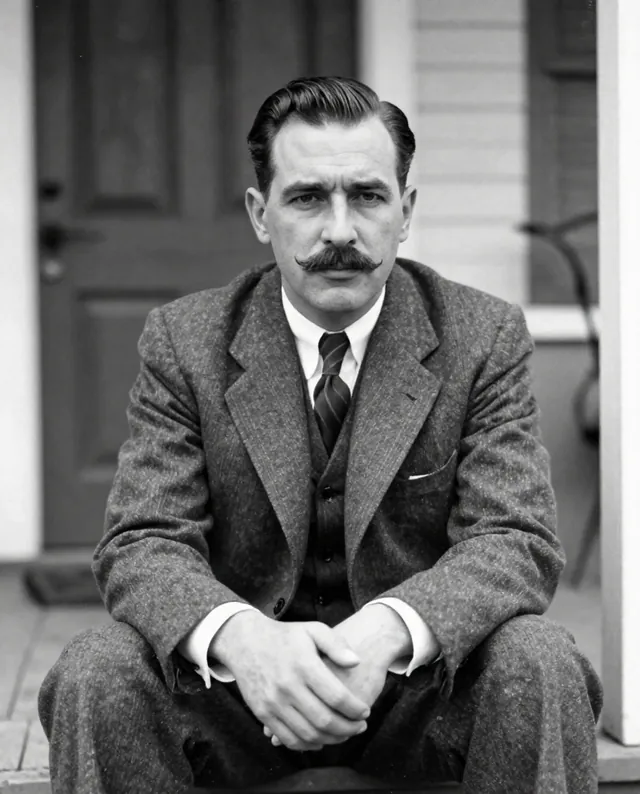
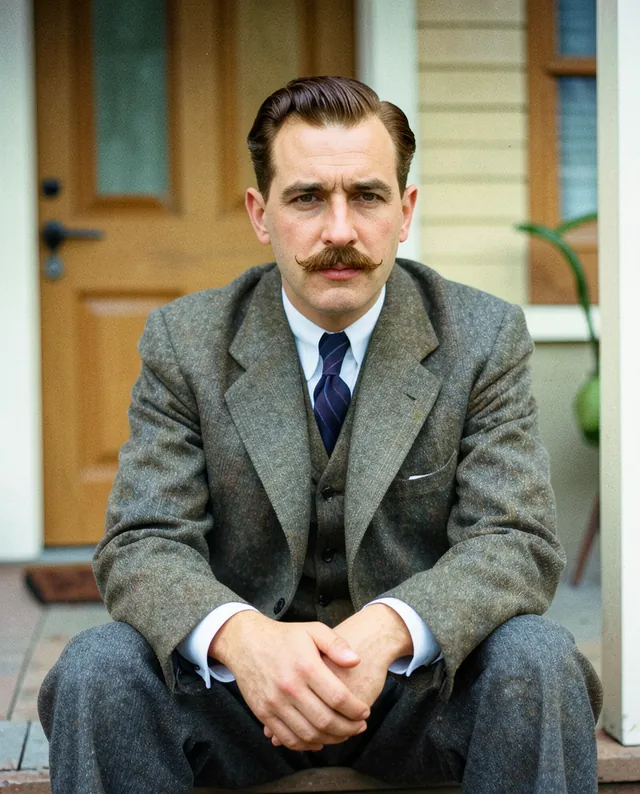
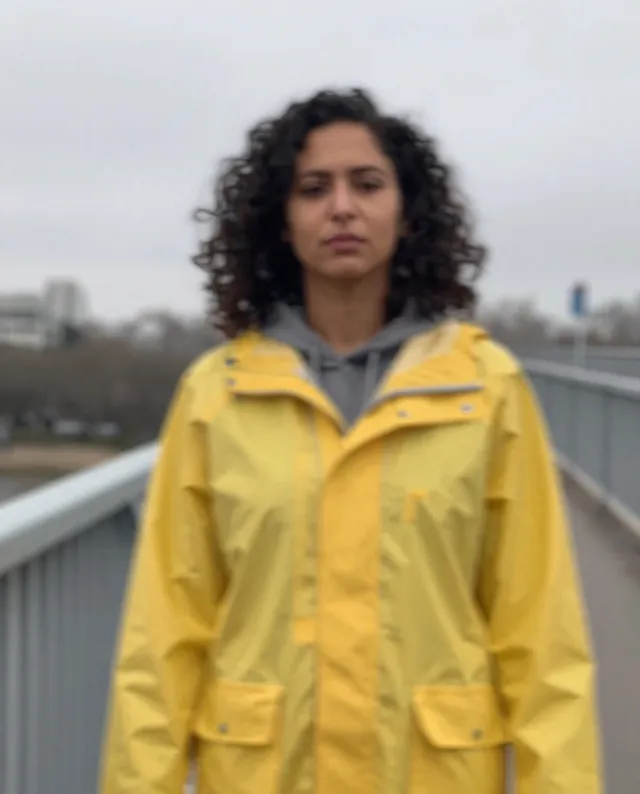
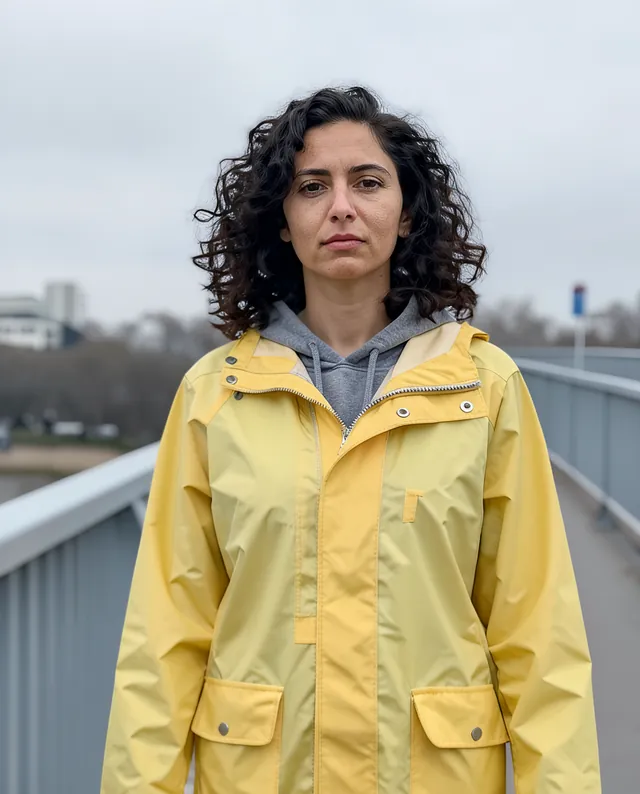
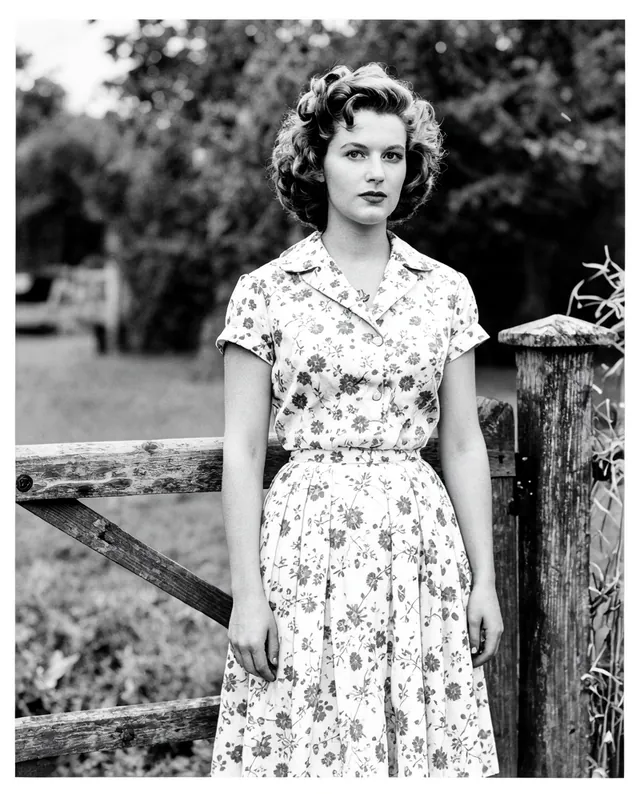
Example result of this prompt The made-up input photo InputExample result

Example Example made on our own Mac with open models: Z-Image made the made-up input photo, FLUX.2 klein ran this prompt on it. Your result in the AI above will look different. How we make examples

Fix a dark, backlit photo

Brighten faces that came out too dark against a bright window or sky, without losing the background. You need the photo.

You need
1 photo of yours
Written for
Gemini, ChatGPT
Result
Image

Prompt

Fix the lighting in my attached backlit photo. The people are too dark against a bright background. Brighten the faces and bodies so they look naturally lit, as if a soft light were in front of them, and recover the detail in the background so it isn't blown out to white. Keep the colors natural and the mood of the original light. Don't change the composition, expressions or anything else. Keep every person's face exactly as it is: same identity, features, skin tone, age and proportions.

Fill in, or keep the brackets and change them later

background

How to use it

  1. Open Gemini or ChatGPT and choose the image model.
  2. Attach the dark photo and paste the prompt.
  3. Looks too bright or flat? Add 'subtler, keep some shadow on the faces' and run it again.
What to expectIn very dark areas the AI has to invent detail, so faces and skin tones can still change a little.

Tips

  • Try a normal photo editor's 'shadows' slider first; if that's not enough, use this.
  • Very dark faces have less detail to recover, so more is guessed.
  • Compare skin tones with the original so they don't drift lighter or darker.

Editor: Ali Dezhami · Updated November 18, 2026