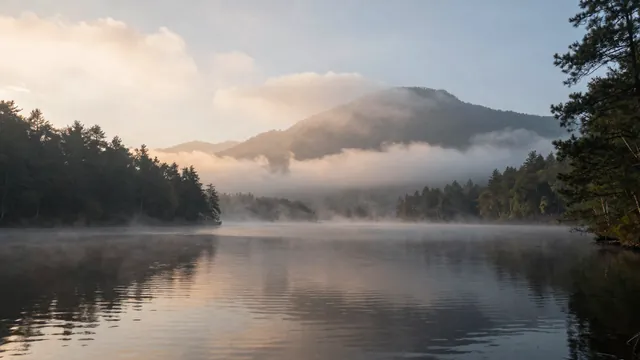
Example Example made on our own Mac with an open model (Z-Image). Your result in the AI above will look different. How we make examples
Cinematic establishing shot with sound
A film-style opening shot with rich ambient sound, made in one go with Veo. You only need the prompt.
You need
Nothing but the prompt
Written for
Veo
Result
Video
Prompt
Shot: a cinematic wide establishing shot of location at time of day, like the opening scene of a feature film. Camera: a slow, smooth crane move that starts low behind foreground detail and rises to reveal the whole scene. Look: anamorphic lens feel, rich natural color grading, soft atmospheric haze, 24 frames per second. Sound: layered ambient sound: ambient sound, with a low, gentle swell at the reveal, no dialogue.
Fill in, or keep the brackets and change them later


 Veo, Kling, Runway