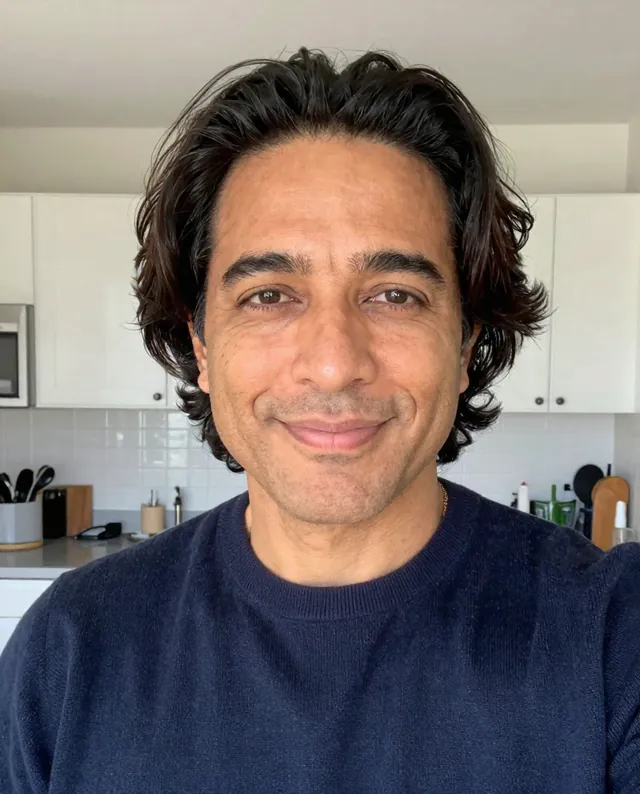
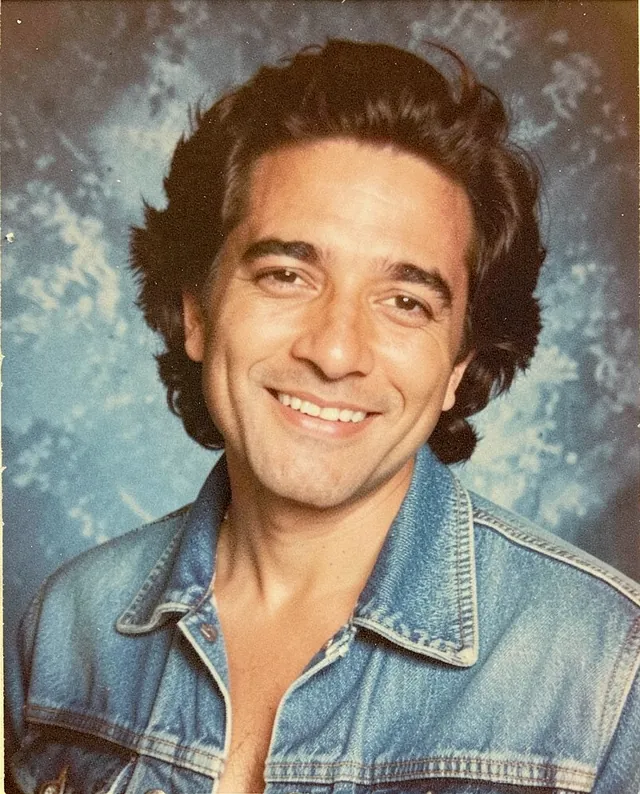
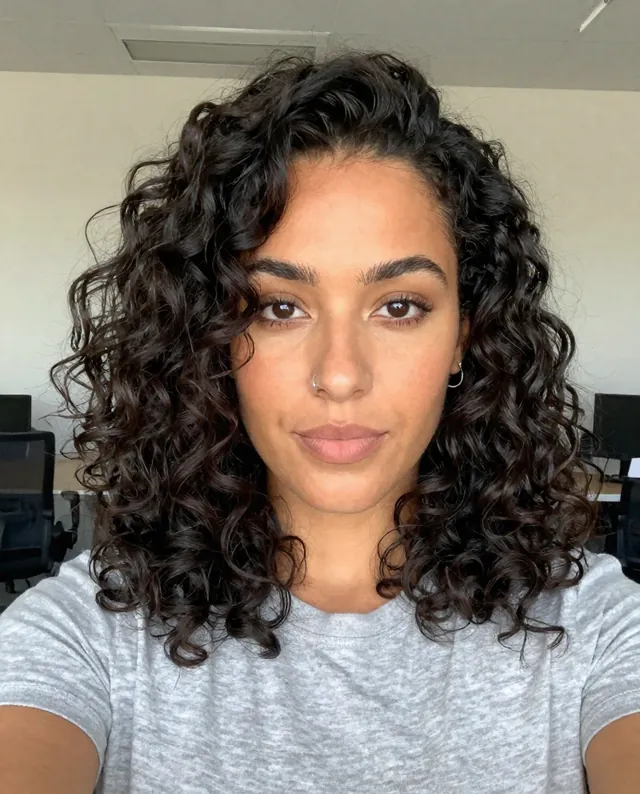
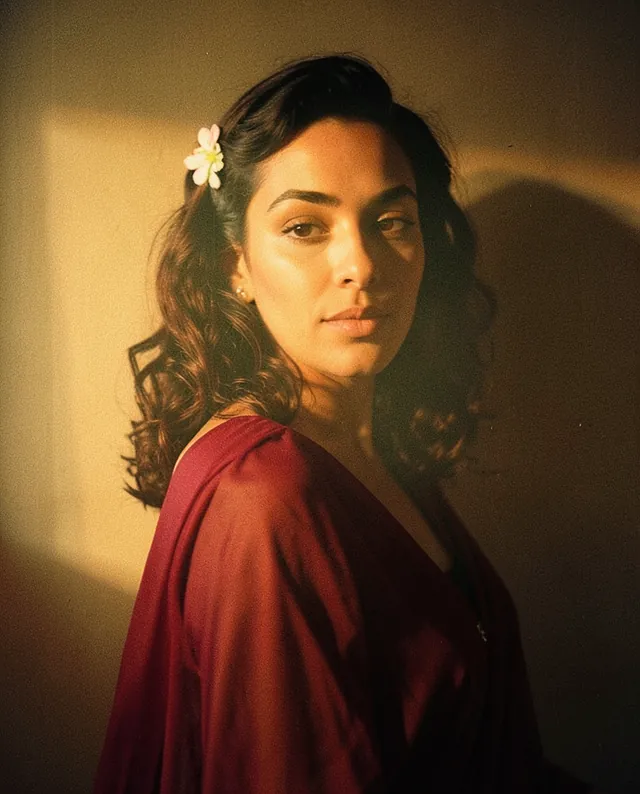
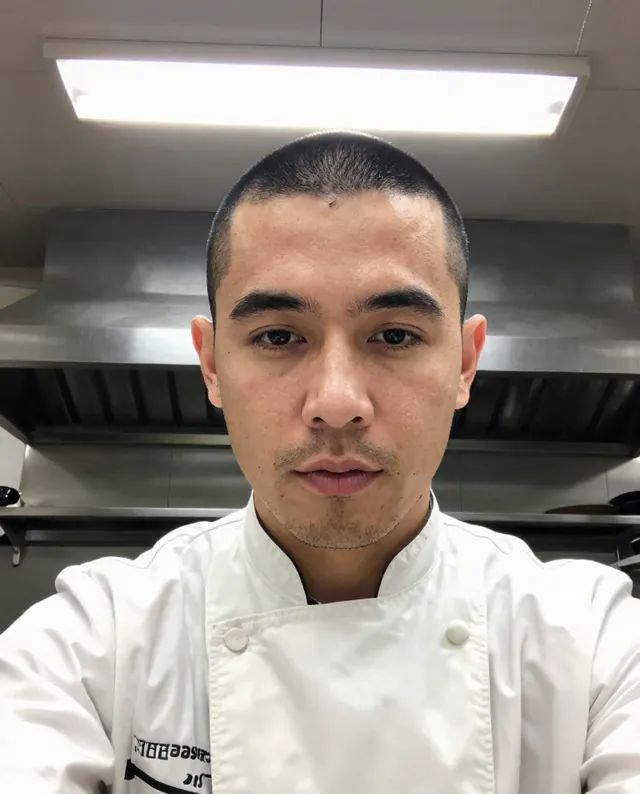
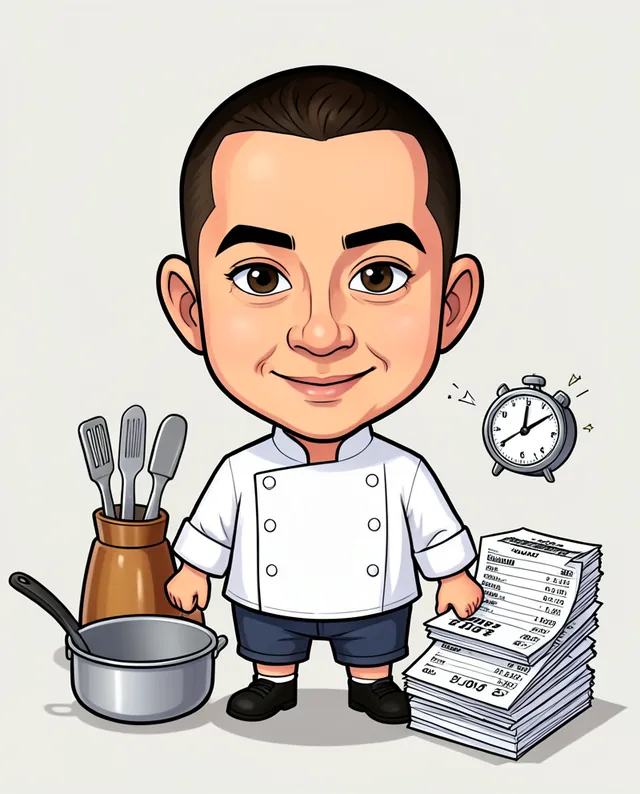
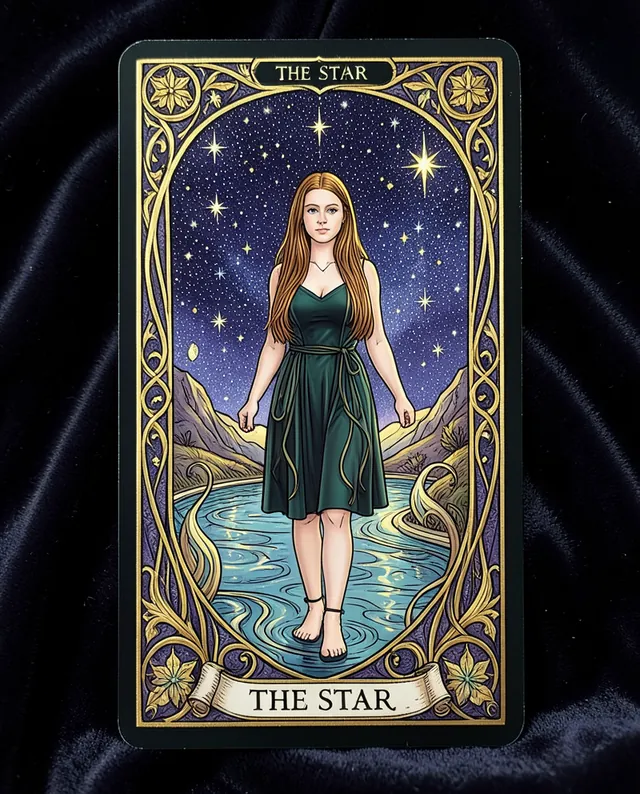
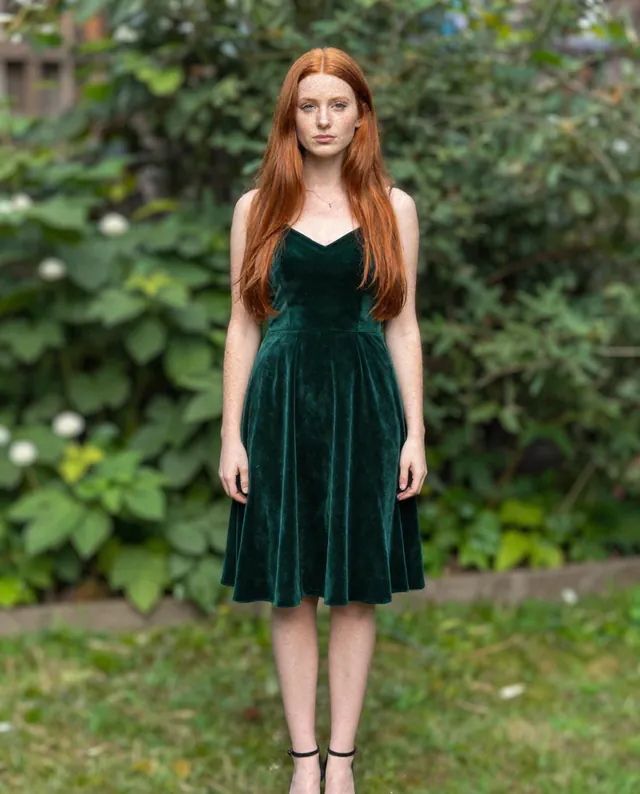
Example Example made on our own Mac with open models: Z-Image made the made-up input photo, FLUX.2 klein ran this prompt on it. Your result in the AI above will look different. How we make examples
Tarot card of you
You as the figure on an ornate, hand-painted tarot card with a card name of your choice. You need one photo.
You need
1 photo of yours
Written for
Gemini, ChatGPT
Result
Image
Prompt
Use my attached photo to create a tarot card with me as the central figure. I'm shown full figure, in a pose that fits the card card, surrounded by its symbols: symbols. Paint it in an style style with rich gold details. Frame it with an ornate border and a banner at the bottom with the card's name in elegant capitals. Show it as a single tall card on a dark velvet cloth. Keep my face exactly as it is in the photo: same identity, features, skin tone, age, hairstyle and body proportions.
Create a tarot card using the attached photo.
Figure: me, full figure, pose fitting the card card.
Symbols: symbols.
Style: style, rich gold details.
Frame: ornate border, bottom banner with the card name in elegant capitals.
Presentation: one tall card on dark velvet cloth.
Constraints: keep my face, identity, skin tone, age, hairstyle and proportions exactly as in the photo. Keep natural skin texture. No slimming, no reshaping. Spell the card name exactly.
Fill in, or keep the brackets and change them later

 Gemini, ChatGPT
 InputExample result