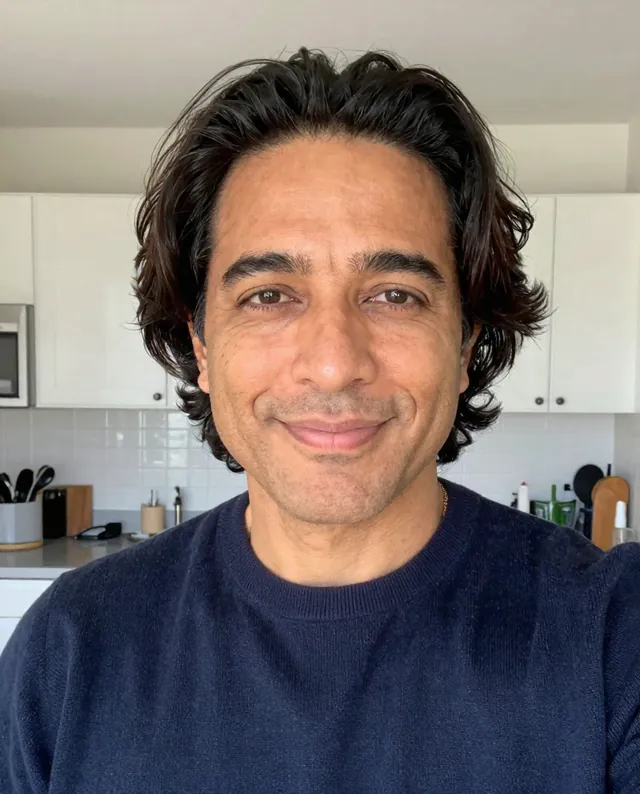
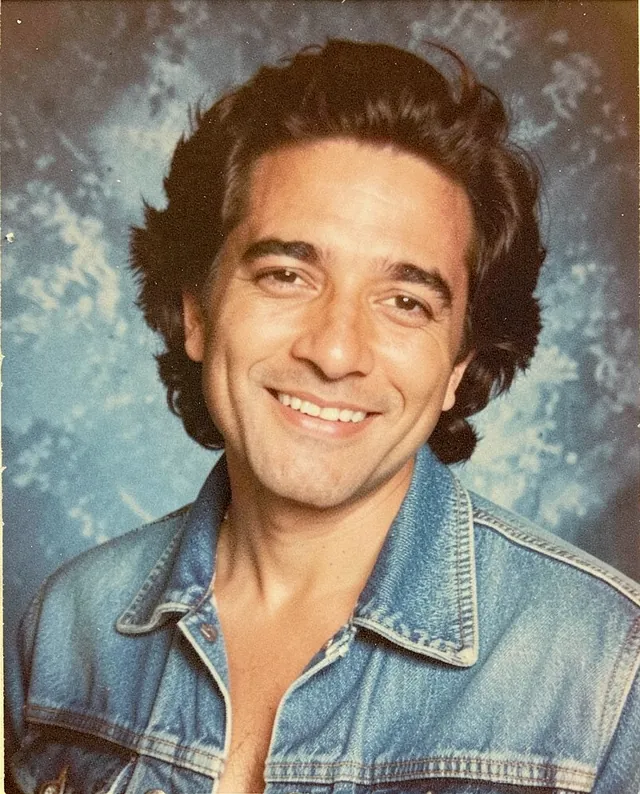
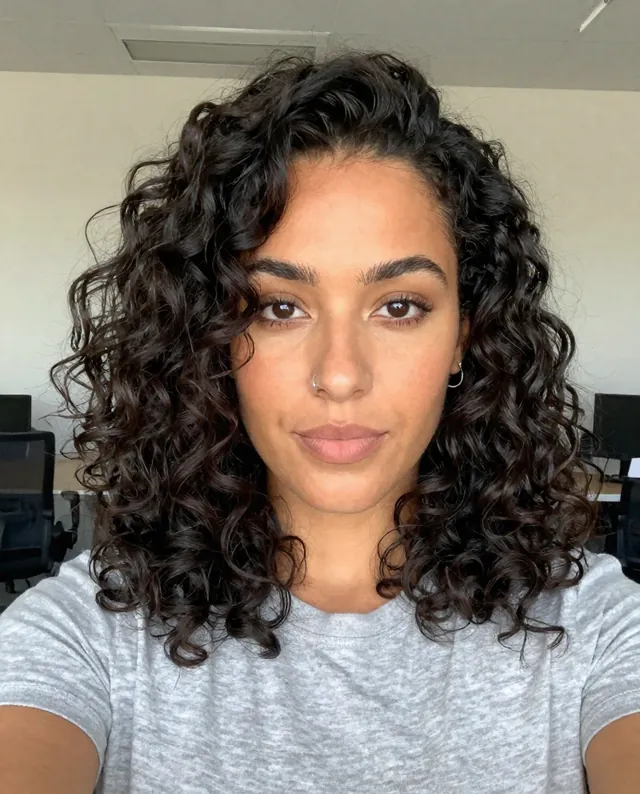
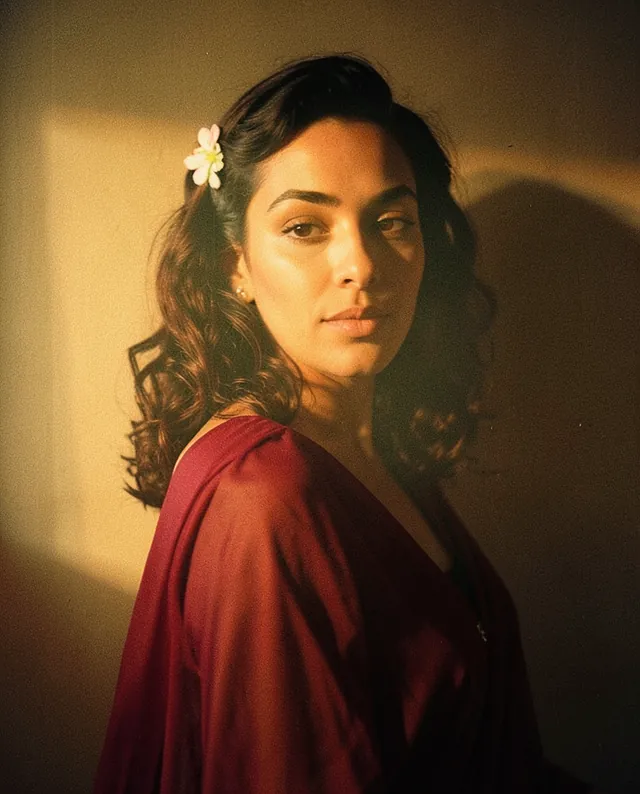
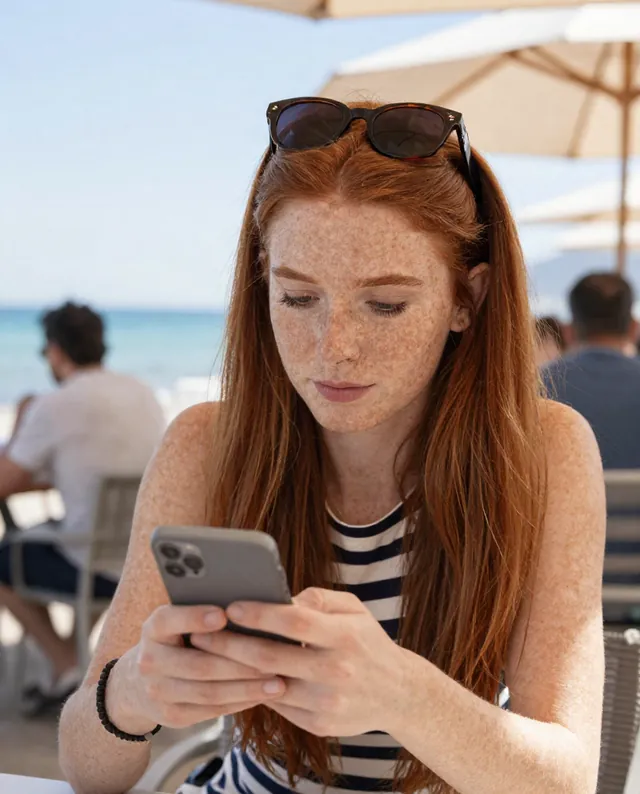
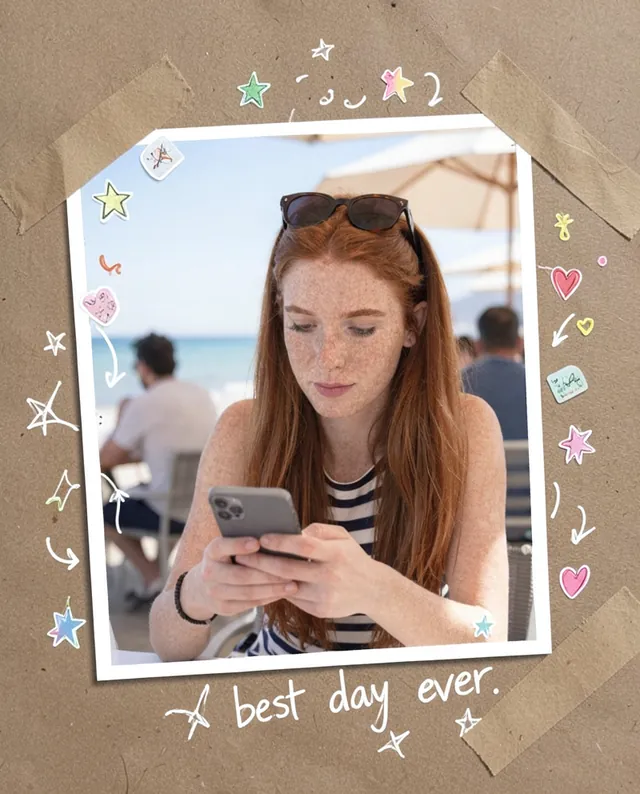
Example Example made on our own Mac with open models: Z-Image made the made-up input photo, FLUX.2 klein ran this prompt on it. Your result in the AI above will look different. How we make examples
Caricature of you and your job
A fun caricature of you with a big head, surrounded by the tools and jokes of your job. You need one photo.
You need
1 photo of yours
Written for
Gemini, ChatGPT
Result
Image
Prompt
Use my attached photo to draw a playful caricature of me as a job. Give me a big head on a small body, gently exaggerating my most recognizable features in a kind, flattering way. Surround me with things from my work: items. Add one funny detail that people in my job would get, like joke. Use a style style on a plain light background. Keep it friendly; nothing mean or insulting. Keep me recognizable: same identity, hairstyle, skin tone and key features.
Draw a playful caricature of the person in the attached photo as a job.
Proportions: big head, small body, gently exaggerated recognizable features, kind and flattering.
Props: items.
Joke: joke.
Style: style, plain light background.
Constraints: keep identity, hairstyle, skin tone and key features recognizable. Nothing mean or insulting.
Fill in, or keep the brackets and change them later
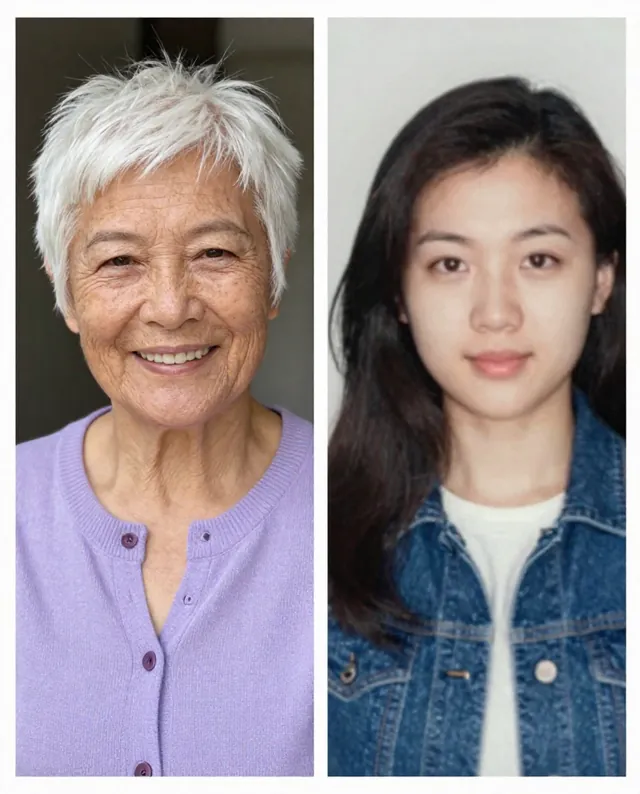
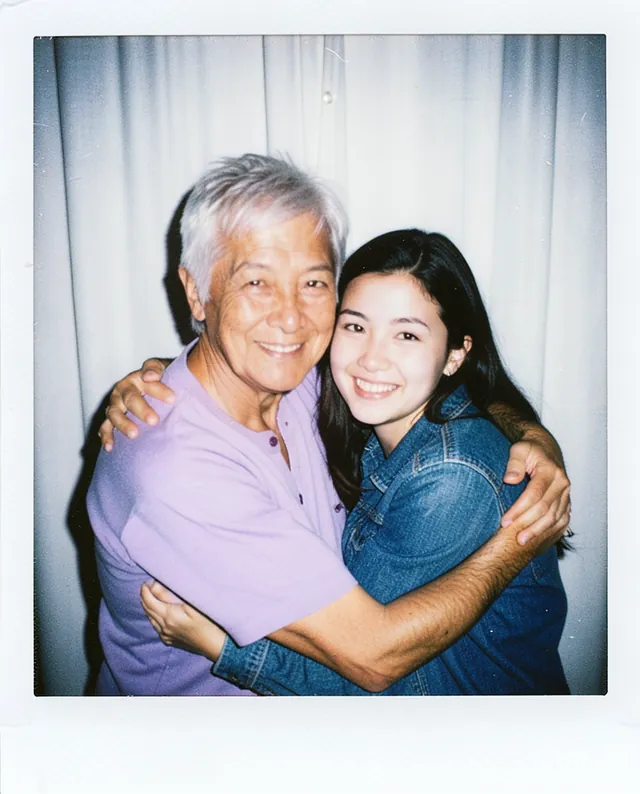

 Gemini, ChatGPT
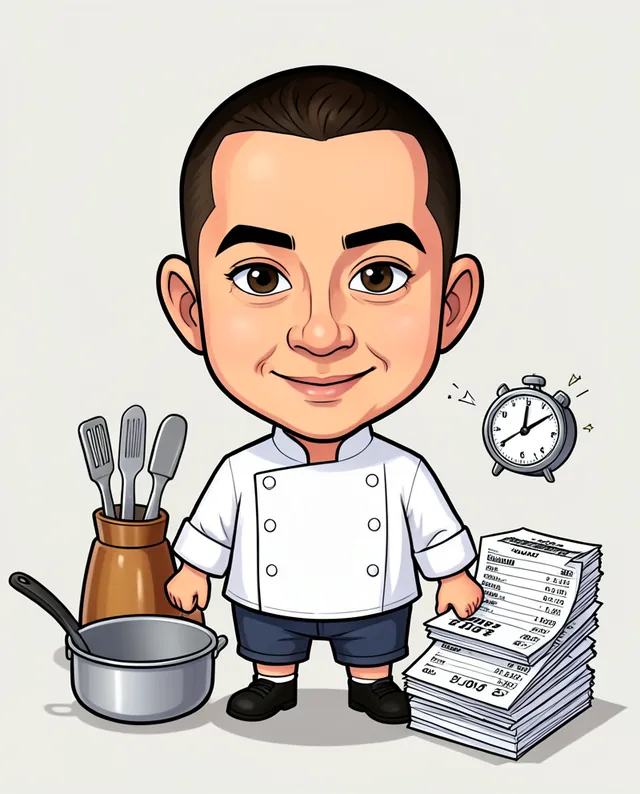
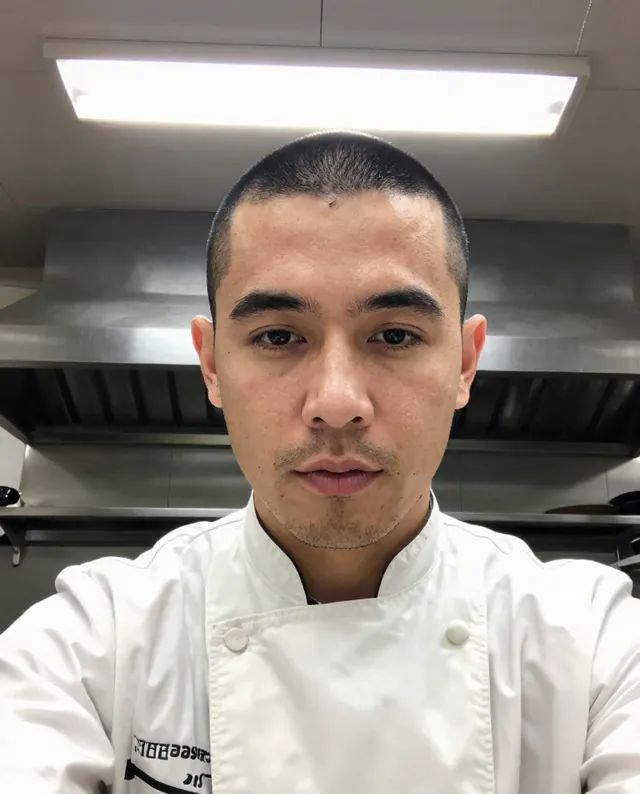 InputExample result