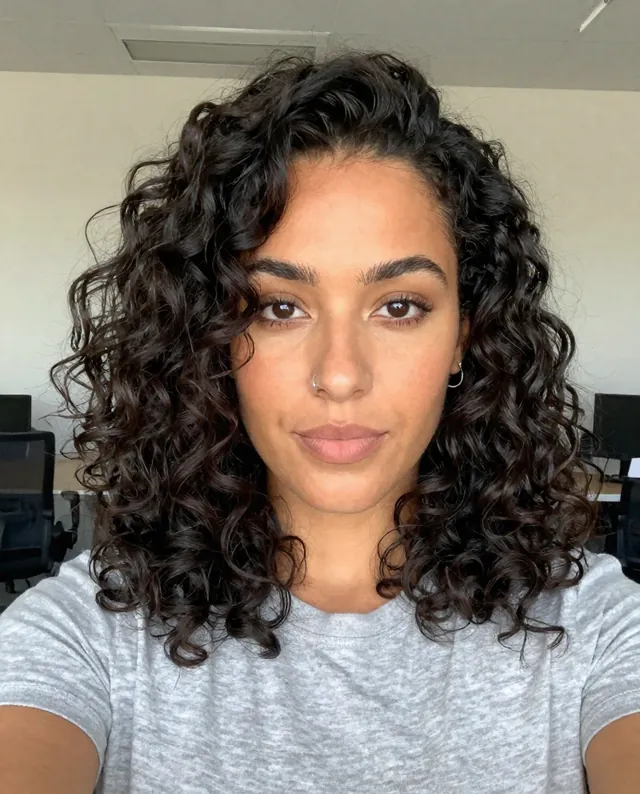
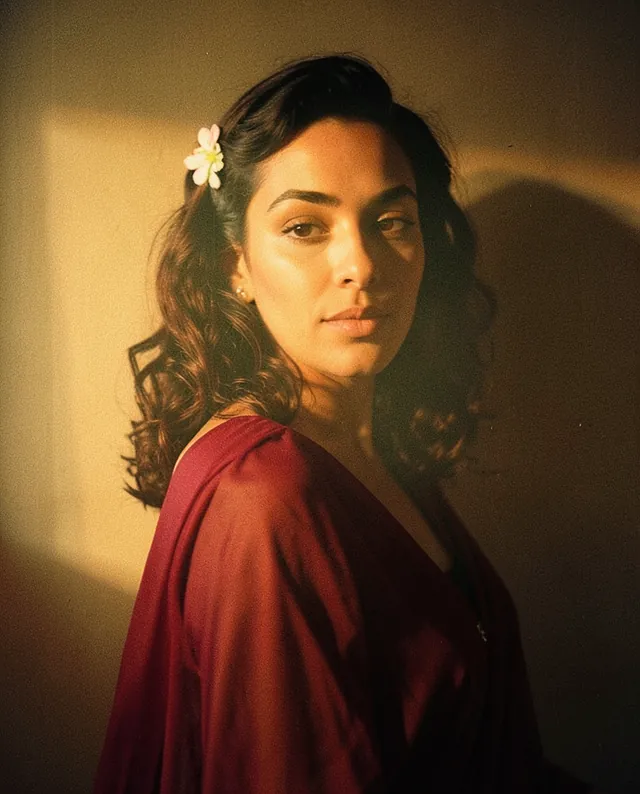
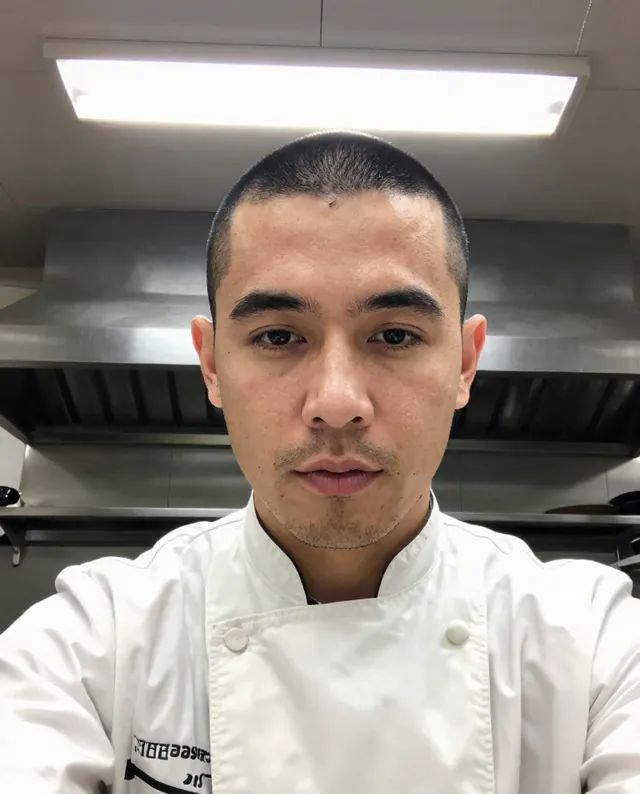
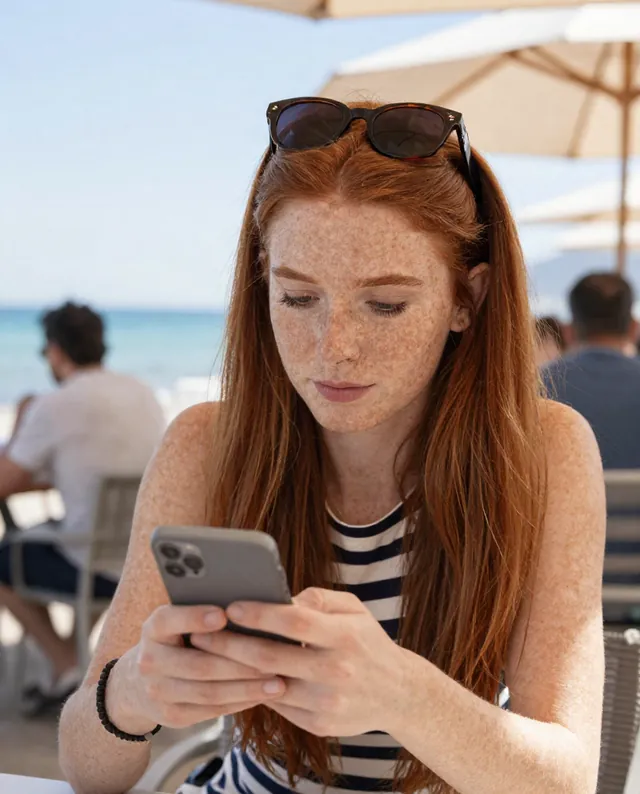
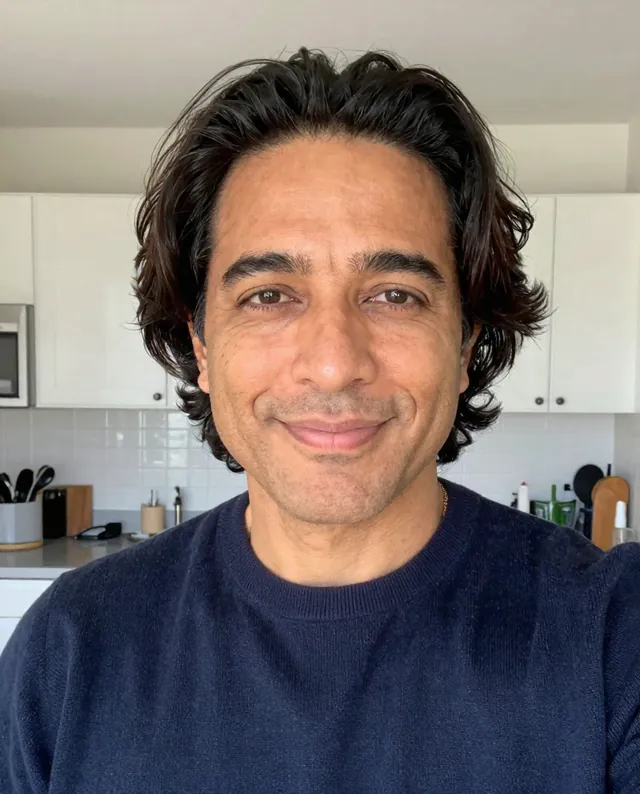
Example Example made on our own Mac with open models (Z-Image and FLUX.2 klein). Your result in the AI above will look different. How we make examples
90s yearbook portrait of you
Your photo restyled as a 1990s school-yearbook portrait, with the backdrop, hair and soft-focus glow. You need one photo.
You need
1 photo of yours
Written for
Gemini, ChatGPT
Result
Image
Prompt
Turn my attached photo into a 1990s yearbook portrait. I'm shown from the chest up, angled slightly with my head tilted, smiling for the photographer, in front of the classic backdrop studio backdrop. Give me a 90s look: look. Use the soft, slightly hazy focus, gentle flash and warm, faded color of a printed photo from that time, with fine grain. Keep my current age; only the style and era change. Keep my face exactly as it is in the photo: same identity, features, skin tone, age, hairstyle and body proportions.
Turn the attached photo into a 1990s yearbook portrait.
Subject: me, chest up, slight angle, head tilted, smiling.
Backdrop: classic backdrop studio backdrop.
Styling: 90s look, look.
Style: soft hazy focus, gentle flash, warm faded print colors, fine grain.
Constraints: keep my face, identity, skin tone, age, hairstyle and proportions exactly as in the photo. Keep natural skin texture. No slimming, no reshaping. Keep my current age.
Fill in, or keep the brackets and change them later
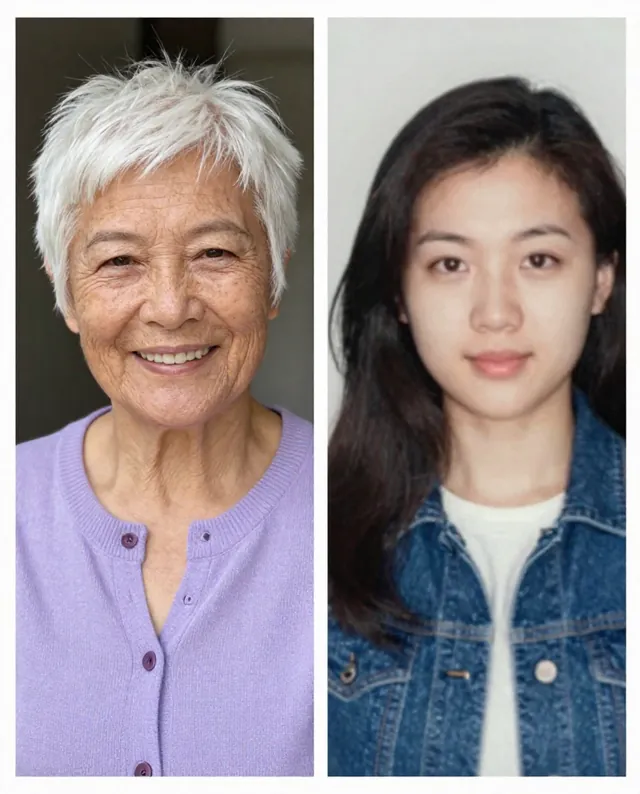
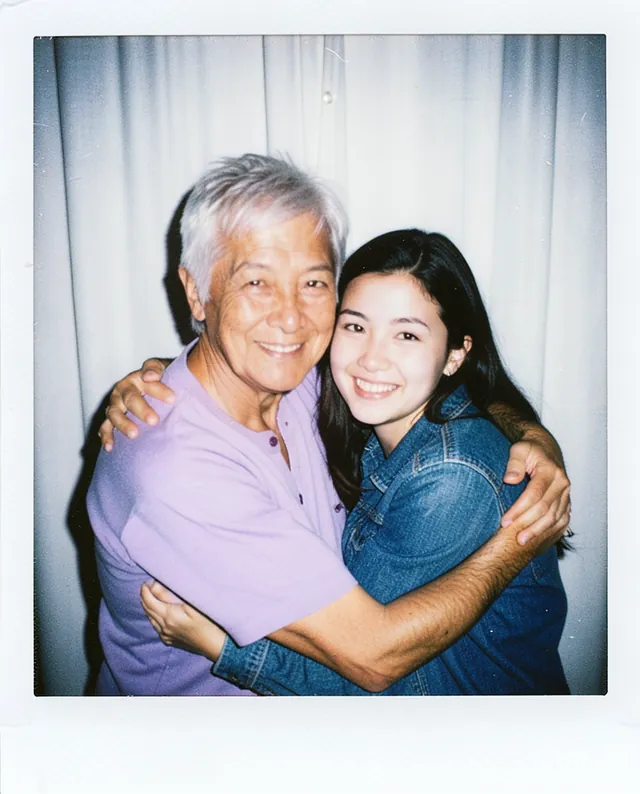

 Gemini, ChatGPT
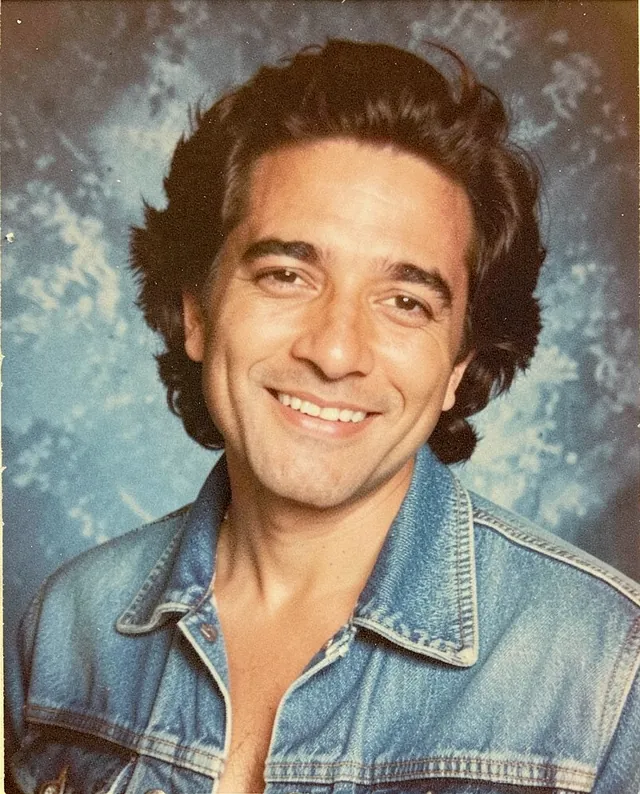
 InputExample result