What the tech

Search

/ opens search from anywhere. Esc closes it.

Tools

Get the newsletter
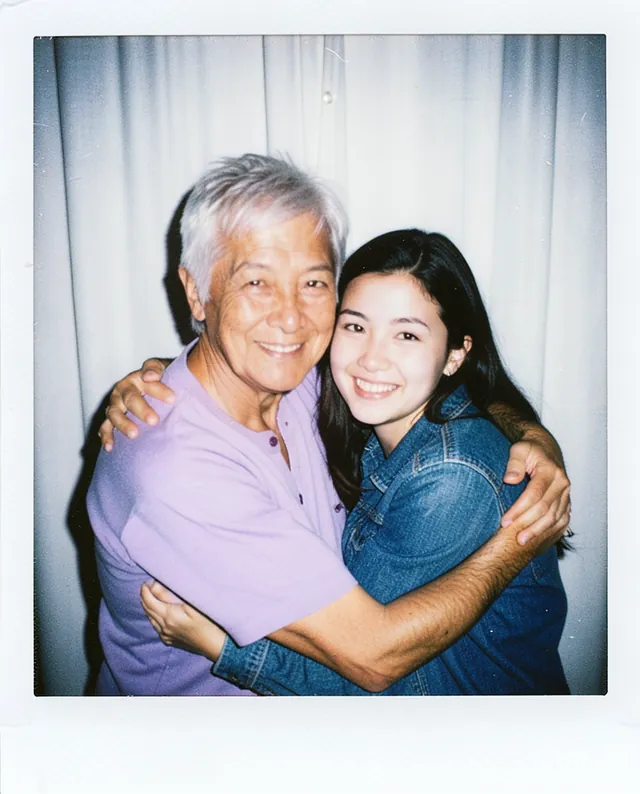
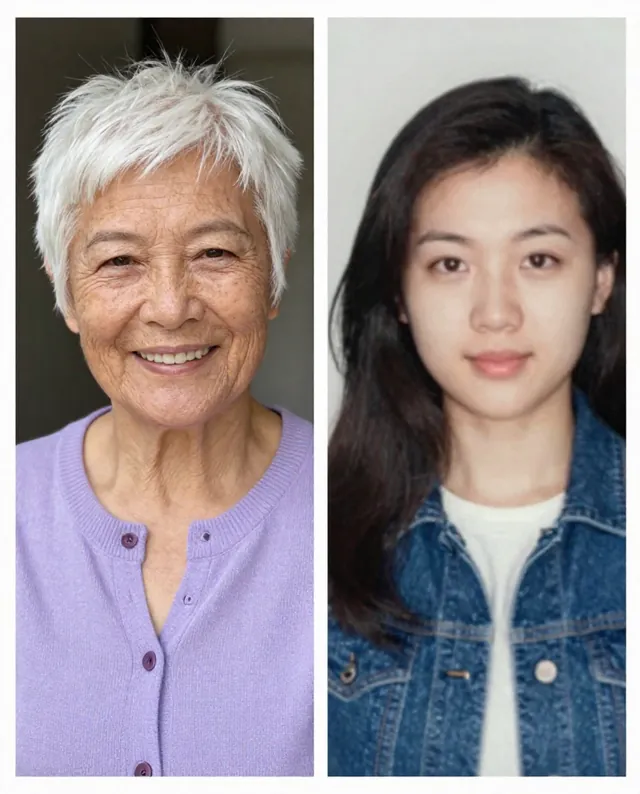
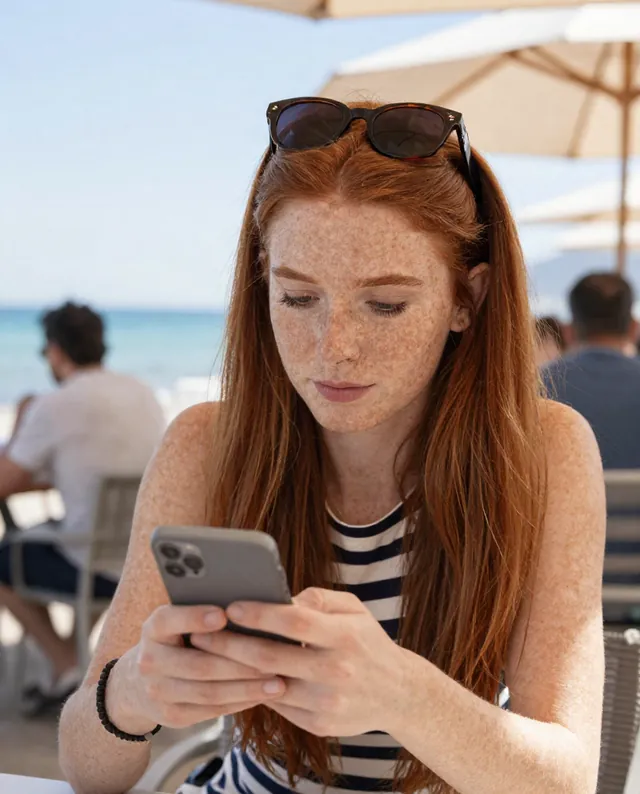
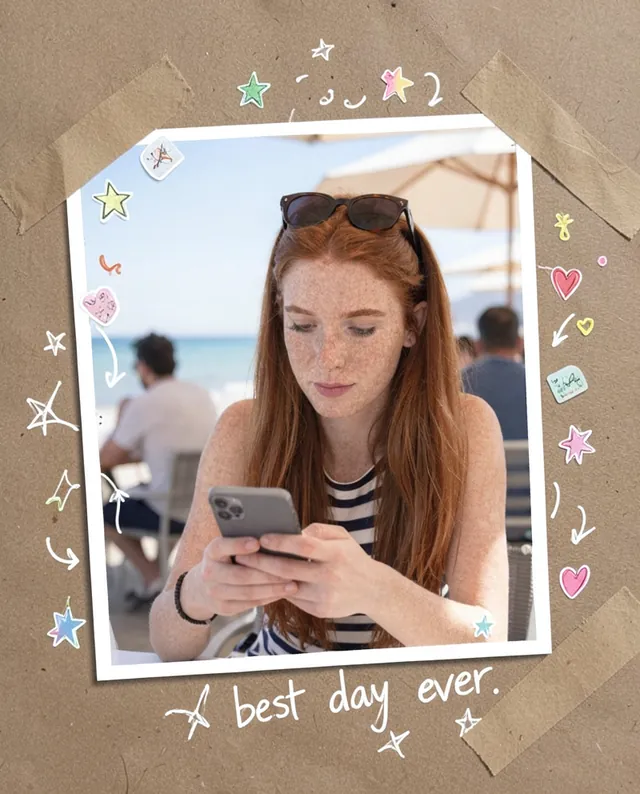
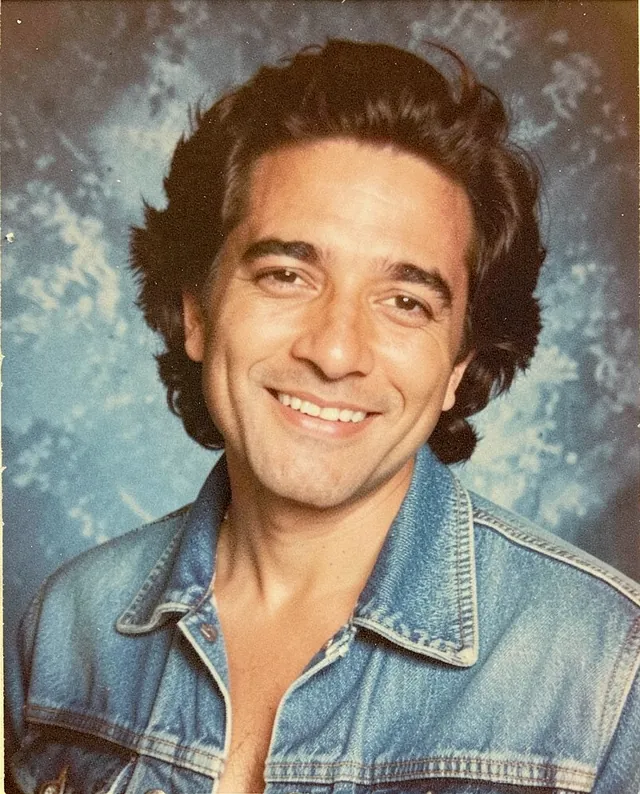
Example result of this prompt The made-up input photo InputExample result

Example Example made on our own Mac with open models: Z-Image made the made-up input photo, FLUX.2 klein ran this prompt on it. Your result in the AI above will look different. How we make examples

Instant-photo hug with your younger self

A warm instant-camera photo of you today hugging yourself from an old photo. You need a recent photo and an old one of you.

You need
2 photos of yours
Written for
Gemini, ChatGPT
Result
Image

Prompt

Create an instant-camera photo of two people hugging: me as I am today from photo 1, and my younger self from photo 2, at the age shown there. We stand close together, pose, smiling, in front of background. Take it with a direct flash, so the light is a little harsh with soft shadows behind us, slight film grain and the faded colors of an instant print, framed with the classic white border, thicker at the bottom. Keep both faces exactly as in their own photos: same identity, features, skin tone, age and proportions. Don't age, de-age or blend them; they are two different ages of the same person.

Fill in, or keep the brackets and change them later

pose
background

How to use it

  1. Open Gemini or ChatGPT and choose the image model.
  2. Attach a recent photo of you first, then a photo of yourself from years ago, and paste the prompt.
  3. Faces look too alike or swapped? Run it again in a new chat and say which photo is which.
What to expectTwo versions of the same face often blend together or drift, so faces can still change a little in both people.

Tips

  • Use only photos of yourself, and only an old photo you own.
  • Scan the old print flat, with no glare, so the young face is clear.
  • Your photo is uploaded to Google or OpenAI. Read their data policy before you share a face.

Editor: Ali Dezhami · Updated November 18, 2026

Similar prompts

All trend styles