What the tech

Search

/ opens search from anywhere. Esc closes it.

Tools

Get the newsletter
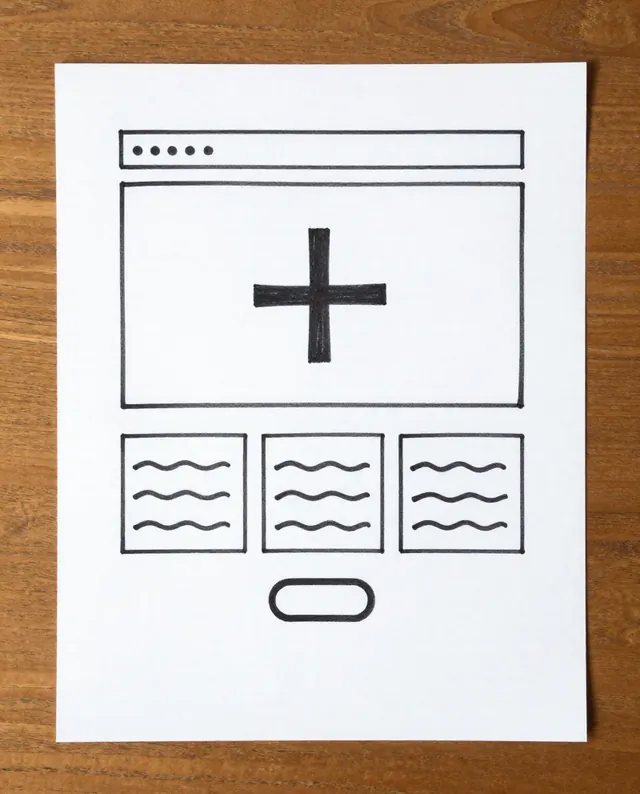
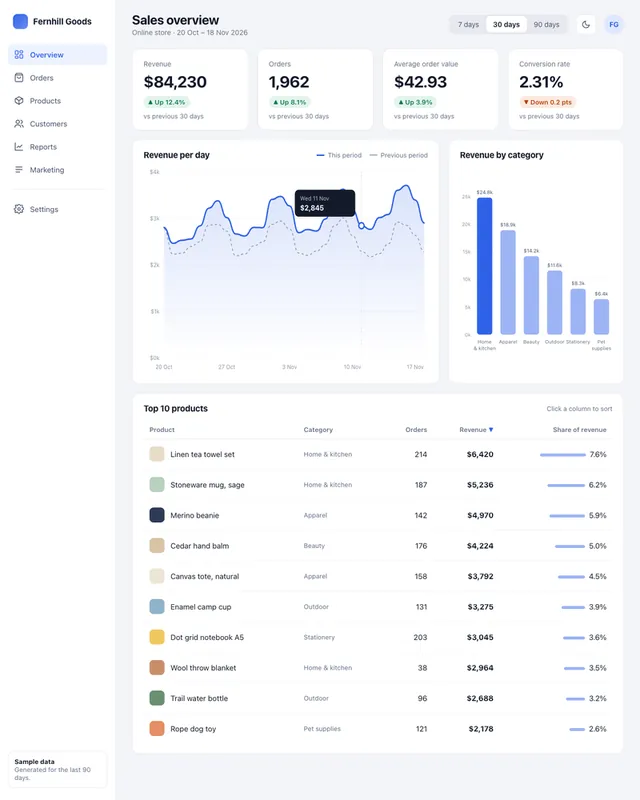
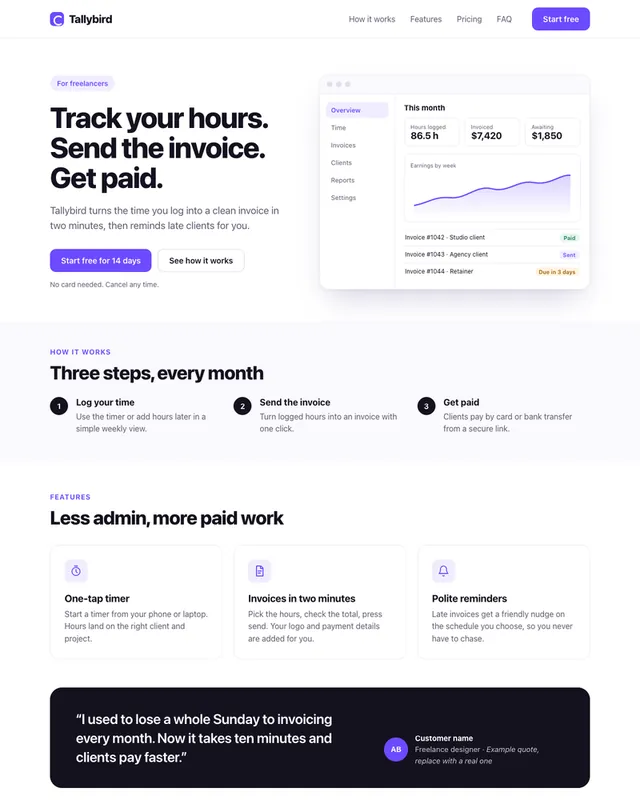
Example result of this prompt The made-up input photo InputExample result

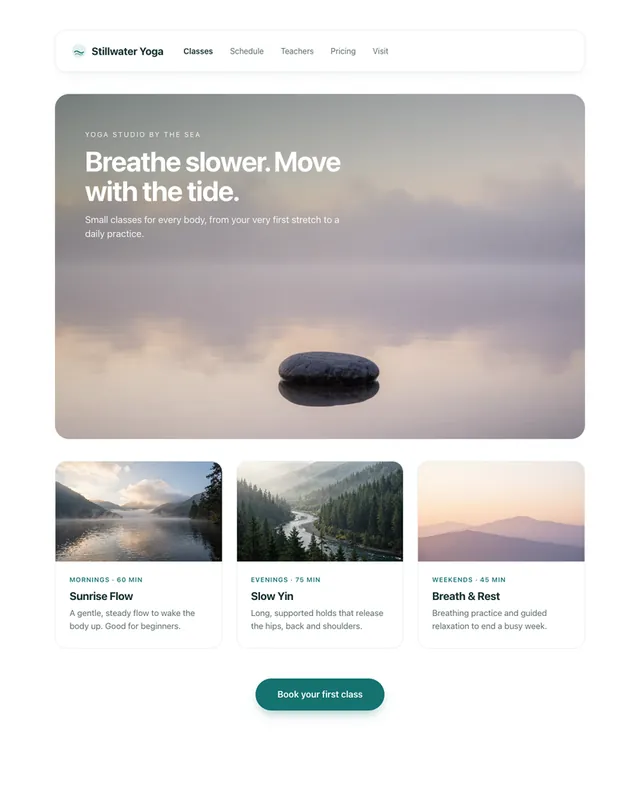
Example Example page built by Claude for this page, not by the AI named above. How we make examples

Turn a paper sketch into a working web page

Photograph a hand-drawn wireframe and get a responsive web page with the same layout, plus real starter copy.

You need
1 photo of yours
Written for
Claude, ChatGPT
Result
Website

Prompt

Attached is a photo of my hand-drawn sketch of a web page. Turn it into a working page. 1. First, list what you see in the sketch: each section from top to bottom, and anything you are unsure about. 2. Then build it as one HTML file with inline CSS, keeping the same layout, order and proportions as my sketch. 3. Treat boxes with an X as image placeholders and wavy lines as text. Write short, realistic copy about what the page is for. 4. Make it responsive: on phones, stack the columns in a sensible order. Style: visual style. Use semantic HTML and accessible contrast. Do not add sections that are not in my sketch.

Fill in, or keep the brackets and change them later

what the page is for
visual style

How to use it

  1. Draw the page in dark pen and photograph it flat, in daylight, from straight above.
  2. Open Claude or ChatGPT, attach the photo and paste the prompt.
  3. Check the list in step 1, correct anything it misread, then ask it to rebuild.
What to expectMessy handwriting can be misread, so check the section list before you rely on the layout.

Tips

  • Write labels on your boxes, like 'menu' or 'button', to remove guesswork.
  • One page per sketch works best; split long pages into two photos.
  • Ask for the same page in a second style to compare quickly.

Editor: Ali Dezhami · Updated November 18, 2026

Similar prompts

All websites and ui