What the tech

Search

/ opens search from anywhere. Esc closes it.

Tools

Get the newsletter
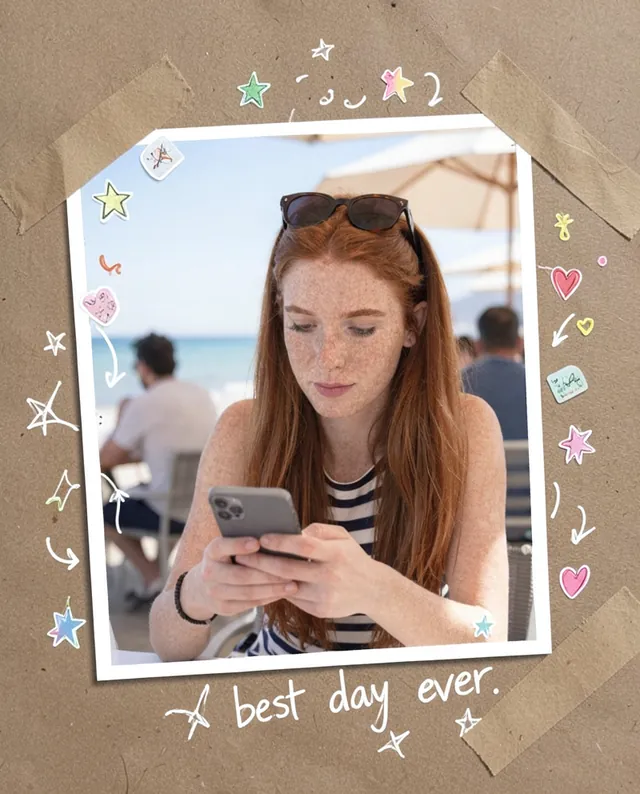
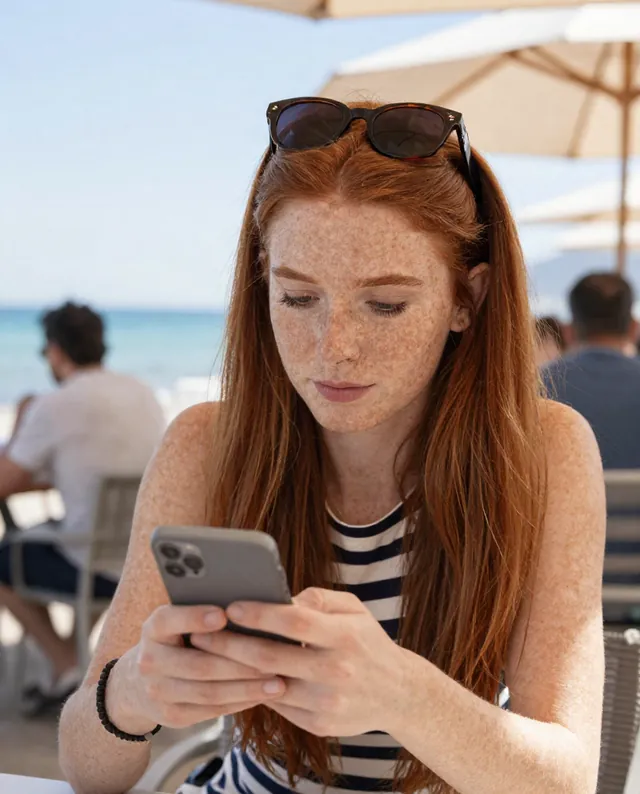
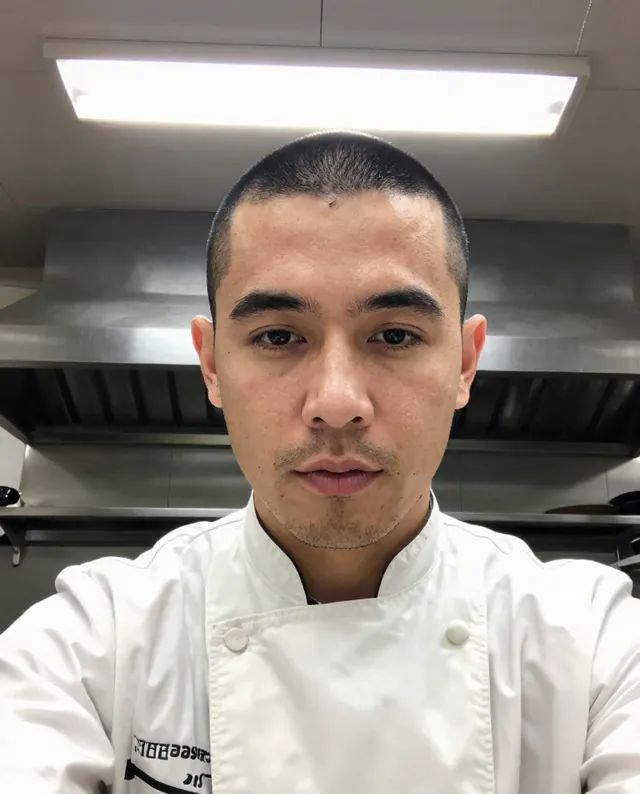
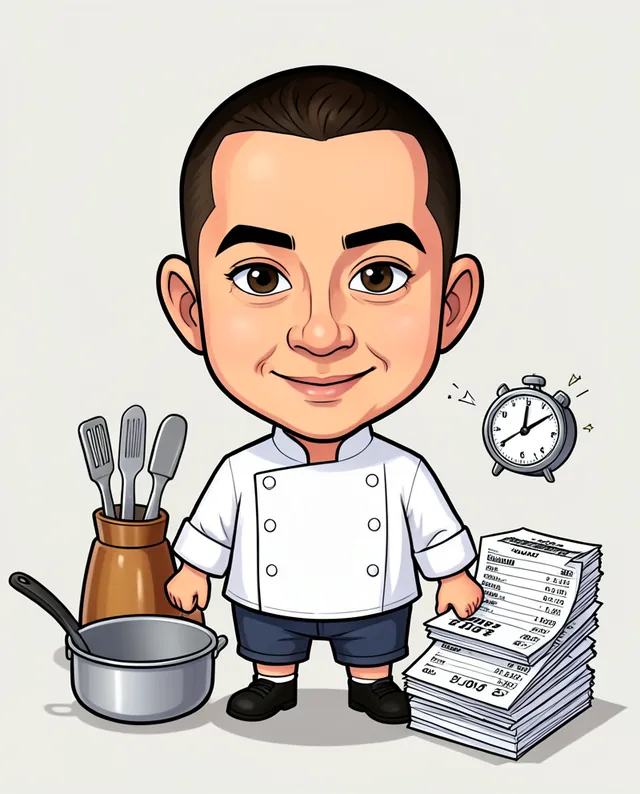
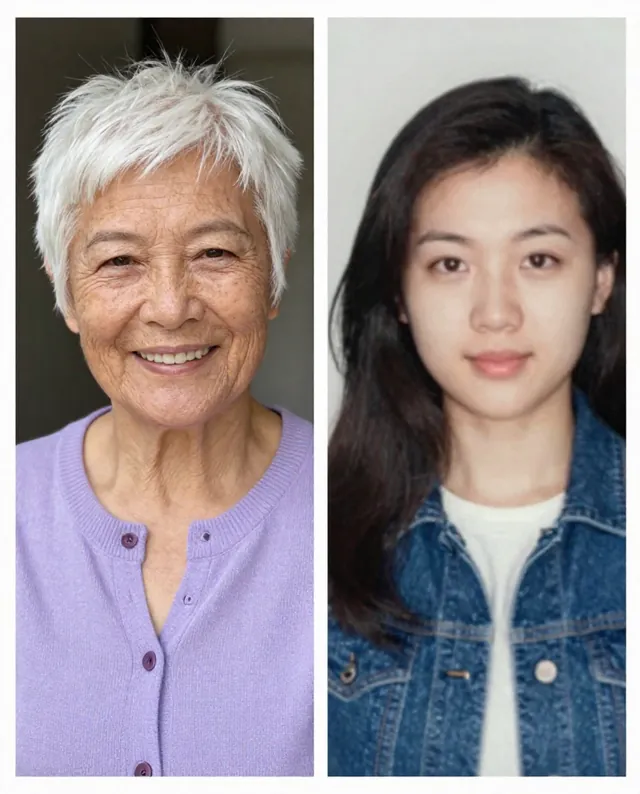
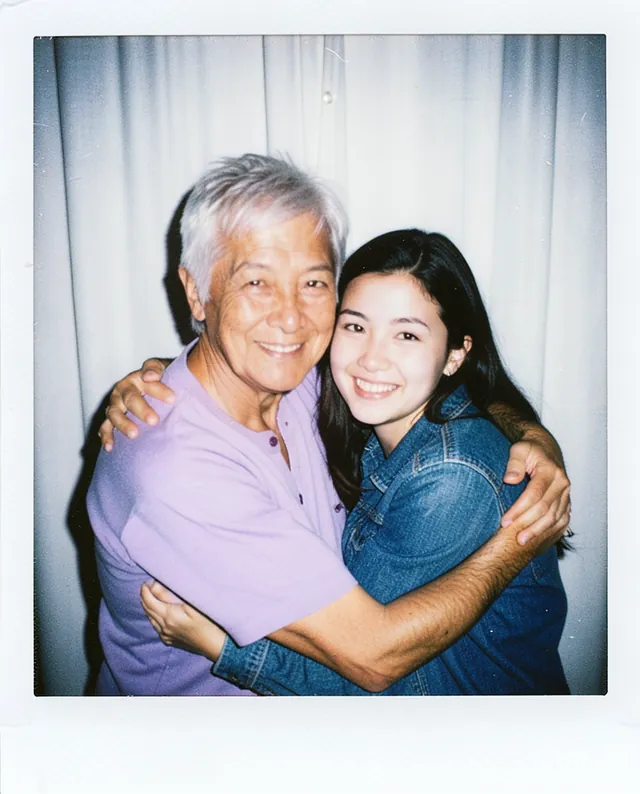
Example result of this prompt The made-up input photo InputExample result

Example Example made on our own Mac with open models: Z-Image made the made-up input photo, FLUX.2 klein ran this prompt on it. Your result in the AI above will look different. How we make examples

Scrapbook doodle edit of your photo

Your photo decorated like a scrapbook page, with doodles, tape, stickers and handwritten notes. You need one photo.

You need
1 photo of yours
Written for
Gemini, ChatGPT
Result
Image

Prompt

Turn my attached photo into a scrapbook page. Print the photo with a white border and stick it slightly tilted onto paper with strips of washi tape on two corners. Around it and over the edges of the photo, add playful hand-drawn white and colored doodles: doodles. Add a few small stickers and a handwritten note in marker that says "note". Keep the photo itself unchanged underneath the doodles, and keep every person's face, identity and proportions exactly as they are.

Fill in, or keep the brackets and change them later

paper
doodles
note

How to use it

  1. Open Gemini or ChatGPT and choose the image model.
  2. Attach your photo, paste the prompt and write your own note.
  3. Doodles covering faces? Add 'keep doodles away from faces' and run it again.
What to expectThe photo can shift slightly when the AI redraws it, so faces can still change a little, and handwriting may misspell.

Tips

  • Ask for a 9:16 version to use as a story.
  • Keep the note short so the handwriting stays readable.
  • If other people are in the photo, check they're happy for you to share it.

Editor: Parham Roudi · Updated November 18, 2026

Similar prompts

All trend styles