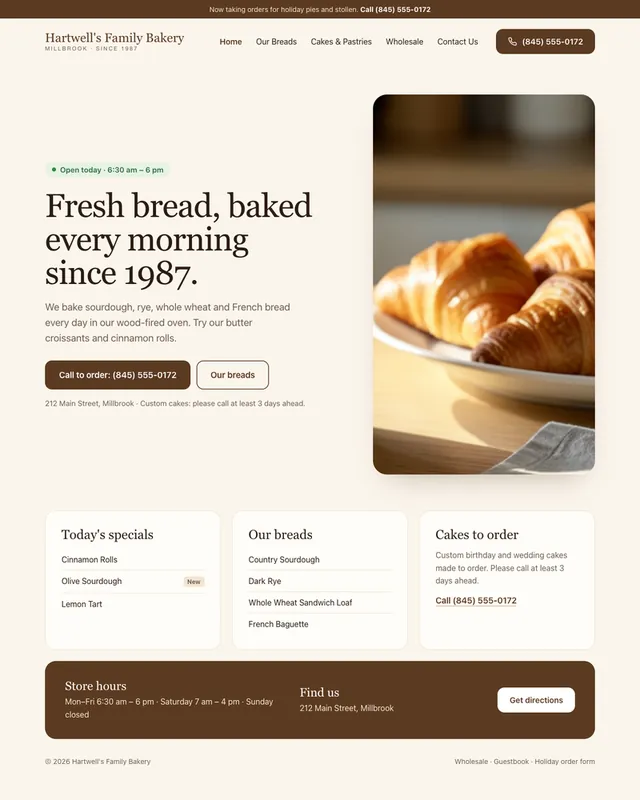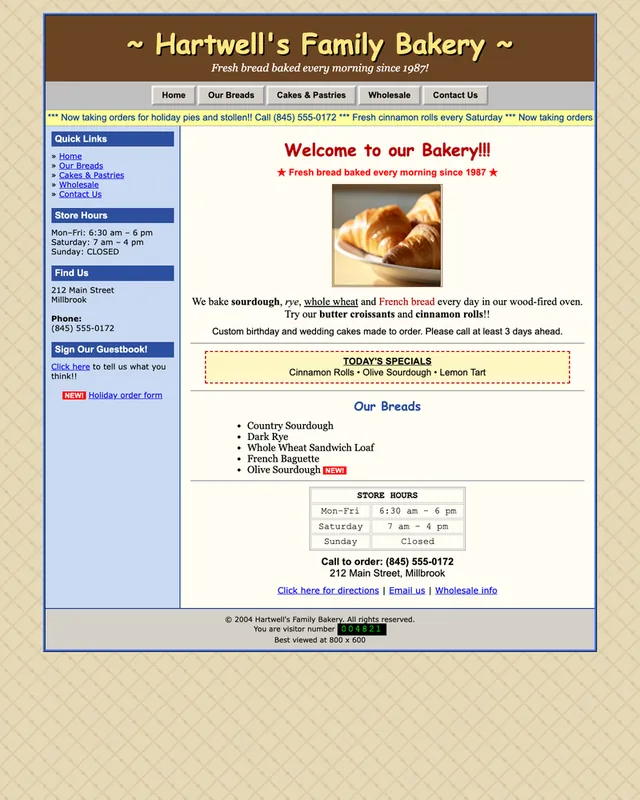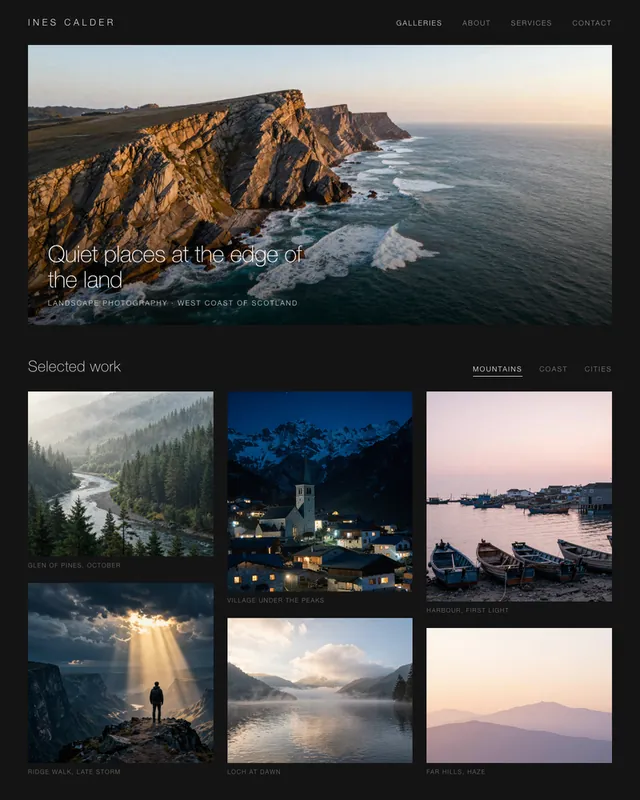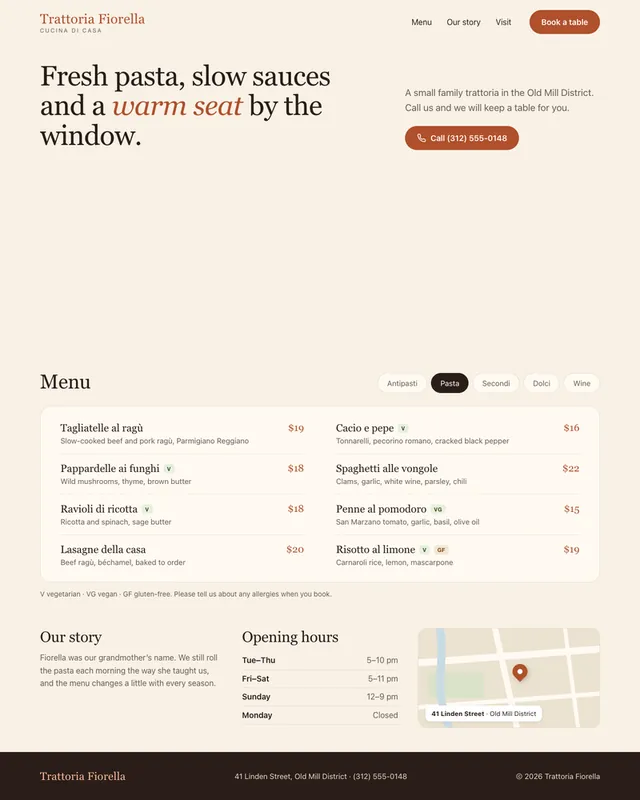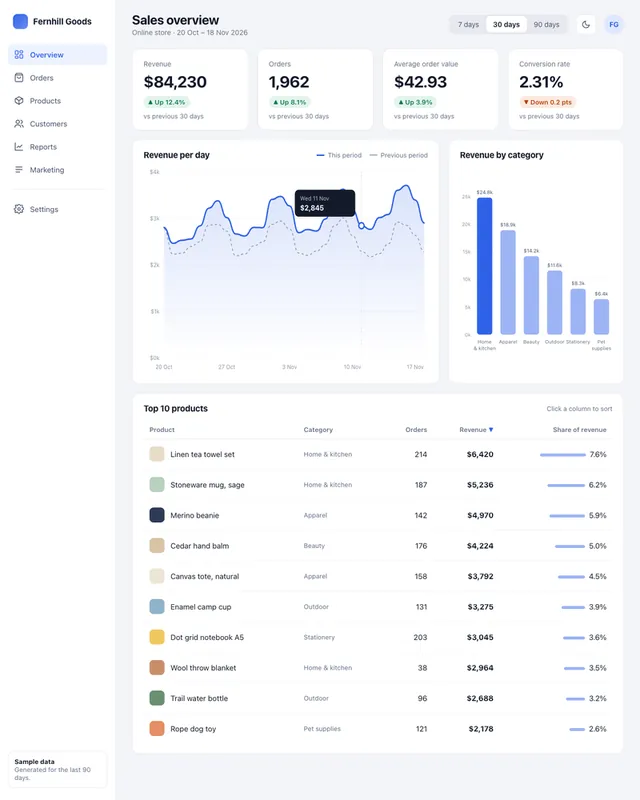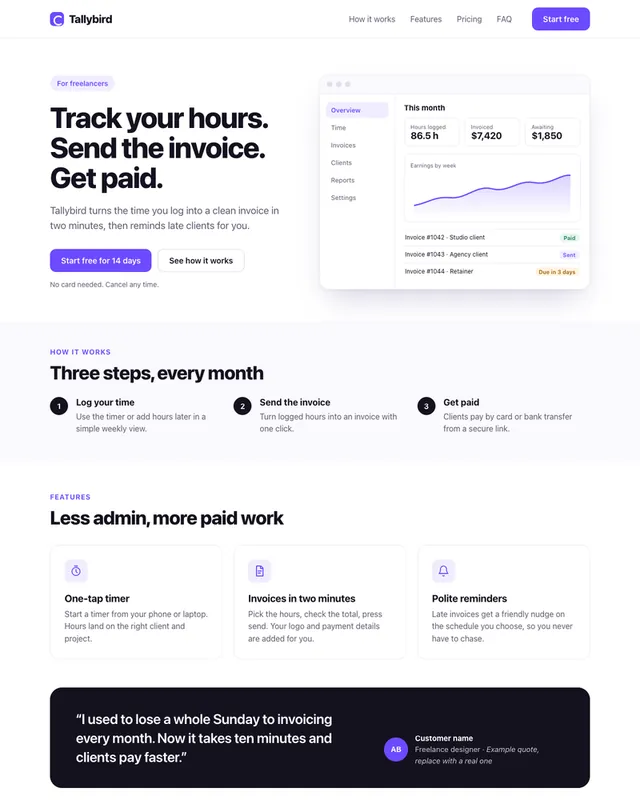
InputExample result
Example Example page built by Claude for this page, not by the AI named above. How we make examples
Redesign your old website from a screenshot
Upload a screenshot of your current site and get an honest critique plus a modern, responsive redesign of the page.
- You need
- 1 photo of yours
- Written for
- Claude, ChatGPT
- Result
- Website
Prompt
You are a senior web designer. Attached is a screenshot of my current website, which is website type.
First, give me a short critique: the 5 biggest problems with layout, readability, visual hierarchy and mobile use, ordered by impact.
Then redesign the same page as one HTML file with inline CSS:
- Keep all my real content, menu items and contact details exactly as shown. You may rewrite headings to be clearer, but list every changed line after the code.
- Colors: color choice.
- Main goal of the page: main goal. Make that action obvious above the fold.
- Modern, fast and responsive, with 16 px base text, WCAG AA contrast and visible focus states.
Do not invent prices, reviews or awards. Use placeholders where an image is unclear in the screenshot.
Fill in, or keep the brackets and change them later
website type
color choice
main goal
How to use it
- Take a full-page screenshot of your site on a desktop browser.
- Open Claude or ChatGPT, attach the screenshot and paste the prompt.
- Read the critique first, then review the redesign and ask for changes section by section.
What to expectText read from a screenshot can contain small copying errors, so proofread names, numbers and contact details.
Tips
- Add a second screenshot of the phone view for a better mobile critique.
- Ask for the redesign in your site builder's terms if you don't use plain HTML.
- Keep the old page live until you've checked every link in the new one.
Editor: Ali Dezhami · Updated November 18, 2026