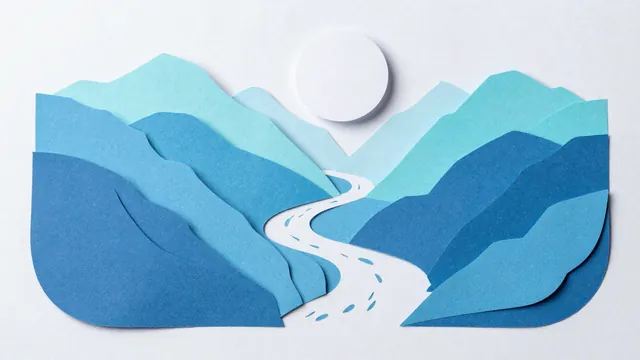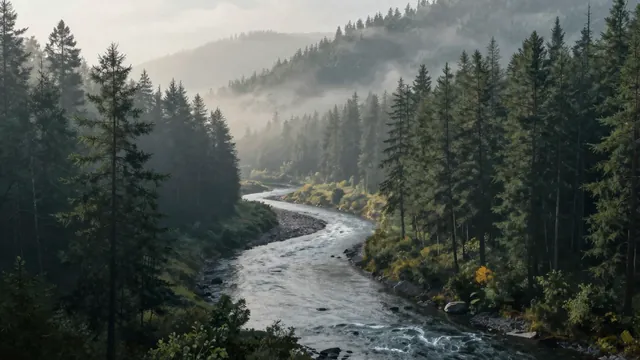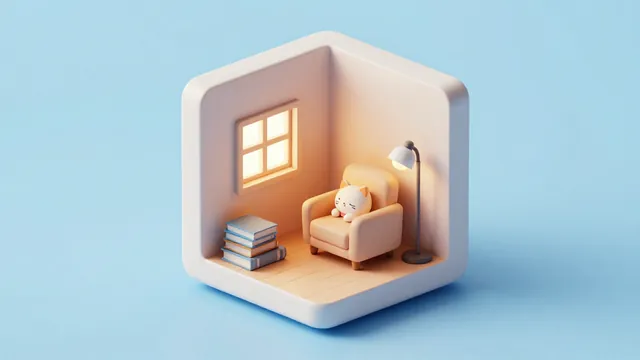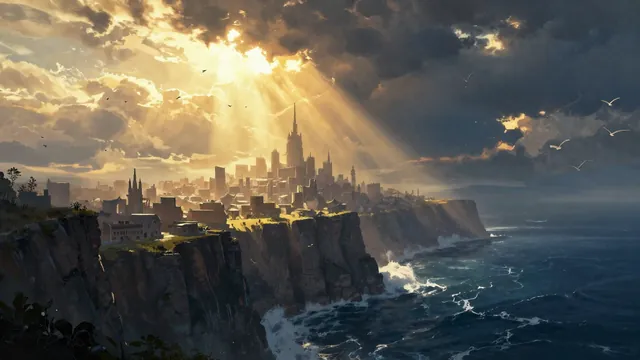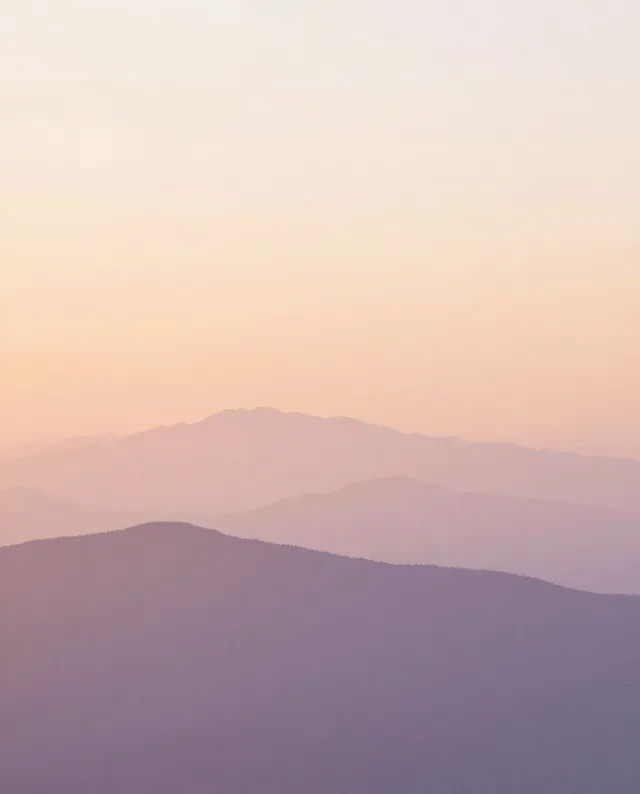
Example Example made on our own Mac with an open model (Z-Image). Your result in the AI above will look different. How we make examples
Layered paper-cut art scene
A scene made of stacked paper layers with soft shadows between them, like a handmade shadow box.
- You need
- Nothing but the prompt
- Written for
- Gemini, ChatGPT
- Result
- Image
Prompt
Create a layered paper-cut artwork of scene, in a format frame. It looks like a handmade shadow box: eight to ten layers of cut paper stacked one behind another, each layer a slightly different shade of palette, getting lighter toward the back. Soft shadows fall between the layers, giving real depth. The edges are crisp, the paper texture is visible, and the light comes gently from above. No text.
Subject: scene.
Style: layered paper-cut shadow box, 8 to 10 stacked layers of cut paper, crisp edges, visible paper texture.
Colors: shades of palette, lighter toward the back.
Lighting: soft light from above, soft shadows between the layers for real depth.
Framing: format.
Constraints: no text.
Fill in, or keep the brackets and change them later
scene
palette
format
How to use it
- Open Gemini or ChatGPT.
- Paste the prompt and choose a scene, palette and format.
- Want more depth? Reply 'Add more layers and deeper shadows'.
What to expectSome layers may blend into flat illustration rather than true cut paper, and fine details can look printed rather than cut.
Tips
- Simple scenes with clear shapes (hills, waves, trees) work best for the paper look.
- Pick one color family; the effect is strongest when layers shift in tone, not color.
- This style makes a lovely greeting card or framed print.
Editor: Peyman Khosravani · Updated November 18, 2026