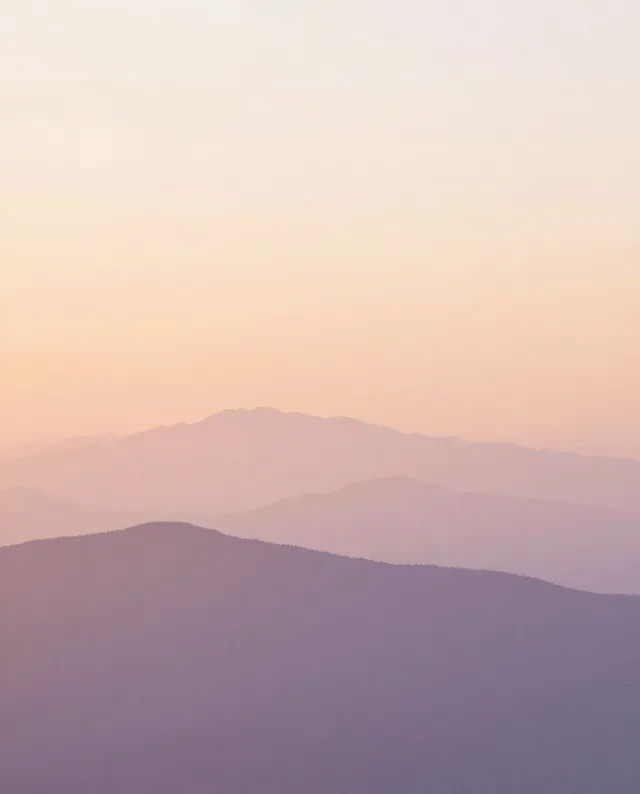
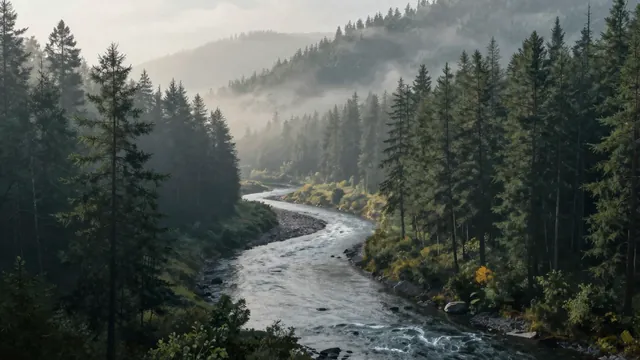
Example Example made on our own Mac with open models (Z-Image and FLUX.2 klein). Your result in the AI above will look different. How we make examples
Calm gradient landscape phone wallpaper
A soft, quiet landscape wallpaper for your phone, with clear space for the clock and icons. Pick a scene and colors.
You need
Nothing but the prompt
Written for
Gemini, ChatGPT, Midjourney
Result
Image
Prompt
Create a tall phone wallpaper in a 9:16 portrait frame. It shows landscape at time, painted in smooth, soft gradients with almost no texture, like layers of colored mist. The colors drift from colors. The top third is mostly open sky so the clock stays easy to read, and the lower half is calm and simple so app icons don't fight with busy detail. No people, no text, no buildings, just a peaceful, minimal scene.
Subject: landscape at time.
Style: minimal, smooth soft gradients, almost no texture, layered like colored mist.
Colors: colors.
Framing: tall 9:16 phone wallpaper; top third open sky for the clock, calm lower half for app icons.
Constraints: no people, no text, no buildings.
minimal phone wallpaper, landscape at time, smooth soft gradients, layered colored mist, colors, open sky in the top third, calm simple foreground, no people, no text --ar 9:16 --v 8
Fill in, or keep the brackets and change them later
Paste the prompt and choose a landscape, time and colors.
Set it as your wallpaper and check the clock; if it clashes, ask for more empty sky.
What to expectThe image may come out at a lower resolution than your screen, and the open space may not line up exactly with your clock, so crop or upscale as needed.
Tips
If the app makes a square image, ask again for '9:16 tall' or choose the aspect ratio in its settings.
Ask for a matching darker version for night mode.
Upscale it if it looks soft on a large, high-resolution phone screen.


 Gemini, ChatGPT, Midjourney