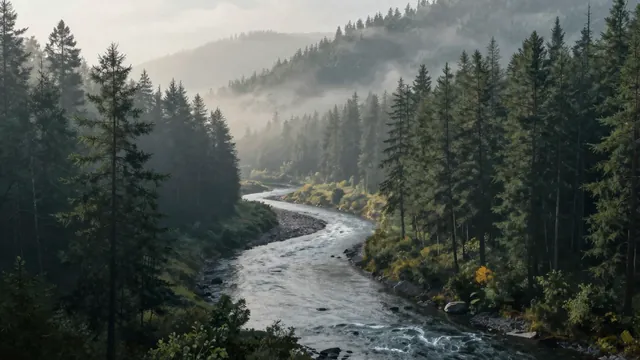
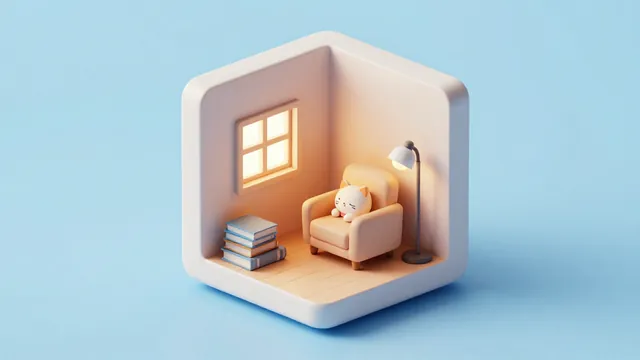
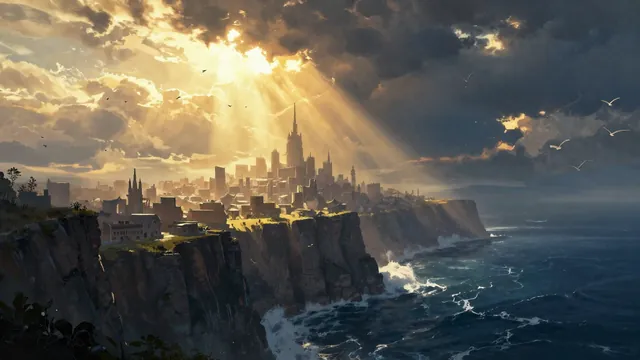
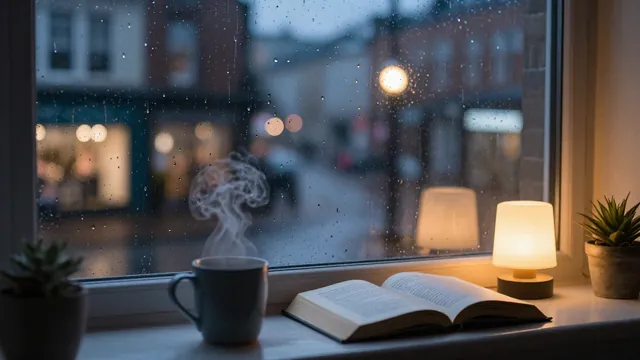
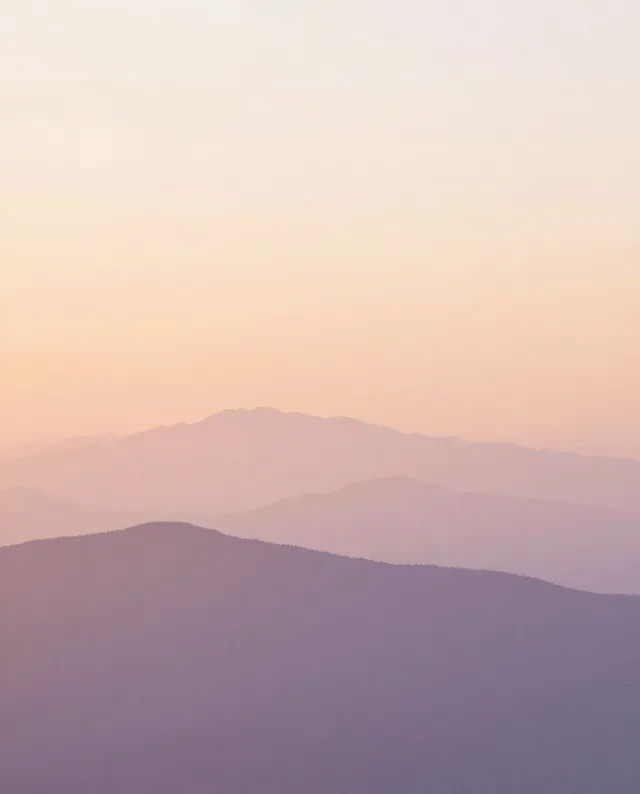
Example Example made on our own Mac with an open model (Z-Image). Your result in the AI above will look different. How we make examples
Ultrawide desktop wallpaper
A wide, detailed wallpaper made for big and ultrawide monitors, with a calm area where your desktop icons sit.
You need
Nothing but the prompt
Written for
Gemini, ChatGPT, Midjourney
Result
Image
Prompt
Create an ultrawide desktop wallpaper in a 21:9 landscape frame. It shows scene, seen from far away so the view stretches across the whole width. The light is light, and the style is style. The main point of interest sits slightly right of centre, while the left side stays calm and uncluttered so desktop icons remain easy to see. Rich detail, a strong sense of depth, no people, no text.
Subject: scene, wide panoramic view.
Style: style, rich detail, strong depth.
Lighting: light.
Framing: ultrawide 21:9 desktop wallpaper; main point of interest slightly right of centre, calm uncluttered left side for desktop icons.
Constraints: no people, no text.
ultrawide panoramic desktop wallpaper, scene, light, style, rich detail, strong depth, focal point right of centre, calm uncluttered left side, no people, no text --ar 21:9 --v 8
Fill in, or keep the brackets and change them later


 Gemini, ChatGPT, Midjourney