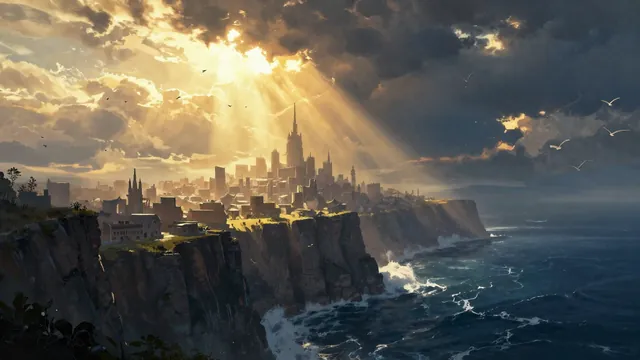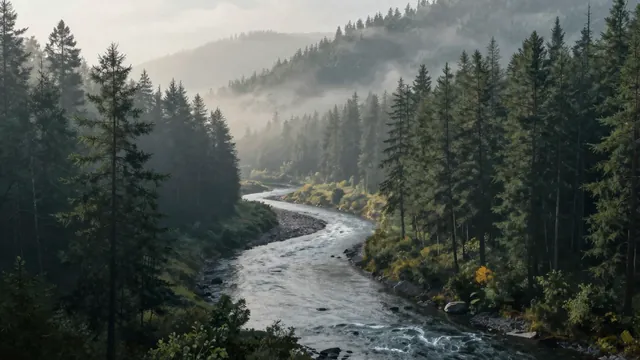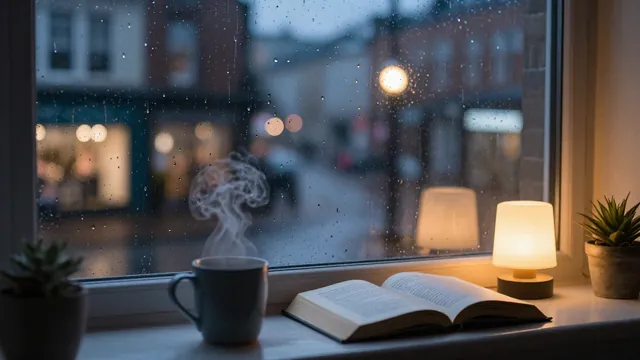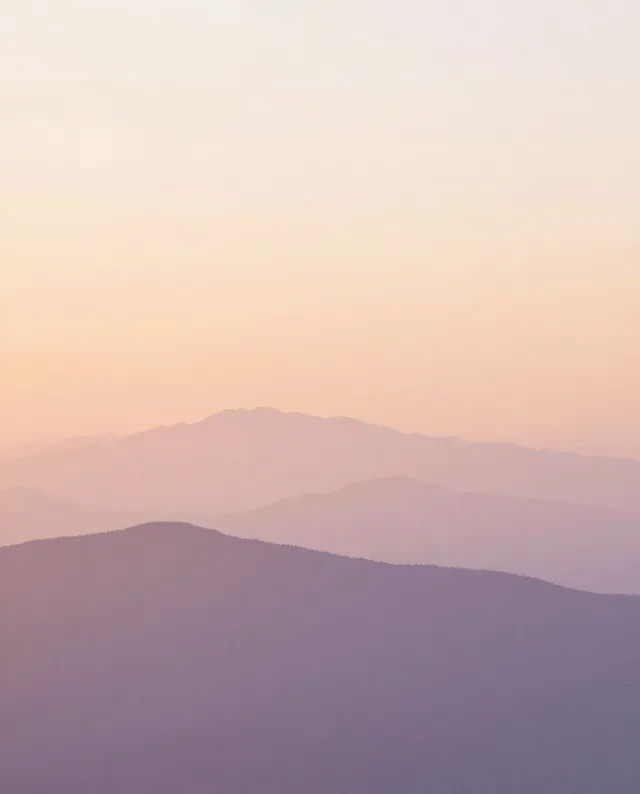
Example Example made on our own Mac with an open model (Z-Image). Your result in the AI above will look different. How we make examples
Epic fantasy landscape matte painting
A grand, film-style fantasy landscape with deep distance and dramatic light. Great as a wallpaper or story art.
- You need
- Nothing but the prompt
- Written for
- Gemini, ChatGPT, Midjourney
- Result
- Image
Prompt
Paint an epic fantasy landscape in the style of a film matte painting, in a wide 16:9 frame. The scene is scene. The view is huge, with layers of distance fading into atmospheric haze, and tiny details that show the scale, like birds and winding paths. The light is light, with dramatic rays breaking through the clouds. The color palette leans palette. Highly detailed, painterly, cinematic, no text.
Subject: scene.
Style: epic fantasy film matte painting, painterly, highly detailed, cinematic.
Lighting: light, dramatic rays through clouds, atmospheric haze.
Colors: palette.
Framing: wide 16:9, deep layered distance, tiny birds and paths for scale.
Constraints: no text.
epic fantasy matte painting, scene, vast scale, layered distance, atmospheric haze, tiny birds and winding paths for scale, light, dramatic light rays through clouds, palette, painterly, highly detailed, cinematic --ar 16:9 --v 8
Fill in, or keep the brackets and change them later
scene
light
palette
How to use it
- Open Gemini, ChatGPT or Midjourney.
- Paste the prompt and pick a scene, light and palette.
- Want more drama? Reply 'Same scene, stronger light and deeper shadows'.
What to expectBuildings and bridges may not make physical sense up close, and small details can look messy, which is fine for a wallpaper but shows in prints.
Tips
- Add one small figure, like a lone traveller seen from behind, to make the scale feel huge.
- Midjourney usually gives the most painterly result; Gemini follows scene details more closely.
- Use 9:16 for a phone wallpaper and ask for the scene to stack vertically.
Editor: Ali Dezhami · Updated November 18, 2026