What the tech

Search

/ opens search from anywhere. Esc closes it.

Tools

Get the newsletter
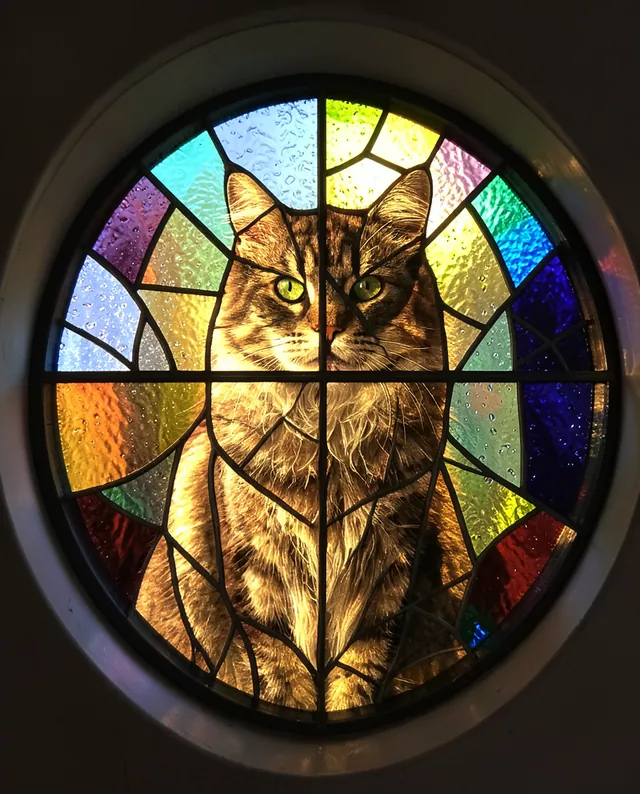
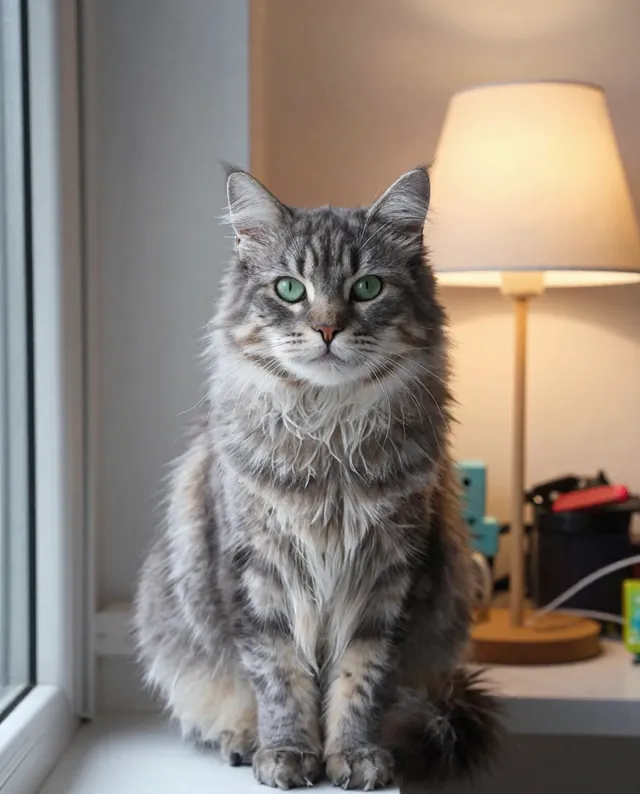
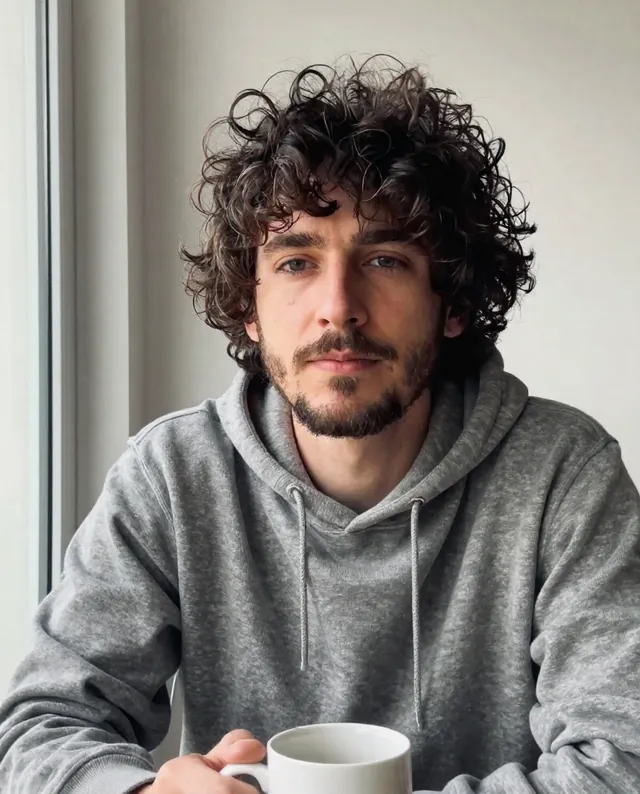
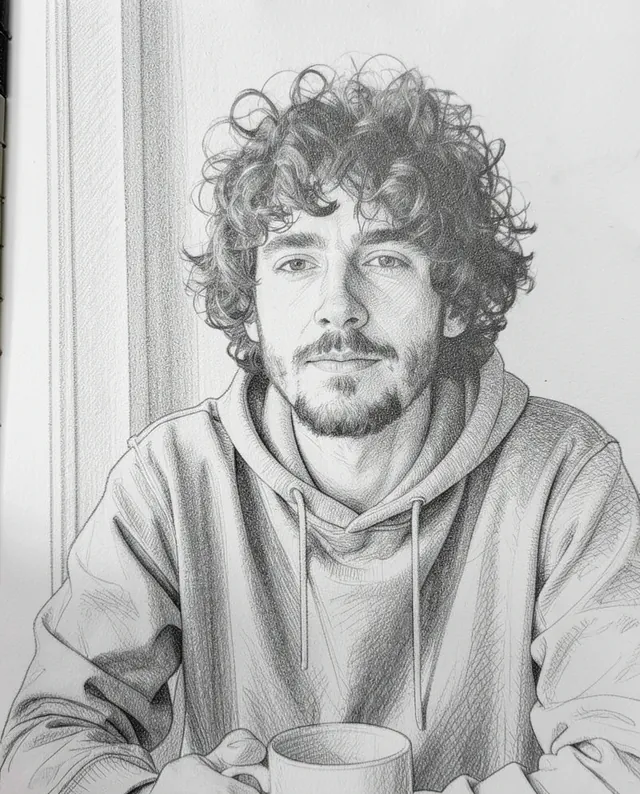
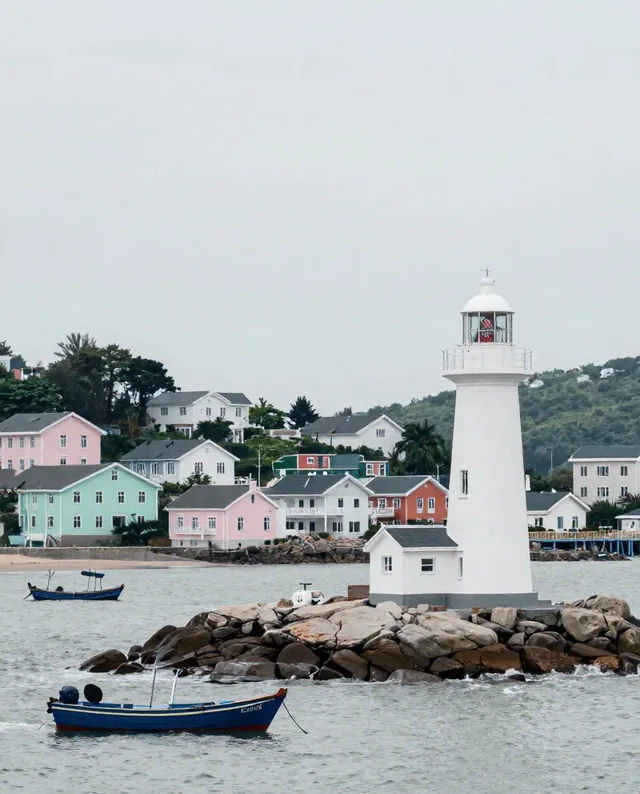
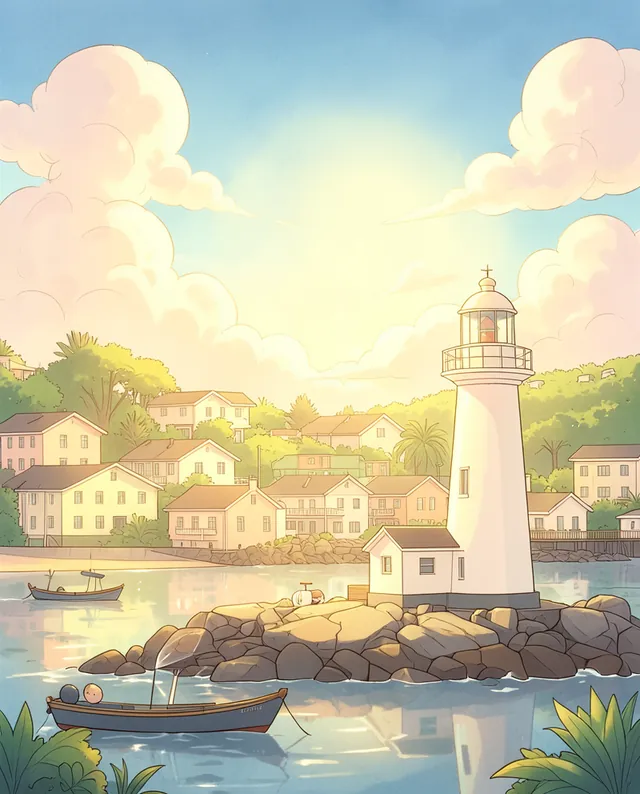
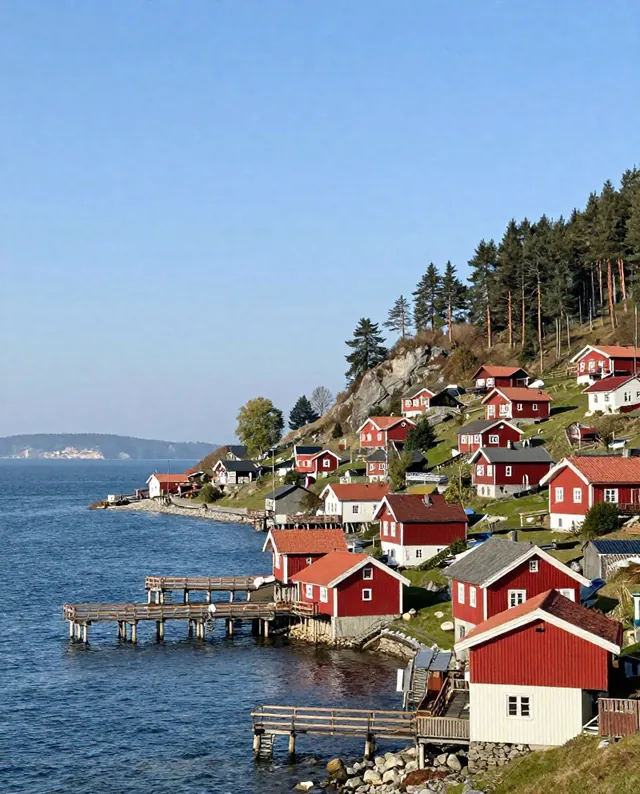
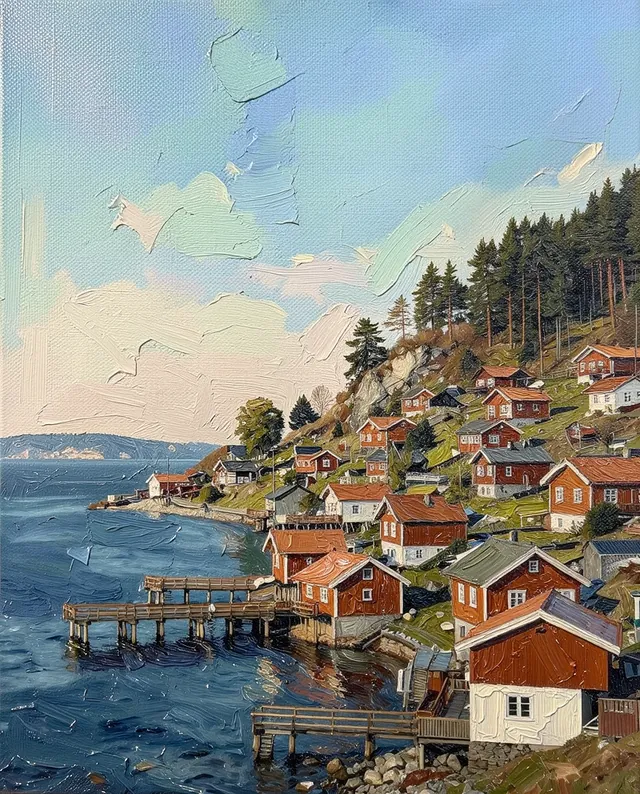
Example result of this prompt The made-up input photo InputExample result

Example Example made on our own Mac with open models: Z-Image made the made-up input photo, FLUX.2 klein ran this prompt on it. Your result in the AI above will look different. How we make examples

Turn a photo into a stained-glass window

Your pet, portrait or favorite scene as a glowing stained-glass window with lead lines. You need one clear photo.

You need
1 photo of yours
Written for
Gemini, ChatGPT
Result
Image

Prompt

Turn my attached photo into a stained-glass window. Keep the main subject and its pose, but rebuild the whole image from pieces of colored glass joined by dark lead lines. Use palette glass with a slight ripple and bubbles in it, and let light shine through so the colors glow. Frame it as frame. The subject should still be clearly recognizable, with the eyes and key features shaped from small, careful pieces. If there is a person in the photo, keep their face, identity and body proportions recognizable.

Fill in, or keep the brackets and change them later

palette
light
frame

How to use it

  1. Open Gemini or ChatGPT and choose the image model.
  2. Attach your photo and paste the prompt.
  3. Too detailed? Add 'bigger glass pieces, bolder lead lines' and run it again.
What to expectFine details and fur get turned into larger glass shapes, so the likeness is looser than in a photo edit.

Tips

  • Pets and simple subjects on plain backgrounds work best.
  • Ask for a square version if you want to print it as a sun-catcher design.
  • Faces of people turn very simple in this style.

Editor: Peyman Khosravani · Updated November 18, 2026

Similar prompts

All photo to art