What the tech

Search

/ opens search from anywhere. Esc closes it.

Tools

Get the newsletter
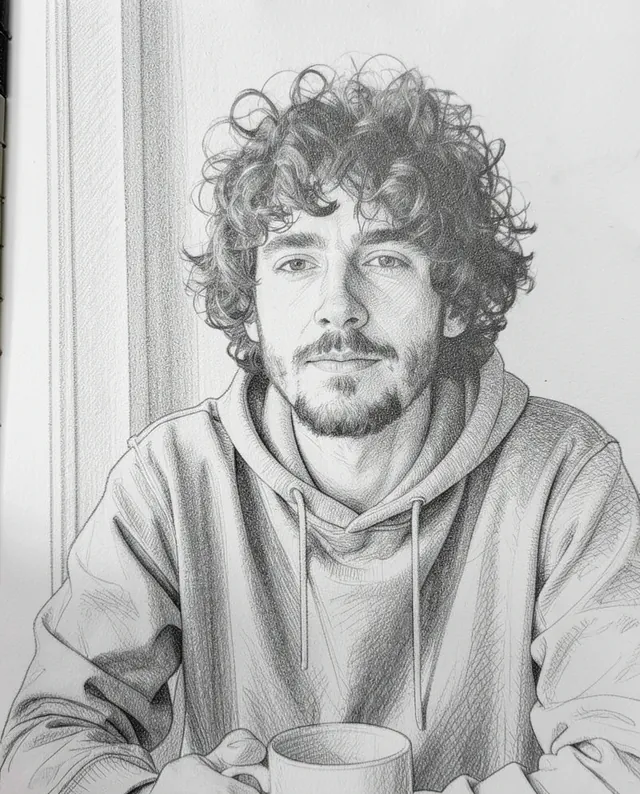
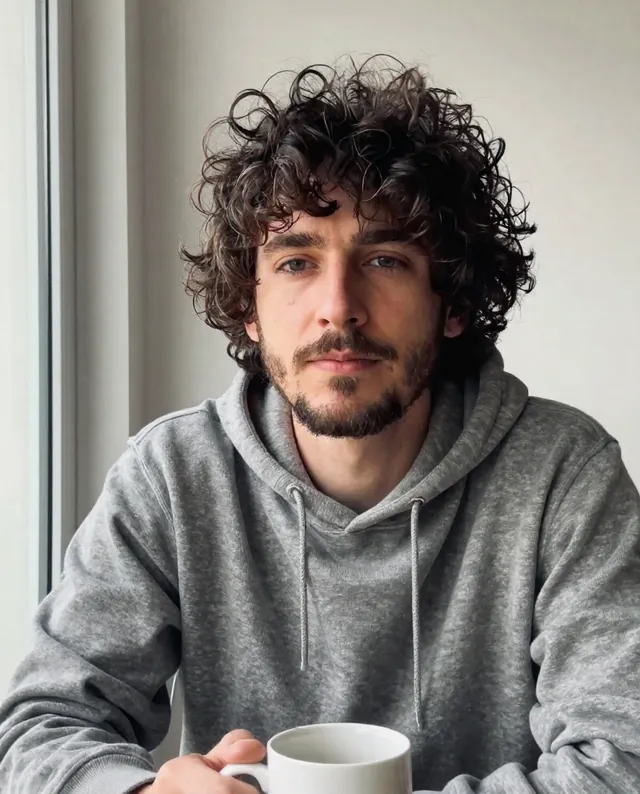
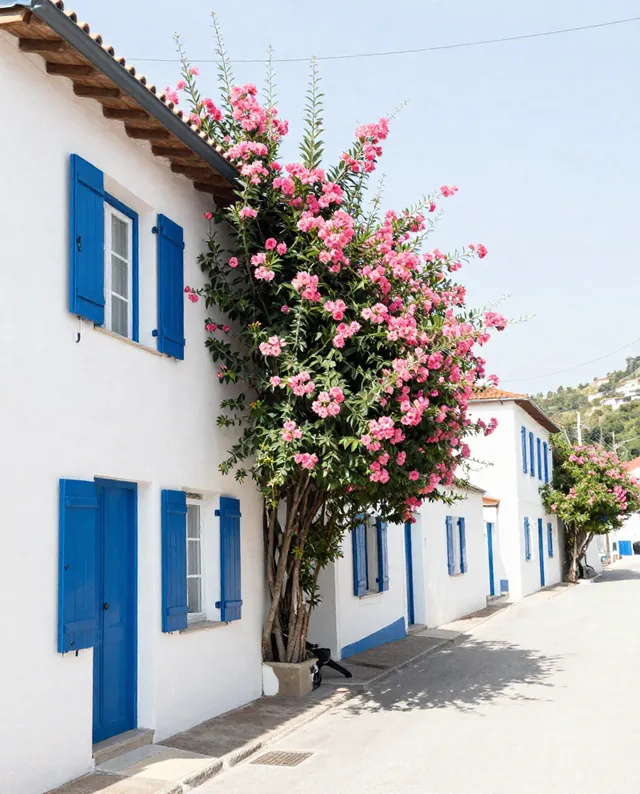
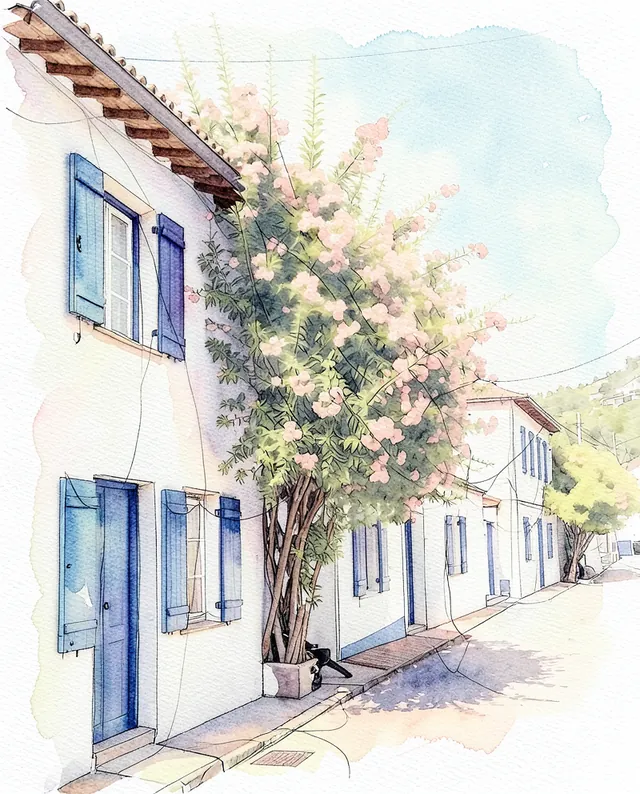
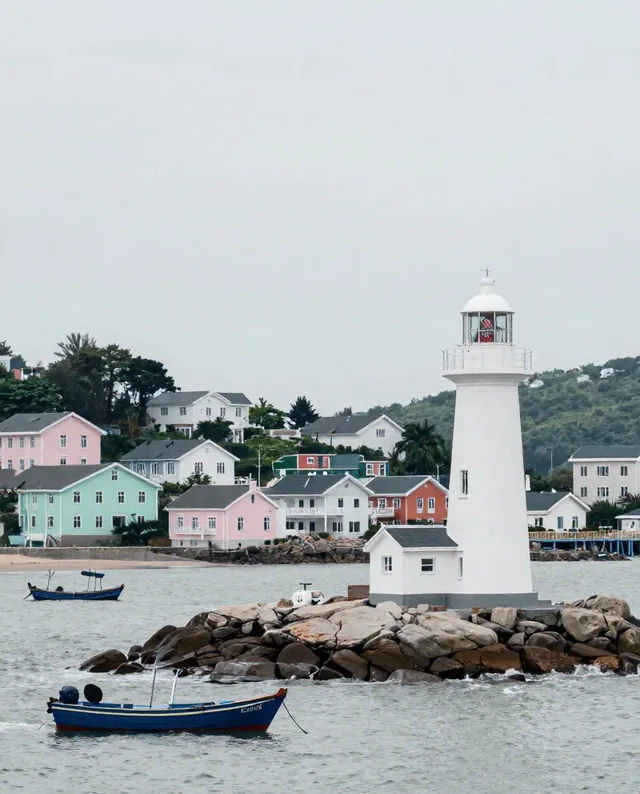
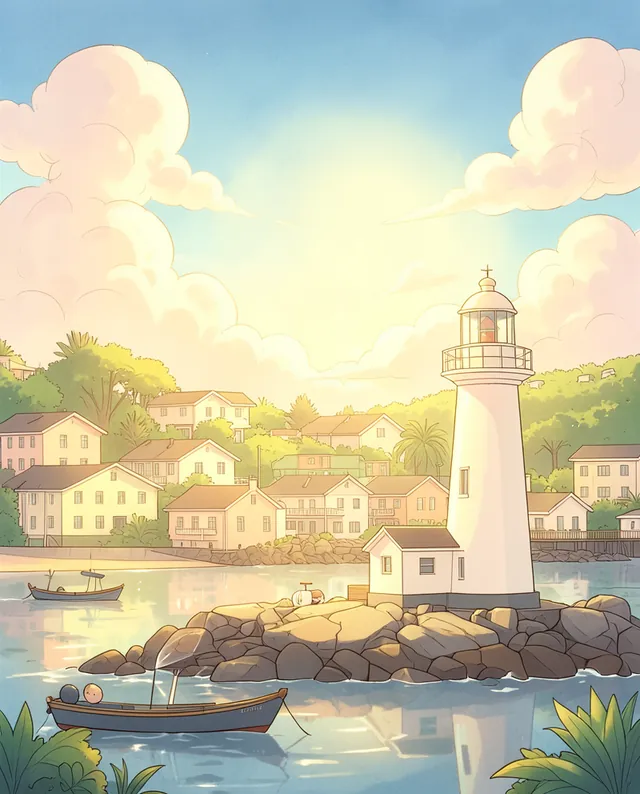
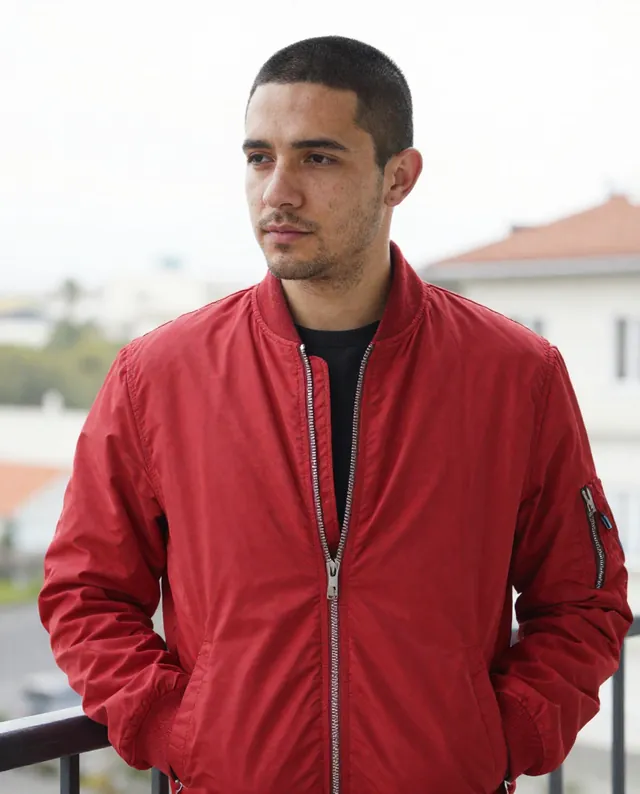
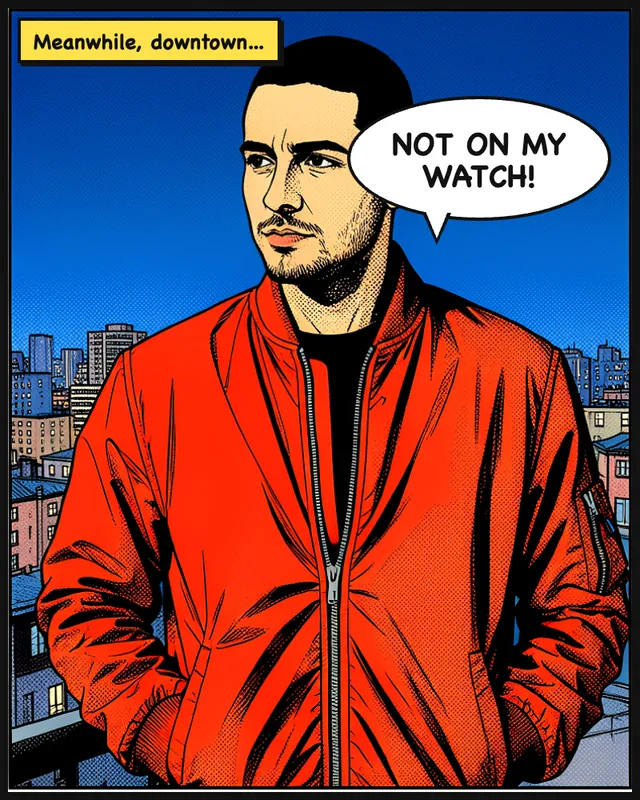
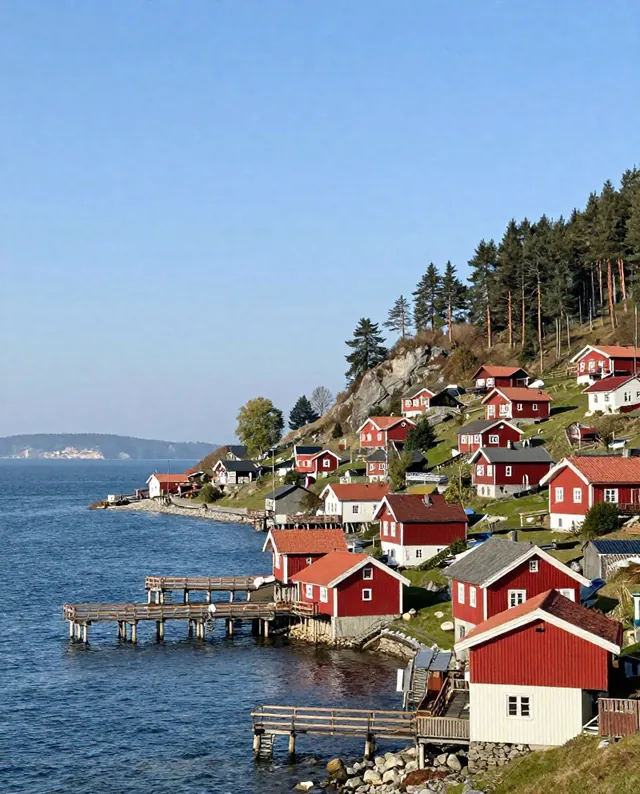
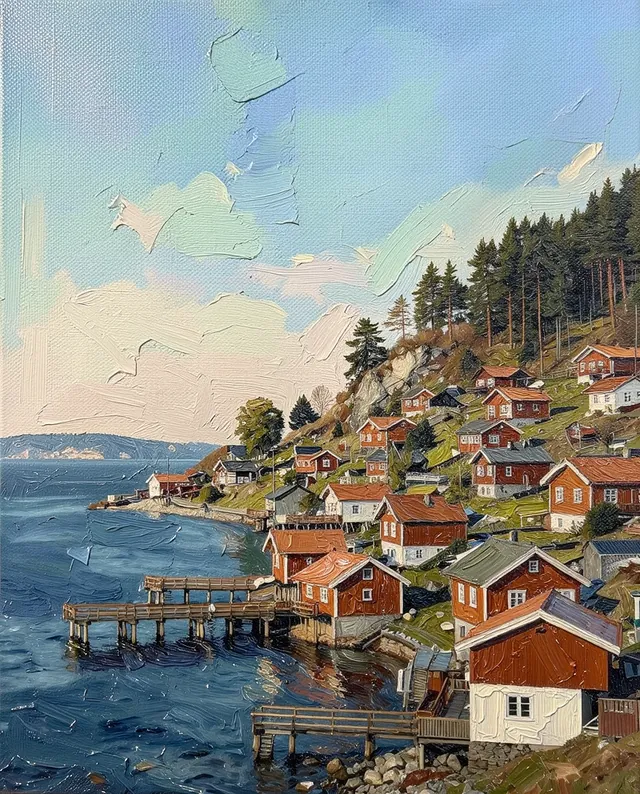
Example result of this prompt The made-up input photo InputExample result

Example Example made on our own Mac with open models: Z-Image made the made-up input photo, FLUX.2 klein ran this prompt on it. Your result in the AI above will look different. How we make examples

Turn a photo into a pencil sketch

A hand-drawn graphite sketch of a person, pet or place from your photo. You need one clear photo.

You need
1 photo of yours
Written for
Gemini, ChatGPT
Result
Image

Prompt

Turn my attached photo into a realistic pencil sketch, as if drawn by hand in graphite on paper. Keep the same subject, pose and framing. Build the shapes with confident outlines, then add shading with fine hatching and soft smudged tones, darkest in the deepest shadows. Leave some areas lightly sketched or unfinished toward the edges, so it feels drawn, not filtered. No color, only shades of grey. If there is a person in the photo, keep their face, identity and body proportions recognizable.

Fill in, or keep the brackets and change them later

paper

How to use it

  1. Open Gemini or ChatGPT and choose the image model.
  2. Attach your photo (a person, pet or place) and paste the prompt.
  3. Too neat? Add 'looser, more visible pencil strokes' and run it again.
What to expectIt looks hand-drawn but isn't, and fur, hair and faces can still change a little.

Tips

  • Photos with strong light and shadow give the best shading.
  • For a pet, a close-up at eye level works best.
  • If it's a photo of you, your photo goes to Google or OpenAI; check their data policy.

Editor: Parham Roudi · Updated November 18, 2026

Similar prompts

All photo to art