What the tech

Search

/ opens search from anywhere. Esc closes it.

Tools

Get the newsletter
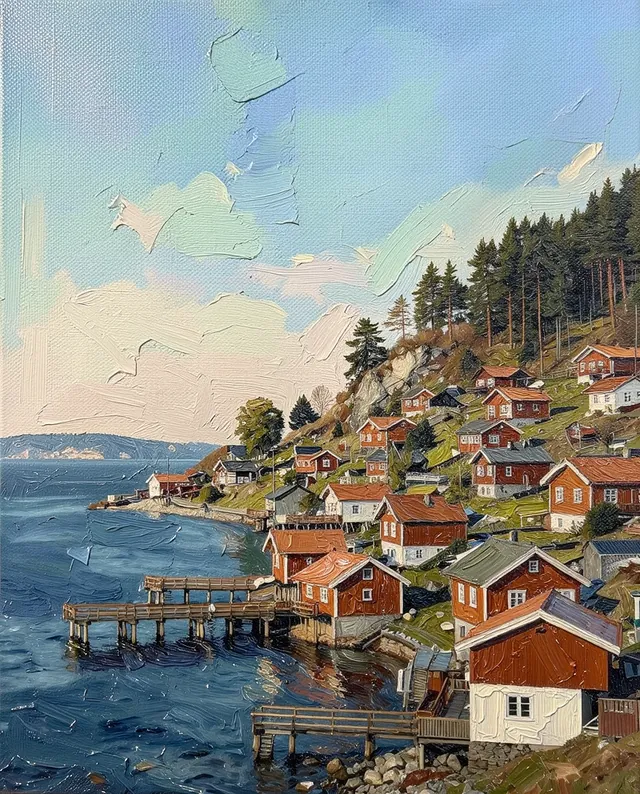
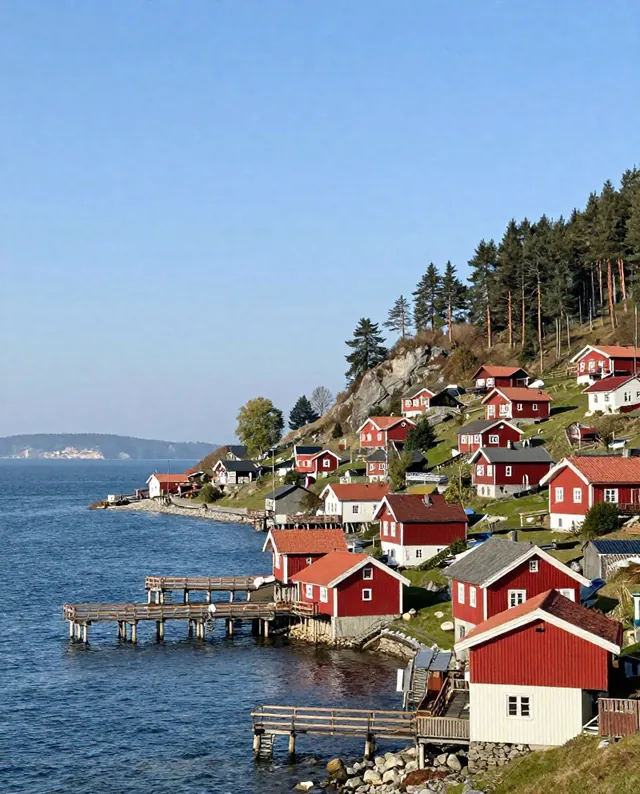
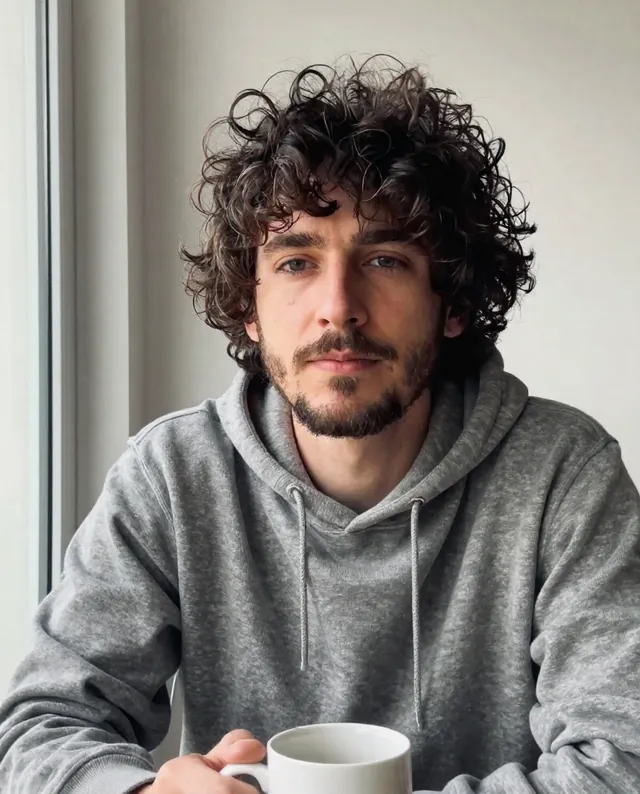
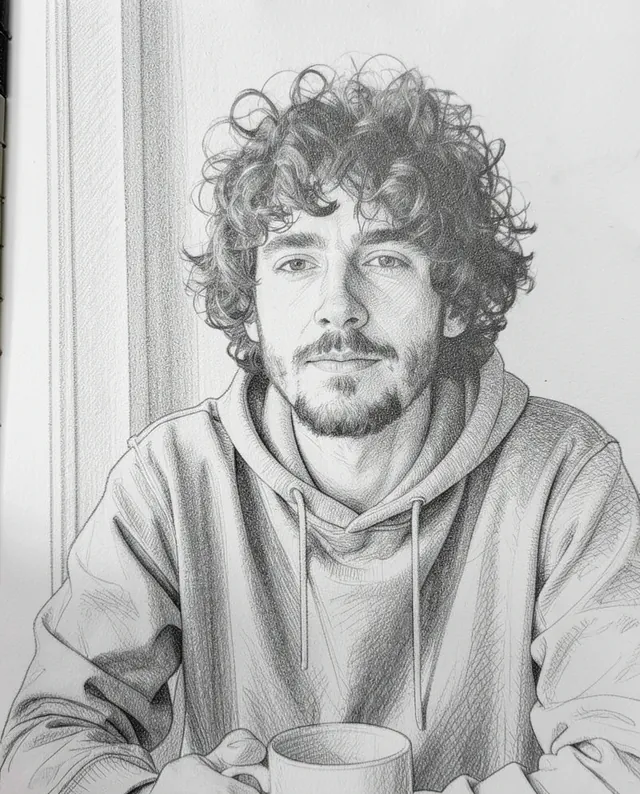
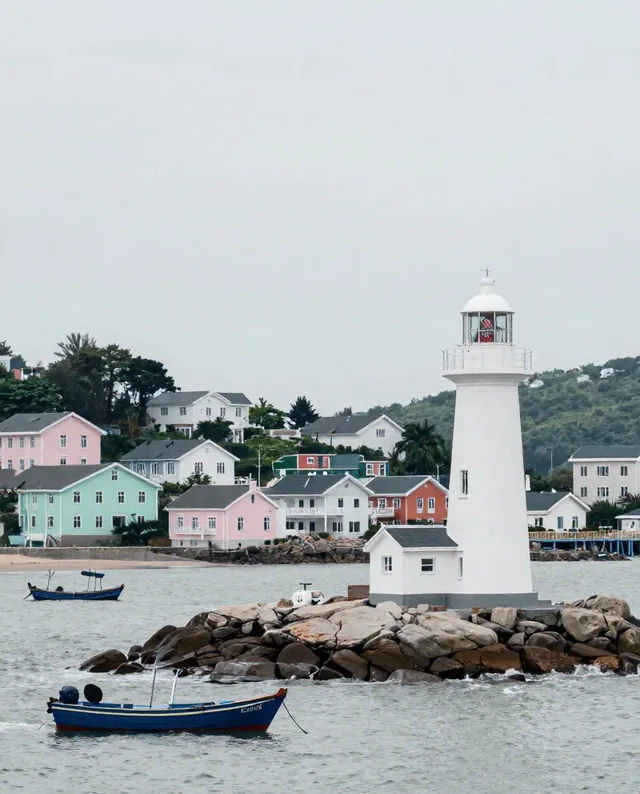
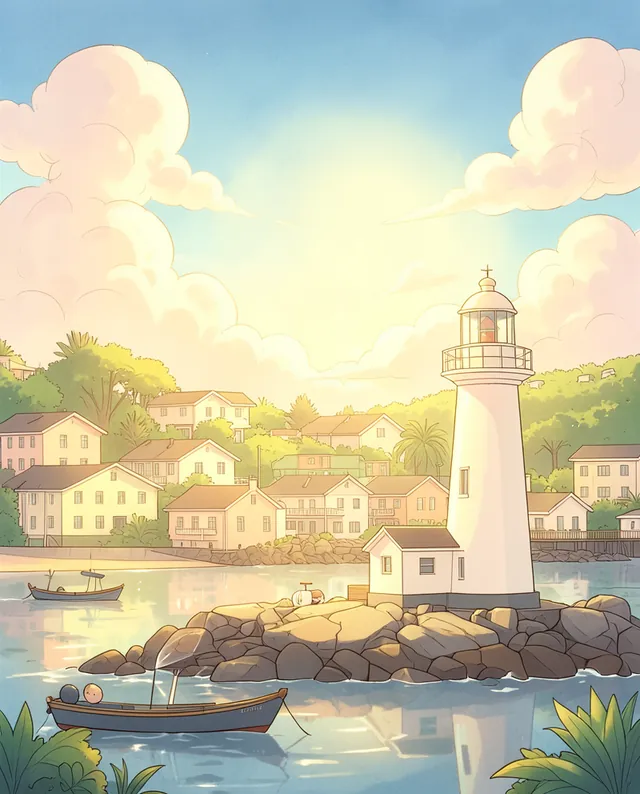
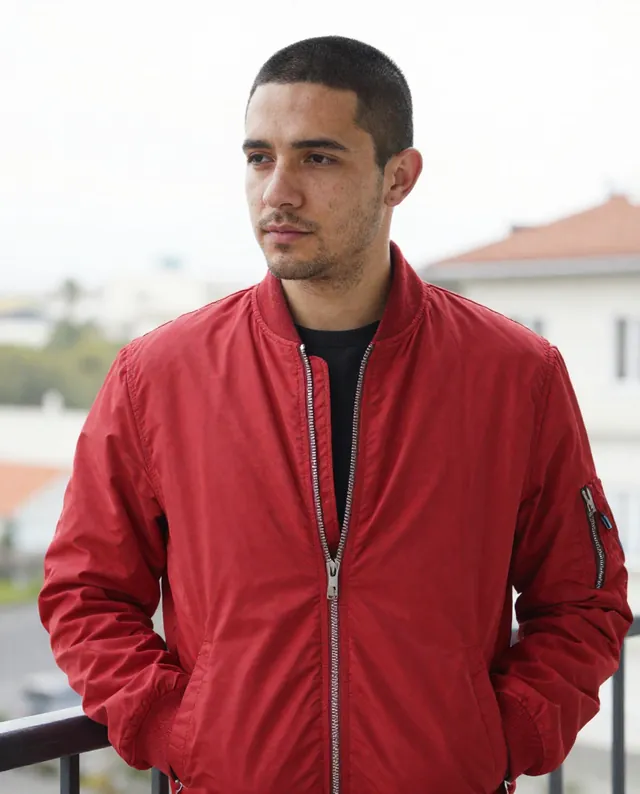
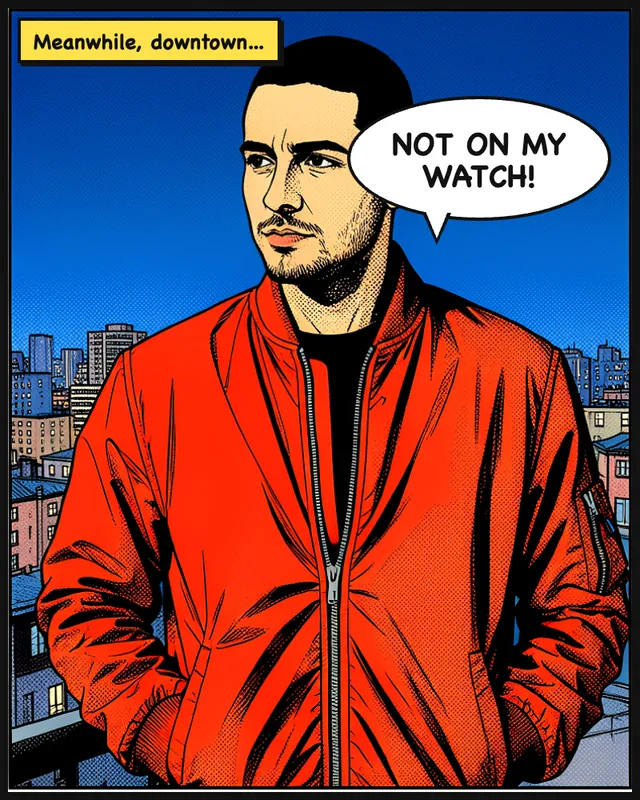
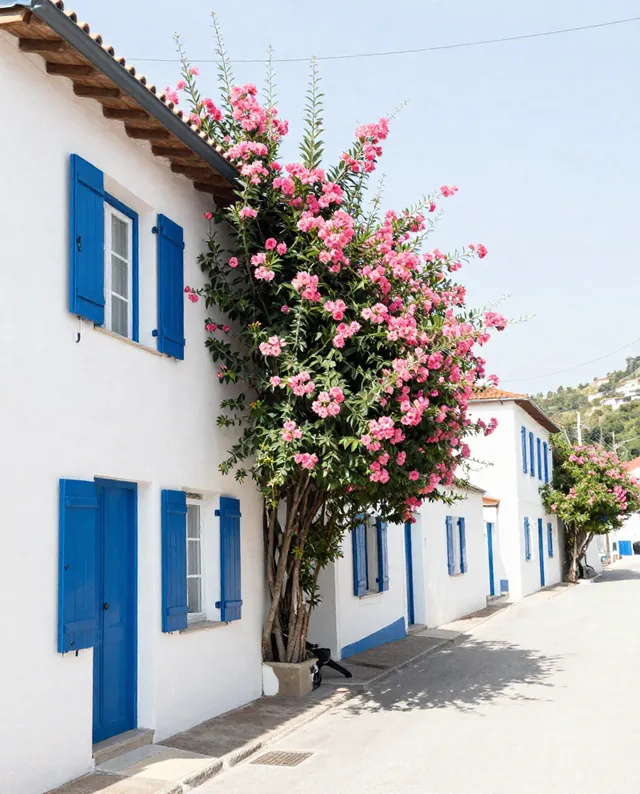
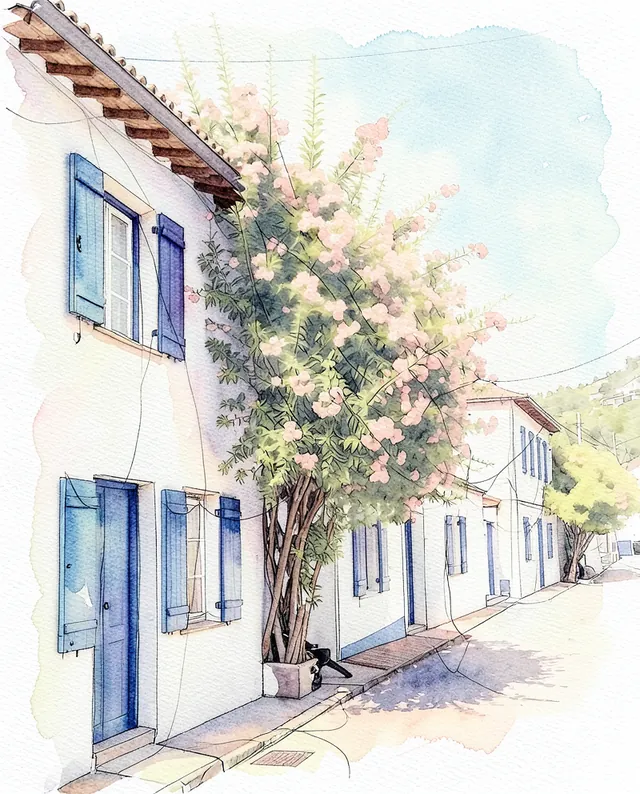
Example result of this prompt The made-up input photo InputExample result

Example Example made on our own Mac with open models: Z-Image made the made-up input photo, FLUX.2 klein ran this prompt on it. Your result in the AI above will look different. How we make examples

Turn any photo into an oil painting

Your photo repainted as a rich oil painting on canvas, with visible brushstrokes. You need any clear photo.

You need
1 photo of yours
Written for
Gemini, ChatGPT, Midjourney
Result
Image

Prompt

Repaint my attached photo as an oil painting on canvas. Keep the same composition, subject and viewpoint, but render everything in style brushwork, with paint you can almost feel: thick strokes in the highlights, thinner glazes in the shadows and the faint weave of canvas showing through. The palette follows the photo's colors, made a little richer and warmer. Light should feel painted by hand, not like a photo filter. If there is a person in the photo, keep their face, identity and body proportions recognizable.

Fill in, or keep the brackets and change them later

style

How to use it

  1. Open Gemini or ChatGPT and choose the image model (in Midjourney, add your photo as an image reference).
  2. Attach your photo, paste the prompt and pick a style.
  3. Not painterly enough? Add 'stronger, bigger brushstrokes' and run it again.
What to expectIf your photo has a person, faces can still change a little, and the AI decides on details the photo doesn't show. Midjourney follows the style well but changes the scene more.

Tips

  • Landscapes and still lifes give the most convincing paintings.
  • Set the Midjourney --ar to match your photo's shape.
  • Want a print? Ask for the largest size the app offers.

Editor: Peyman Khosravani · Updated November 18, 2026

Similar prompts

All photo to art