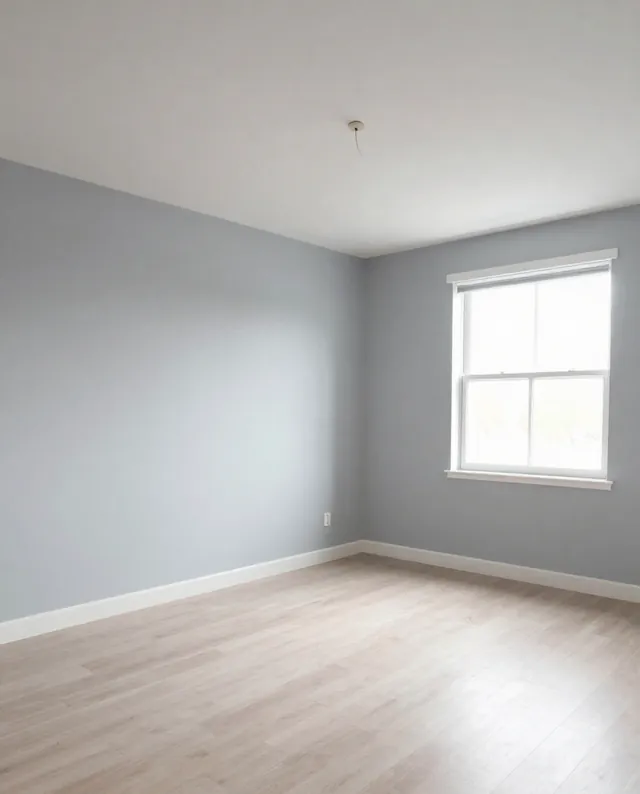
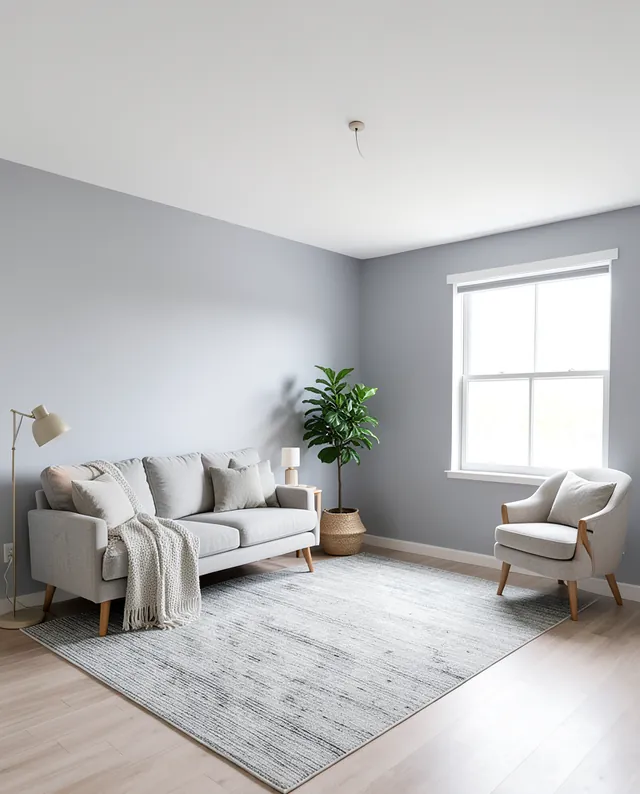
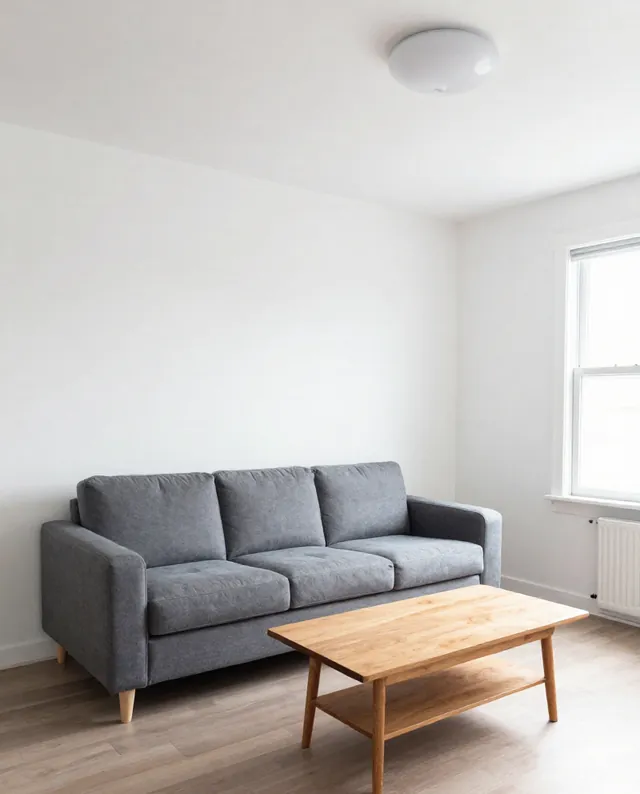
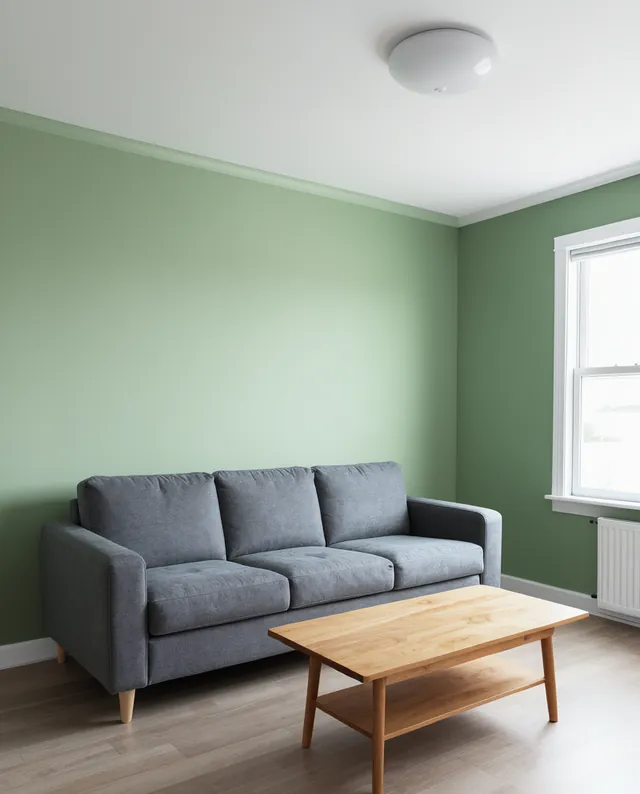
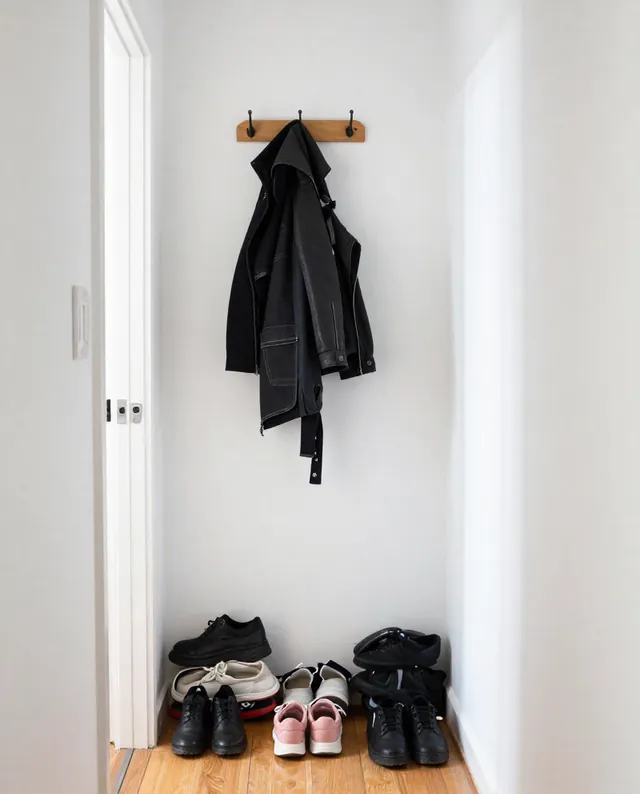
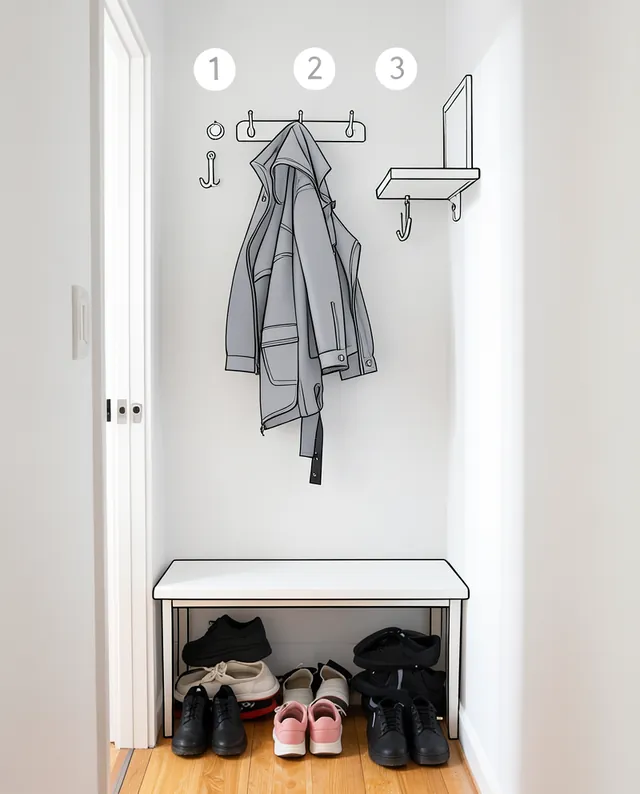
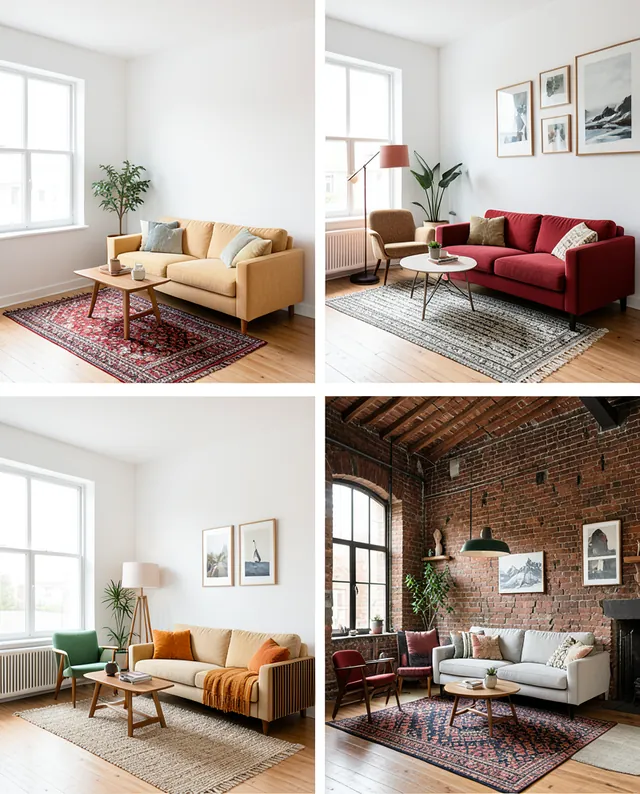
Example Example made on our own Mac with open models (Z-Image and FLUX.2 klein). Your result in the AI above will look different. How we make examples
See your room in 4 styles at once
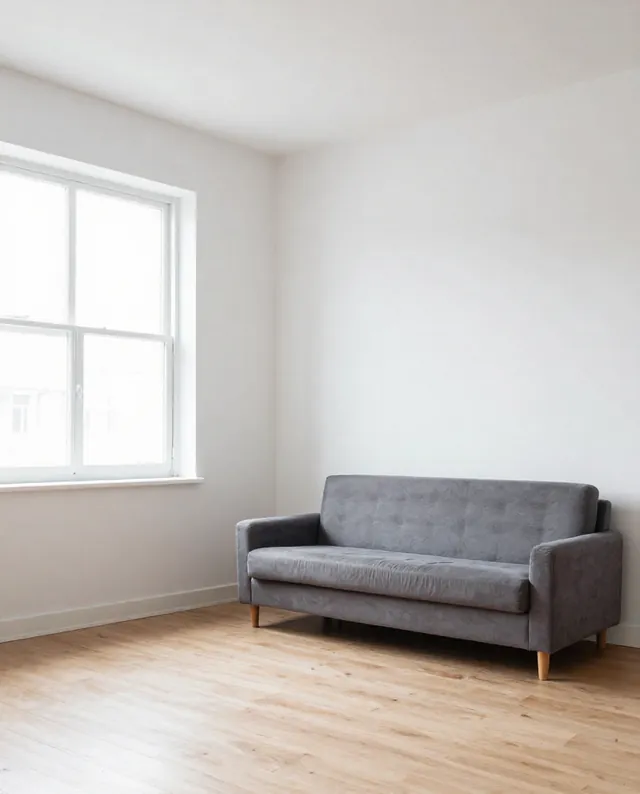
One image with your room in four different styles, side by side in a grid. You need one photo of the room.
You need
1 photo of yours
Written for
Gemini, ChatGPT
Result
Image
Prompt
Create one image with a 2 by 2 grid showing the room in my photo redesigned in four styles: top left style 1, top right style 2, bottom left style 3, bottom right style 4. In all four, keep the room's layout, walls, windows, doors, ceiling and camera angle exactly as in my photo. Change only the furniture, colors, textiles and decor. Use the same soft daylight in every panel, thin white gaps between panels, and a small, clearly spelled label with the style name in the corner of each panel.
Edit the attached room photo into a 2x2 grid.
Panels: top left style 1, top right style 2, bottom left style 3, bottom right style 4.
Keep in every panel: room layout, walls, windows, doors, ceiling and camera angle exactly.
Change: furniture, colors, textiles and decor only.
Lighting: the same soft daylight in all panels.
Layout: thin white gaps, a small style-name label in each panel's corner, spelled correctly.
Fill in, or keep the brackets and change them later
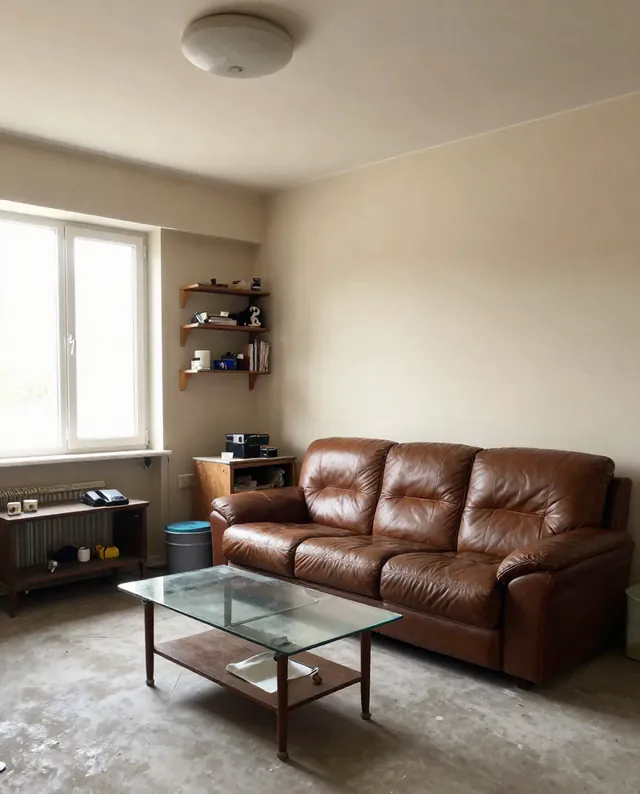
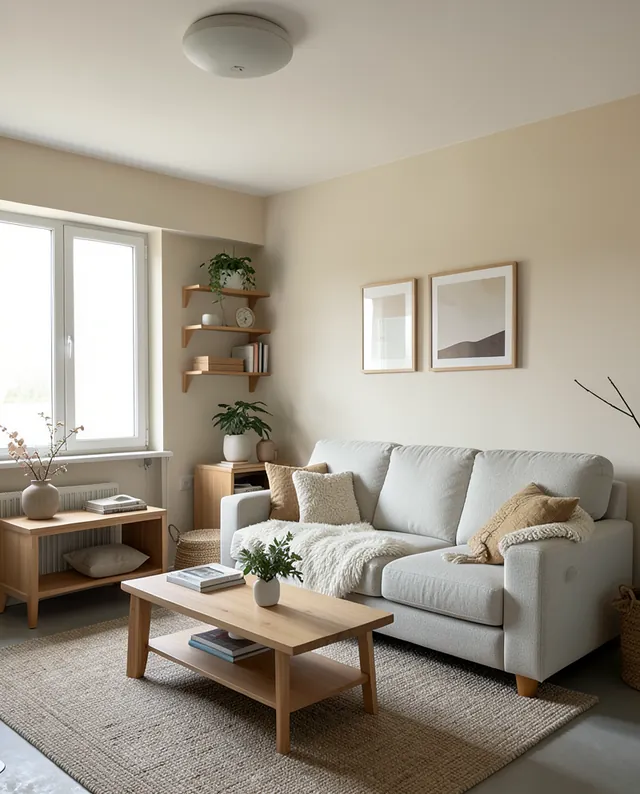

 Gemini, ChatGPT
 InputExample result