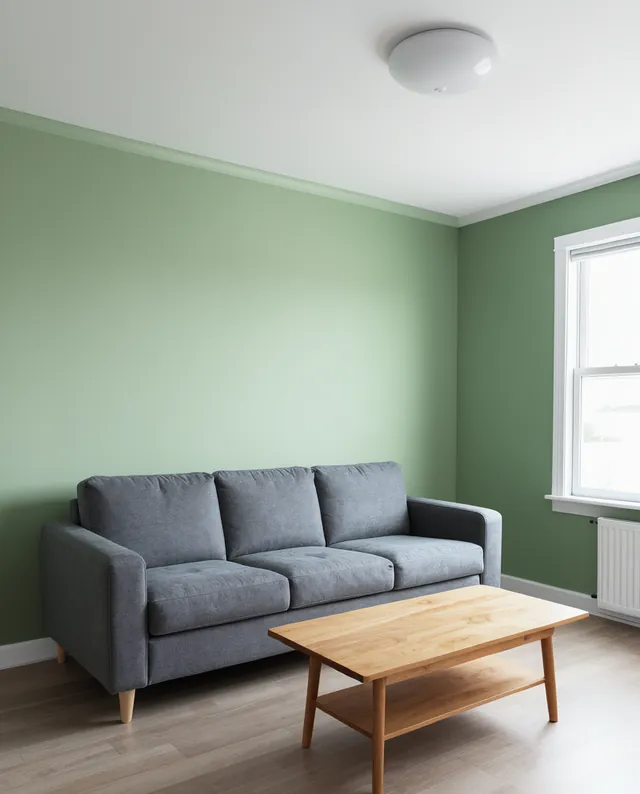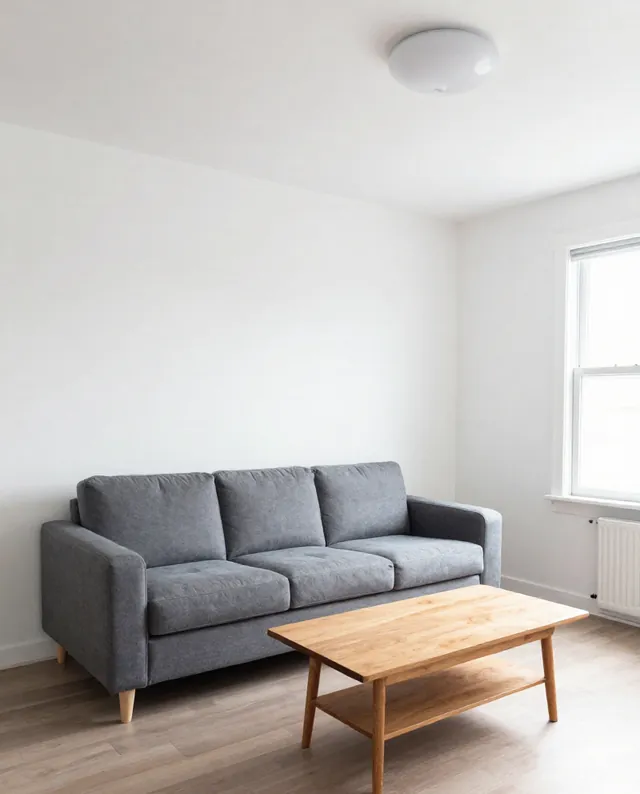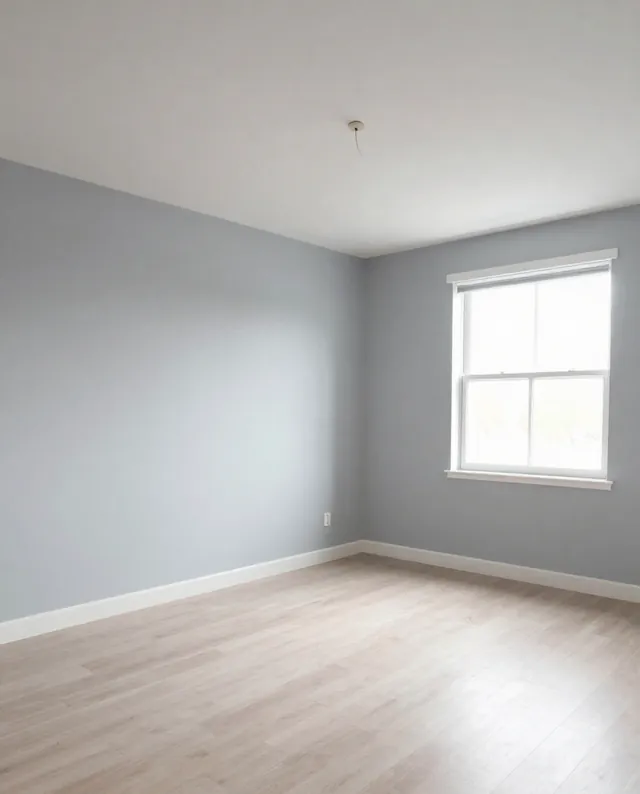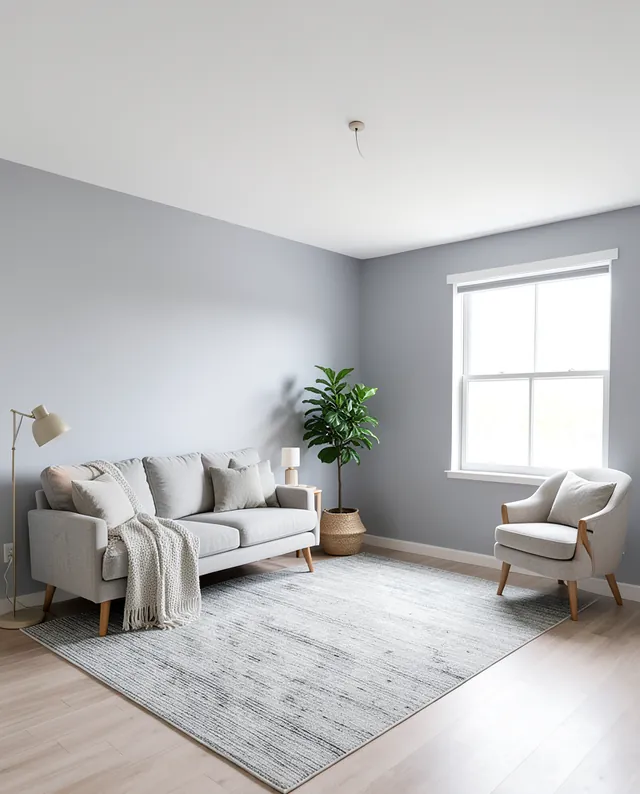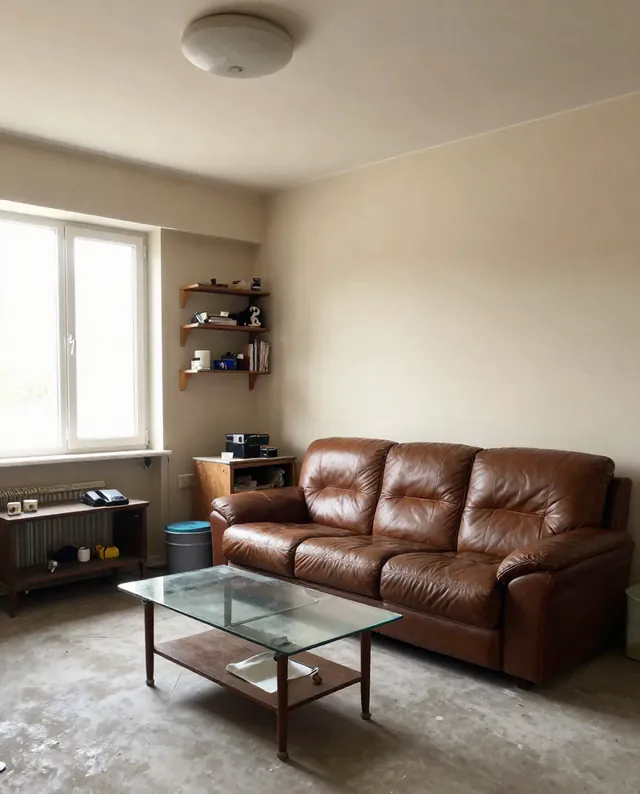
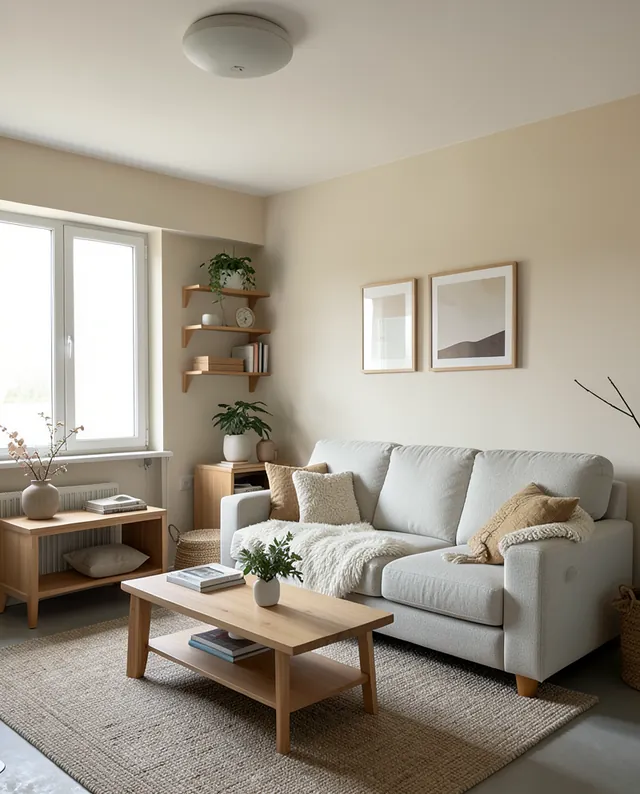
InputExample result
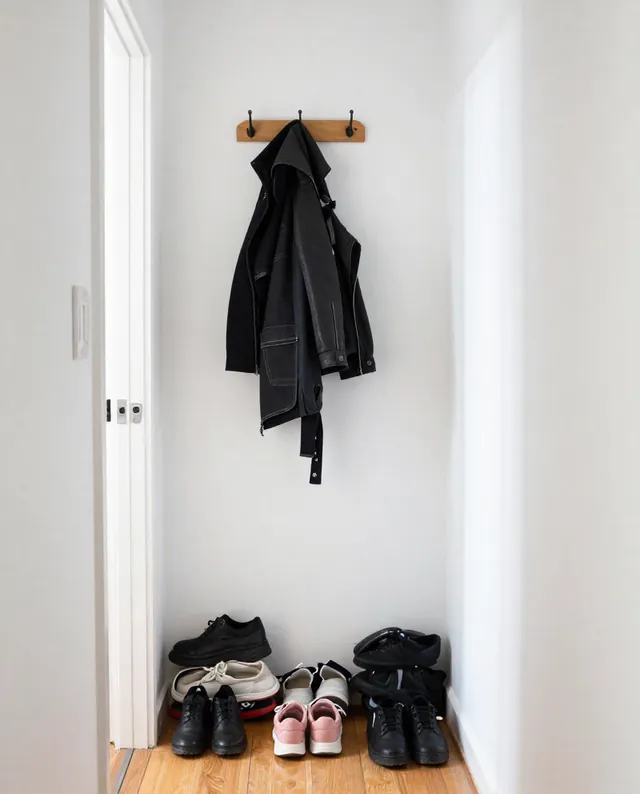
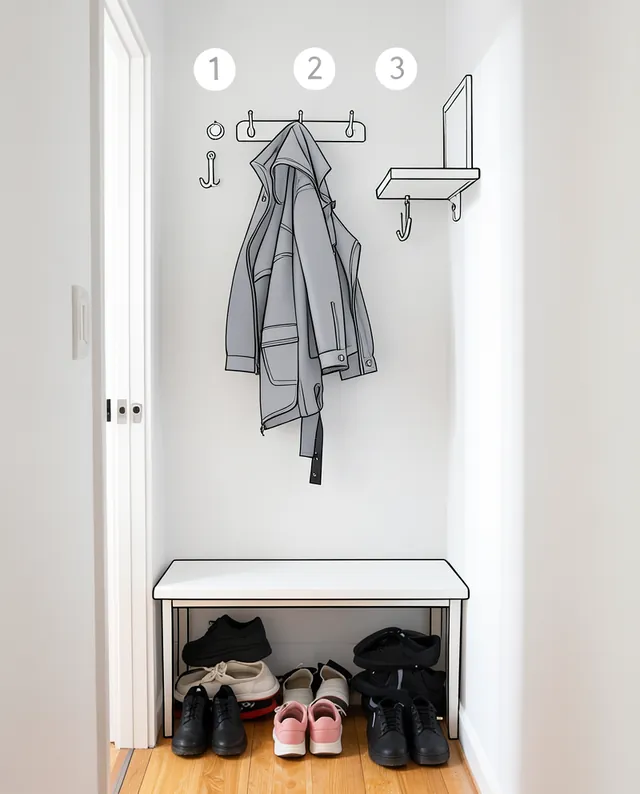
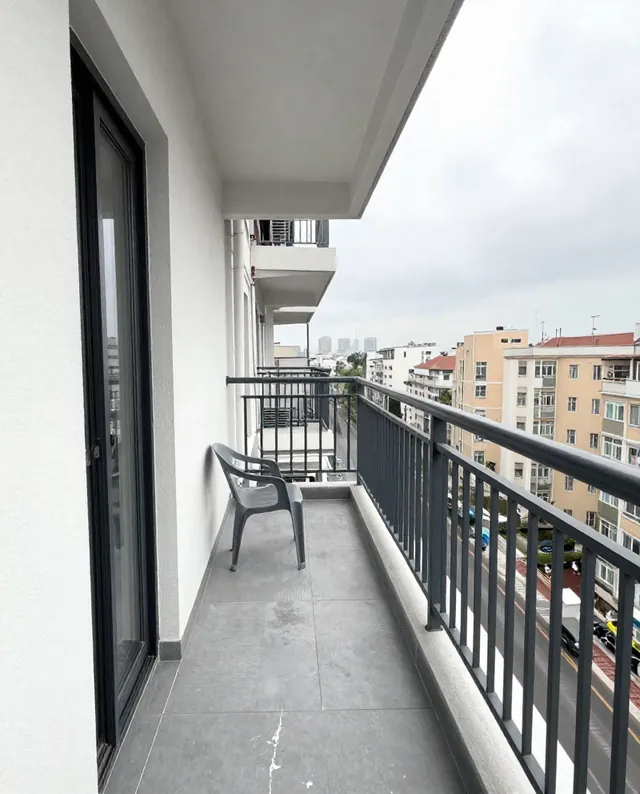
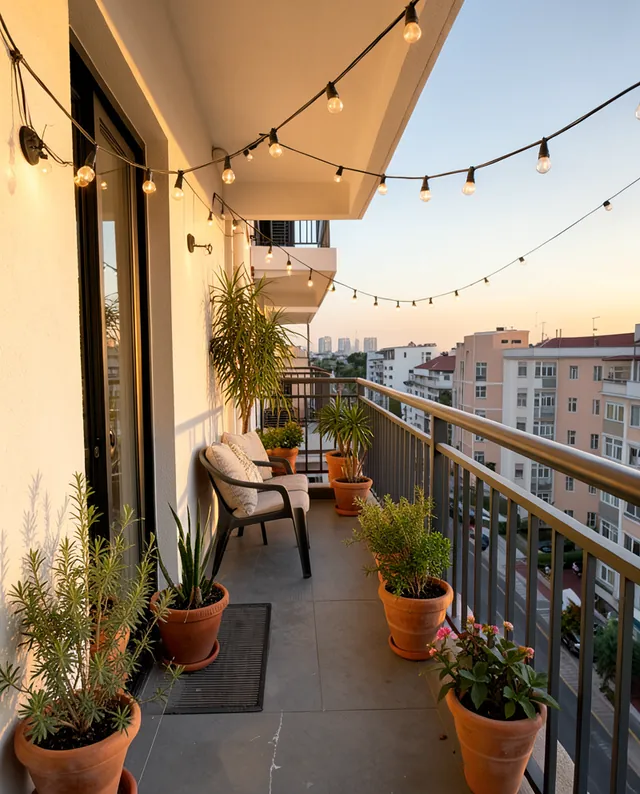
Example Example made on our own Mac with open models: Z-Image made the made-up input photo, FLUX.2 klein ran this prompt on it. Your result in the AI above will look different. How we make examples
Repaint the walls, keep everything else
Preview a new wall color in your own room before you buy paint. You need one photo of the room.
- You need
- 1 photo of yours
- Written for
- Gemini, ChatGPT
- Result
- Image
Prompt
Repaint only the walls in my photo in color, a finish finish. Keep everything else exactly as it is: the furniture, floor, ceiling, trim, doors, windows, decor, light and camera angle. The new color should look like real paint in this room's light, darker in the shadows and lighter near the window, with clean edges along the ceiling, trim and corners. Do not change anything that is not a wall.
Edit the attached photo: repaint the walls only.
New wall color: color, finish finish.
Keep exactly: furniture, floor, ceiling, trim, doors, windows, decor, light and camera angle.
Realism: the paint follows the room's light (darker in shadows, lighter near windows), clean edges at the ceiling, trim and corners.
Constraints: change nothing that is not a wall.
Fill in, or keep the brackets and change them later
color
finish
How to use it
- Photograph the room in daylight, showing the walls you want to paint.
- Open Gemini, attach the photo and paste the prompt with your color.
- Try a second color in the same chat to compare side by side.
What to expectScreen colors never match real paint exactly, and the AI may tint nearby furniture or trim slightly.
Tips
- Describe the color in words (for example 'muted sage green'); paint code numbers mean little to the AI.
- To paint one accent wall, say which one: 'only the wall behind the sofa'.
- Always test a real paint sample on the wall before you buy.
Editor: Parham Roudi · Updated November 18, 2026