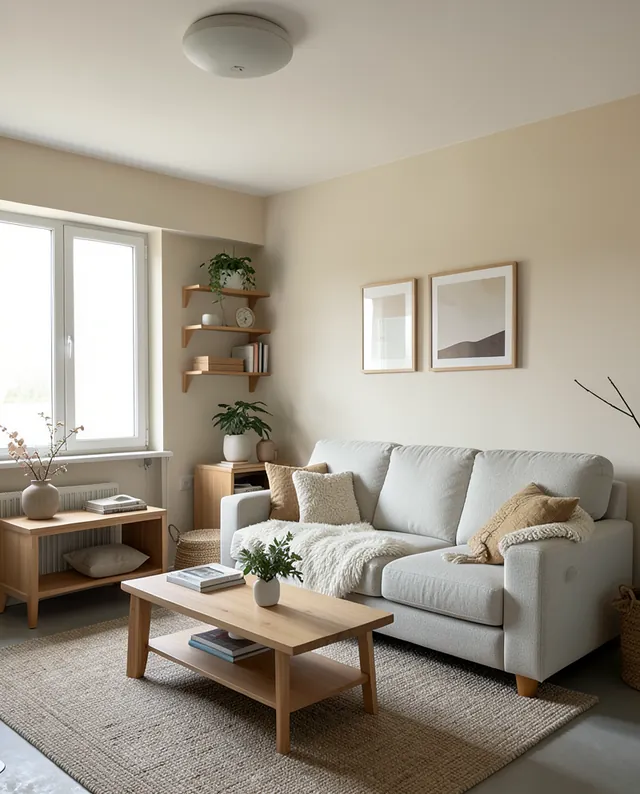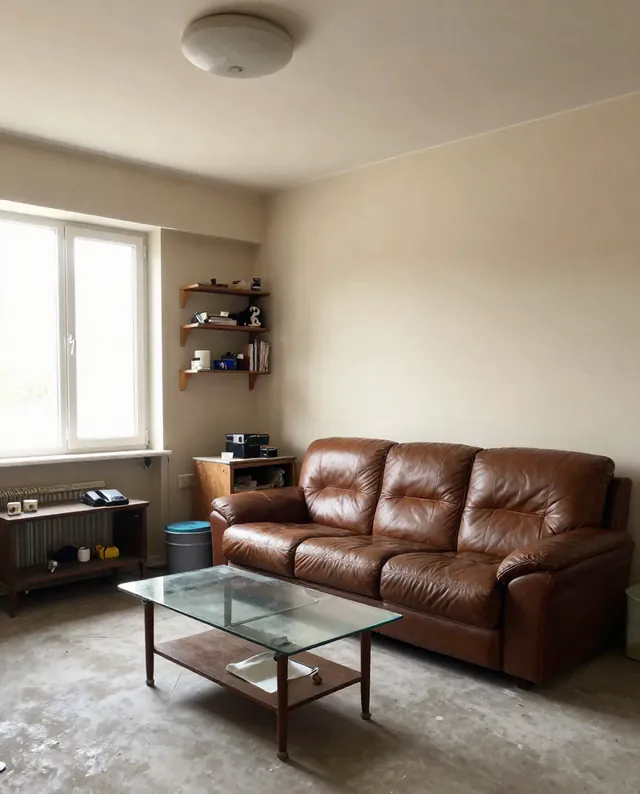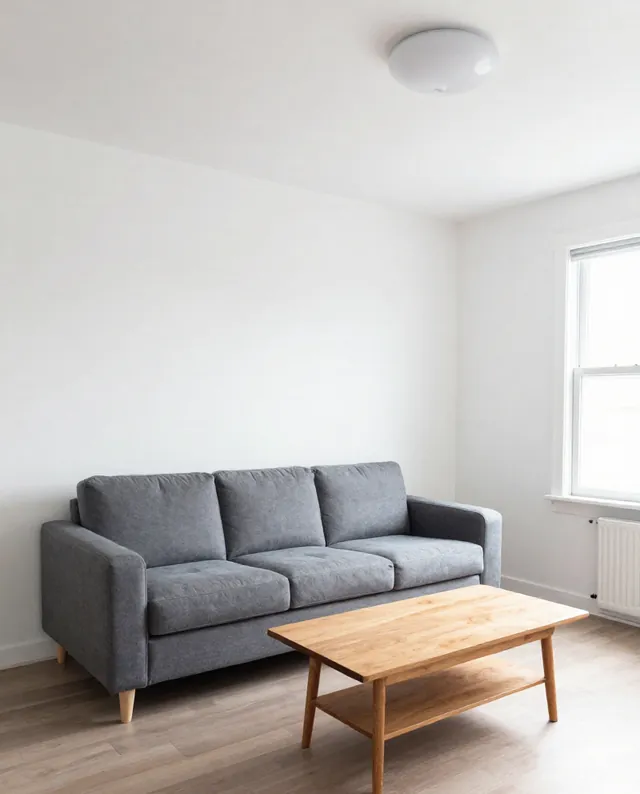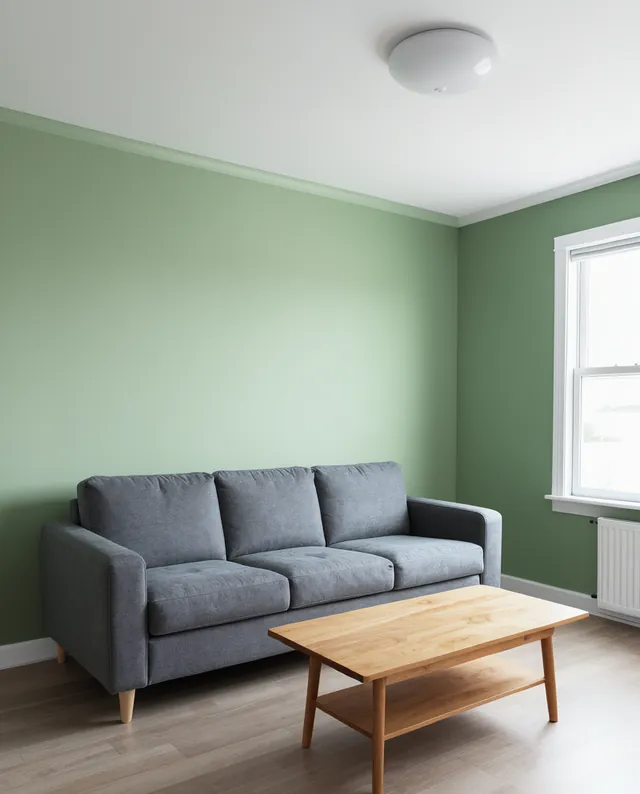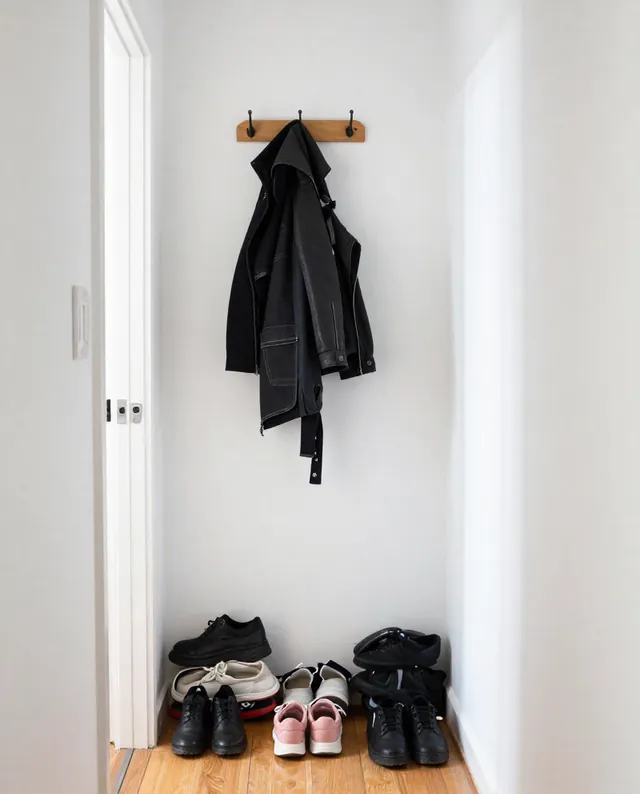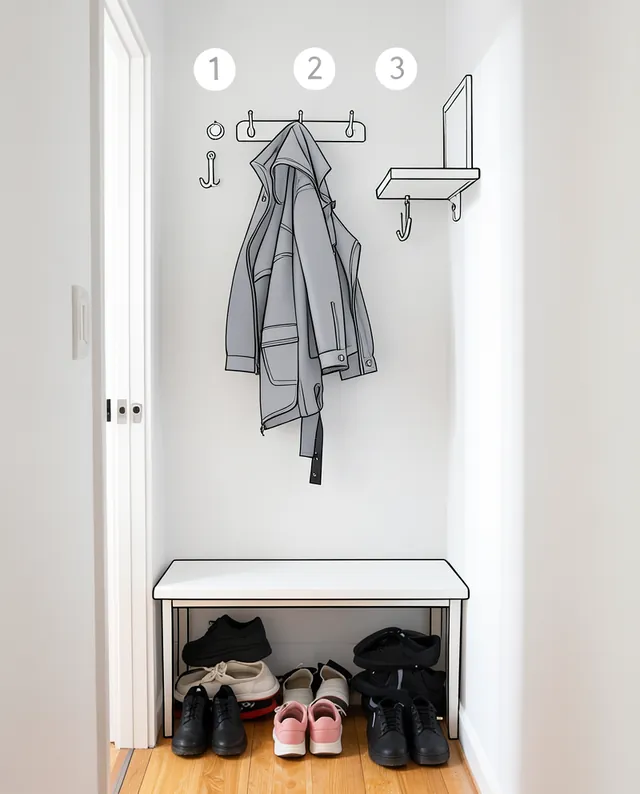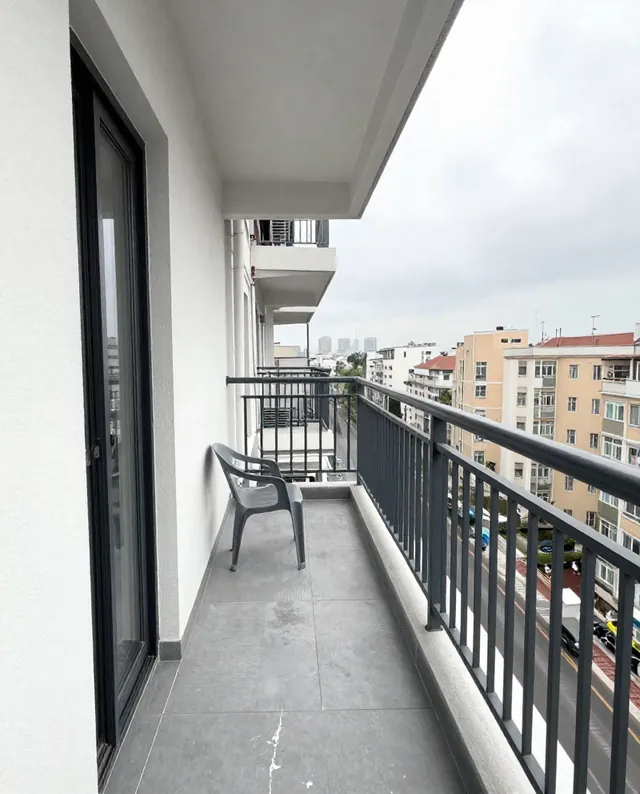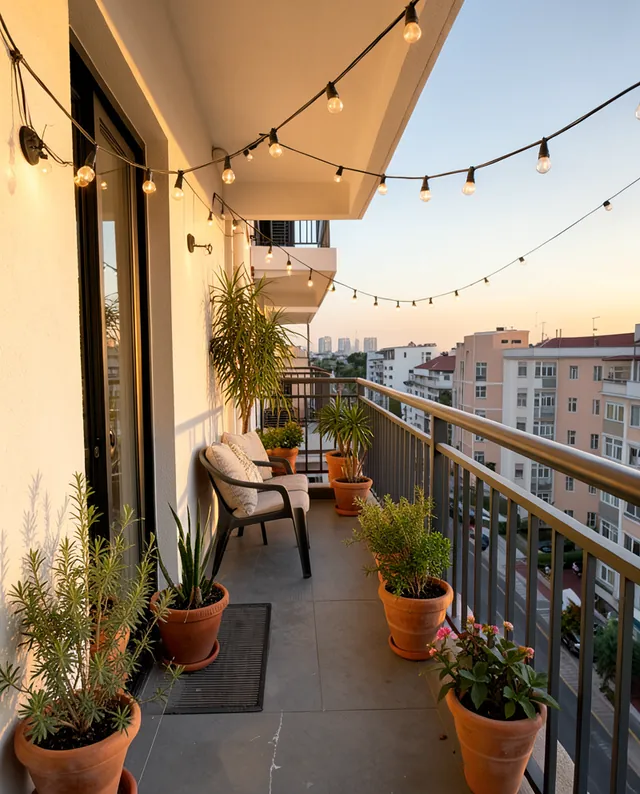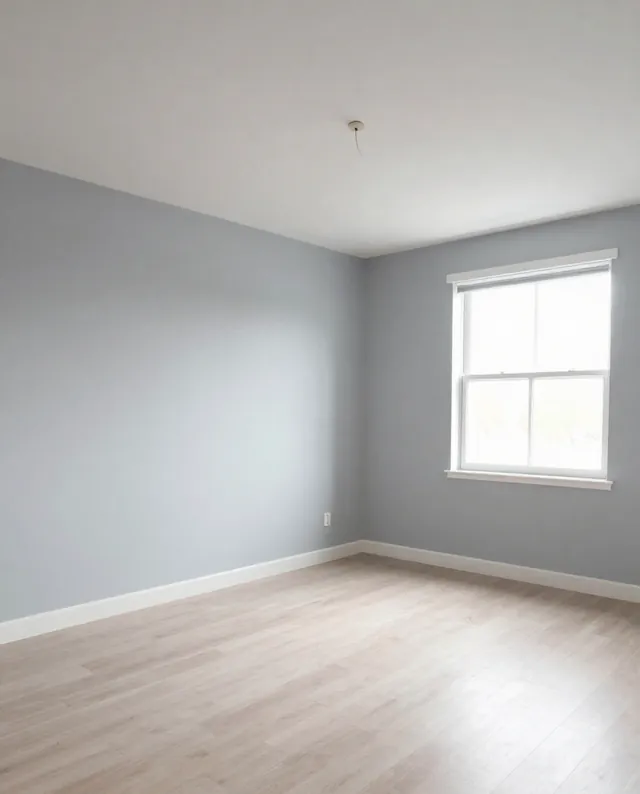
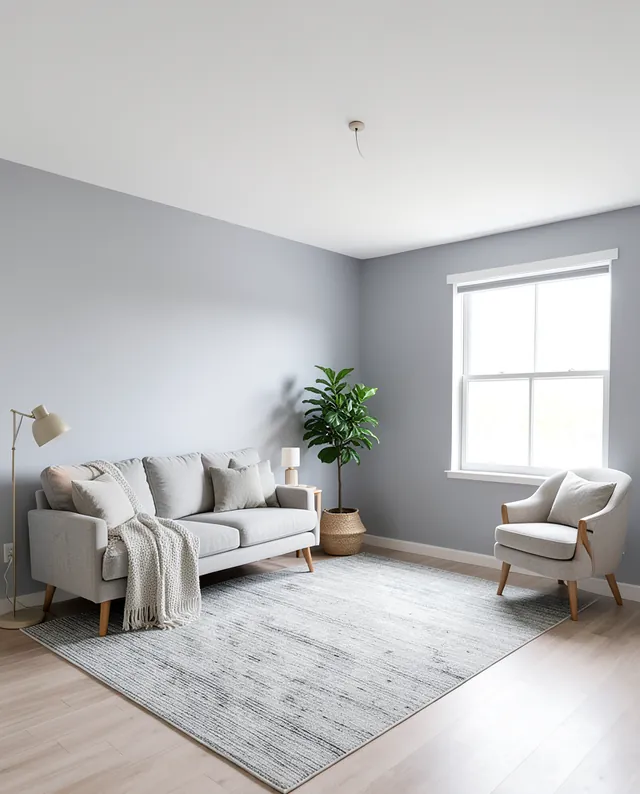
InputExample result
Example Example made on our own Mac with open models: Z-Image made the made-up input photo, FLUX.2 klein ran this prompt on it. Your result in the AI above will look different. How we make examples
Redesign your room in a style you choose
See your own room restyled with new furniture, colors and decor. You need one wide photo of the room.
- You need
- 1 photo of yours
- Written for
- Gemini, ChatGPT
- Result
- Image
Prompt
Redesign the room in my photo in a style style. Keep the room's layout, walls, windows, doors, ceiling and camera angle exactly as in my photo. Replace the furniture, rug, lighting, textiles and decor with pieces that fit the style, and use a palette color palette. Keep it livable and realistic, with furniture at a true scale for the room, as if photographed by an interior magazine in soft daylight. No people, no brand names, no text.
Redesign the room in the attached photo.
Keep: room layout, walls, windows, doors, ceiling and camera angle exactly.
Change: furniture, rug, lighting, textiles and decor to a style style.
Palette: palette.
Lighting: soft daylight, interior magazine look.
Constraints: realistic scale, livable, no people, no brand names, no text.
Fill in, or keep the brackets and change them later
style
palette
How to use it
- Photograph the room from a corner, in daylight, with the whole floor visible.
- Open Gemini, attach the photo and paste the prompt with your style.
- Like it but want changes? Reply with one change at a time, such as 'swap the sofa for a lighter one'.
What to expectWindows, doors or the room's size can shift slightly, and the furniture is made up, so treat it as a mood picture, not a plan.
Tips
- A wide, straight photo gives the most accurate result.
- Change one thing per follow-up so the rest stays put.
- Measure before you buy anything; AI furniture sizes are only a guess.
Editor: Parham Roudi · Updated November 18, 2026