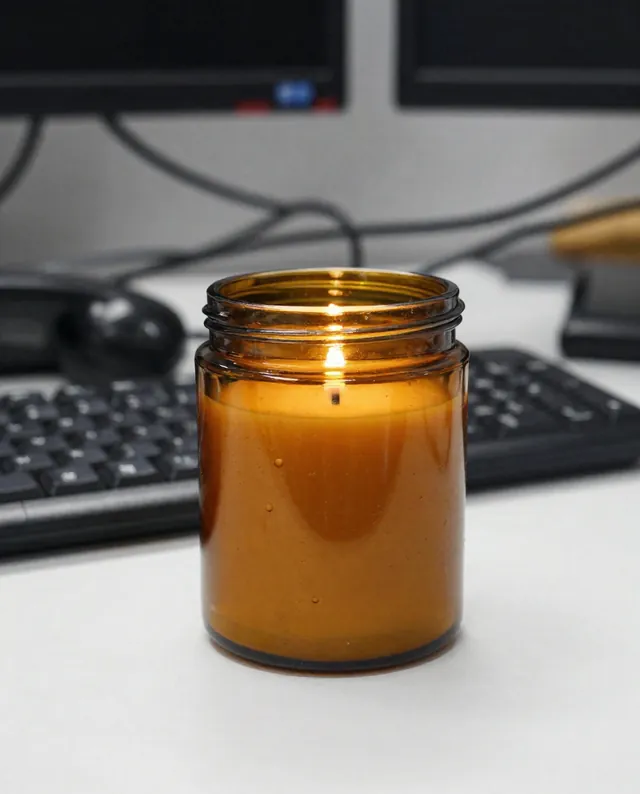
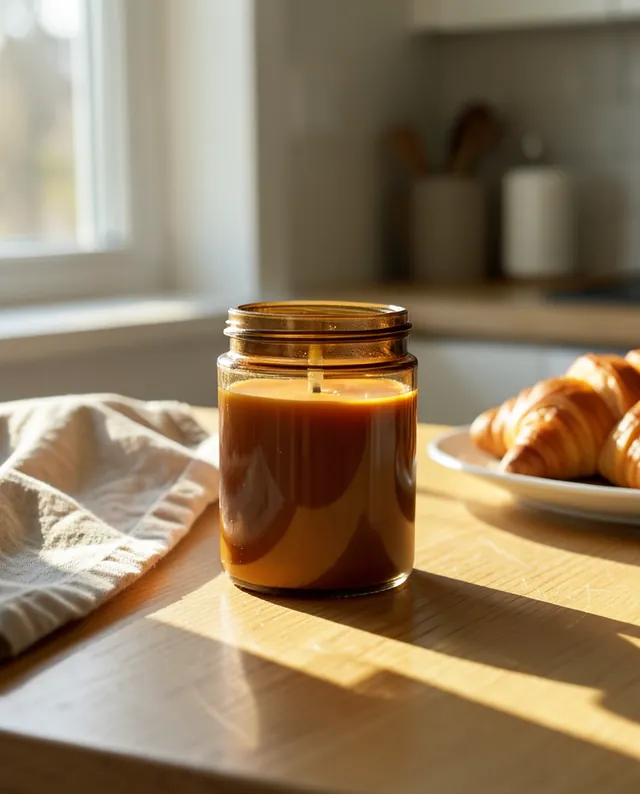
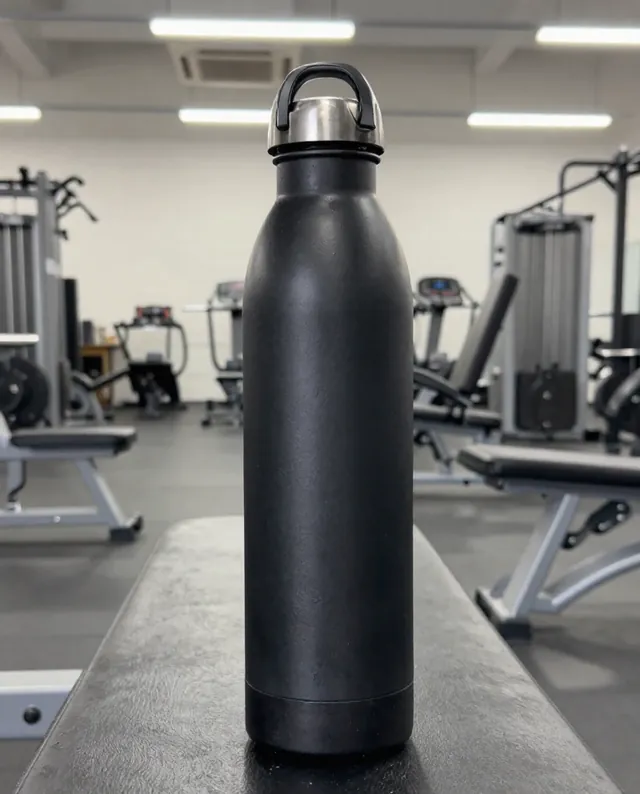
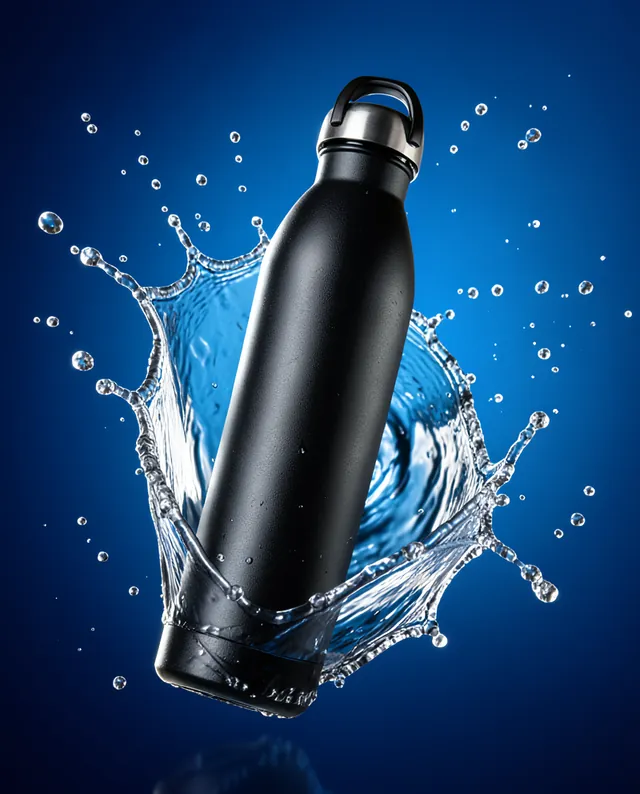
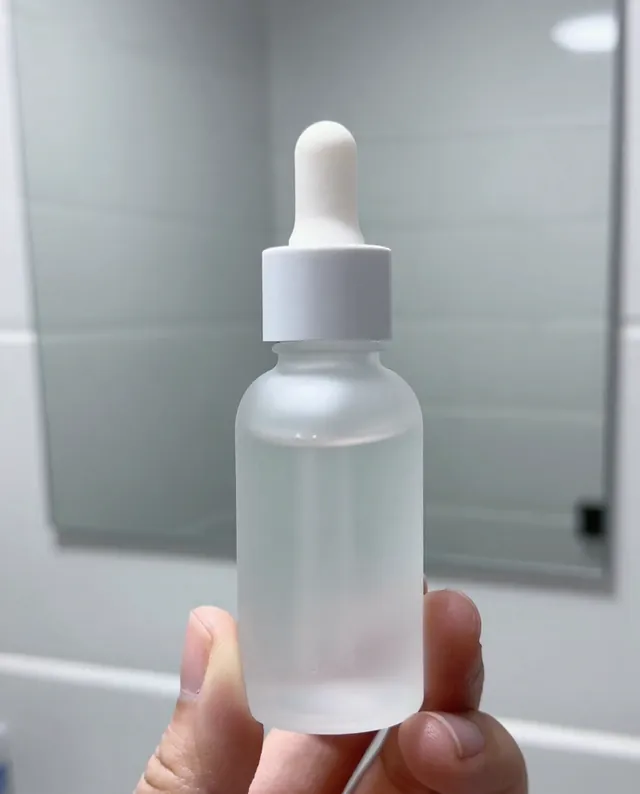
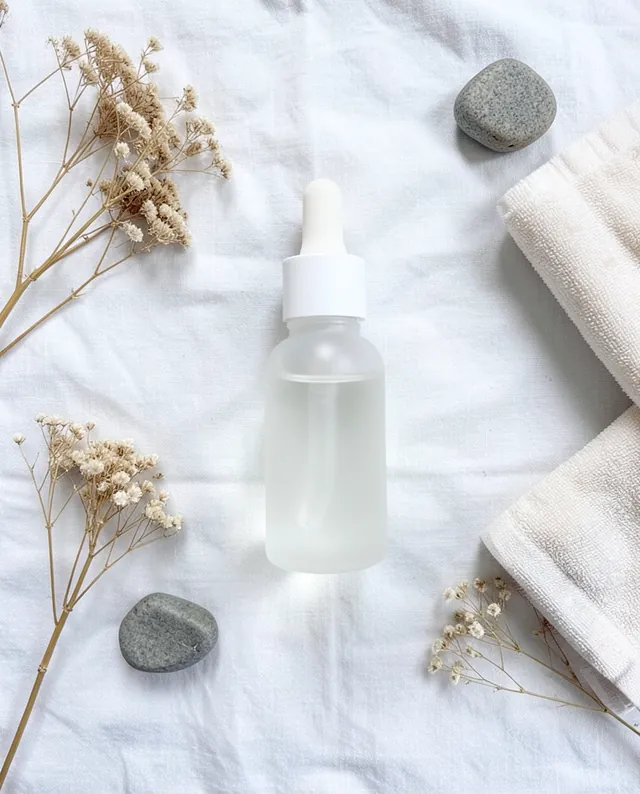
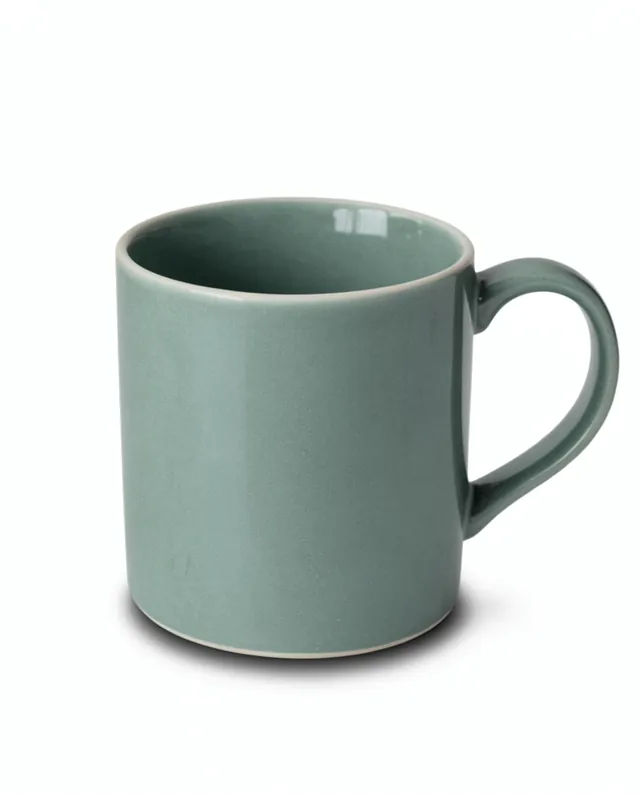
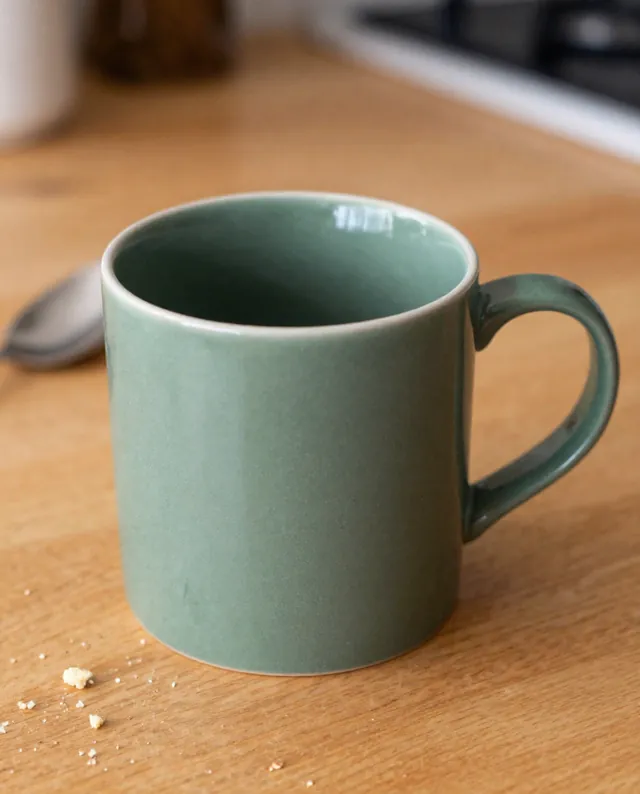
Example Example made on our own Mac with open models: Z-Image made the made-up input photo, FLUX.2 klein ran this prompt on it. Your result in the AI above will look different. How we make examples
Product photo on a clean white background
A clean store-style product shot on pure white from a simple phone photo. You need one photo of your product.
You need
1 photo of yours
Written for
Gemini, ChatGPT
Result
Image
Prompt
Turn my phone photo of this product into a clean online-store product image. Place the product, centered and upright, on a pure white background (#FFFFFF), seen from a angle. Light it with soft studio lighting from both sides so the edges are crisp and the colors are true, with only a very faint natural shadow under it. The product fills about 85% of a square frame. Keep my product exactly as it is: same shape, proportions, colors, materials, labels and details. Do not add any logo or text. Remove the table, the background and any reflections of the room.
Edit the attached photo of my product into an e-commerce image.
Subject: the same product, same shape, proportions, colors, materials, labels and details.
Background: pure white (#FFFFFF), no props.
Lighting: soft studio lighting from both sides, crisp edges, true colors, very faint shadow under the product.
Framing: angle, centered, product fills about 85% of a 1:1 frame.
Constraints: do not add logos or text; remove the table and room reflections.
Fill in, or keep the brackets and change them later
Take a sharp photo of the product in daylight, filling most of the frame.
Open Gemini, attach it and paste the prompt.
Check the labels and small details against the real product before you upload it to a store.
What to expectSmall print, stitching and labels can be redrawn slightly wrong, so compare with the real product; a listing must show what buyers will get.
Tips
Wipe dust and fingerprints off first; the AI keeps more than you think.
Most marketplaces want the product to fill 85% of the frame on white; check your store's own rules.
Run once per angle and keep the same chat for a matching set.
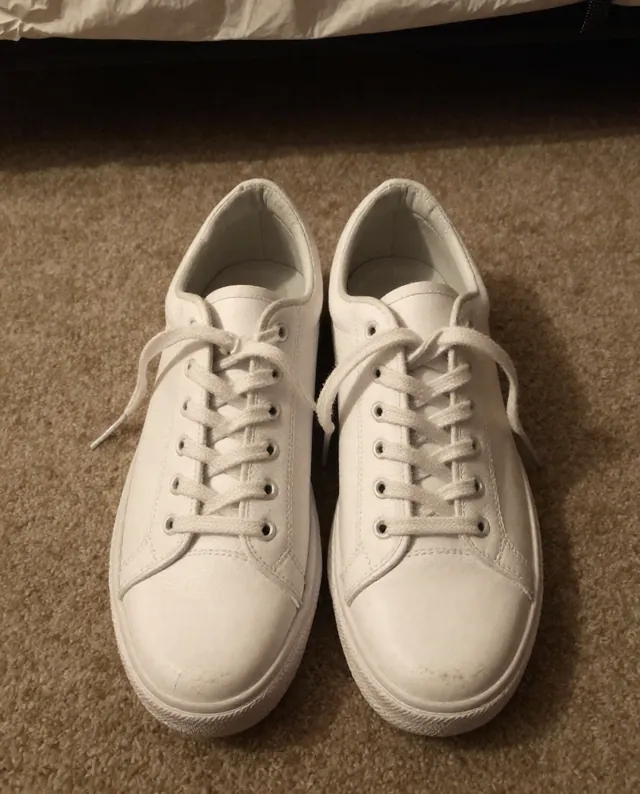
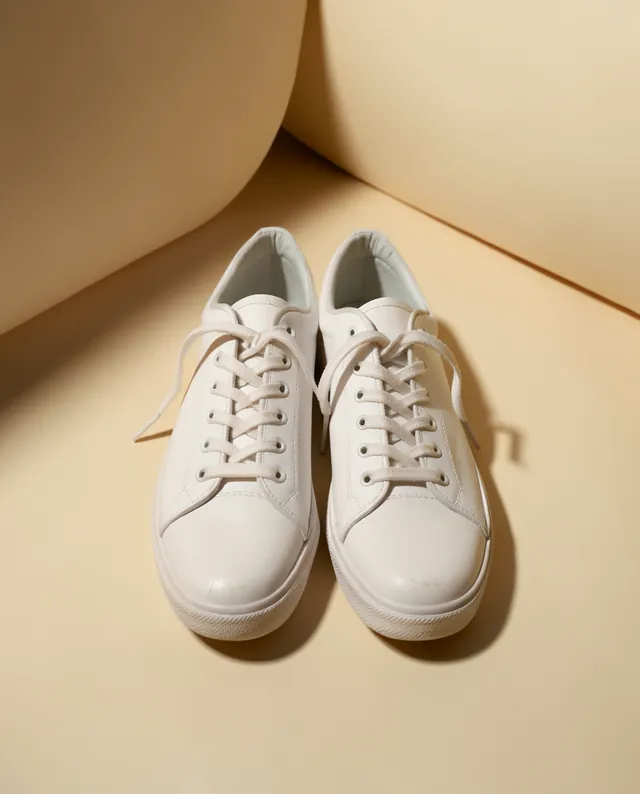

 Gemini, ChatGPT
 InputExample result