What the tech

Search

/ opens search from anywhere. Esc closes it.

Tools

Get the newsletter
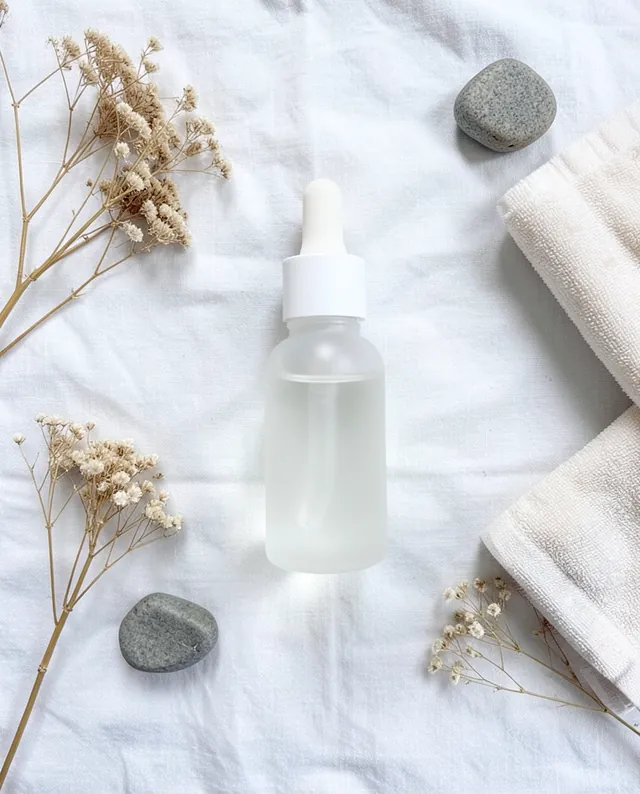
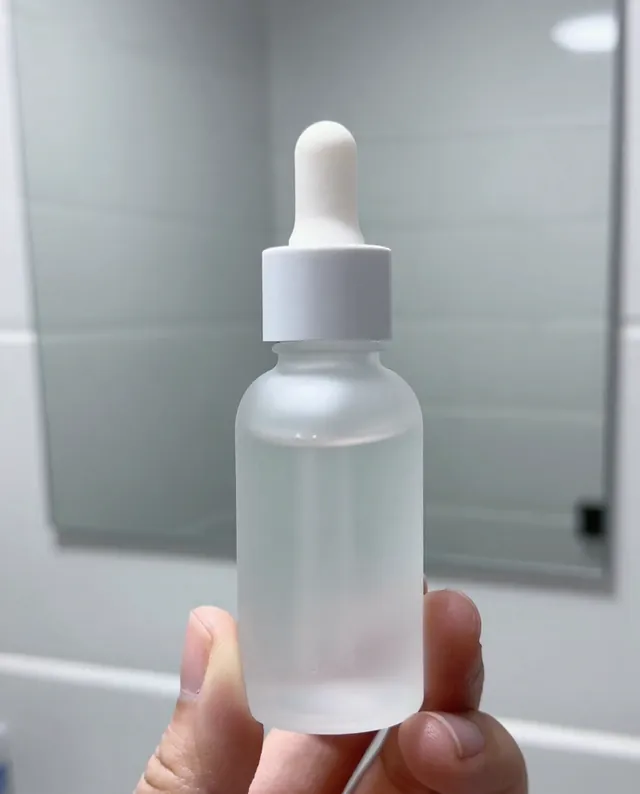
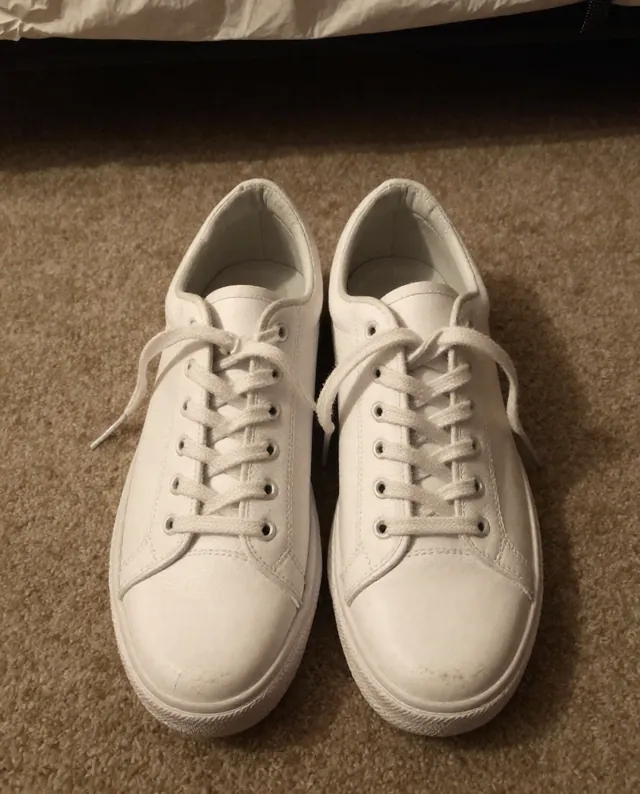
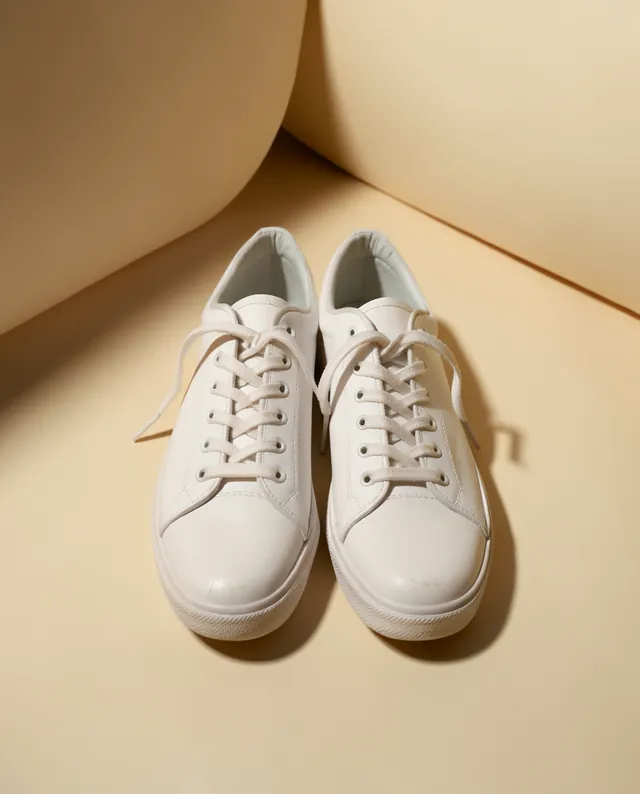
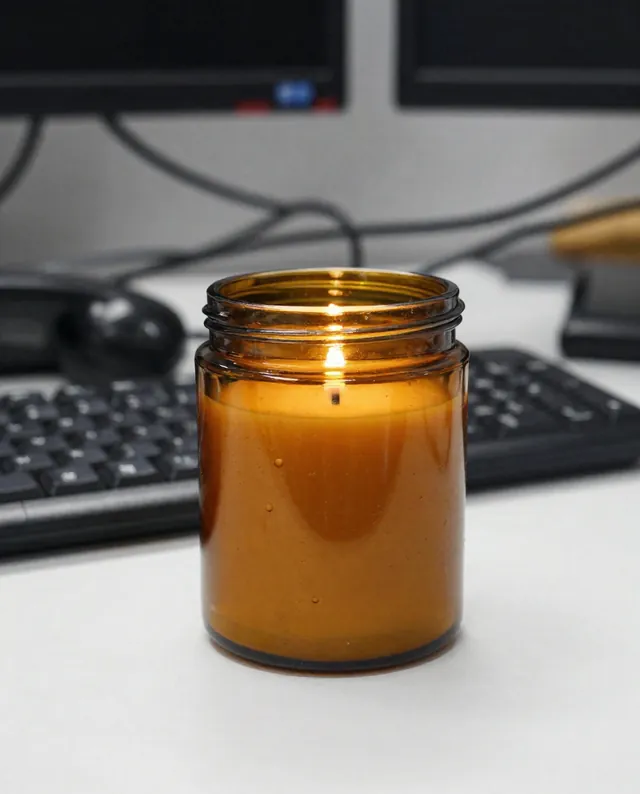
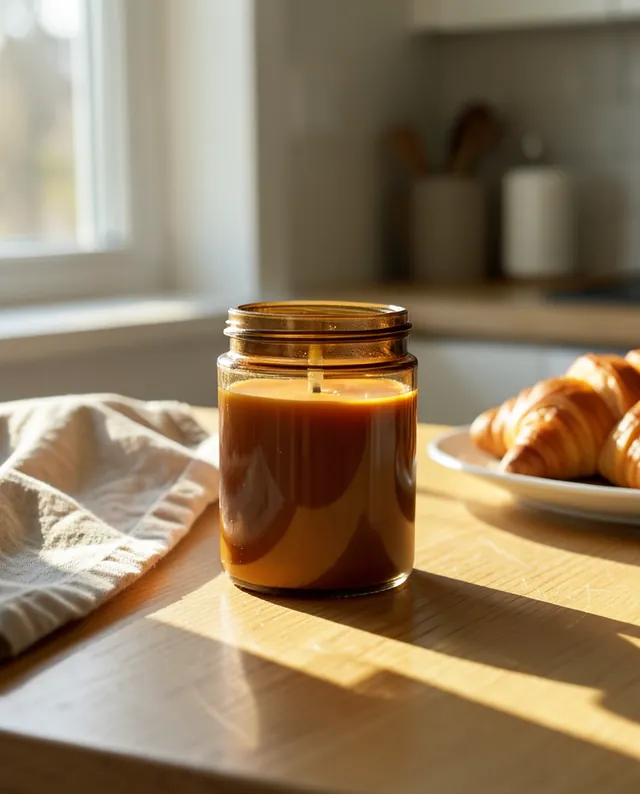
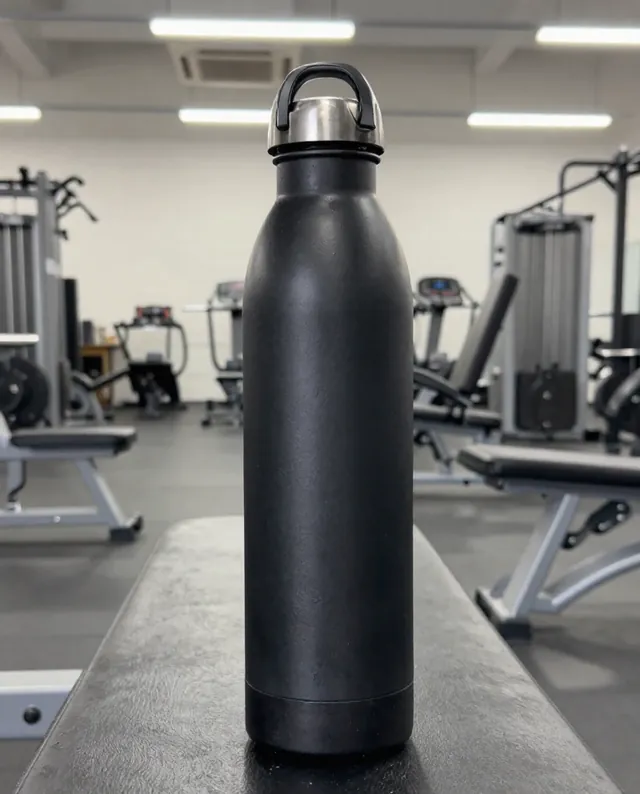
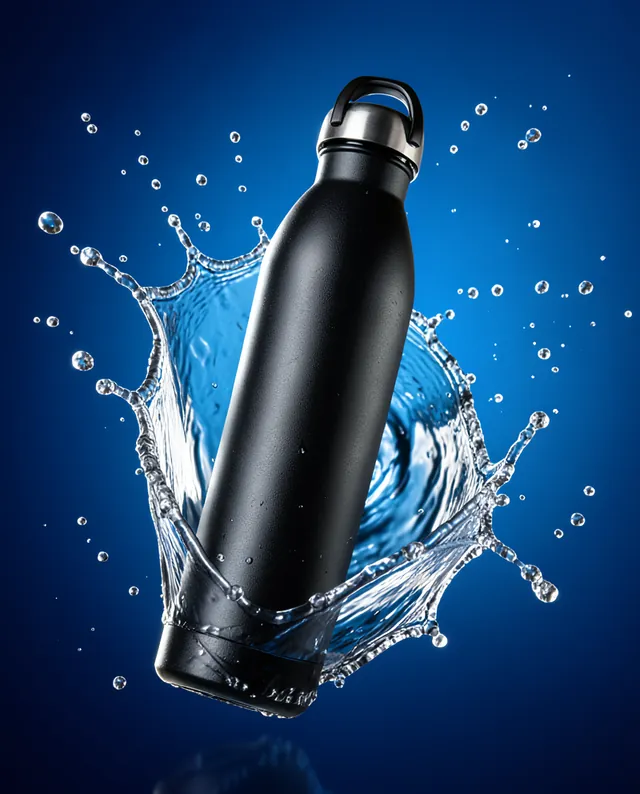
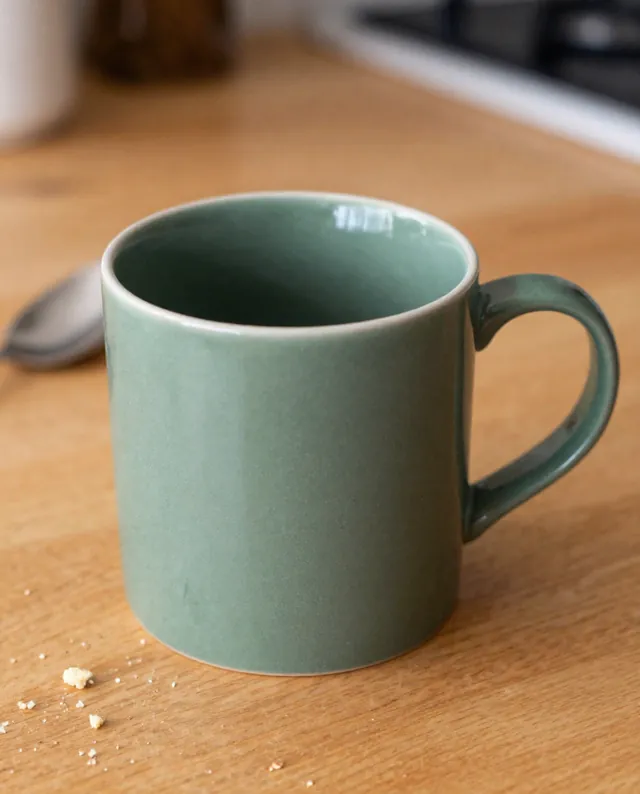
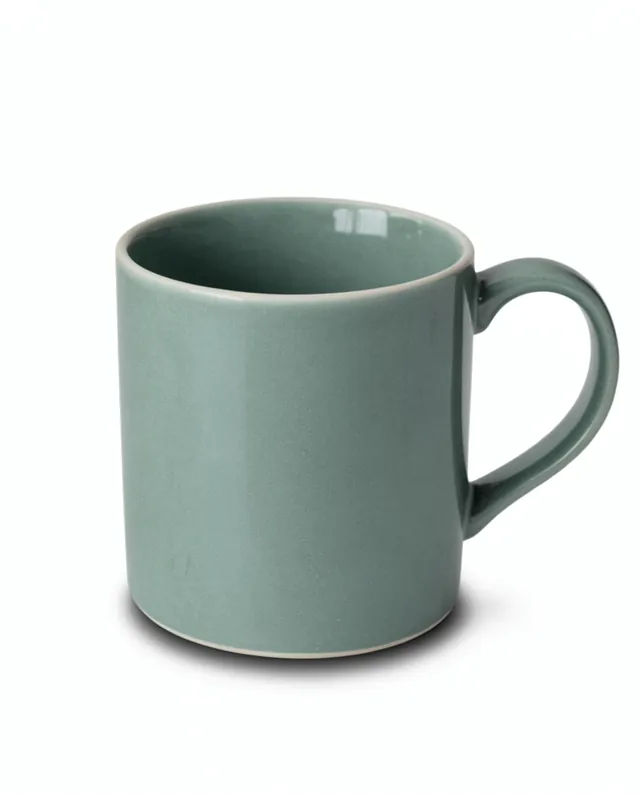
Example result of this prompt The made-up input photo InputExample result

Example Example made on our own Mac with open models: Z-Image made the made-up input photo, FLUX.2 klein ran this prompt on it. Your result in the AI above will look different. How we make examples

Flat lay of your product with styled props

A neat top-down flat lay with props that tell your product's story. You need one product photo.

You need
1 photo of yours
Written for
Gemini, ChatGPT
Result
Image

Prompt

Create a top-down flat lay photo with my product in the center on a surface. Arrange a few props around it in a balanced, airy layout: props. Leave clean space between the items. The light is soft and even, like daylight from a large window, with very soft shadows. The palette is calm and matches my product's colors. Keep my product exactly as it is: same shape, proportions, colors, materials, labels and details. Do not add any logo or text. Show the product from directly above, without distortion.

Fill in, or keep the brackets and change them later

product
surface
props

How to use it

  1. Take your product photo from straight above if you can; it blends better.
  2. Open Gemini, attach it and paste the prompt.
  3. If the layout is crowded, reply 'remove two props and add more empty space'.
What to expectA product shot from the side may look slightly squashed when the AI turns it into a top view.

Tips

  • Three to five props is plenty.
  • Odd numbers of props usually look more natural.
  • Ask for the same layout with a different surface to build a set.

Editor: Ali Dezhami · Updated November 18, 2026

Similar prompts

All product photos